
For anime fans today, content is scattered. One series might be on Crunchyroll, another on Netflix, a classic title exclusive to Hulu, and a new seasonal release only on Disney+ via Star. Keeping track of what you’ve watched, what’s next, and where to find it can quickly become overwhelming. Without a centralized system, you risk missing episodes, rewatching shows by accident, or abandoning series halfway through.
The solution isn’t to limit yourself to one platform—it’s to build a personalized, cross-platform anime watchlist that travels with you. With the right tools and structure, you can manage your anime journey seamlessly, no matter where the content lives. This guide walks you through setting up a dedicated, intelligent watchlist that syncs your viewing experience across all major streaming services.
Why a Unified Watchlist Matters
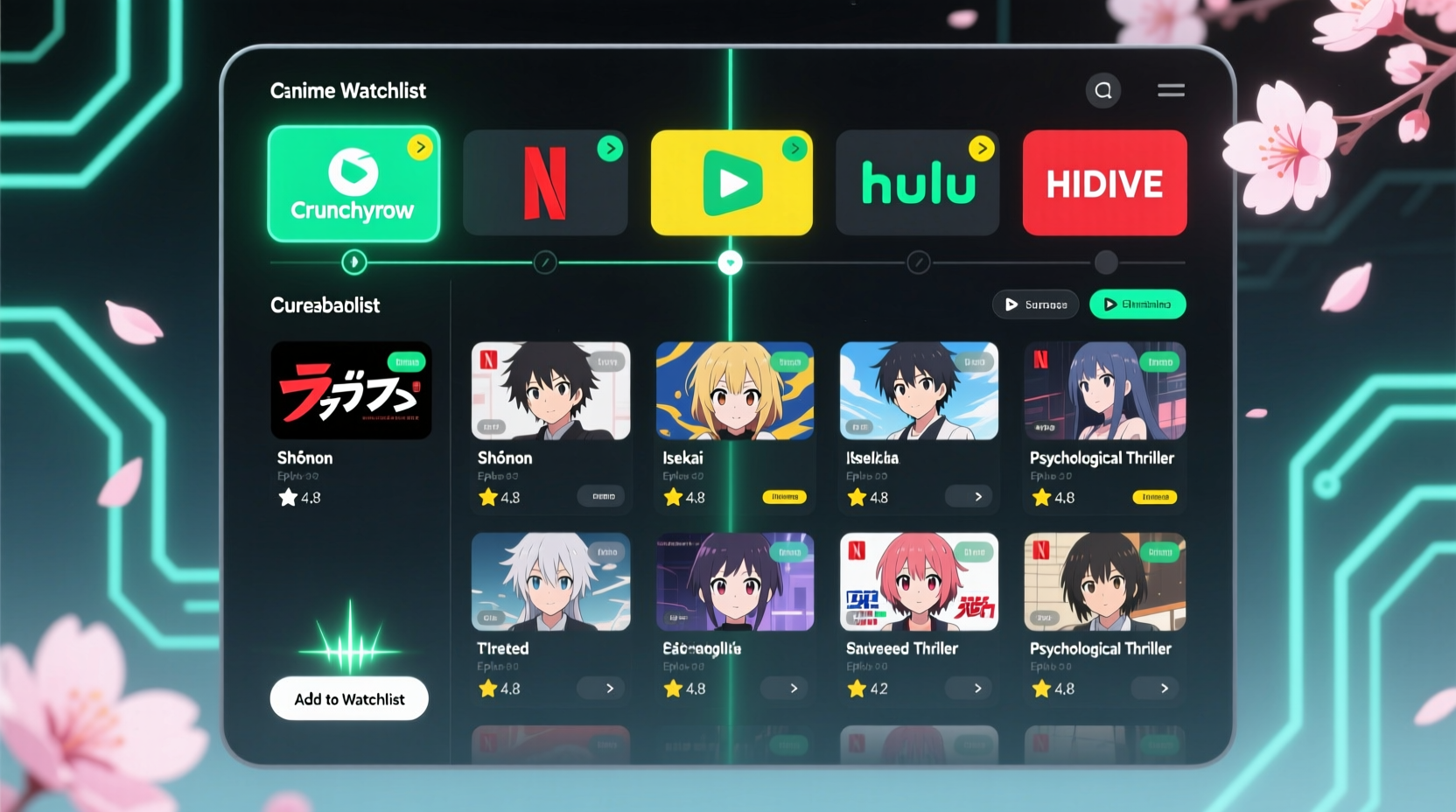
Streaming fragmentation has reached a peak. According to a 2023 report by Parrot Analytics, over 60% of anime titles are now split across three or more platforms globally. That means viewers must juggle subscriptions, interfaces, and algorithms just to keep up with their favorite genres—from shonen epics to iyashikei comfort series.
A dedicated watchlist acts as your personal command center. It helps you:
- Track completed, ongoing, and planned series in one place
- Avoid subscription overlap by identifying where shows are available
- Reduce decision fatigue when choosing what to watch next
- Preserve viewing history and episode progress manually (since most platforms don’t export data)
More than convenience, a well-structured watchlist enhances your relationship with anime. It transforms passive consumption into intentional viewing—helping you explore deeper themes, compare studios, and even plan themed marathons.
Step-by-Step Guide to Building Your Cross-Platform Watchlist
Creating a functional, durable watchlist doesn’t require coding skills or expensive software. Follow these six steps to build a system that works across devices and platforms.
- Choose a Central Tracking Tool
Start by selecting a digital tool that supports customization and accessibility. Popular options include:- AniList – Free, community-driven, offers API access and detailed tagging
- MyAnimeList (MAL) – Largest database, but less flexible UI
- Notion – Fully customizable, ideal for visual planners
- Google Sheets – Simple, sharable, compatible with automation tools
- Map Your Streaming Subscriptions
List every service you use: Crunchyroll, Netflix, Hulu, Amazon Prime, HBO Max, Disney+, etc. Note regional availability if you use a VPN. This creates awareness of where you can legally access content without relying on third-party sites. - Import or Manually Add Your Current Watch History
Begin by logging shows you’ve already seen. On AniList or MAL, you can search titles and mark them as “Completed,” “Watching,” “On Hold,” or “Plan to Watch.” For Notion or Sheets, create columns for Title, Studio, Year, Status, Platform, Episodes, and Notes. - Add Platform Tags or Columns
In your chosen tool, assign each anime to its primary streaming home. For example:- Jujutsu Kaisen → Crunchyroll
- Vivy: Fluorite Eye’s Song → Netflix
- Monster → Hulu
- Sync Episode Progress Manually (or Automatically)
Most platforms don’t share viewing data externally. To stay accurate:- Update your tracker after each episode
- Use browser extensions like AniList Sync (Chrome) to auto-log episodes from Crunchyroll, Netflix, and others
- Enable notifications to remind you to update your status weekly
- Review and Optimize Monthly
Set a recurring calendar event to audit your list. Archive completed series, remove titles you no longer want to watch, and add new discoveries from seasonal previews or recommendations.
Comparison of Watchlist Tools
| Tool | Best For | Pros | Cons |
|---|---|---|---|
| AniList | Dedicated anime fans | Free, modern UI, API support, calendar view, activity feed | Limited non-anime content tracking |
| MyAnimeList | Community engagement | Huge database, forums, reviews, user lists | Bulkier interface, slower updates |
| Notion | Custom organizers | Fully editable, templates, databases, kanban views | Requires setup time, no native anime database |
| Google Sheets | Simplicity & sharing | Free, collaborative, works offline, automatable | No visuals or media thumbnails |
Real Example: How Maya Built Her Cross-Platform System
Maya, a university student and longtime anime viewer, used to lose track of her progress. She’d start Chainsaw Man on Crunchyroll, forget she paused it, then restart it weeks later on Hulu after a friend mentioned it. She was also subscribed to three services but rarely checked which ones hosted upcoming shows.
She decided to consolidate using AniList. First, she imported every show she’d ever watched or wanted to see. Then, she added custom fields for “Streaming Platform” and “Last Watched Date.” She installed the AniList Sync extension, which automatically logs episodes when she watches on supported platforms.
Now, she uses the built-in calendar to preview weekly releases and filters her list by platform before logging in. When she finishes a season, she adds a short review. Within two months, she reduced redundant subscriptions by canceling one service and reclaimed five hours per week by eliminating indecision.
“It turned anime from something I mindlessly scrolled into a curated experience,” she said. “I actually feel more connected to the stories now.”
Expert Insight: The Psychology of Intentional Viewing
“Viewers who track their media are more likely to engage critically and emotionally with content. A watchlist isn’t just organizational—it’s a mindfulness tool.” — Dr. Lena Torres, Media Psychologist at UC Berkeley
Dr. Torres’ research highlights that active tracking increases narrative retention and emotional investment. When viewers consciously choose what to watch next—and document the experience—they’re less likely to fall into binge loops or abandon series out of confusion. A structured watchlist supports this intentionality, especially in fragmented digital environments.
Essential Checklist for Launching Your Watchlist
Follow this checklist to ensure your system is complete and sustainable:
- ✅ Choose a primary tracking platform (AniList, Notion, etc.)
- ✅ List all active streaming subscriptions
- ✅ Import or manually enter at least 10 current/past anime titles
- ✅ Assign each title to its correct streaming service
- ✅ Set episode progress for ongoing series
- ✅ Install sync tools or browser extensions if available
- ✅ Create a monthly reminder to review and update your list
- ✅ Share your list with a friend or community for accountability (optional)
Frequently Asked Questions
Can I track anime that’s not on major platforms?
Yes. Your watchlist is fully customizable. You can include titles from niche services like Wakanim, HiDive, or even physical Blu-rays. Just label the source accordingly (e.g., “Blu-ray Box Set” or “Purchased Digitally”).
What if an anime moves between platforms?
Streaming rights change frequently—Fullmetal Alchemist: Brotherhood, for instance, shifted from Hulu to Netflix in 2022. Update your tracker whenever a show relocates. Some tools like AniList will notify you of licensing changes via community alerts.
Is there a way to automate everything?
Full automation is limited due to platform restrictions, but partial automation exists. Tools like AniList Sync detect playback in real time on Chrome. Zapier integrations can push new additions from RSS feeds or newsletters into your Notion database. However, manual oversight ensures accuracy.
Conclusion: Take Control of Your Anime Journey
Your anime watchlist shouldn’t be an afterthought—it should be the foundation of your viewing experience. By centralizing your choices across platforms, you reclaim time, reduce frustration, and deepen your appreciation for the medium. Whether you prefer the sleek functionality of AniList or the creative freedom of Notion, the key is consistency.
Start small: pick one tool, add five shows, and assign them to their platforms. Within a week, you’ll notice fewer missed episodes and clearer priorities. Over time, your watchlist becomes more than a log—it evolves into a personal archive of your anime journey, reflecting your growth as a viewer.




 浙公网安备
33010002000092号
浙公网安备
33010002000092号 浙B2-20120091-4
Comments
No comments yet. Why don't you start the discussion?