
Home security doesn’t have to be complicated or expensive. With today’s smart technology, setting up a reliable surveillance system is something any homeowner can do on their own. You don’t need an electrician, a technician, or even prior experience with electronics. From choosing the right cameras to installing them and configuring remote access, this guide walks you through every stage of building a DIY home security system that keeps your property protected.
Understand Your Security Needs First
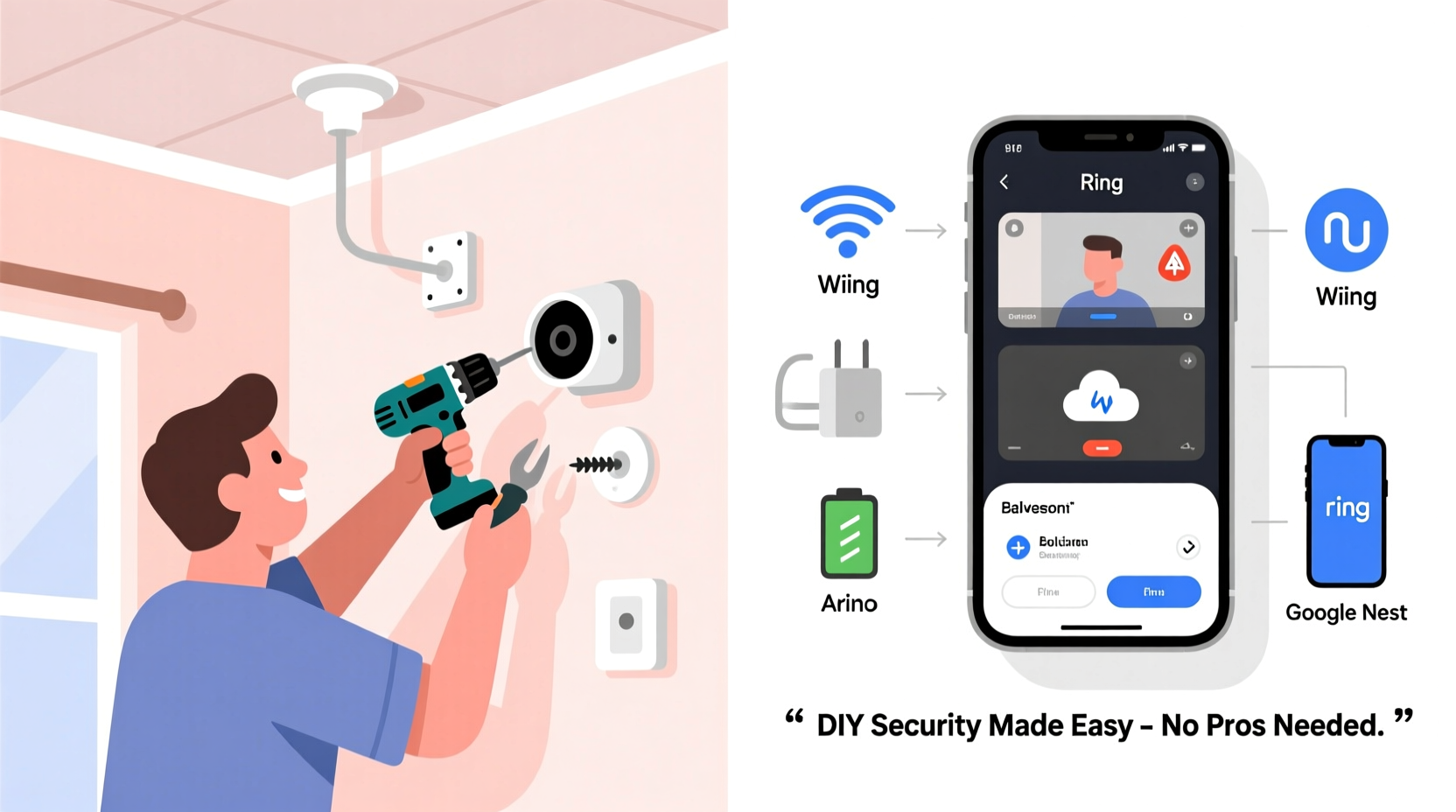
Before purchasing a single camera, take time to assess what you’re trying to protect and where vulnerabilities exist. A front door needs different coverage than a backyard gate or garage. Walk around your property and note key entry points: doors, windows, driveways, and dark corners. Prioritize areas that are:
- Easily accessible from public spaces
- Out of direct view from inside the house
- Common targets for break-ins (e.g., basement windows)
Also consider indoor monitoring if you want to keep an eye on children, pets, or caregivers. Some people install cameras in hallways or above staircases for safety tracking. However, avoid placing cameras in private areas like bedrooms or bathrooms—this raises legal and ethical concerns in many jurisdictions.
Choose the Right Type of Security Camera
Not all cameras are created equal. The type you choose affects installation complexity, power requirements, video quality, and connectivity. Here’s a breakdown of common options:
| Type | Power Source | Installation | Best For |
|---|---|---|---|
| Wired Indoor/Outdoor Cameras | Hardwired to electrical outlet or system | Moderate to difficult (requires drilling, cable routing) | Permanent setups, high reliability |
| Wireless Battery-Powered Cameras | Battery (rechargeable or replaceable) | Easy (no cables needed) | Renters, temporary use, flexible placement |
| Wi-Fi Enabled Smart Cameras | Plug-in or battery | Simple setup via smartphone app | Indoor use, real-time alerts |
| Doorbell Cameras | Existing doorbell wiring or battery | Easy to moderate | Front entry monitoring, visitor interaction |
| System-Based (NVR/DVR) Kits | Central power supply | Moderate (involves running cables to recorder) | Whole-home coverage, professional-grade recording |
If you're new to home security, wireless Wi-Fi cameras or starter kits are ideal. Brands like Arlo, Ring, Eufy, and Wyze offer user-friendly models that sync with mobile apps and support cloud or local storage.
“Modern DIY security systems have closed the gap between professional installations and consumer setups. Today’s wireless tech gives homeowners both flexibility and reliability.” — James Lin, Home Automation Engineer
Step-by-Step Installation Guide
Follow this practical sequence to install your system efficiently and safely.
- Unbox and test each component indoors. Before mounting anything, connect your camera to power and your Wi-Fi network using the manufacturer’s app. Confirm it streams video and captures motion alerts.
- Select mounting locations. Use a pencil to mark screw holes. Ensure the camera has a clear view of the target area and isn’t obstructed by trees, signs, or glare from lights.
- Drill pilot holes (if needed). For outdoor mounts, use a masonry bit for brick or stucco, or a wood bit for siding. Insert wall anchors for extra stability.
- Secure the camera base. Attach the mounting bracket first, then snap the camera into place. Avoid overtightening screws.
- Route cables neatly (for wired models). Use weatherproof conduit or cable clips to protect wires and maintain curb appeal.
- Reconnect and retest. Once mounted outside, reconnect power and verify the signal strength. Adjust the angle if necessary.
- Repeat for additional units. Sync each camera to your central hub or app as you go.
Configuring Remote Access and Alerts
The real power of a modern security system lies in remote monitoring. After physical installation, configure your system so you can view footage from anywhere.
- Download the brand-specific app (e.g., Arlo, Blink, Google Nest).
- Create an account and log in.
- Add each camera by scanning its QR code or entering a serial number.
- Enable push notifications for motion and sound detection.
- Set activity zones to reduce false alarms (e.g., ignore tree movement but detect someone walking up the driveway).
- Link to voice assistants like Alexa or Google Assistant for verbal playback.
For continuous recording, ensure you have either a microSD card inserted into the camera or a subscription plan that supports cloud storage. Local storage avoids monthly fees but requires manual backup. Cloud storage offers convenience and off-site protection but may cost $3–$10 per month per camera.
Real-World Example: Sarah’s Suburban Setup
Sarah, a single mother in Ohio, wanted to monitor her home while she worked late. She didn’t want to spend thousands on a professional system. Instead, she bought a $250 four-camera kit featuring two outdoor bullet cameras, one indoor pan-tilt unit, and a 4-channel NVR (Network Video Recorder).
Over a weekend, she mounted the outdoor cameras near her front porch and back patio using included brackets. She ran the cables along the eaves and into the garage, where she placed the NVR near her router. Power came from nearby outlets using provided adapters.
She configured everything using the brand’s app and set up motion zones to ignore passing cars. Within hours, she was viewing live feeds from her phone during dinner. A week later, the system captured footage of a package thief, which she shared with police. No contractors, no hidden fees—just peace of mind.
Dos and Don'ts of DIY Security Systems
| Do | Don't |
|---|---|
| Test Wi-Fi signal strength where cameras will be installed | Assume your router covers the entire yard—dead zones are common |
| Use weatherproof enclosures for outdoor units | Leave connections exposed to rain or snow |
| Update firmware regularly for security patches | Ignore software updates—unpatched devices are hacking targets |
| Position cameras to capture faces, not silhouettes | Point cameras directly at bright lights or reflective surfaces |
| Back up important footage to external drives | Relay only on free cloud plans with limited retention |
Frequently Asked Questions
Can I install outdoor cameras without drilling?
Yes. Many battery-powered models come with magnetic mounts or adhesive pads for temporary placement under eaves or overhangs. These work well for renters or seasonal use, though they’re less secure than screwed-in brackets.
Do I need a separate recorder (DVR/NVR)?
Only if you want centralized storage and continuous recording. Standalone Wi-Fi cameras store footage locally or in the cloud and don’t require a DVR. However, NVR-based systems offer better performance for multiple cameras and longer retention times.
Are DIY systems vulnerable to hacking?
All internet-connected devices carry some risk. Minimize exposure by using strong passwords, enabling two-factor authentication, keeping firmware updated, and securing your home network with WPA3 encryption. Avoid using default usernames like “admin.”
Final Checklist: Your DIY Setup in Action
Before considering your system complete, run through this final checklist:
- ✅ All cameras are securely mounted and powered
- ✅ Each unit connects to Wi-Fi or the NVR with stable signal
- ✅ Motion detection is calibrated to avoid false triggers
- ✅ Night vision works properly in low-light conditions
- ✅ Remote viewing functions on your smartphone or tablet
- ✅ Storage method (cloud or SD card) is active and tested
- ✅ Privacy settings respect household boundaries and comply with local laws
Conclusion: Take Control of Your Home Security Today
Setting up a home security camera system without hiring help is not only possible—it’s empowering. With thoughtful planning, the right equipment, and a few hours of effort, you can create a customized surveillance solution tailored to your lifestyle and budget. Modern technology has made it easier than ever to monitor your home, respond to alerts instantly, and preserve evidence when needed—all from your pocket.




 浙公网安备
33010002000092号
浙公网安备
33010002000092号 浙B2-20120091-4
Comments
No comments yet. Why don't you start the discussion?