
In an age of constant digital noise and physical clutter, the modern workspace often becomes a battleground between focus and distraction. A minimalist desk setup is not just an aesthetic choice—it’s a strategic decision to eliminate visual noise, reduce cognitive load, and enhance mental clarity. When done right, it transforms your workspace into a sanctuary of efficiency where deep work thrives. This guide walks you through building a functional, distraction-free desk environment that supports sustained concentration, creativity, and output.
The Philosophy Behind Minimalism at Your Desk
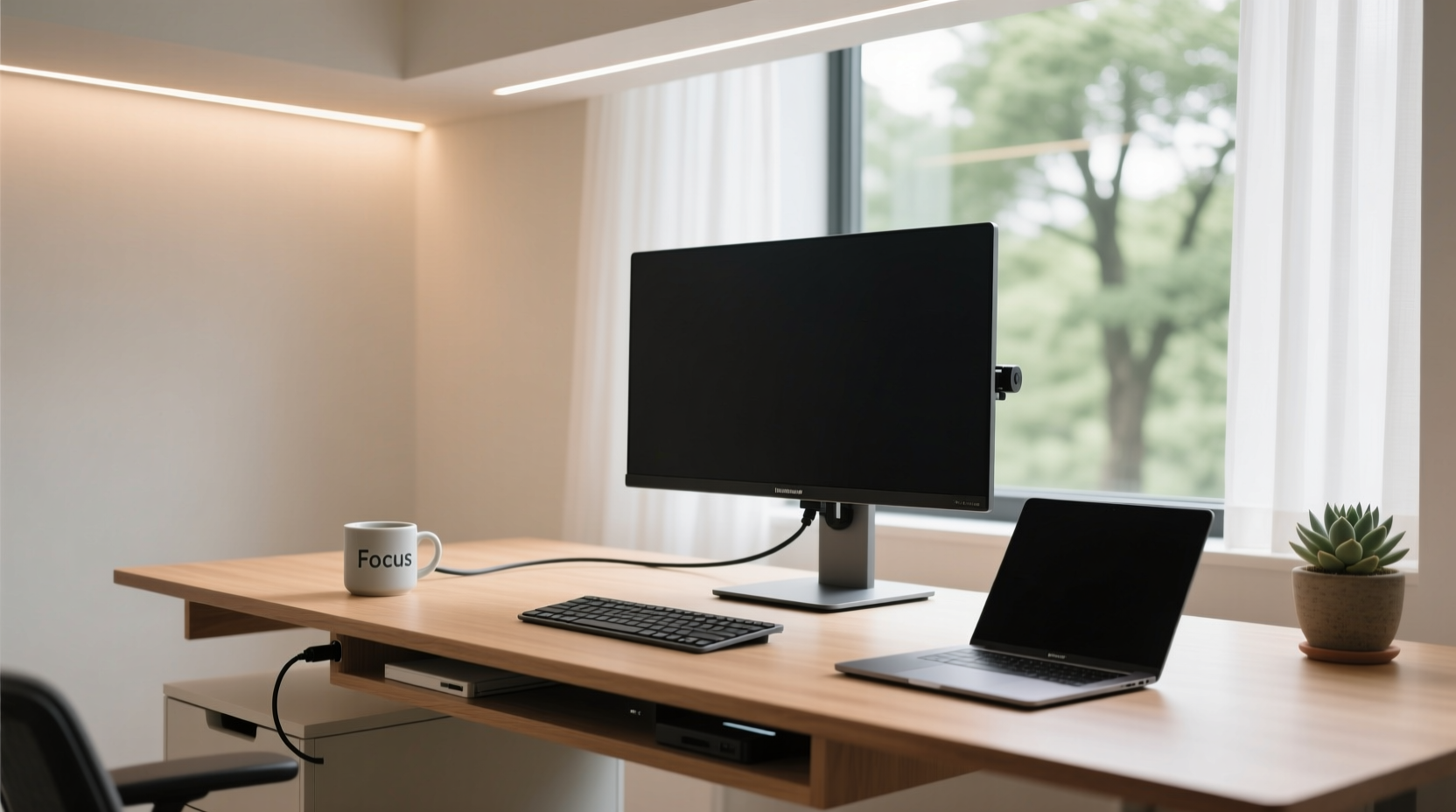
Minimalism in workspace design isn’t about deprivation; it’s about intentionality. Every object on your desk should serve a clear purpose—either functional or motivational. Anything less becomes clutter. The core principle is simple: remove what doesn’t contribute value, and organize what remains with precision.
Research from Princeton University Neuroscience Institute shows that physical clutter competes for attention, reducing the brain’s ability to process information efficiently. A clean, uncluttered desk reduces distractions and allows the mind to enter flow states more easily. By curating only essential tools, you create space—not just physically, but mentally—for focused work.
“Clutter is not just a physical state—it’s a cognitive burden. A minimalist desk removes friction between intention and action.” — Dr. Sarah Chen, Cognitive Psychologist and Workplace Behavior Researcher
Step-by-Step Guide to Building Your Minimalist Desk Setup
Creating a minimalist workspace follows a logical sequence. Jumping straight to buying new gear without assessing needs leads to redundant purchases and eventual clutter. Follow this timeline to build a sustainable, high-performance setup.
- Clear Everything Off the Desk: Start with a completely empty surface. This forces you to re-evaluate each item before returning it.
- Sort Items into Categories: Group belongings into electronics, stationery, reference materials, personal items, and decor.
- Apply the 90/90 Rule: If you haven’t used it in the past 90 days and don’t expect to use it in the next 90, remove it.
- Select Only Daily Essentials: Keep only what you use every day—keyboard, mouse, monitor, notebook, pen, phone.
- Invest in Multi-Functional Furniture: Choose a desk with built-in cable management or drawers that promote concealment.
- Organize Cables Strategically: Use sleeves, clips, or under-desk trays to prevent tangling and visual chaos.
- Add One Intentional Decor Element: A plant, framed quote, or small sculpture can inspire—but only one, placed deliberately.
- Maintain Weekly Reset Rituals: Every Friday, clear the surface, wipe down, and reassess what belongs.
Essential vs. Non-Essential: What Belongs on Your Desk?
Distinguishing between necessity and habit is crucial. Many people keep items “just in case,” which slowly erodes minimalism. Below is a comparison of common desk items categorized by utility.
| Item | Essential? | Rationale |
|---|---|---|
| Laptop or Monitor | Yes | Core tool for digital work. |
| Mechanical Keyboard & Mouse | Yes | Ergonomic input devices improve comfort and speed. |
| Notebook and Pen | Yes | Quick jotting enhances memory retention over typing. |
| Phone Charger | Sometimes | Keep it nearby but off the desk; charge in a drawer or side tray. |
| Water Bottle | Sometimes | Only if spill-proof; place on a coaster at the back corner. |
| Sticky Notes Pile | No | Create digital reminders instead; paper stacks become clutter. |
| Multiple Monitors | Conditional | Justified for developers or designers; otherwise, dual screens may encourage task-switching. |
| Decorative Figurines | No | Visual distractions unless deeply meaningful. |
| Books and Binders | No | Store vertically in a shelf behind or beside the desk. |
A Real Example: From Cluttered to Calm in 7 Days
James, a freelance copywriter based in Portland, struggled with low energy and frequent procrastination. His desk was piled with notebooks, old coffee mugs, tangled cables, and three unused USB hubs. After reading about minimalist workspaces, he committed to a seven-day transformation.
On Day 1, he cleared everything off his desk and took a photo—a jarring reminder of how chaotic his space had become. Over the next few days, he applied the 90/90 rule, donated duplicate supplies, digitized client notes, and installed a magnetic cable organizer. He replaced his bulky monitor stand with a slim riser that held only his laptop and a small succulent.
By Day 7, his desk featured only a keyboard, mouse, notebook, and lamp—all arranged symmetrically. He reported a noticeable improvement: fewer distractions, faster startup times in the morning, and a 30% increase in completed projects over the following month. “It’s not magic,” James said. “It’s just removing the things that were silently draining my attention.”
Checklist: Your Minimalist Desk Setup Action Plan
Use this checklist to ensure no step is missed when creating or refining your minimalist workspace:
- ✅ Remove all items from your desk surface
- ✅ Sort belongings into categories (electronics, tools, decor, etc.)
- ✅ Discard or store anything unused in the last 90 days
- ✅ Keep only daily-use essentials visible
- ✅ Invest in cable management solutions
- ✅ Choose a desk with clean lines and hidden storage
- ✅ Position monitor at eye level, centered
- ✅ Use a single notebook or digital note app consistently
- ✅ Add one meaningful decorative element (e.g., plant or art)
- ✅ Schedule a weekly 10-minute reset to maintain order
Design Principles for Visual Calm and Functionality
A minimalist desk must balance aesthetics with ergonomics. It’s not enough to look clean—if the setup causes discomfort, productivity suffers. Consider these foundational principles:
- Neutral Color Palette: Stick to whites, grays, wood tones, or blacks. These colors reduce visual stimulation and promote calm.
- Symmetry and Alignment: Center your monitor, align keyboard and mouse, and keep pens in a straight holder. Order signals control.
- Negative Space: Leave at least 30% of the desk surface empty. This breathing room prevents psychological crowding.
- Lighting: Use warm ambient lighting with a focused task lamp. Avoid harsh overhead lights that create glare.
- Ergonomic Flow: Arrange tools so movement is efficient—mouse within thumb reach, notebook slightly angled, monitor arm adjustable.
Minimalism also extends to software. Close unnecessary browser tabs, hide desktop icons, and use full-screen mode when writing or coding. Digital minimalism complements physical simplicity.
Frequently Asked Questions
Can I have multiple monitors in a minimalist setup?
Yes, but only if they serve a clear function. For example, a developer might need one screen for code and another for documentation. If the second monitor displays social media or email, it defeats the purpose. Use them intentionally—or consider using window tiling instead.
What if I need frequent access to documents or files?
Digitize whenever possible. Use a document scanner or apps like Adobe Scan to convert papers into searchable PDFs. Store them in organized cloud folders. If physical files are unavoidable, use a compact vertical file organizer placed beside the desk—not on it.
Isn’t minimalism too sterile or impersonal?
Minimalism doesn’t mean emotionless. It means removing excess to highlight what matters. A single framed photo of a loved one, a thriving peace lily, or a favorite quote in a simple frame can add warmth without clutter. The key is curation, not elimination.
Final Thoughts: Simplicity as a Productivity Superpower
A minimalist desk setup is more than interior design—it’s a commitment to focus, clarity, and purposeful action. Each time you sit down to a clean, intentional workspace, you signal to your brain that it’s time to work deeply. There are no excuses hidden in piles of paper or lost in cable nests. Just you, your tools, and your goals.
The most productive people don’t work harder—they remove obstacles. And the first obstacle is often the environment itself. By stripping away the non-essential, you create the conditions for excellence to emerge naturally. Start today. Clear the surface. Keep only what serves you. Build a desk that doesn’t just hold your laptop—but holds your potential.




 浙公网安备
33010002000092号
浙公网安备
33010002000092号 浙B2-20120091-4
Comments
No comments yet. Why don't you start the discussion?