
Creating a dynamic atmosphere where music and lighting move in harmony used to be the domain of concert engineers and high-end event designers. Today, with accessible smart technology and intuitive apps, anyone can achieve this immersive effect at home. Whether you're enhancing movie nights, hosting parties, or simply elevating your daily ambiance, syncing lights to music is no longer complicated—or expensive. With the right tools and a bit of setup, you can transform any room into a responsive sensory environment.
The key lies in understanding how consumer-grade smart devices communicate, how audio signals can trigger visual responses, and how to configure everything without relying on technical support. This guide walks through practical methods, compatible hardware, and software solutions that make synchronization possible—even if you’ve never touched a smart home app before.
Understanding Music-to-Light Synchronization
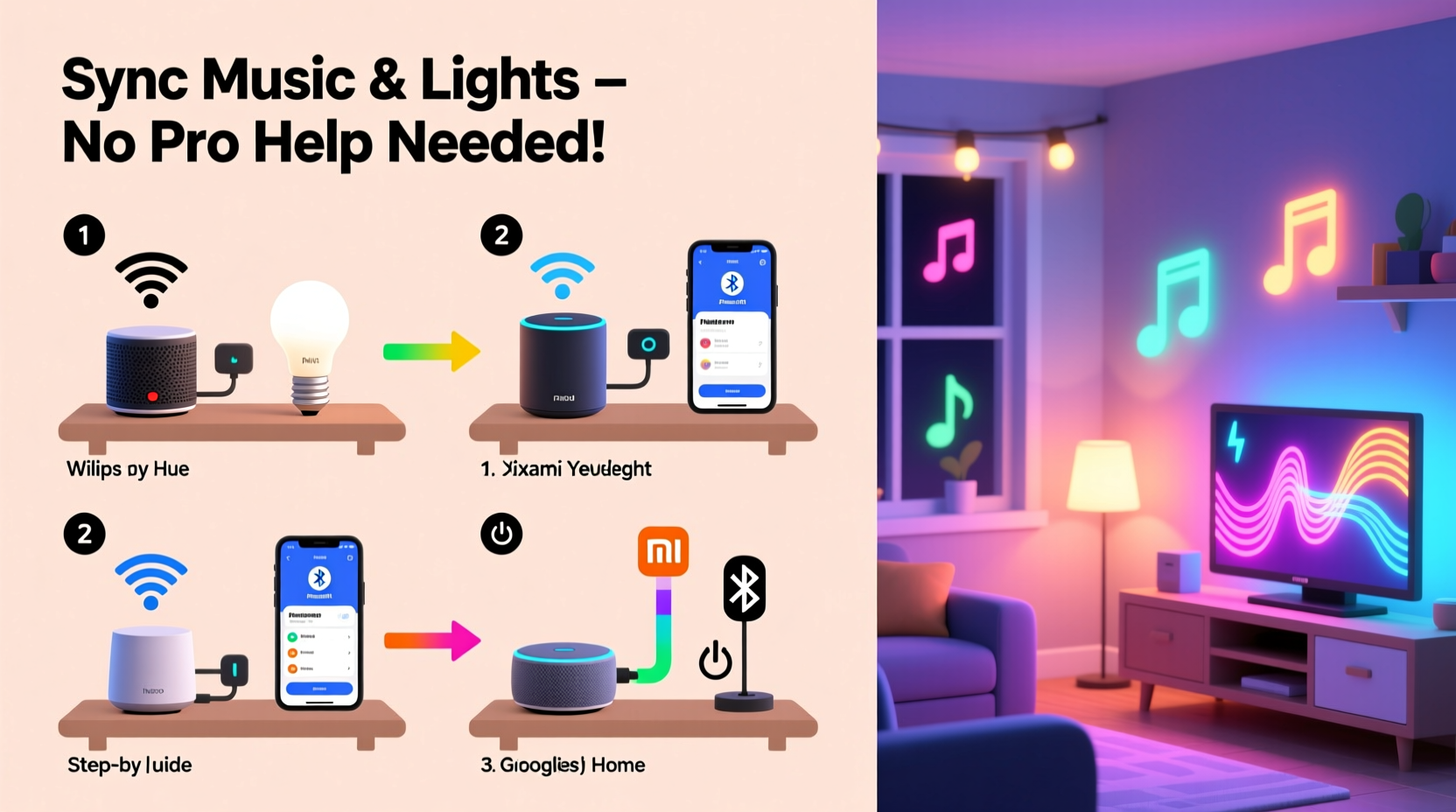
At its core, music-light sync involves translating audio characteristics—like beat intensity, frequency range, or volume fluctuations—into lighting commands. When the bass drops, the lights might flash red; when the melody softens, they could shift to a gentle blue pulse. This is achieved through real-time audio analysis performed by software that then sends instructions to connected light systems.
Most modern setups rely on one of two approaches: ambient sound detection via a microphone or direct audio signal processing from a device’s output. The former is simpler but less precise; the latter offers tighter synchronization but may require more configuration.
Smart lighting ecosystems such as Philips Hue, LIFX, Nanoleaf, and Govee support integration with music-reactive apps. These lights connect over Wi-Fi or Bluetooth and can change color, brightness, and pattern based on external triggers—including sound.
Essential Components for DIY Sync
To build a synchronized system, you need three main elements: audio source, lighting hardware, and control software. Each must be compatible and properly configured.
- Audio Source: This could be your smartphone, laptop, TV, or streaming device playing music. It should allow access to the audio stream for analysis.
- Smart Lights: LED strips, bulbs, or panels that support dynamic color changes and are controllable via an app. Look for models advertised as “music sync” capable.
- Control Software: An application that listens to audio and translates it into lighting effects. Some run locally; others use cloud-based processing.
Wi-Fi connectivity is preferred over Bluetooth for larger installations, as it allows multiple lights to respond simultaneously without lag. Ensure your router can handle the added traffic—especially if using real-time audio analysis.
Recommended Smart Light Options
| Brand | Best For | Music Sync Method | App Required |
|---|---|---|---|
| Philips Hue | Whole-home integration | Hue Sync app (desktop/mobile) | Hue Bridge + Hue Sync |
| LIFX | High brightness, no hub needed | Third-party apps (e.g., LIFX Control) | LIFX + Rekord Buddy or Aurora |
| Nanoleaf Shapes | Wall-mounted visual impact | Built-in rhythm module + mobile app | Nanoleaf App |
| Govee LED Strips | Budget-friendly setups | Microphone mode or Hiseeu app sync | Govee Home |
Each system has trade-offs in cost, ease of setup, and responsiveness. Nanoleaf and Govee offer built-in music modes that react to ambient noise, making them ideal for beginners. Philips Hue requires additional software but delivers studio-quality precision.
Step-by-Step Setup Process
Follow this sequence to create a reliable, responsive music-light experience in under an hour.
- Install and power your lights. Mount strips along walls, behind TVs, or under furniture. Plug in bulbs and ensure all units are within Wi-Fi range.
- Connect lights to their respective app. Use the manufacturer’s app (e.g., Hue, Govee Home) to pair each device. Name them logically (e.g., “TV Strip,” “Ceiling Bulb”).
- Enable music mode or install sync software.
- For Govee or Nanoleaf: Open the app, select the light group, and choose “Music Mode.” Allow microphone access.
- For Philips Hue: Download the Hue Sync app (available for Windows and macOS). Link it to your Hue bridge.
- For LIFX: Use third-party tools like Aurora HDR or Reactive Lighting with virtual audio cables (on PC).
- Position your audio source. Place your phone, laptop, or speaker so the microphone (if used) picks up clear sound. Avoid echoes or background noise.
- Test the response. Play a song with strong beats and varying dynamics. Adjust sensitivity settings until lights react smoothly—not too jittery, not too slow.
- Optimize placement and grouping. Group lights by zone (e.g., living room, bedroom) and fine-tune brightness to match room size.
Troubleshooting Common Issues
- Lights lag behind music: Check Wi-Fi strength. Move closer to the router or use a mesh extender. On Hue Sync, lower the “Effect Intensity” to reduce processing delay.
- No response to quiet passages: Increase microphone sensitivity or switch to line-in audio capture (via cable or virtual audio driver).
- Colors don’t match mood: Customize color palettes in the app. Some apps let you assign warm tones to low frequencies and cool hues to highs.
- App crashes during playback: Close other resource-heavy programs. Restart the app and ensure it’s updated.
Advanced Techniques for Better Synchronization
Once the basics work, refine the experience with advanced configurations that deliver cinematic quality.
Use Direct Audio Input Instead of Microphones
Microphones pick up ambient noise and introduce latency. A better method routes audio directly from your device to the sync software. On Windows, tools like VB-Audio Cable or Voicemeeter create virtual audio devices that feed sound into apps like Hue Sync or Aurora without external mics.
This setup ensures perfect timing and eliminates interference from room acoustics. Configure your system output to the virtual cable, then set the sync app to listen to that input. The result is lights that respond instantly and accurately to every beat.
Create Custom Light Profiles
Don’t settle for default “rainbow pulse” effects. Most apps allow custom profiles where you define how different frequencies affect lights. For example:
- Bass (0–150 Hz): Deep red flashes
- Mids (150–2000 Hz): Smooth white sweeps
- Treble (2000+ Hz): Quick cyan flickers
In the Hue Sync desktop app, go to “Effects” and adjust sliders for “Intensity,” “Color Spread,” and “Frequency Bands.” Save profiles for genres—“EDM,” “Jazz,” “Cinematic”—to match the mood instantly.
“We’ve seen users transform ordinary living rooms into immersive environments just by mapping low frequencies to physical light pulses. It’s not magic—it’s math and timing.” — Daniel Park, Smart Home Developer at OpenHue Labs
Real-World Example: A Home Theater Upgrade
Mark, a film enthusiast in Austin, wanted to enhance his basement home theater without costly installations. He installed two 2-meter Govee LED strips behind his screen and ceiling perimeter. Using the Govee Home app, he enabled music sync mode and calibrated sensitivity to match movie audio levels.
Initially, dialogue scenes triggered erratic flashes. After switching to a wired audio connection via a Raspberry Pi running Hyperion.ng, he achieved pixel-perfect ambient backlighting that mirrored on-screen colors. Now, action sequences ripple with synchronized strobes, while quiet moments glow in subtle gradients—all without professional help or complex wiring.
His total investment: $120 in lights and $35 for a micro SD card. Setup time: 90 minutes. The result? A theater-like immersion comparable to commercial setups costing thousands.
Checklist: Your DIY Sync Setup Roadmap
- Choose compatible smart lights (Hue, Govee, Nanoleaf, etc.)
- Set up Wi-Fi network with stable coverage
- Install and pair lights via manufacturer app
- Select sync method: microphone, app-based, or direct audio
- Download required software (Hue Sync, Govee Home, Aurora, etc.)
- Test with diverse music tracks (bass-heavy, vocal, instrumental)
- Adjust sensitivity, color palette, and grouping
- Optimize audio input (use virtual cable if possible)
- Create genre-specific profiles for quick switching
- Expand to additional rooms once primary setup works
Frequently Asked Questions
Can I sync lights to music without an internet connection?
Yes, but with limitations. Local apps like Hyperion.ng or standalone controllers (e.g., WLED with ESP32) can process audio and control lights offline. However, most consumer apps require internet for initial setup and updates. Once configured, some function in local mode.
Do all smart lights support music synchronization?
No. Only models designed for dynamic color changes and fast response times work well. Basic on/off or white-only bulbs won’t provide the desired effect. Always check product specifications for “music mode,” “rhythm feature,” or “audio reactive” support before purchasing.
Is it safe to run lights synced to loud music for long periods?
Generally yes. LED lights generate little heat and are energy-efficient. However, continuous rapid flashing may shorten lifespan slightly. Most quality brands design their products to handle reactive use. To prolong life, avoid maximum brightness settings during extended sessions and allow cooling breaks between long events.
Final Thoughts and Next Steps
Synchronizing music and lights is no longer reserved for venues with engineering teams. Consumer technology has leveled the field, putting powerful tools in the hands of everyday users. With careful planning, the right gear, and a few hours of setup, you can create an engaging, responsive environment that enhances entertainment, relaxation, and social experiences.
The beauty of this DIY approach lies in its scalability. Begin small—a single strip behind your TV—and expand as confidence grows. Experiment with color theories, audio mappings, and automation rules. Over time, your space evolves into a personalized sensory extension of your lifestyle.




 浙公网安备
33010002000092号
浙公网安备
33010002000092号 浙B2-20120091-4
Comments
No comments yet. Why don't you start the discussion?