
In today’s fast-paced world, staying connected across multiple devices is no longer a luxury—it's a necessity. Whether you're managing personal and work life on separate phones or want a backup device for emergencies, sharing one mobile number across two phones can simplify communication. While it may seem technically complex, several proven methods make this possible without compromising reliability or privacy. From built-in phone features to third-party apps and carrier-level solutions, the options are more accessible than ever.
Why Share One Number Across Two Phones?
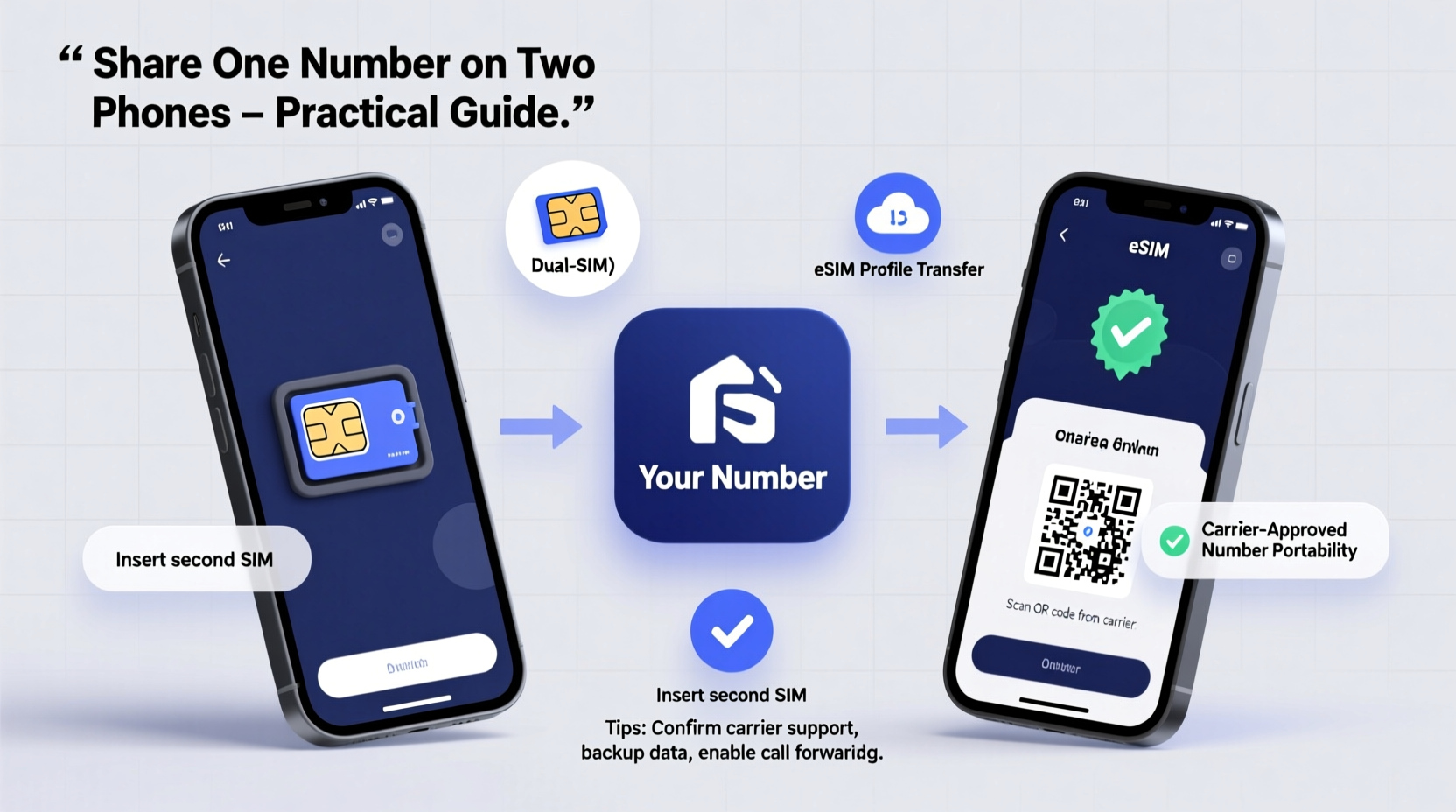
There are legitimate reasons why someone might need the same phone number active on two devices. Business professionals often carry both a smartphone and a tablet but don’t want clients calling a different number. Parents may want to monitor their teenager’s phone use while keeping the line of communication open under one shared number. Frequent travelers might use a local phone abroad while maintaining their home number for contacts.
The key challenge lies in ensuring calls and messages reach both devices simultaneously—or at least reliably forwarded—without confusing contacts or violating carrier policies. The good news: modern technology offers flexible, secure, and cost-effective solutions.
Method 1: Use Built-In Call and Message Forwarding
Most smartphones support call and SMS forwarding through native settings. This method routes incoming communications from your primary phone to a secondary device via Wi-Fi or data connection.
To set this up:
- On your main phone, go to Settings > Phone > Call Forwarding (iOS) or Call Settings > Additional Settings > Call Forwarding (Android).
- Enable forwarding and enter the number of the second phone.
- For messages, use apps like Google Messages with web sync enabled, which allows SMS access across devices logged into the same account.
This approach works best when the second phone is used occasionally. However, it has limitations: only one phone receives the call at a time, and if the first phone is off, the transfer may be delayed.
Method 2: Leverage Carrier-Provided Multi-SIM Services
Major carriers now offer multi-SIM or number-sharing plans that allow a single number to function on two physical SIM cards. These services are officially supported and reliable.
Examples include:
- AT&T NumberSync: Allows your mobile number to send and receive texts, calls, and MMS on multiple devices including phones, tablets, and smartwatches.
- Verizon Number Share: Enables secondary devices to mirror your primary line’s functionality over LTE.
- T-Mobile DIGITS: Lets you add your number to additional smartphones, tablets, or even computers.
These services typically require a monthly subscription fee ($5–$20 per device) and are tied to your existing plan. They ensure near real-time syncing of calls and messages across devices.
“Carrier-backed number sharing eliminates reliance on third-party tools and ensures end-to-end encryption and network-level reliability.” — Marcus Lin, Telecommunications Analyst at NetInsight Group
Method 3: Use Dual-SIM Apps and Virtual Number Platforms
Smartphones with eSIM or dual-SIM capabilities can run apps that simulate number duplication. Services like Google Voice, TextNow, and Line2 provide virtual numbers that forward to your primary number.
Here’s how to use Google Voice as a bridge:
- Create a Google Voice account linked to your original number.
- Install the Google Voice app on both phones.
- Log in with the same Google account on each device.
- Set up call and text forwarding rules within the app.
Now, when someone calls your real number, Google Voice forwards it to both devices. Texts sent to your number appear in the app on both phones.
While effective, these platforms depend on internet connectivity. Calls made directly to your number won’t ring the second phone unless routed through the service.
Method 4: Clone Your SIM Using a Duplicator (Not Recommended)
Some users attempt to duplicate a physical SIM card using hardware duplicators. These devices copy the IMSI (International Mobile Subscriber Identity) onto another chip, allowing both SIMs to work with the same number.
However, this method comes with serious drawbacks:
- It violates most carrier terms of service.
- Duplicated SIMs often stop working after network authentication updates.
- Security risks include potential fraud detection and account suspension.
Moreover, modern networks use dynamic authentication protocols that detect cloned SIMs quickly. For ethical and legal reasons, this method should be avoided.
Comparison of Practical Methods
| Method | Reliability | Cost | Setup Difficulty | Internet Required? |
|---|---|---|---|---|
| Call & Message Forwarding | Medium | Free | Easy | No (calls), Yes (SMS apps) |
| Carrier Multi-SIM (e.g., AT&T NumberSync) | High | $5–$20/month | Easy | Yes |
| Virtual Number Apps (e.g., Google Voice) | Medium-High | Free (basic), Paid (premium) | Moderate | Yes |
| SIM Cloning | Low | $20–$50 (hardware) | Moderate | No |
Mini Case Study: Remote Worker Staying Connected
Sophie, a freelance graphic designer based in Denver, travels frequently for client meetings. She uses an iPhone for daily tasks and a rugged Android phone for outdoor work. To avoid missing calls from clients, she set up Verizon Number Share so her business number appears on both devices.
When a client calls, both phones ring simultaneously. If she’s hiking and left her iPhone behind, she still answers on her Android. Texts sync instantly, and she replies from whichever device is convenient. Since switching to this setup, Sophie reports a 40% reduction in missed communications and improved client satisfaction.
Step-by-Step Guide: Setting Up Google Voice for Dual Access
Follow these steps to enable one number on two phones using Google Voice:
- Visit voice.google.com and sign in with your Google account.
- Select a Google Voice number or link your existing mobile number.
- Verify ownership via text or call.
- Download the Google Voice app on both phones.
- Log in with the same Google account on each device.
- Go to Settings > Linked Numbers and ensure your mobile number is active.
- Enable “Receive text messages” and “Make outgoing calls” on both devices.
- Test by sending a message from a friend’s phone.
Once configured, both phones will send and receive messages under your single number.
Frequently Asked Questions
Can I legally share my mobile number on two phones?
Yes, as long as you use carrier-approved services or authorized apps like Google Voice. Cloning SIM cards or bypassing network security is against carrier agreements and potentially illegal.
Will both phones ring at the same time?
With carrier-based services like AT&T NumberSync or Verizon Number Share, yes—both devices ring simultaneously. With call forwarding, only the second phone rings after the first doesn’t answer.
What happens if I lose one of the phones?
If using a cloud-based system like Google Voice, log in remotely and revoke access from the lost device. For carrier services, contact customer support immediately to disable the number on that device.
Essential Checklist Before You Begin
- ✅ Confirm compatibility with your carrier (check for NumberSync, DIGITS, etc.)
- ✅ Backup all data before changing number settings
- ✅ Ensure both phones have stable internet access (Wi-Fi or data)
- ✅ Test the setup with a trusted contact before relying on it
- ✅ Review privacy implications—shared messages mean both users see all content
Conclusion: Choose the Right Method for Your Needs
Sharing one mobile number across two phones is not only possible—it’s increasingly common. The best method depends on your priorities: reliability, cost, ease of setup, and carrier support. Carrier-backed solutions offer the highest performance and peace of mind, while free apps like Google Voice provide flexibility for budget-conscious users.




 浙公网安备
33010002000092号
浙公网安备
33010002000092号 浙B2-20120091-4
Comments
No comments yet. Why don't you start the discussion?