
In an age where smartphones hold our personal messages, banking details, location history, and private photos, the threat of invisible surveillance is more real than ever. Spyware — malicious software designed to monitor your activity without consent — can infiltrate your Android device silently, often leaving no obvious trace. Unlike viruses that crash apps or slow down performance, modern spyware operates in stealth mode, making it one of the most dangerous digital threats. The good news: with the right knowledge, you can detect and remove it before irreversible damage occurs.
This guide walks you through the subtle signs of infection, practical tools for investigation, and proven steps to regain control of your device. Whether you're concerned about a jealous partner, corporate overreach, or a phishing scam, understanding how to identify hidden surveillance is essential digital self-defense.
Unusual Behavior That Could Signal Spyware
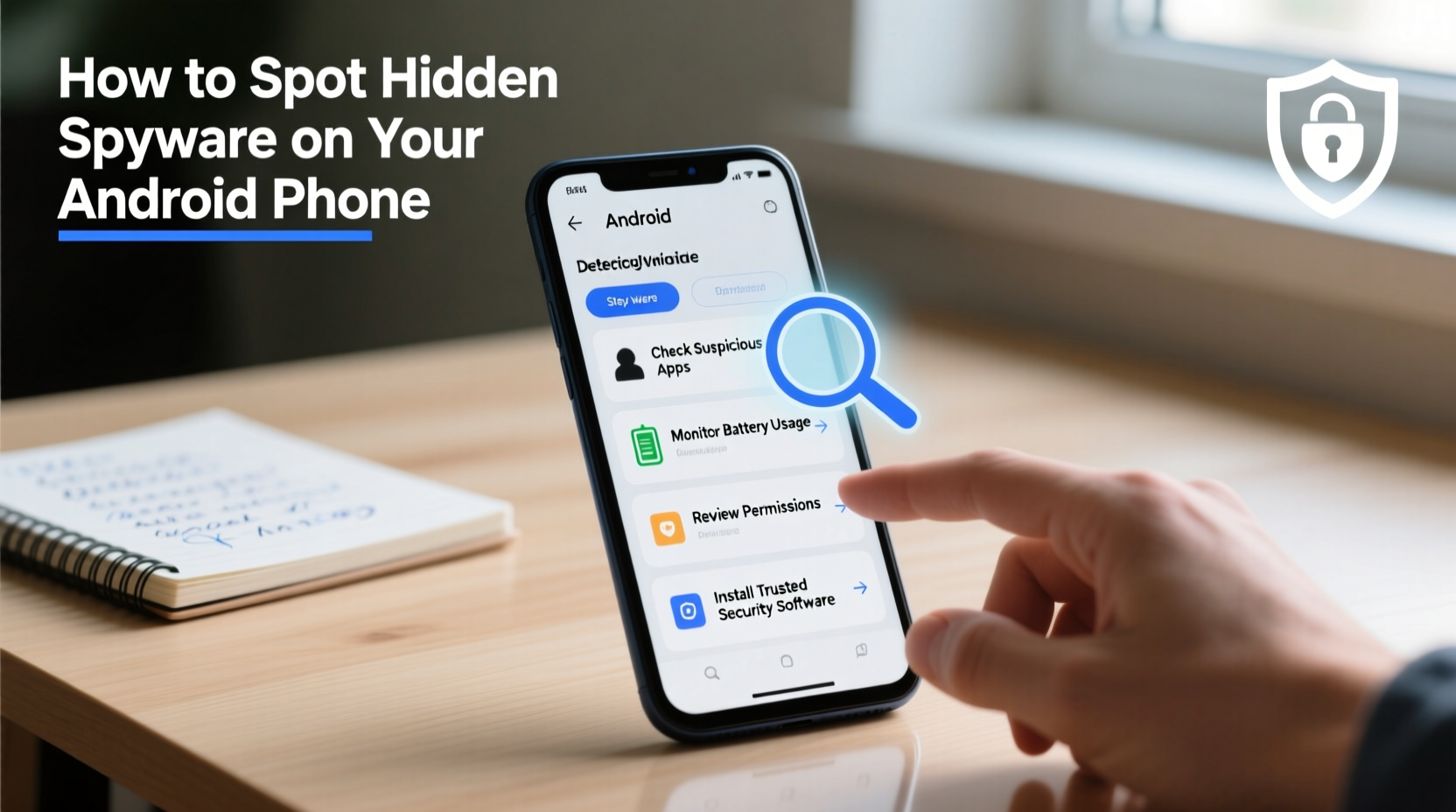
Spyware isn’t always invisible. While advanced versions are engineered to run quietly, many still leave behind behavioral clues. Pay attention to changes in your phone’s performance or habits — even minor anomalies can be red flags.
- Rapid battery drain: If your phone dies much faster than usual despite minimal use, background processes like data logging or GPS tracking may be active.
- Overheating during idle: A warm device when not in use suggests hidden apps consuming CPU resources.
- Increased data usage: Check your data settings. Unexplained spikes in background data could mean information is being transmitted remotely.
- Strange pop-ups or app behavior: Unexpected ads, crashes, or unfamiliar apps launching on their own may indicate malware presence.
- Delayed shutdowns: Some spyware intercepts power-off commands to stay active longer.
“Many users dismiss early symptoms as normal wear-and-tear, but consistent odd behavior should never be ignored. It’s often the only clue you get.” — Dr. Lena Torres, Mobile Security Researcher at CyberShield Labs
How to Conduct a Manual Device Inspection
Android gives you enough visibility to perform a basic forensic check without third-party tools. Start with these built-in diagnostics:
Check Installed Apps
Go to Settings > Apps and sort by “Downloaded.” Look for apps with vague names (e.g., “System Update,” “Service Manager”) or those you don’t recall installing. Some spyware disguises itself as system utilities or updates.
Review App Permissions
Navigate to Settings > Privacy > Permission manager. Pay close attention to apps with access to:
- Microphone
- Camera
- Location (especially \"all the time\")
- SMS and call logs
- Contacts
Look for Unknown Admin Privileges
Spyware often requires device administrator rights to avoid uninstallation. To check:
- Go to Settings > Security > Device administrators.
- If you see any unrecognized entries (e.g., “Android Service Manager”), disable them.
- Once disabled, return to the app list and uninstall the associated app.
Monitor Active Background Processes
On developer-enabled devices, go to Developer Options > Running Services. Look for suspicious processes using network or sensor data. If Developer Options aren’t visible, enable them via About Phone > Build Number (tap seven times).
Step-by-Step Guide: Detecting Hidden Spyware
Follow this structured approach to investigate your Android device thoroughly:
- Reboot into Safe Mode
Hold the power button, then long-press “Power off” until “Reboot to safe mode” appears. This disables third-party apps. If your battery life improves dramatically in safe mode, a rogue app is likely running in the background. - Check Data Usage Patterns
Go to Settings > Network & Internet > Data usage. Tap on individual apps to see background data consumption. Apps like Google Play Services will naturally use data, but obscure apps shouldn’t. - Scan with Reputable Antivirus Tools
Install trusted security apps such as Bitdefender, Malwarebytes, or Kaspersky. Run full system scans. Note: Avoid unknown antivirus apps from the Play Store — some are fake and themselves malicious. - Verify Google Account Activity
Visit myaccount.google.com/device-activity on a computer. Review all devices linked to your account. Remove any unrecognized phones or tablets. - Check for SMS Forwarding or Call Diversion
Dial*#21#to see if calls, messages, or data are being forwarded. This code reveals active call forwarding settings, which spyware sometimes uses to relay communications. - Inspect Accessibility Services
Some spyware abuses Android’s Accessibility API to capture screen content and keystrokes. Go to Settings > Accessibility > Downloaded services. Disable any unfamiliar entries. - Factory Reset (Last Resort)
If suspicion remains after all checks, back up essential data and perform a factory reset. Ensure you do not restore from a potentially infected backup.
Common Sources of Android Spyware
Understanding how spyware gets onto your phone helps prevent future infections. Most cases stem from:
- Phishing links: Texts or emails with malicious links that install spyware when clicked.
- Third-party app stores: APK files from untrusted sources often bundle hidden payloads.
- Physical access: Someone with temporary access to your unlocked phone can install monitoring apps in minutes.
- Exploited vulnerabilities: Outdated Android versions may have unpatched security flaws that allow remote installation.
A common misconception is that only rooted devices are vulnerable. In reality, sophisticated spyware like Pegasus has demonstrated zero-click exploits — meaning no user interaction is required.
Mini Case Study: The Partner Who Knew Too Much
Jessica, a 34-year-old teacher from Portland, began noticing her ex-partner referenced private conversations she’d only had over text. He also seemed aware of her whereabouts, commenting on visits to coffee shops she hadn’t mentioned. After reviewing her phone, she discovered an app named “Battery Saver Pro” — one she didn’t install. It had permissions to access location, SMS, and contacts. Further inspection revealed it was a known spyware variant disguised as a utility tool. She uninstalled it, revoked its admin privileges, and changed all passwords. Her experience underscores how easily personal relationships can turn into digital stalking scenarios.
Do’s and Don’ts: What to Do (and Avoid) When Suspecting Spyware
| Do | Don't |
|---|---|
| Regularly audit installed apps and permissions | Ignore sudden changes in battery or data usage |
| Use strong, unique passwords and two-factor authentication | Install apps from outside the Google Play Store |
| Keep your Android OS and apps updated | Click on suspicious links in texts or emails |
| Enable Google Play Protect for automatic scanning | Give physical access to your unlocked phone |
| Back up data securely before resetting your device | Restore from a cloud backup without verifying its safety |
Essential Checklist: Confirming and Removing Spyware
Use this checklist to methodically assess and secure your Android device:
- ✅ Reviewed all installed apps for unfamiliar entries
- ✅ Checked app permissions for excessive access (microphone, location, SMS)
- ✅ Verified device administrator status for suspicious apps
- ✅ Scanned with a trusted antivirus application
- ✅ Monitored data and battery usage for anomalies
- ✅ Checked call forwarding status using *#21#
- ✅ Reviewed linked devices in Google Account settings
- ✅ Disabled unnecessary accessibility services
- ✅ Considered factory reset if concerns persist
- ✅ Changed passwords and enabled 2FA post-cleanup
Frequently Asked Questions
Can spyware be installed without me knowing?
Yes. Advanced spyware can be installed remotely via zero-day exploits or phishing attacks requiring no user interaction. Physical access makes installation easier, but it’s not always necessary.
Does a factory reset remove all spyware?
In most cases, yes. A factory reset wipes the user partition and reinstalls the OS, eliminating typical spyware. However, firmware-level implants (rare and highly sophisticated) may survive. For average users, a reset is sufficient.
Is it legal for someone to install spyware on my phone?
No. Installing surveillance software on a device you don’t own without explicit consent is illegal in most countries, including under the U.S. Computer Fraud and Abuse Act and the EU’s GDPR. Exceptions exist only for parental control on minors’ devices or corporate-owned equipment with clear disclosure.
Protecting Your Privacy Going Forward
Prevention is far more effective than detection. Secure your Android device proactively:
- Lock your phone: Use a strong PIN, pattern, or biometric lock. Never leave it unlocked around others.
- Update regularly: Install system and app updates promptly. They often patch security holes exploited by spyware.
- Stick to the Play Store: While not foolproof, Google Play has better vetting than third-party markets.
- Enable Google Play Protect: Found in the Play Store under “Play Protect,” it scans apps automatically.
- Review app reviews and developers: Before installing, check who made the app, when it was last updated, and whether reviews seem genuine.
“The best defense against spyware is awareness. Most people think it won’t happen to them — until they find out their private messages were read weeks ago.” — Marcus Reed, Digital Forensics Consultant
Conclusion: Take Control of Your Digital Safety
Spotting hidden spyware on your Android phone isn’t about paranoia — it’s about vigilance. With personal data more valuable than ever, your smartphone is a prime target. By learning the signs, using built-in tools wisely, and adopting proactive habits, you can detect threats early and protect what matters most.
You don’t need to be a tech expert to stay safe. You just need to pay attention, act quickly when something feels off, and refuse to normalize strange behavior from your device. Your privacy is worth defending.




 浙公网安备
33010002000092号
浙公网安备
33010002000092号 浙B2-20120091-4
Comments
No comments yet. Why don't you start the discussion?