
In today’s digital-first world, having a website is no longer optional—it's essential. Whether you're building a personal blog, promoting a small business, or launching an e-commerce store, your website acts as your 24/7 storefront, portfolio, and communication hub. The good news? Starting a website has never been more accessible. With the right guidance, anyone can launch a professional-looking site in days, not months.
This guide walks you through every critical phase of creating a functional, attractive, and effective website—from choosing a domain name to publishing your first page and optimizing for search engines. No technical background required.
1. Define Your Website’s Purpose and Audience
Before touching code or signing up for services, clarify why you’re building the site. A clear purpose shapes everything: design, content, features, and even domain name.
Ask yourself:
- Is this site for branding, selling products, sharing knowledge, or generating leads?
- Who will visit it? What problems do they have that your site can solve?
- What action should visitors take after landing on your site?
A fitness coach might aim to collect email sign-ups for a free workout plan. A freelance designer may want clients to view their portfolio and request consultations. Each goal demands a different structure and call-to-action strategy.
“Your website isn’t just a digital brochure—it’s a tool for solving real problems for real people.” — Sarah Lin, Web Strategy Consultant
2. Choose a Domain Name and Hosting Provider
Your domain name is your web address (e.g., www.yoursite.com). It should be short, memorable, and relevant to your brand or niche. Avoid numbers, hyphens, and obscure spellings.
Once you’ve chosen a name, register it through a domain registrar like Namecheap, Google Domains, or GoDaddy. Prices typically range from $10–$15 per year.
Next, select a hosting provider—the server where your website files live. For most beginners, shared hosting is sufficient and affordable. Popular options include:
| Hosting Provider | Starting Price | Best For |
|---|---|---|
| Bluehost | $2.95/month | Beginners using WordPress |
| SiteGround | $3.99/month | Performance & support |
| Hostinger | $1.99/month | Budget-conscious users |
| Kinsta | $35/month | High-traffic professional sites |
Many hosts offer free domain registration for the first year and one-click WordPress installation, making setup faster.
3. Build Your Website: Platforms and Tools
You don’t need to write code to build a modern website. Content Management Systems (CMS) like WordPress power over 43% of all websites because they’re flexible and user-friendly.
Alternatively, consider website builders such as Wix, Squarespace, or Shopify (for e-commerce). These platforms use drag-and-drop editors, ideal for those who prioritize ease over customization.
Here’s how the major platforms compare:
- WordPress.org: Highly customizable, supports plugins and themes, requires separate hosting.
- Wix: Intuitive editor, limited flexibility after template selection.
- Squarespace: Beautiful templates, great for creatives, less scalable.
- Shopify: Built for online stores, includes payment processing and inventory tools.
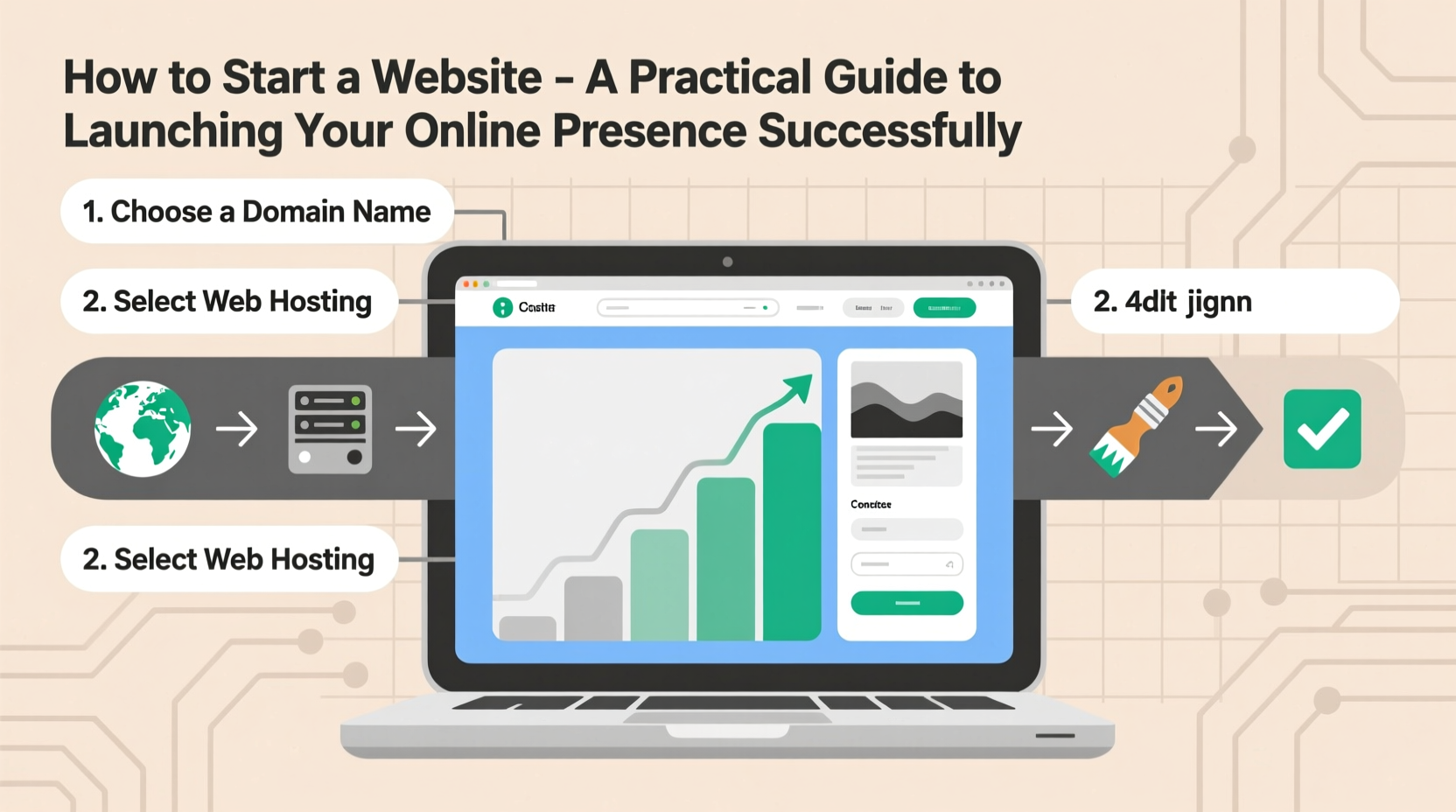
4. Launch Timeline: A Step-by-Step Guide
Follow this realistic 7-day plan to go from idea to live website:
- Day 1: Define your site’s purpose and target audience. Write your mission statement.
- Day 2: Choose and register a domain name. Sign up for a hosting plan.
- Day 3: Install WordPress or set up your website builder. Pick a professional theme.
- Day 4: Create essential pages: Home, About, Services/Products, Contact.
- Day 5: Add high-quality content. Include clear headlines, images (even placeholders), and calls to action.
- Day 6: Optimize for mobile devices and test navigation. Check loading speed.
- Day 7: Review privacy policy, install SSL certificate (most hosts provide this free), and publish your site.
This timeline assumes focused work of 1–2 hours per day. Adjust based on complexity, but avoid perfectionism—launching a simple, functional site beats waiting indefinitely for the “perfect” version.
5. Essential Pre-Launch Checklist
Before going live, ensure these key items are complete:
- ✅ Domain and hosting properly connected
- ✅ SSL certificate installed (look for \"https://\" in the address bar)
- ✅ Mobile responsiveness tested on multiple devices
- ✅ All links (internal and external) are working
- ✅ Contact form tested and confirmed to deliver messages
- ✅ Privacy policy and terms of service published (required for GDPR compliance if serving EU users)
- ✅ Site title and meta description optimized for search engines
- ✅ Google Search Console and Google Analytics accounts set up
Real Example: From Idea to Online Store in One Week
Jamie, a handmade candle maker, wanted to sell locally but realized online reach could expand her customer base. She spent Day 1 defining her brand: “natural soy candles with calming scents for mindful living.”
She registered calmglowcandles.com via Namecheap and chose Bluehost for its WordPress integration. By Day 3, she’d installed the Astra theme and added product pages with descriptions and placeholder images.
On Day 5, she uploaded real photos taken with her phone (well-lit, simple background) and set up PayPal and Stripe via WooCommerce. By Day 7, she launched with three products and a mailing list signup.
Within two weeks, she made her first five sales—two from repeat customers. Her site cost under $50 to start and gave her full control over branding and pricing.
Common Mistakes to Avoid
New website owners often make preventable errors that hurt credibility or performance:
- Overcomplicating design: Too many fonts, colors, or animations distract visitors.
- Neglecting SEO basics: Missing page titles, poor headings, and lack of keywords limit visibility.
- Skipping backups: If your site crashes or gets hacked, recovery is impossible without recent backups.
- Ignoring loading speed: Pages taking longer than 3 seconds to load lose over half of visitors.
“Speed and simplicity win online. Focus on clarity, not clutter.” — Raj Patel, Web Performance Engineer
Frequently Asked Questions
How much does it cost to start a website?
Most basic websites cost between $50–$150 for the first year. This includes domain ($12), hosting ($36–$100), and any premium themes or plugins. E-commerce sites may require additional tools, increasing costs slightly.
Do I need to know how to code?
No. Modern website builders and CMS platforms allow you to create professional sites using visual editors. You can always hire developers later if advanced functionality is needed.
Can I change my domain name later?
Technically yes, but it’s not recommended. Changing your domain breaks backlinks, confuses returning visitors, and resets SEO progress. Choose wisely from the start.
Final Steps and Moving Forward
Launching your website is just the beginning. After going live, focus on consistent content updates, collecting visitor feedback, and monitoring analytics to understand user behavior.
Set up a simple blog to share insights related to your niche—this boosts SEO and builds trust. Promote your site through social media, email newsletters, and local networks.
Remember, your website grows with you. Start small, stay consistent, and refine as you learn what works.




 浙公网安备
33010002000092号
浙公网安备
33010002000092号 浙B2-20120091-4
Comments
No comments yet. Why don't you start the discussion?