
Creating your own website may seem intimidating at first, but with the right guidance, anyone can do it—no coding experience required. Whether you're launching a personal blog, an online portfolio, or a small business site, the process is more accessible than ever. This guide walks you through each essential phase, from planning and naming to publishing and promoting your site.
Step 1: Define Your Website’s Purpose
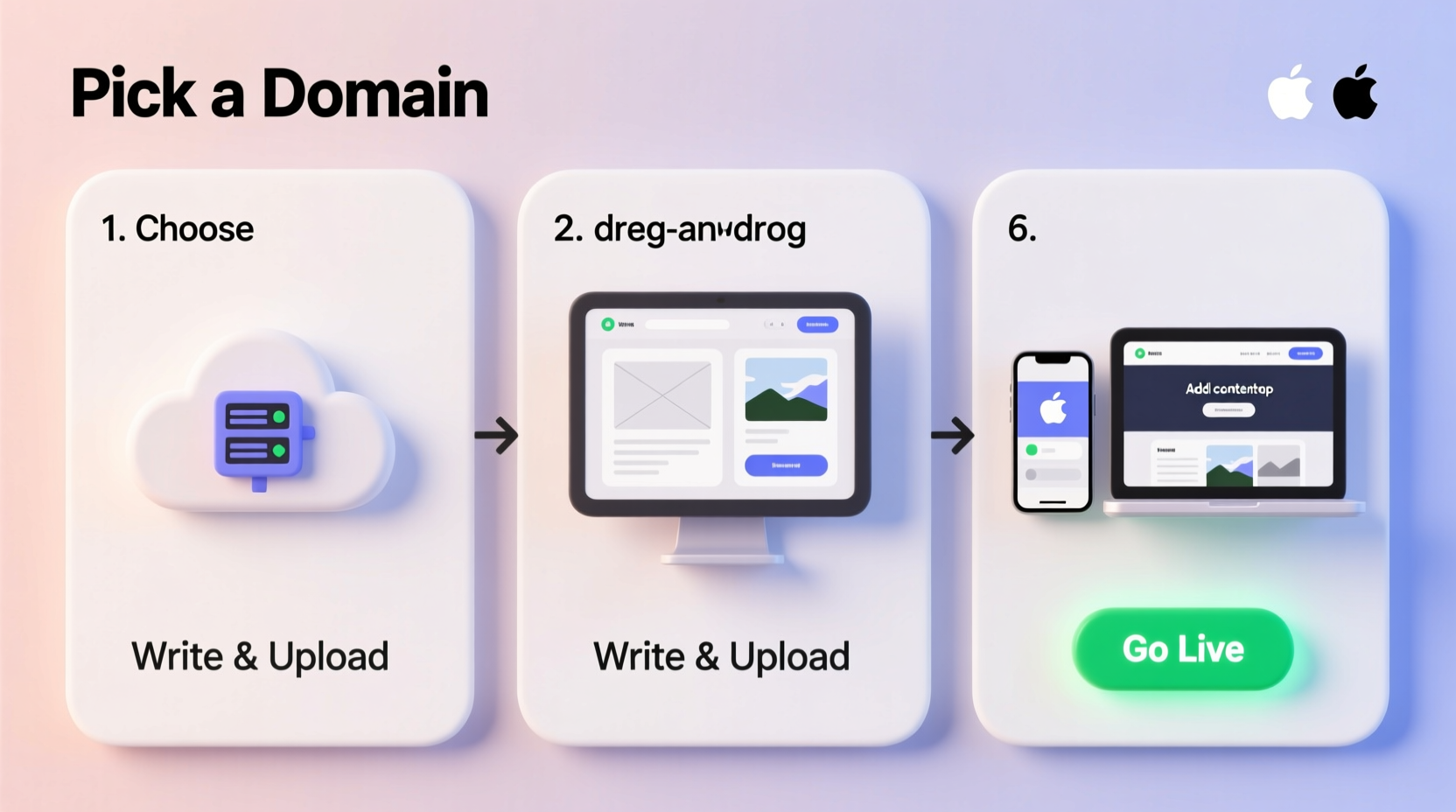
Before diving into technical details, clarify why you’re building the site. Your purpose will shape every decision that follows. Are you sharing knowledge through a blog? Selling handmade goods? Showcasing photography? Or simply creating an online presence for your freelance services?
A well-defined goal helps determine:
- The type of content you’ll need
- The features your site must support (e.g., contact forms, e-commerce)
- Your target audience and tone of voice
- How you’ll measure success (traffic, sales, leads)
Step 2: Choose a Domain Name and Web Hosting
Your domain name is your web address—the URL people type to find you. It should be memorable, easy to spell, and relevant to your brand or topic. Aim for a .com extension if possible; it remains the most trusted and recognizable.
Web hosting is where your website files live. Think of it as renting space on a server connected to the internet 24/7. You’ll need both a domain and hosting to go live.
Choosing a Domain Name
- Keep it short (under 15 characters if possible)
- Avoid numbers and hyphens
- Make sure it’s easy to say aloud
- Check social media handle availability
Selecting a Hosting Provider
For beginners, shared hosting is usually sufficient and affordable. Popular options include Bluehost, SiteGround, and HostGator. Look for providers that offer:
- Free SSL certificate (for security)
- One-click WordPress installation
- 24/7 customer support
- At least 99% uptime guarantee
“Your domain name is part of your brand identity—it should reflect who you are and what you offer.” — Sarah Lin, Digital Brand Strategist
Step 3: Build Your Website Using a Website Builder or CMS
You don’t need to write code to build a professional-looking website. Content Management Systems (CMS) like WordPress power over 40% of all websites because they’re flexible, user-friendly, and free.
Most hosting companies allow one-click WordPress installation. Once set up, you can customize your site using themes and plugins.
Key Components to Set Up
- Install a Theme: Choose a responsive, mobile-friendly design that matches your niche.
- Add Essential Pages: Include Home, About, Contact, and Privacy Policy pages.
- Use Plugins Wisely: Install tools like Yoast SEO for optimization, WPForms for contact forms, and Akismet for spam protection.
- Create Your First Post or Page: Start with an introductory blog post or “Welcome” message.
Step 4: Publish and Optimize for Search Engines
Once your core content is ready, it’s time to launch. But going live is just the beginning. To attract visitors, your site needs to be discoverable.
Basic SEO Checklist
| Do | Don’t |
|---|---|
| Use clear page titles with keywords (e.g., \"Beginner Gardening Tips\") | Stuff keywords unnaturally into sentences |
| Write unique meta descriptions for each page | Leave default auto-generated titles |
| Optimize images with descriptive file names and alt text | Upload large, unoptimized image files |
| Ensure fast loading speed (under 3 seconds) | Ignore mobile responsiveness |
Submit your sitemap to Google Search Console so search engines can index your pages faster. Also, verify your site with Bing Webmaster Tools to increase visibility across platforms.
Real Example: Maria’s Homemade Candles
Maria wanted to sell her soy candles online. She registered mariaearthlyscents.com and used Bluehost with WordPress. After installing the Astra theme and WooCommerce plugin, she added product pages with high-quality photos and detailed descriptions. Within two weeks of launching, her site appeared in local Google searches for “natural soy candles,” leading to her first five orders.
Step 5: Maintain and Grow Your Website
A website isn’t a one-time project. Regular maintenance ensures performance, security, and relevance.
Website Maintenance Checklist
- Update WordPress, themes, and plugins weekly
- Back up your site at least once a month (use UpdraftPlus or similar)
- Monitor traffic with Google Analytics
- Publish fresh content consistently (blog posts, updates, offers)
- Check broken links monthly using tools like Screaming Frog or Check My Links
As your audience grows, consider expanding functionality—add an email newsletter signup, integrate social sharing buttons, or introduce an online course or digital download.
Frequently Asked Questions
How much does it cost to start a website?
Typically between $50–$150 per year. This includes domain registration (~$12/year), shared hosting (~$60–$100/year), and optional premium themes or plugins. Many hosts offer discounts for the first term.
Can I build a website without knowing how to code?
Absolutely. Platforms like WordPress, Wix, and Squarespace are designed for non-technical users. Drag-and-drop editors and pre-built templates make customization intuitive and visual.
How long does it take to launch a basic website?
If you dedicate focused time, you can have a functional site live in 3–7 days. Planning content and design ahead of time speeds up the process significantly.
Conclusion: Take the First Step Today
Starting your own website doesn’t require technical expertise—just clarity, consistency, and the willingness to learn as you go. From choosing a meaningful domain to publishing your first page, each action builds momentum. The internet rewards those who show up regularly and provide value.
Your website is more than a digital address—it’s a platform for expression, connection, and opportunity. Don’t wait for perfection. Launch your idea now, refine it later, and let real-world feedback guide your growth.




 浙公网安备
33010002000092号
浙公网安备
33010002000092号 浙B2-20120091-4
Comments
No comments yet. Why don't you start the discussion?