
In the quiet hours of night or during a moment meant for productivity, you pick up your phone “just to check.” Minutes later, you’re deep into a spiral of negative headlines, social media envy, and endless video loops. This is doom scrolling—compulsive consumption of distressing or anxiety-inducing content online—and it’s quietly eroding attention spans, sleep quality, and mental clarity. The good news: this habit isn’t a personal failing. It’s a predictable response to design engineered to keep you engaged. More importantly, it can be stopped with deliberate, psychologically informed strategies that rewire your behavior without relying on willpower alone.
The Psychology Behind Doom Scrolling
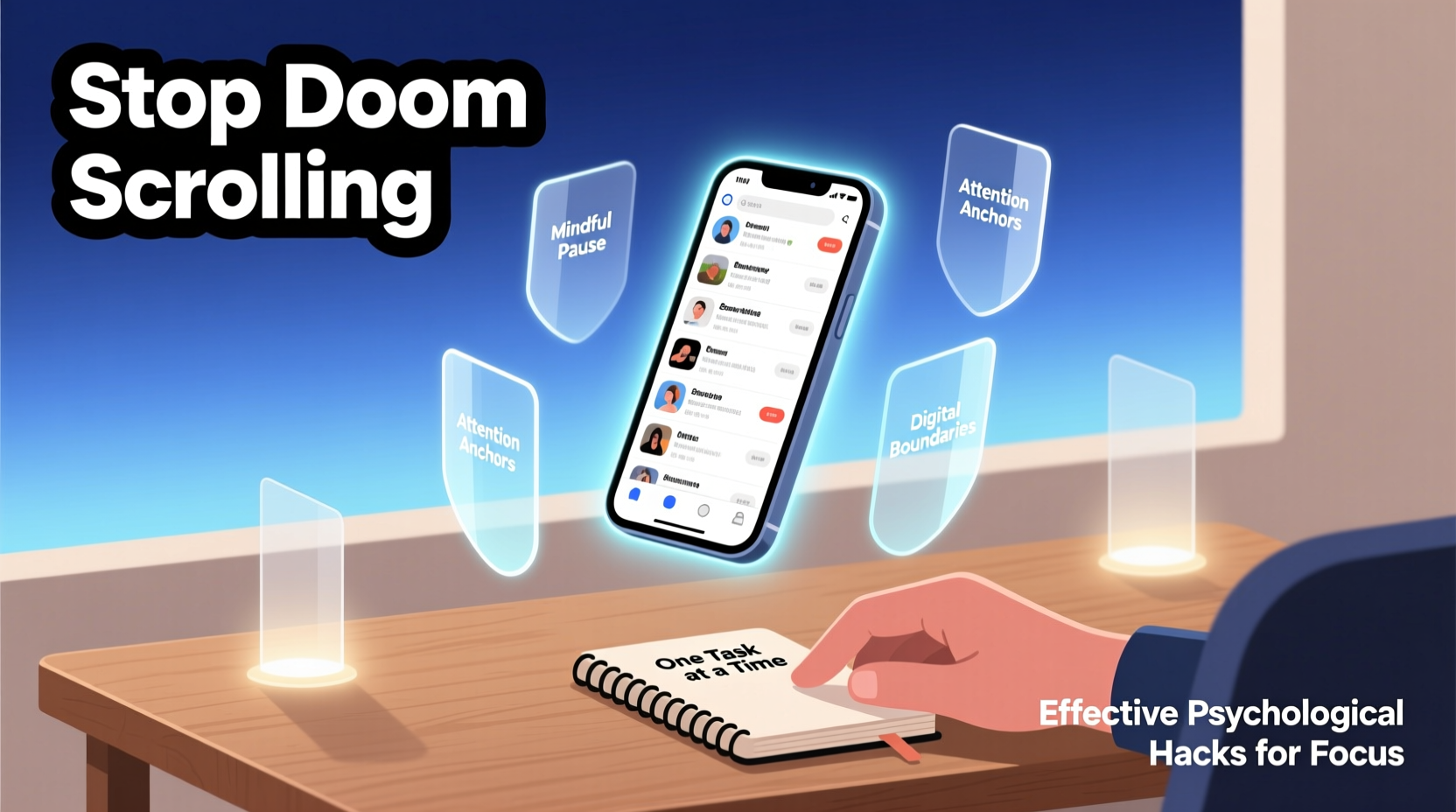
Doom scrolling thrives on two powerful psychological mechanisms: intermittent reinforcement and negativity bias. Social media platforms use algorithms that deliver unpredictable rewards—sometimes a funny meme, sometimes a disturbing headline—which keeps the brain in a state of anticipation. This mirrors the mechanics of slot machines: not knowing what comes next makes us keep pulling the lever.
Meanwhile, humans are hardwired to pay more attention to threats than positive stimuli—a survival trait known as negativity bias. When doom-laden content appears in your feed, your brain prioritizes it, increasing emotional arousal and making it harder to disengage. Over time, this creates a feedback loop: stress leads to distraction, which leads to phone use, which leads to more stress.
“Doom scrolling isn’t laziness—it’s a symptom of our brains being hijacked by persuasive technology designed to exploit cognitive vulnerabilities.” — Dr. Anna Lembke, Professor of Psychiatry, Stanford University
Psychological Hacks to Break the Cycle
Willpower is overrated when battling habits reinforced by billion-dollar tech ecosystems. Instead, leverage behavioral psychology to create structural changes that make healthy choices easier and compulsive ones harder.
1. Implement the 10-Minute Rule
When you feel the urge to scroll, delay the action for 10 minutes. Use a timer. During that window, engage in a low-effort alternative: stretch, sip water, or jot down three things you’re grateful for. Often, the impulse passes because the emotional spike that triggered it begins to fade.
2. Reframe Your Environment with Contextual Triggers
Behavioral scientists call them \"implementation intentions\": specific if-then plans that automate decision-making. Instead of vaguely resolving to “scroll less,” define clear triggers and responses.
- If I finish dinner, then I’ll go straight to my reading chair with a book.
- If I wake up before checking my phone, then I’ll write my top three priorities for the day.
- If I feel anxious at night, then I’ll turn on blue-light filters and listen to a calming podcast instead.
These pre-decisions reduce reliance on motivation and place control back in your hands.
3. Use Cognitive Load to Disrupt Autopilot Behavior
Much of doom scrolling happens unconsciously. To interrupt this automatic pattern, introduce cognitive disruption. After unlocking your phone, force yourself to answer a quick mental challenge: recite the alphabet backward, multiply 7x8 in your head, or name five birds. This brief effort activates the prefrontal cortex—the part of the brain responsible for self-control—pulling you out of autopilot mode.
Design Your Digital Space for Focus
Your environment shapes your behavior far more than your intentions do. By redesigning your digital interface, you reduce temptation and increase the cost of access to distracting apps.
| Hack | How It Works | Implementation Example |
|---|---|---|
| Grayscale Mode | Removes color-based dopamine cues from app icons and videos | Enable grayscale in Accessibility settings on iOS/Android |
| App Deletion & Reinstallation Delay | Adds friction to mindless access | Delete social media apps; reinstall only when intentionally needed |
| Notification Elimination | Reduces external triggers that pull attention | Turn off all non-essential notifications, including badges |
| Home Screen Minimalism | Prioritizes intentionality over impulse | Keep only essential tools (calendar, notes, maps); move apps to secondary screen |
Real-Life Example: Maria’s Transformation
Maria, a 34-year-old project manager, found herself waking up at 2 a.m. scrolling through pandemic updates and work-related LinkedIn posts. She felt exhausted, unfocused, and emotionally drained by mid-morning. After learning about environmental design, she took drastic steps: deleted Instagram and Twitter from her phone, set her screen to grayscale, and bought a $15 alarm clock so her phone wouldn’t be near her bed.
For the first week, she experienced withdrawal—restlessness and anxiety. But by week three, she reported improved sleep, greater presence during meetings, and even began journaling each morning. Her productivity didn’t just return; it increased. “I realized I wasn’t addicted to information,” she said. “I was avoiding stillness.”
Step-by-Step Guide to Regain Control
Breaking free from doom scrolling requires consistency, not perfection. Follow this seven-day reset plan to build sustainable change.
- Day 1: Audit Your Usage – Check screen time reports. Note which apps consume most of your time and when you typically scroll (e.g., post-dinner, pre-sleep).
- Day 2: Set Behavioral Boundaries – Turn off non-critical notifications. Delete one high-engagement app from your phone.
- Day 3: Design Physical Barriers – Charge your phone outside the bedroom. Buy an analog alarm clock.
- Day 4: Install Replacement Routines – Identify two high-risk moments and assign alternative activities (e.g., tea + audiobook after dinner).
- Day 5: Activate Friction – Enable grayscale mode and move social media apps to a folder labeled “Waste of Time” on the second home screen.
- Day 6: Practice Mindful Checking – Before opening any app, ask: “What am I looking for? How will I know when I’m done?”
- Day 7: Reflect and Adjust – Review how you felt each day. What worked? What needs tweaking? Write down one insight.
Checklist: Daily Habits to Prevent Relapse
- ✅ Start the day without checking your phone (first 30 minutes are sacred)
- ✅ Keep devices out of the bedroom
- ✅ Use grayscale or monochrome display mode
- ✅ Replace evening scrolling with a tactile activity (reading, sketching, puzzles)
- ✅ Schedule one “intentional check-in” with social media—set a timer for 10 minutes
- ✅ Practice the 10-minute rule when urges arise
- ✅ End the day with a reflection: “Did my screen use align with my values today?”
Why Willpower Fails—and What Works Instead
Most attempts to stop doom scrolling rely on self-discipline. But research shows that willpower is a finite resource, easily depleted by stress, fatigue, and decision overload. You don’t need more discipline; you need better systems.
Consider the analogy of a dieter surrounded by candy. No matter how motivated they are, constant exposure makes long-term success unlikely. The solution isn’t stronger willpower—it’s removing the candy bowl from sight.
Similarly, stopping doom scrolling isn’t about resisting temptation every time it arises. It’s about designing a life where temptation rarely appears. That means automating good decisions and making bad ones inconvenient.
“We underestimate how much our behavior is shaped by our surroundings. Lasting change starts not with motivation, but with manipulation of context.” — BJ Fogg, Founder, Stanford Behavior Design Lab
Frequently Asked Questions
Is doom scrolling a sign of depression?
Not necessarily, but it can be both a symptom and a contributor. Excessive exposure to negative content increases rumination and feelings of helplessness, which may worsen depressive symptoms. If doom scrolling feels compulsive and interferes with daily functioning, consider speaking with a mental health professional.
Can I still stay informed without falling into the trap?
Absolutely. Set boundaries: choose one credible news source, limit intake to 15 minutes per day, and avoid consuming news during emotionally vulnerable times (like right before bed). Use RSS feeds or newsletters to get summaries without algorithmic amplification of outrage.
What if I need my phone for work?
Separate utility from compulsion. Use website blockers (like Freedom or Cold Turkey) during focused work periods. Designate specific times to respond to messages rather than reacting in real-time. Remember: constant connectivity does not equal higher productivity.
Reclaim Your Attention, Reclaim Your Life
Doom scrolling doesn’t just waste time—it fragments your attention, diminishes emotional resilience, and distorts your perception of reality. But every time you choose to pause, redirect, or disconnect, you strengthen your capacity for presence and purpose. These psychological hacks aren’t quick fixes; they’re tools for building a more intentional relationship with technology.
The goal isn’t to eliminate digital engagement but to restore balance. When you stop letting algorithms dictate your emotional state, you create space for deeper thinking, meaningful connection, and genuine creativity. Focus isn’t something you lose—it’s something you protect.




 浙公网安备
33010002000092号
浙公网安备
33010002000092号 浙B2-20120091-4
Comments
No comments yet. Why don't you start the discussion?