
Scrolling through endless news updates, social feeds, or viral videos late at night has become a modern ritual for millions. You open your phone with the intention of checking one thing—and suddenly, an hour has passed. The content isn’t always enjoyable; in fact, it’s often distressing. This behavior, known as \"doomscrolling,\" involves compulsively consuming negative or anxiety-inducing information, especially before sleep. It disrupts circadian rhythms, increases stress, and degrades sleep quality. While deleting apps may seem like the only solution, it's neither practical nor necessary for most people. With intentional habits and structural changes, you can reclaim your evenings and protect your rest—without abandoning social media altogether.
Why Doomscrolling Happens—and Why It’s So Hard to Stop
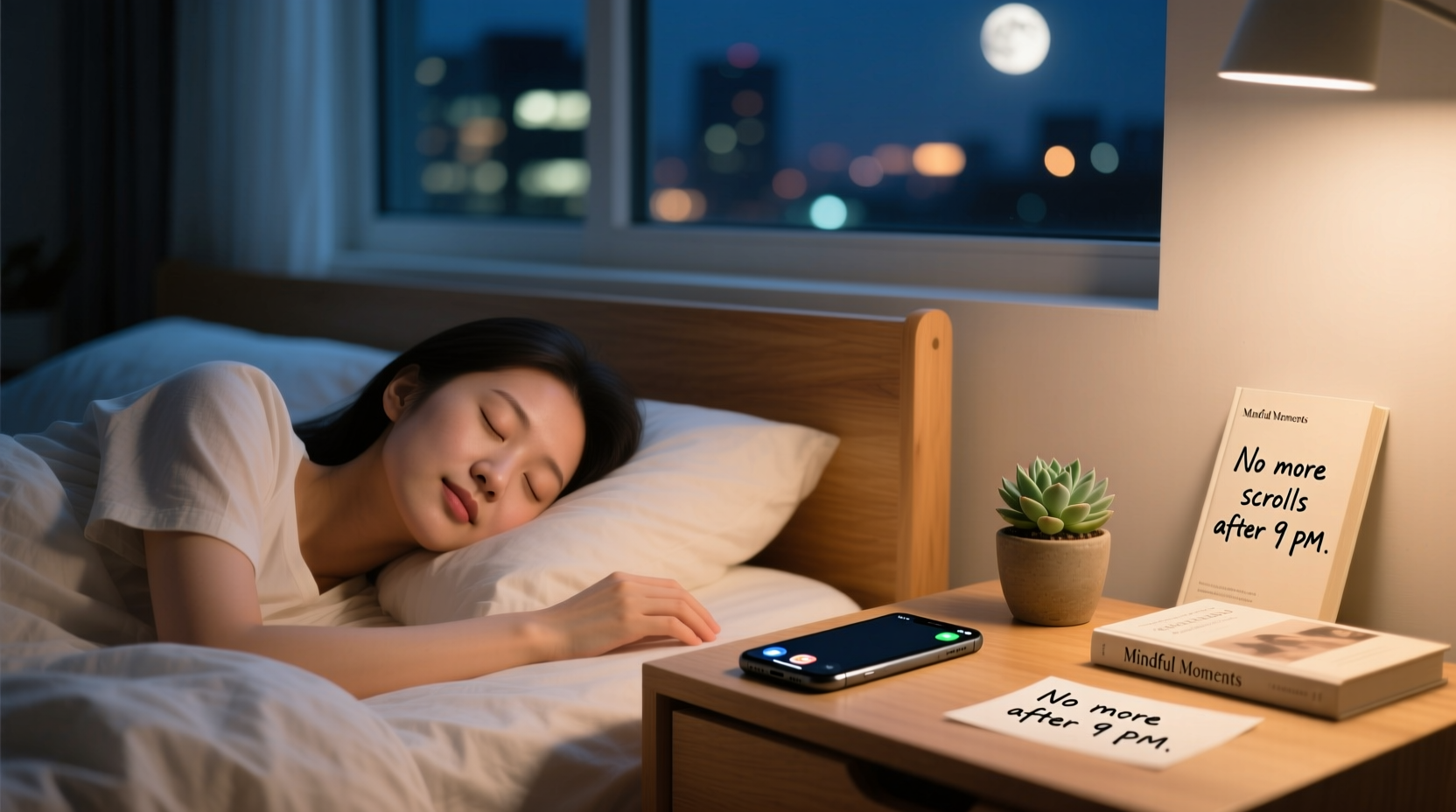
Doomscrolling thrives on psychological mechanisms designed to keep users engaged. Social platforms use algorithms that prioritize emotionally charged content because it triggers stronger reactions and longer engagement. Negative news spreads faster than positive news—a phenomenon researchers call \"negativity bias.\" Your brain is wired to pay more attention to threats, which makes alarming headlines or crisis updates particularly sticky.
At night, when willpower is low and emotional regulation is weaker, these impulses take over. The quiet of bedtime also creates space for rumination, making doomscrolling a form of passive distraction from unresolved thoughts or anxieties. As psychologist Dr. Natalia Skritskaya explains:
“We turn to our phones not because we love the content, but because we’re trying to escape discomfort—loneliness, stress, boredom. But instead of relief, we get more anxiety. It’s a feedback loop that erodes sleep and mood.”
The blue light emitted by screens suppresses melatonin, delaying sleep onset. Meanwhile, the cognitive arousal from disturbing content keeps the mind active, making it harder to transition into rest. Over time, this pattern conditions your brain to associate bedtime with stimulation rather than relaxation.
Step-by-Step Guide to Break the Cycle
Stopping doomscrolling isn't about sheer willpower—it's about redesigning your environment and routine to support better choices. Follow this six-step plan to gradually shift your habits:
- Set a Digital Curfew (90 Minutes Before Bed)
Choose a cutoff time after which you stop using all stimulating screens. This doesn’t mean going cold turkey at first. Instead, start with just 30 minutes and expand gradually. Use a kitchen timer or smart speaker alarm as a physical cue. - Replace Scrolling with a Low-Stimulus Ritual
Fill the void left by scrolling with a calming activity: reading a physical book, journaling, light stretching, or listening to ambient music. The key is consistency—your brain learns to expect this sequence, making it easier to disengage from digital input. - Create a Charging Station Outside the Bedroom
If your phone stays within reach at night, temptation wins. Designate a charging spot in another room. If you rely on your phone as an alarm, invest in a basic digital clock. This small barrier significantly reduces nighttime access. - Use App Timers and Focus Modes
iOS Screen Time and Android Digital Wellbeing allow you to set daily limits for specific apps. Schedule a “Wind Down” focus mode that activates automatically during your curfew, muting notifications and greying out the screen. - Curate Your Feed Proactively
Unfollow accounts that consistently trigger anxiety or outrage. Mute keywords like “crisis,” “outbreak,” or “scandal” in news apps or Twitter/X. Follow creators who post calming, educational, or uplifting content in the evening hours. - Track Progress with a Simple Journal
For two weeks, log each night: Did you scroll past your curfew? For how long? How did you feel afterward? Patterns will emerge, helping you identify triggers and celebrate small wins.
Do’s and Don’ts of Nighttime Phone Use
| Do | Don’t |
|---|---|
| Use grayscale mode after 8 PM to reduce visual appeal | Check email or news apps right before bed |
| Enable “Bedtime Mode” to auto-silence notifications | Scroll while lying in bed—even if you’re tired |
| Follow mindfulness or sleep meditation accounts for evening inspiration | Engage in heated comment threads or political debates at night |
| Keep a physical book or puzzle nearby as a distraction alternative | Use your phone as your primary sleep timer or alarm if it’s within arm’s reach |
A Real-Life Example: How Sarah Regained Her Sleep
Sarah, a 32-year-old project manager in Chicago, used to spend 60–90 minutes every night scrolling through Twitter and Instagram. She didn’t enjoy it—most of what she saw was about layoffs, climate disasters, or workplace drama—but she felt compelled to stay “informed.” Her sleep suffered: she’d fall asleep around 1:30 AM and wake up groggy, despite setting multiple alarms.
After reading about doomscrolling, she decided to experiment. She started by setting a 9:30 PM app limit on social media and bought a $12 alarm clock. At first, she reached for her phone instinctively, but she kept a journal on her nightstand. Within three nights, she began writing down thoughts instead of scrolling. By week two, she replaced scrolling with a short gratitude list and a chapter of a novel.
Within a month, Sarah was falling asleep by 11 PM and waking up without an alarm. “I realized I wasn’t staying informed—I was just feeding my anxiety,” she said. “Now, I check news during lunch, and my evenings are mine again.”
Expert-Backed Strategies to Reduce Evening Triggers
Behavioral design plays a crucial role in breaking addictive patterns. Stanford researcher BJ Fogg, founder of the Behavior Model, emphasizes that lasting change comes not from motivation, but from simplifying desired behaviors and complicating unwanted ones.
“Make it easy to do the right thing and hard to do the wrong thing. If you want to stop scrolling at night, increase the friction to access your apps and decrease the effort to engage in better alternatives.” — BJ Fogg, PhD, Stanford Behavior Design Lab
Apply this principle with these tactics:
- Move apps off your home screen: Place social media icons in a folder labeled “Not Now” or on a secondary screen. The extra tap creates psychological distance.
- Log out after each use: Requiring login credentials adds friction. Even typing a password can interrupt autopilot behavior.
- Switch to desktop for intentional use: If you must check social media at night, require yourself to use a laptop. The physical act of opening a computer signals deliberate choice, not mindless habit.
- Use grayscale mode: Removing color reduces dopamine response. What feels engaging in vibrant hues becomes dull in black and white.
Practical Checklist: Your 7-Day Plan to Stop Doomscrolling
Implement change gradually. Use this checklist to build momentum over one week:
- ✅ Day 1: Set app timers for all social media (limit: 30 mins/day after 7 PM)
- ✅ Day 2: Move social apps to a folder or secondary screen
- ✅ Day 3: Charge phone outside bedroom tonight
- ✅ Day 4: Replace 15 minutes of scrolling with reading or journaling
- ✅ Day 5: Unfollow 3 accounts that make you feel anxious or angry
- ✅ Day 6: Enable grayscale mode from 8 PM onward
- ✅ Day 7: Reflect: How many nights did you avoid late-night scrolling? How’s your sleep?
Frequently Asked Questions
Can I still use social media at night if I’m careful?
You can, but carefully curated use is rare. Most people underestimate their exposure and overestimate self-control when tired. If you choose to browse at night, restrict it to 10 minutes, use grayscale, and avoid comment sections or news-related content. Better yet, schedule social media for earlier in the day when your cognitive control is stronger.
What if I need my phone for work or emergencies?
If your job requires after-hours availability, set boundaries. Use Do Not Disturb to allow calls from specific contacts only. Turn off non-essential notifications. Keep a separate device or account for urgent communication if possible. Remember: being reachable doesn’t mean you must be responsive at all hours.
Is doomscrolling worse than regular scrolling?
Yes. Research from the University of California, Irvine shows that consuming negative content before bed increases cortisol levels and reduces REM sleep more than neutral or entertaining content. Doomscrolling combines the harms of screen time with emotional distress, creating a double burden on mental and physical health.
Conclusion: Reclaim Your Nights Without Going Offline
Doomscrolling isn’t a personal failure—it’s a predictable outcome of powerful technology meeting vulnerable human psychology. But you don’t have to delete your accounts to regain control. By understanding the triggers, introducing friction, and replacing the habit with meaningful rituals, you can preserve your relationship with social media while protecting your sleep and well-being. Start small: pick one strategy from this guide and implement it tonight. Over time, these adjustments compound into lasting change. Your future self—well-rested, calmer, and more present—will thank you.




 浙公网安备
33010002000092号
浙公网安备
33010002000092号 浙B2-20120091-4
Comments
No comments yet. Why don't you start the discussion?