
Summer heat turns everyday routines into challenges, especially when your smartphone starts warning of overheating just minutes into your commute. Whether you're riding the subway, walking through a sunbaked city block, or stuck in traffic, high temperatures can push your device past its limits. An overheating phone doesn’t just slow down—it risks battery damage, app crashes, and even permanent hardware failure. The good news: most overheating issues are preventable with simple, immediate actions. This guide delivers science-backed strategies, real-world tested fixes, and expert insights to keep your phone cool and functional—even on the hottest days.
Why Phones Overheat in Summer Commutes
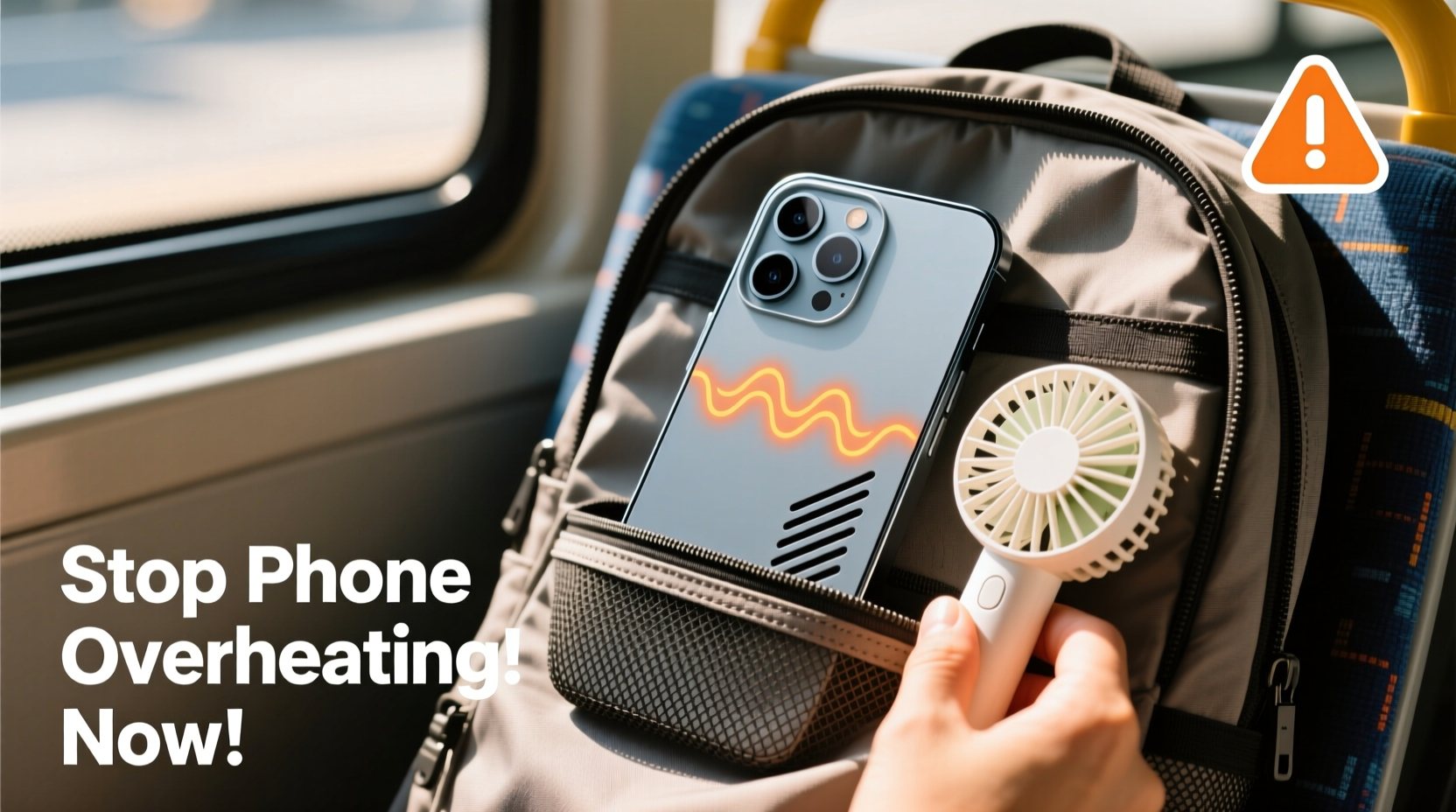
Smartphones generate internal heat during normal operation—processing apps, charging batteries, transmitting signals. But in summer, external factors multiply this effect. Direct sunlight, hot car interiors, and poor ventilation create a perfect storm for thermal stress. A parked car can reach 70°C (160°F) on a 35°C (95°F) day, turning your phone into a digital pressure cooker if left inside.
The materials matter too. Metal and glass backs absorb and retain heat more than plastic. Combine that with GPS navigation, music streaming, and background app updates—all common during commutes—and your phone’s thermal management system quickly becomes overwhelmed.
“Phones are designed to operate safely between 0°C and 35°C. Once ambient temperatures exceed that range, especially with active use, the risk of thermal throttling and long-term degradation increases significantly.” — Dr. Lena Torres, Electronics Thermal Engineer at MIT Media Lab
Immediate Fixes to Cool Your Phone During a Commute
If your phone is already hot, act fast. Delaying intervention can lead to automatic shutdowns or irreversible battery wear. These steps provide rapid relief:
- Turn off the screen and close all apps. The display is one of the biggest power consumers. Turning it off halts additional heat generation.
- Enable Airplane Mode temporarily. This stops cellular, Wi-Fi, and Bluetooth radios from working—major sources of heat.
- Remove the case. Most protective cases trap heat. Taking it off allows faster dissipation.
- Move to shade or cooler air. Don’t place your phone on hot surfaces like car dashboards or metal benches.
- Use passive cooling methods only. Never put your phone in a freezer or fridge—condensation can destroy internal components.
Preventive Habits That Work Before You Leave Home
Stopping overheating starts before you step outside. Small changes in daily habits dramatically reduce thermal load during peak heat hours.
Optimize Charging Timing
Charging generates heat. Avoid charging your phone right before leaving, especially with fast chargers. Instead, charge overnight or early in the morning when indoor temperatures are lower. If you must charge midday, unplug once it hits 80–90% to minimize thermal stress.
Adjust Display Settings
A bright screen not only drains battery but also heats up the device. Lower brightness manually or enable adaptive brightness. Consider switching to Dark Mode—OLED screens use less power displaying black pixels, reducing overall temperature.
Limit Background Activity
Apps refreshing in the background—especially social media, email, and location services—keep processors active. Go to Settings > Battery > Background App Refresh (iOS) or Settings > Apps > Special App Access > Battery Optimization (Android) and disable unnecessary activity.
| Habit | Effect on Temperature | How to Implement |
|---|---|---|
| Lower screen brightness | Reduces heat by 15–20% | Set to 50% or use auto-brightness |
| Disable Bluetooth/Wi-Fi when unused | Cuts radio-generated heat | Turn off in Control Center/Quick Settings |
| Use speakerphone instead of holding to ear | Prevents heat transfer to skin and improves airflow | Activate during calls in transit |
| Download content ahead of time | Reduces constant data fetching | Cache podcasts, videos, maps overnight |
Real-World Scenario: How Sarah Avoided Daily Shutdowns
Sarah, a paralegal in Phoenix, used her phone heavily during her 45-minute bus commute. Every afternoon, her iPhone would overheat and shut down—missing critical calls and calendar alerts. After tracking usage, she realized three culprits: her phone was in a thick silicone case, GPS ran continuously for live traffic updates, and she charged it right before leaving.
She made three changes: switched to a slim, ventilated case; downloaded offline Google Maps for her route; and started charging her phone at 6 a.m. instead of 7:30 a.m. Within a week, her phone no longer exceeded safe temperatures. “It wasn’t about buying anything new,” she said. “Just smarter habits.”
Do’s and Don’ts of Phone Cooling
Misguided attempts to cool a phone can cause more harm than good. Follow this clear guide to avoid damaging your device.
| Do | Don’t |
|---|---|
| Place phone in a shaded pocket or bag | Leave phone on car dashboard |
| Use airplane mode in low-signal areas | Force restart an overheating phone repeatedly |
| Stream over Wi-Fi instead of cellular data | Put phone in freezer or ice water |
| Carry in a breathable fabric pouch | Play graphics-heavy games during hot commutes |
| Reboot weekly to clear memory cache | Ignore repeated overheating warnings |
Step-by-Step: Building a Heat-Resistant Commute Routine
Follow this five-step plan every morning to ensure your phone stays within safe operating temperatures:
- 6:30 AM – Charge Smart
Complete charging early. Unplug at 90% to reduce battery strain. - 7:00 AM – Optimize Settings
Turn off Bluetooth, enable Dark Mode, and preload maps or podcasts. - 7:20 AM – Remove Case for Ventilation
If indoors are warm, leave the case off until you’re in transit. - 7:45 AM – Pack Thoughtfully
Store phone in an inner pocket or insulated sleeve away from direct sun. - During Commute – Monitor Usage
Limit video streaming. Use airplane mode in tunnels or underground stations where signal fluctuates.
This routine takes less than five minutes to implement but prevents cumulative heat buildup that leads to performance drops and battery aging.
FAQ: Common Questions About Phone Overheating
Can overheating permanently damage my phone?
Yes. Repeated exposure to high temperatures degrades lithium-ion batteries, reducing capacity over time. Apple and Samsung warn that sustained heat exposure can lead to shorter battery life and unexpected shutdowns. In extreme cases, internal components like cameras or sensors may fail prematurely.
Is it safe to use my phone while it’s hot?
No. Continued use while overheating forces the processor to work harder, increasing the risk of thermal throttling (slowing down) or automatic shutdown. Stop using it, turn it off if necessary, and let it cool in a shaded area.
Does a phone case really make that much difference?
It does. A study by Consumer Reports found that phones in thick rubber or silicone cases reached critical temperatures up to 8°C (14°F) faster than bare devices under identical conditions. For summer commutes, choose cases with ventilation gaps or switch to lightweight fabric options.
Expert-Backed Long-Term Strategies
Beyond daily fixes, long-term care extends your phone’s lifespan and resilience. Experts recommend these often-overlooked practices:
- Update software regularly. OS updates often include thermal management improvements and background process optimizations.
- Monitor battery health. On iPhones, go to Settings > Battery > Battery Health. Replace the battery if maximum capacity falls below 80%. Swollen or degraded batteries generate more heat.
- Reset settings monthly. Resetting network settings (Settings > General > Reset) clears corrupted connections that force constant signal searching.
- Use a reflective windshield shield if driving. Even parked cars become ovens. A reflective cover reduces interior temperature by up to 20°C (36°F), protecting any devices left inside.
“Battery longevity isn’t just about charge cycles—it’s about thermal history. Every time a phone overheats, it ages the battery faster. Think of heat as wear and tear, like mileage on a car.” — Mark Chen, Senior Analyst at TechInsights
Conclusion: Stay Cool, Stay Connected
Your phone doesn’t have to suffer every summer just because the temperature rises. With awareness and small behavioral shifts, you can maintain optimal performance throughout your commute. From removing cases to preloading content and avoiding peak charging times, the solutions are simple, immediate, and effective. Overheating isn’t inevitable—it’s manageable. Start applying these fixes today, and protect both your device’s functionality and its lifespan. A cooler phone means fewer disruptions, better battery life, and peace of mind during even the hottest travel days.




 浙公网安备
33010002000092号
浙公网安备
33010002000092号 浙B2-20120091-4
Comments
No comments yet. Why don't you start the discussion?