
The holiday season brings warmth, tradition, and community—even when celebrated remotely. As cities, towns, and organizations increasingly host virtual Christmas tree lighting ceremonies, families can now enjoy the magic of the holidays without leaving their homes. Whether you're unable to attend in person, live far from your hometown, or simply prefer the comfort of your living room, streaming the event online is a convenient and meaningful alternative.
Streaming a virtual tree lighting doesn’t require advanced technical skills, but it does benefit from preparation. From choosing the right platform to optimizing your viewing setup, this guide covers everything you need to fully participate in the festivities from your couch—complete with cocoa, carols, and candlelight.
Find and Confirm the Event Details
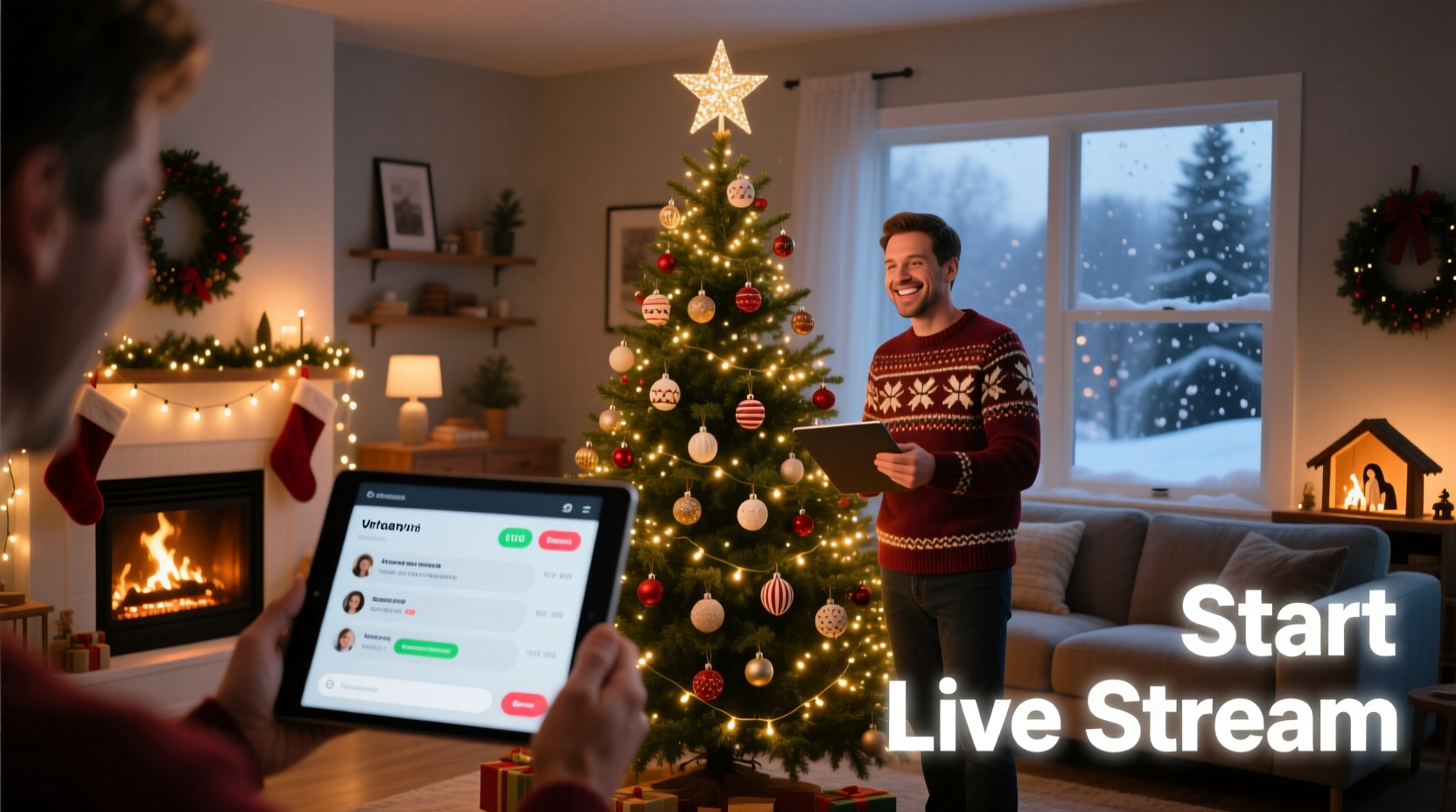
Before you can stream anything, you need to know when and where it’s happening—digitally speaking. Most municipalities, cultural institutions, and religious organizations announce their virtual events weeks in advance. The first step is locating accurate information about the ceremony you want to watch.
Start by checking the official website of your city or town hall, local chamber of commerce, or major landmarks like city squares and parks. Many public events are also promoted through social media channels such as Facebook, YouTube, and Instagram. Search terms like “virtual Christmas tree lighting 2024 [City Name]” will often yield immediate results.
Look for details including:
- Date and exact start time (including time zone)
- Streaming platform (YouTube, Facebook Live, Zoom, etc.)
- Expected duration of the event
- Whether the stream will be archived for later viewing
- Special guests or performances included
If no official page exists, contact your local community center or tourism board directly. Some smaller towns partner with regional news stations that may carry the broadcast on their websites or apps.
Choose the Right Device and Platform
Not all streaming platforms work the same way, and compatibility varies across devices. Understanding where the event will be hosted—and what you’ll need to access it—is crucial for a smooth experience.
Most virtual tree lightings are streamed via one of the following:
| Platform | Best For | Device Compatibility |
|---|---|---|
| YouTube Live | Public broadcasts, high-quality video, replay availability | Smart TVs, phones, tablets, computers, gaming consoles |
| Facebook Live | Community-focused events, real-time interaction | Mobile devices, browsers, some smart TVs |
| Zoom | Interactive or ticketed ceremonies, small group participation | Computers, mobile apps, tablets |
| Official City App | Local government-hosted streams, additional features | Smartphones, tablets (download required) |
| News Station Website | Broadcast-style coverage with anchors and commentary | Web browsers, supported smart TVs |
If the event uses Zoom or another invite-based system, ensure you register in advance. These links often expire or are restricted to registered attendees. For open broadcasts on YouTube or Facebook, simply visiting the channel at the scheduled time is enough.
“Virtual events have democratized access to cultural traditions. A grandchild in Australia can now share the same moment as their grandparents in Maine.” — Dr. Lena Pruitt, Digital Culture Researcher, University of Vermont
Prepare Your Viewing Environment
Streaming isn’t just about pressing play—it’s about creating an atmosphere. The goal is not only to watch the ceremony but to feel part of it. A little preparation transforms passive viewing into a shared ritual.
Optimize Your Internet Connection
A stable internet connection is essential for uninterrupted HD streaming. Buffering during the lighting moment defeats the purpose. Follow these steps:
- Test your speed using tools like speedtest.net. Aim for at least 5 Mbps download speed for HD video.
- Connect your device via Ethernet if possible, especially when using a desktop or smart TV.
- If relying on Wi-Fi, position your router centrally and minimize interference from microwaves or cordless phones.
- Pause background downloads, cloud backups, or other streaming services during the event.
Set the Scene
Recreate the festive ambiance of being there in person:
- Dim the lights and turn on string lights or candles nearby.
- Play soft holiday music before the stream begins.
- Wear cozy holiday attire—sweaters, reindeer hats, even matching pajamas.
- Prepare seasonal treats: cookies, hot chocolate, mulled cider.
- Invite household members to gather around the screen as if it were the town square.
Participate Like You’re There: Engagement Strategies
One concern with virtual events is feeling disconnected. But modern streaming platforms offer ways to engage actively, even from afar.
If the ceremony is on Facebook or YouTube, look for a live chat feature. Commenting “Happy Holidays!” or sharing memories of past celebrations fosters a sense of community. Some organizers monitor the chat and read select messages aloud during the broadcast.
Certain events incorporate interactive elements:
- Virtual candle lighting: When prompted, light a real candle at home in unison with others.
- Sing-alongs: Download the lyrics ahead of time and sing along with the choir.
- Digital guestbooks: Sign an online register or leave a holiday message for the mayor or organizer.
- Social media hashtags: Post photos of your viewing setup using the event’s official hashtag to join a broader conversation.
Mini Case Study: The Johnson Family’s Virtual Tradition
The Johnsons in Portland, Oregon, used to drive two hours each winter to see the tree lighting in Ashland. When Grandma Margaret developed mobility issues, they worried the tradition would end. In 2020, Ashland launched its first virtual ceremony—and the family adapted quickly.
They set up a projector in their dining room, printed lyrics to classic carols, baked gingerbread together, and invited relatives to join a group video call during the stream. Now, even though travel is possible again, they keep the hybrid version: watching online while hosting a small in-home gathering. “It feels more inclusive,” says daughter Emily. “My cousin in Hawaii toasted us over FaceTime when the lights came on.”
Step-by-Step Guide to Streaming the Ceremony
Follow this timeline to ensure everything runs smoothly on event night:
- 7 Days Before: Locate the official event page. Bookmark the streaming link and verify the date and time.
- 3 Days Before: Test your device and internet connection. Update your browser or app if needed.
- 1 Day Before: Charge all devices. Download any necessary apps (e.g., city portal, Zoom). Print lyrics or prepare activity sheets for kids.
- 1 Hour Before: Open the streaming page to confirm it’s working. Connect to external speakers or TV if desired. Start playing background holiday music.
- 15 Minutes Before: Gather everyone in the viewing area. Dim the lights. Have drinks and snacks ready.
- At Showtime: Begin playback. If using chat, assign someone to monitor and post comments.
- During the Lighting Moment: Pause to observe silence or sing the designated song. Light a candle at home if participating.
- After the Stream: Discuss favorite moments. Share a photo on social media. Save the recording link if archiving is available.
Troubleshooting Common Issues
Even with preparation, technical hiccups happen. Be ready with solutions:
- Stream won’t load? Try opening it on a different device or browser. Clear cache or disable ad blockers temporarily.
- No sound? Check device volume, app-specific audio settings, and mute switches on hardware.
- Video keeps buffering? Lower the video quality (e.g., switch from 1080p to 720p) or pause briefly to let it buffer ahead.
- Can’t find the stream? Search the organization’s social media for last-minute updates or alternate links.
- Zoom link expired? Contact the organizer immediately—some provide backup access upon request.
FAQ
Can I watch the ceremony after it airs live?
Many organizations archive their streams on YouTube or Facebook for on-demand viewing. Check the event page for “replay” instructions. However, interactive elements like live chats won’t be available afterward.
Do I need to pay or register to watch?
Most public tree lightings are free to stream. However, some private or faith-based events may require registration or a donation. Always verify access requirements in advance.
How can kids stay engaged during the stream?
Create a simple activity sheet with things to spot (e.g., “Find the tallest reindeer hat,” “Count how many singers are on stage”). Offer small rewards like holiday stickers for participation. Pausing to sing along also helps maintain attention.
Final Checklist Before Go-Time
Use this concise checklist to ensure nothing is overlooked:
- ✅ Event confirmed?
- Double-check date, time, and streaming URL.
- ✅ Device tested?
- Verified playback works on your chosen screen.
- ✅ Internet stable?
- Speed test completed; no competing bandwidth use.
- ✅ Audio setup?
- Speakers connected and volume calibrated.
- ✅ Ambiance ready?
- Lights dimmed, snacks prepped, decorations displayed.
- ✅ Family notified?
- All participants aware of start time and location.
- ✅ Backup plan?
- Alternative device charged and ready.
Conclusion
The glow of a Christmas tree, whether seen in person or through a screen, carries emotional weight. It signals hope, unity, and the quiet joy of shared tradition. Streaming a virtual tree lighting ceremony from home isn’t a compromise—it’s a modern expression of connection in a digital age.
With thoughtful preparation, you can transform your living room into a front-row seat for one of the season’s most cherished moments. Technology bridges distance, but intention creates meaning. This year, let the lights come on—not just in the city square, but in your home, heart, and memories.




 浙公网安备
33010002000092号
浙公网安备
33010002000092号 浙B2-20120091-4
Comments
No comments yet. Why don't you start the discussion?