
For decades, holiday light displays were local experiences—driven by drive-by traffic, neighborhood walks, and the warm glow of shared tradition. But today’s smart home ecosystem transforms that intimacy into something wider, warmer, and more inclusive: the ability to invite loved ones across states—or continents—into your front yard, in real time. Streaming your Christmas light show isn’t about broadcasting spectacle; it’s about preserving connection when distance makes physical presence impossible. Whether your cousin is deployed overseas, your parents live in a snowbound mountain town, or your college student hasn’t been home since August, remote streaming turns your synchronized LED display into a living, breathing extension of family ritual.
This isn’t theoretical. It’s practical, affordable, and increasingly accessible—even for non-tech-savvy homeowners. The key lies not in buying the most expensive gear, but in intentionally layering interoperable devices, prioritizing privacy, and designing the experience around human emotion—not just pixels per second.
Why Remote Streaming Matters More Than Ever
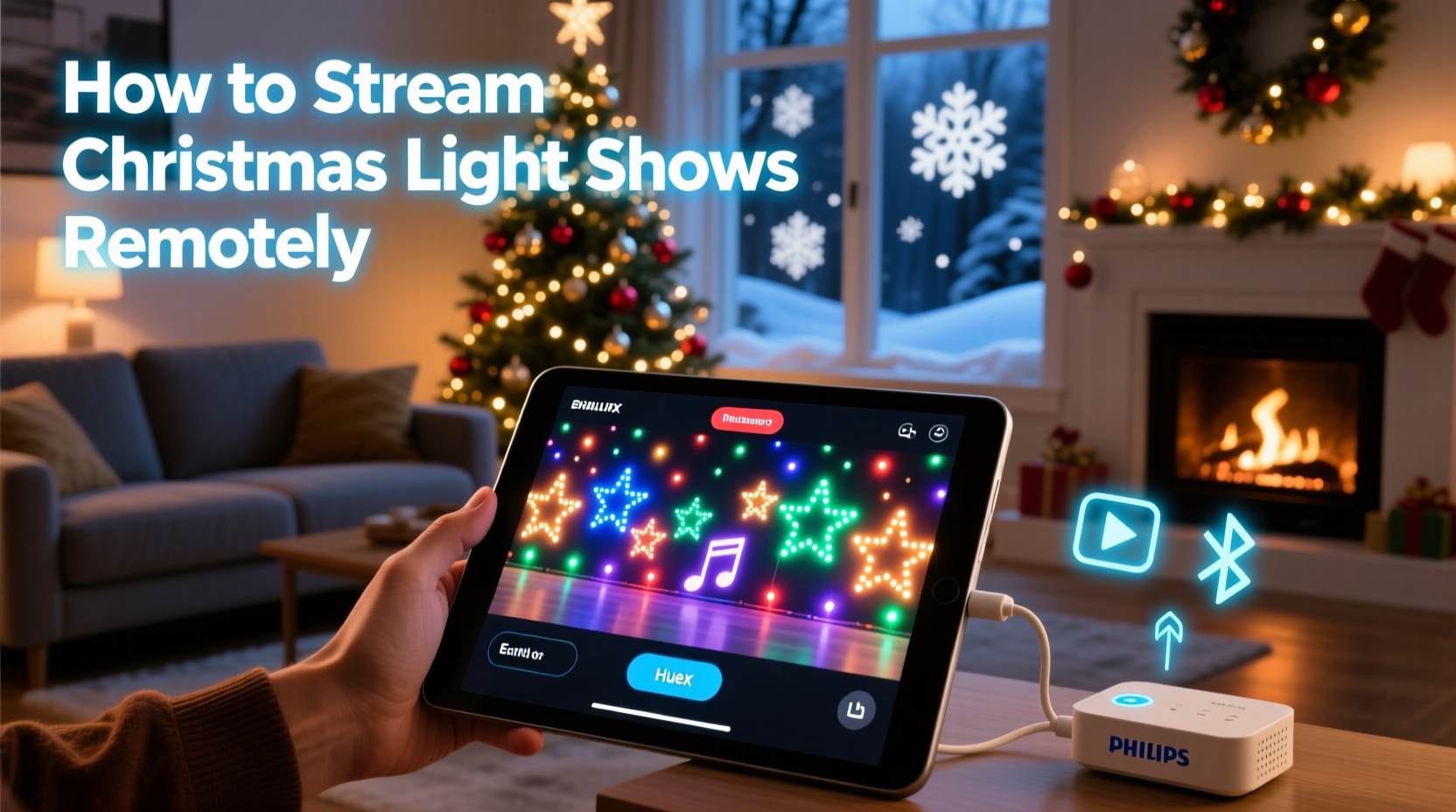
Holiday traditions anchor us—not just in time, but in relationship. When travel logistics, health concerns, or financial constraints prevent gatherings, the emotional cost compounds. A 2023 Pew Research study found that 68% of adults over 55 reported feeling “significantly less connected” during holidays when unable to visit family in person—and nearly half said digital alternatives felt “transactional, not meaningful.” That gap is where thoughtful remote streaming bridges the divide.
Unlike posting static photos or clipped videos, live streaming preserves spontaneity: the dog bolting across the frame mid-song, the neighbor’s toddler waving at the camera, the unexpected snow flurry catching the lights just so. These micro-moments build authenticity. They signal: *This isn’t curated. This is us, right now.* And with modern smart lighting controllers and low-latency video platforms, achieving that feel requires less setup than many assume.
Your Core Tech Stack: What You Actually Need
Forget “smart home overload.” A reliable remote light show stream rests on three interdependent layers: lighting control, video capture, and audience delivery. Each must be stable, secure, and interoperable—but none demands enterprise-grade infrastructure.
| Layer | Minimum Viable Tool | Key Requirement | Why It Works |
|---|---|---|---|
| Lighting Control | LOR S3 Mini Controller + xLights software (free) | Must support DMX or E1.31 protocol | Open-source, widely supported, and syncs precisely with audio—no proprietary lock-in. |
| Video Capture | Reolink RLC-511WA (Wi-Fi IP camera) or Wyze Cam v3 (with microSD recording) | 1080p resolution, night vision, motion-triggered recording | Weatherproof, low-light optimized, and supports RTSP streaming—critical for outdoor reliability. |
| Audience Delivery | Restream.io (free tier) + private YouTube Live stream | End-to-end encryption, password protection, no ads | YouTube handles global scale and buffering intelligently; Restream adds security and embed flexibility without complex hosting. |
Note: Avoid consumer-grade “smart plugs + string lights” setups for streaming. They lack timing precision, suffer from network jitter, and rarely support audio synchronization—making choreographed sequences appear disjointed. True streaming demands deterministic control, not convenience-first automation.
Step-by-Step Setup: From Power-On to First Broadcast
- Map Your Lighting Zones: Divide your display into logical sections (e.g., roof line, tree perimeter, driveway arch). Label each channel in xLights with clear names—not “Ch 7,” but “Front Roof Left.” This prevents misfires during live adjustments.
- Sync Audio & Light Sequence: Import your music file into xLights. Use the built-in beat-detection tool—not manual tapping—to align cues. Export as an E1.31 .xml file. Test locally first: run the sequence while watching lights *and* listening to audio through external speakers.
- Mount & Calibrate Your Camera: Position your IP camera on a stable surface (tripod or eave mount) with full view of the primary display zone. Adjust angle to avoid glare from brightest LEDs. In the camera app, disable auto-brightness—set exposure manually to preserve color fidelity in dark scenes.
- Configure Secure Streaming: In your camera’s settings, enable RTSP (Real Time Streaming Protocol) and note the stream URL (e.g.,
rtsp://192.168.1.50:554/stream1). In Restream.io, add this as a custom source. Set YouTube Live to “Unlisted,” require password access, and disable comments if you prefer quiet viewing. - Run a Dry Run—With Humans: Invite two trusted friends via private link 48 hours before your premiere. Ask them to watch on mobile *and* desktop, note load times, audio sync, and any flicker. Record their feedback—not just “it worked,” but “the tree lights lagged 0.8 seconds behind the drum hit.” Refine before going live.
Real Example: The Anderson Family in Portland, OR
When Linda Anderson’s mother moved into memory care in Tampa last November, holiday visits became logistically impossible. Linda’s solution wasn’t a Zoom call—it was a 22-minute livestream titled “Mama’s Light Garden,” featuring her backyard display synced to her mother’s favorite hymns. Using a $79 Reolink camera, LOR controller, and free xLights software, she built the system over three weekends. Her breakthrough came when she added a small Bluetooth speaker near the camera mic—capturing ambient sound: wind chimes, distant carols, even her daughter’s laughter off-camera. Viewers didn’t just see lights—they heard context. Her mother watched twice, once with staff, once alone with headphones. “She pointed at the screen and said, ‘That red one blinks like my old kitchen light,’” Linda shared. “That detail mattered more than perfect resolution.”
“Streaming isn’t about replicating presence—it’s about transmitting intention. When viewers hear the rustle of pine boughs or catch a glimpse of your hand adjusting a strand, they’re not watching a feed. They’re witnessing care made visible.” — Dr. Arjun Mehta, Human-Computer Interaction Researcher, MIT Media Lab
Privacy, Security & Etiquette: Non-Negotiables
Outdoor streaming introduces unique vulnerabilities. Your camera faces the street. Your Wi-Fi network may be visible to neighbors. Your YouTube link could leak. Ignoring these isn’t technical oversight—it’s relational risk. Protect both your home and your guests’ trust with these practices:
- Never use default camera passwords. Change them to 12+ character combinations including symbols—then store in a password manager, not a sticky note.
- Disable UPnP on your router. Port forwarding creates attack surfaces. Use cloud-based streaming (like Restream) instead of exposing your camera’s IP directly.
- Blur or mask neighboring properties. Most IP camera apps include digital masking tools. Hide adjacent driveways, windows, or mailboxes—even if unintentional, their inclusion breaches consent.
- Set clear viewing boundaries. Include start/end times in your invite. Add a gentle reminder: “This stream ends at 9:00 PM PST—lights stay on for walk-bys until midnight!”
FAQ: Practical Questions Answered
Can I stream without a computer running constantly?
Yes—if you use hardware-based controllers. The Falcon F16v3 or SanDevices E68x boards run sequences standalone from an SD card. Pair them with a Raspberry Pi (running MotionEyeOS) for camera streaming, and you eliminate the need for a laptop or desktop to stay powered on. Total idle power draw: under 8 watts.
What if my internet upload speed is slow (under 5 Mbps)?
Optimize, don’t upgrade. Lower your camera’s bitrate to 1500 kbps and resolution to 720p. Use H.265 encoding (if supported)—it delivers 30–50% better compression than H.264. Prioritize audio sync over visual polish; viewers forgive softer edges but notice lip-sync drift instantly.
How do I handle time zones gracefully?
Embed time zone info directly in your stream title and description: “Live from Portland, OR (PST) • 6:30–8:30 PM • 9:30–11:30 AM EST • 2:30–4:30 PM GMT.” Send calendar invites with automatic time conversion. Bonus: Add a subtle on-screen clock in the lower-right corner of your stream overlay (using OBS Studio’s “Text” source) that updates in real time.
Conclusion: Light Is Connection Made Visible
Technology doesn’t replace tradition—it reshapes its boundaries. Streaming your Christmas light show isn’t about proving technical prowess or chasing viral metrics. It’s about answering a quiet human question: *How do I hold space for someone who can’t stand beside me?* The answer lives in the milliseconds between a bass note and a blue LED flare, in the warmth of a shared “Look—the icicles are glowing!” text message sent at 2:17 AM their time, in the quiet certainty that love, like light, travels farther than we imagine.
You don’t need a studio, a budget, or a degree. You need intention, one reliable camera, a controller that honors rhythm, and the courage to press “Go Live” knowing that what matters isn’t flawless transmission—but faithful presence. Set up your first test stream this weekend. Invite one person. Watch their reaction. Then—next year—invite ten. The magic isn’t in the megapixels. It’s in the moment someone far away leans closer to their screen and whispers, “I’m there.”




 浙公网安备
33010002000092号
浙公网安备
33010002000092号 浙B2-20120091-4
Comments
No comments yet. Why don't you start the discussion?