
Transforming your home into a synchronized holiday light show used to require expensive controllers, professional installation, and technical know-how. Today, thanks to advancements in mobile technology and open-source software, anyone can create a dazzling audio-reactive light display using only free apps and common household devices. Whether you're aiming for subtle curb appeal or full-on neighborhood spectacle, syncing Christmas music with animated lights is now accessible — and surprisingly simple.
The key lies in combining streaming platforms for festive music with smart lighting control systems that respond to sound or follow pre-programmed sequences. With careful setup and the right tools, your porch, tree, or entire facade can pulse, shimmer, and dance in harmony with classic carols and modern hits — all powered by free applications available on Android, iOS, or desktop.
Choosing the Right Free Apps for Music and Light Control
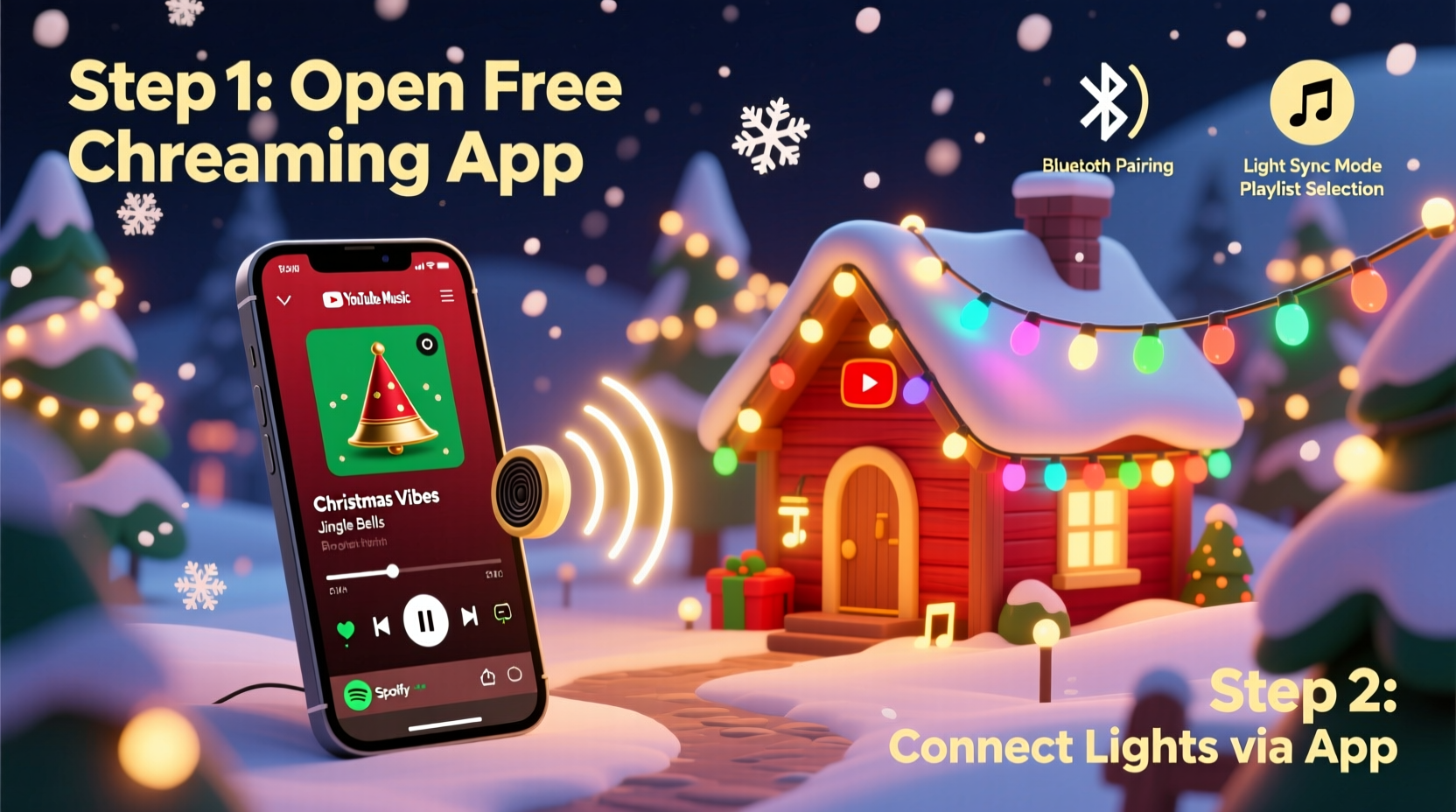
The foundation of any synchronized light display is the software stack: one app to play music and another to manage the lights. Fortunately, several high-quality, no-cost options exist that offer robust functionality without hidden fees or watermarks.
For music streaming: Use platforms like Spotify, YouTube Music, or TuneIn Radio. These services provide extensive Christmas playlists, from traditional hymns to upbeat pop remixes. While premium subscriptions unlock offline playback and ad-free listening, the free tiers are fully sufficient for home displays when connected to a stable Wi-Fi network.
For light synchronization: The standout free solution is xBlast, an Android app designed specifically for controlling WS2812B (NeoPixel) LED strips via Bluetooth or Wi-Fi. It supports audio-reactive modes and sequence playback, making it ideal for real-time sync. Another powerful option is FPP (Falcon Player), an open-source Linux-based platform that runs on Raspberry Pi and supports advanced choreography. Although FPP has a steeper learning curve, its capabilities rival commercial systems.
For users with smart bulbs like Philips Hue or TP-Link Kasa, companion apps such as Hue Sync (on desktop) or third-party tools like Lumenplay or Light DJ can react lights to audio input. While Hue Sync’s full features require a subscription, limited audio-reactive functionality remains available in the free version when used locally.
Step-by-Step Guide: Setting Up Your First Synchronized Display
Follow this timeline to go from idea to execution in under three hours, assuming you already have basic LED lights and a smartphone or Raspberry Pi.
- Day 1 – Gather Equipment (30 minutes)
Collect: LED strip (addressable RGB), power supply, microcontroller (e.g., ESP8266 or Raspberry Pi), smartphone or laptop, Wi-Fi router, extension cords, and clips or zip ties for mounting. - Step 2 – Install Control Software (45 minutes)
For xBlast: Download from the Google Play Store. Connect your LED strip to a compatible board like WLED-enabled ESP8266. Flash the firmware using the WLED website if not pre-installed. Ensure the device appears on your local network. - Step 3 – Configure Lighting Zones (30 minutes)
Open xBlast or WLED app, connect to your device, and define segments (e.g., roofline, tree, staircase). Assign names and pixel ranges so you can control sections independently. - Step 4 – Choose Music and Set Beat Detection (20 minutes)
Pick a song like “Jingle Bell Rock” or “All I Want for Christmas Is You.” In xBlast, enable \"Audio Reactive\" mode. Adjust sensitivity so beats trigger bright flashes. Use headphone jack or microphone input depending on signal source. - Step 5 – Test and Refine (45 minutes)
Play the track while observing light behavior. Tweak attack speed, decay, and color palettes. Record a short video to check sync accuracy. Make note of delays; even 100ms offset is noticeable. - Step 6 – Deploy Outdoors (60 minutes)
Mount lights securely. Protect electronics in weatherproof enclosures. Extend power safely using outdoor-rated cables. Position your audio source (phone/tablet) near the controller but shielded from moisture. - Step 7 – Go Live (Ongoing)
Start with evening shows between 5–9 PM. Share your address on Nextdoor or social media. Monitor performance nightly and adjust brightness based on ambient conditions.
Comparison of Free Sync Apps and Their Capabilities
| App/Platform | Device Support | Audio Reactive? | Sequence Upload? | Best For |
|---|---|---|---|---|
| xBlast (Android) | WLED, ESP8266/ESP32 | Yes | Yes (via WLED) | Beginners with addressable LEDs |
| WLED (Open Source) | ESP8266/ESP32 | Yes (with FFT) | Yes | Customizable DIY projects |
| Falcon Player (FPP) | Raspberry Pi + Controllers | Yes | Yes (advanced) | Large-scale, multi-channel setups |
| Hue Sync (Free Tier) | Philips Hue bulbs | Limited (desktop only) | No | Indoor ambiance lighting |
| Light DJ (Android/iOS) | Kasa, LIFX, Nanoleaf | Yes | No | Quick party effects |
This table highlights that while consumer-grade apps like Light DJ are easy to use, they lack precision for musical timing. For true synchronization, WLED-based solutions offer superior responsiveness and granular control over individual LEDs.
Avoiding Common Setup Mistakes
Even experienced hobbyists encounter pitfalls when launching their first synchronized display. Understanding these challenges beforehand saves time, money, and frustration.
- Ignoring latency: Audio processing, Bluetooth transmission, and LED refresh rates introduce delay. If lights flash before or after the beat, adjust buffer settings or use wired connections.
- Overloading circuits: A 5-meter LED strip with 300 pixels can draw over 18 amps at full white. Always calculate power needs and use adequate gauge wiring.
- Poor Wi-Fi coverage: Outdoor installations often suffer from weak signals. Place your router centrally or use a Wi-Fi extender. Better yet, run Ethernet to a weatherproof enclosure housing your Pi or controller.
- Using non-addressable lights: Standard RGB strips cannot be programmed for complex patterns. Only addressable (NeoPixel-type) LEDs allow per-bulb control needed for choreography.
- Skipping backups: Save your configurations and playlists to cloud storage or USB. Firmware updates or power surges may reset devices.
“Precision timing separates amateur flickers from professional-grade animation. Even slight desync breaks immersion.” — Derek Lin, DIY Holiday Lighting Enthusiast and Creator of LightShowPi Tutorials
Real Example: How One Family Created a Neighborhood Favorite
In suburban Ohio, the Thompson family turned their modest front yard into a local attraction using only free tools and $220 in materials. They began with two 5-meter WS2812B strips wrapped around windows and eaves, controlled by an ESP32 running WLED. Using a recycled tablet, they streamed Christmas classics from YouTube Music through xBlast, which sent real-time commands to the lights.
Their breakthrough came when they discovered WLED’s effect chaining feature — allowing snowfall patterns during verses and strobe bursts on choruses. By recording a 10-minute playlist loop and scheduling automatic start times via Tasker (an automation app), the display ran reliably every night from December 1 to 26.
Neighbors started arriving by 6 PM each evening, parking along the street to watch. Local news featured them in a “Community Spirit” segment. All achieved without paid software, custom coding, or electrical modifications beyond a GFCI outlet.
Checklist: Launch Your Free Synchronized Light Show
Use this checklist to ensure a smooth setup process:
- ☐ Acquire addressable RGB LED strips (WS2812B or SK6812)
- ☐ Obtain a compatible microcontroller (ESP8266/ESP32 or Raspberry Pi)
- ☐ Flash WLED firmware onto the device
- ☐ Power the system safely with correct voltage and amperage
- ☐ Install xBlast or access WLED web interface
- ☐ Connect to same Wi-Fi network as controller
- ☐ Test audio reactivity indoors first
- ☐ Fine-tune sensitivity and effects for each song
- ☐ Weatherproof all electronic components
- ☐ Set consistent show hours and inform neighbors
Frequently Asked Questions
Can I sync lights to music without buying special hardware?
Yes, if you already own smart bulbs like Kasa or LIFX. Apps like Light DJ (free on iOS/Android) can make them pulse to music played on your phone. However, these systems are best for indoor use and lack the precision of addressable LED strips for outdoor choreography.
Do I need internet during the show?
Not necessarily. Once a playlist starts streaming, many apps continue playing until stopped. For full autonomy, download music locally or use a Raspberry Pi running FPP with stored sequences. This eliminates reliance on streaming stability.
Is it safe to leave the system running unattended?
If properly installed, yes. Use grounded outlets, surge protectors, and waterproof enclosures. Avoid daisy-chaining too many strips. Monitor temperature — overheating drivers are a common cause of failure. Consider adding a timer switch to limit runtime to 3–4 hours per night.
Final Thoughts: Turn Festive Spirit Into a Living Display
Synchronizing Christmas music with dynamic lights isn’t reserved for tech wizards or big budgets. With free apps like xBlast, WLED, and open-source tools, homeowners can craft immersive experiences that bring joy to families and strengthen community spirit. The combination of accessible hardware, intuitive interfaces, and online tutorials means nearly anyone can achieve professional-looking results.
More than just decoration, these synchronized displays become shared moments — children dancing in driveways, elders smiling from porches, strangers bonding over seasonal cheer. And the best part? You don’t need to spend more than the cost of LEDs and a power adapter.
Start small. Test one strand. Master one song. Then expand. Before long, your home could be the highlight of the holiday block tour — all powered by free software and a little creative energy.




 浙公网安备
33010002000092号
浙公网安备
33010002000092号 浙B2-20120091-4
Comments
No comments yet. Why don't you start the discussion?