
Reliving the golden age of gaming with friends has never been easier—or more misunderstood. Thanks to modern emulator technology and low-latency streaming platforms, you can play classic Nintendo, Sega, PlayStation, and other retro titles in real time with people across the globe. But many assume this requires piracy or violates copyright law. The truth is, it’s entirely possible to do so legally—if you follow the right steps.
The key lies in understanding what’s protected by law: game ROMs and BIOS files are copyrighted, but emulators themselves are not. When used correctly—with legally sourced game files and personal ownership of original cartridges or discs—you can enjoy retro multiplayer experiences without breaking any rules. This guide walks through the technical setup, legal boundaries, and best practices for streaming retro games online with your friends, all while staying on the right side of intellectual property laws.
Understanding Emulator Legality and Copyright Boundaries
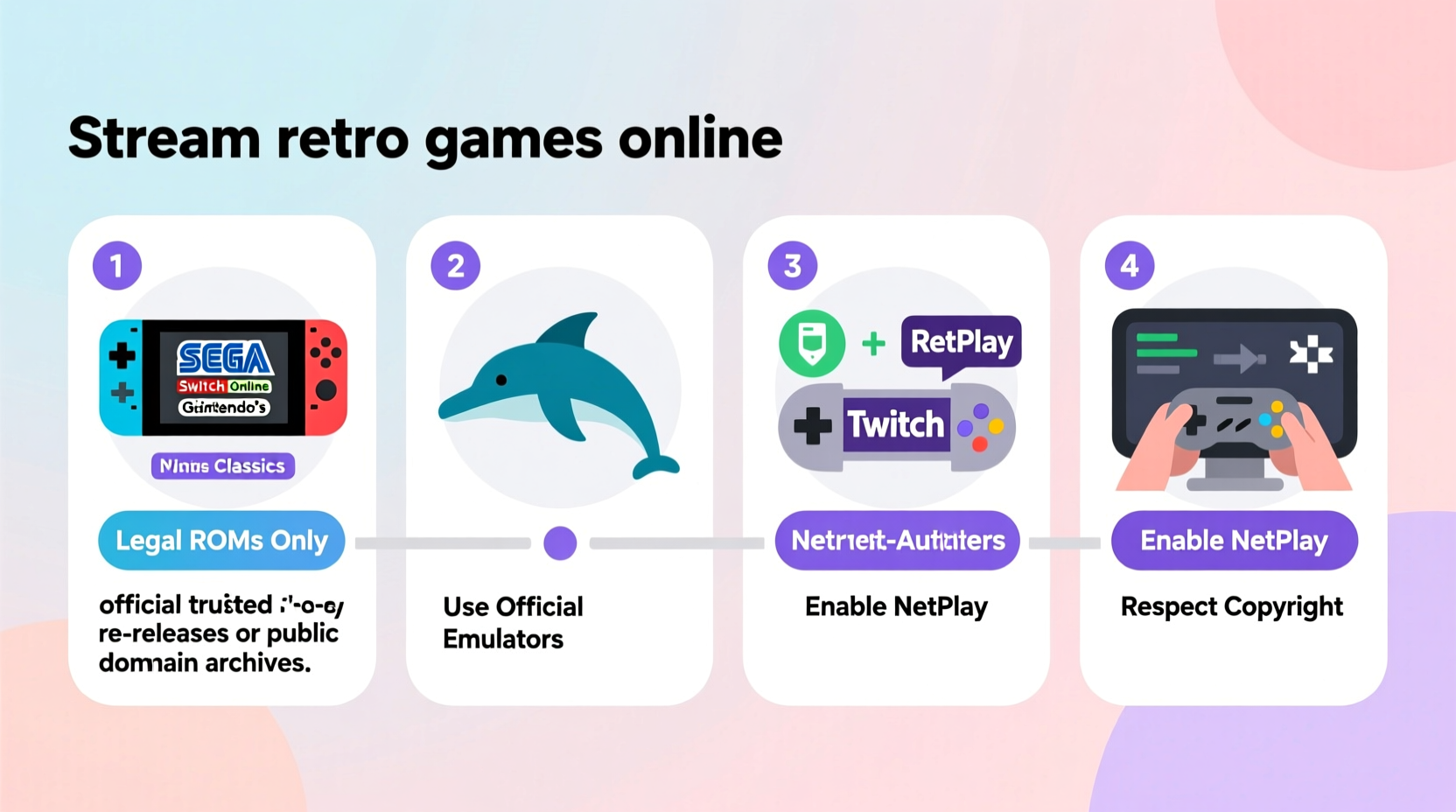
Before setting up a streaming session, it's essential to clarify what is and isn’t legal when using emulators. Emulation software, such as RetroArch, DuckStation, or Mesen, replicates the hardware of vintage consoles on modern computers. These tools are developed independently and do not contain any proprietary code from console manufacturers. As such, they fall under fair use in most jurisdictions, especially when used for archival or compatibility purposes.
Where legality becomes murky is in the use of ROMs (game files) and BIOS dumps (system firmware). Distributing or downloading these files without owning the original media is a clear violation of copyright. However, if you own a physical copy of a game—say, an SNES cartridge—you are generally allowed to create a backup ROM for personal use. This principle, known as “format shifting,” is recognized in some countries, including the U.S., under specific conditions.
“Emulators are like VCRs—they don’t infringe copyright simply by existing. It’s how you use them that matters.” — James Grimmelmann, Professor of Digital Law, Cornell Tech
To stay compliant:
- Only use ROMs you’ve created from games you physically own.
- Avoid public sharing or uploading of ROMs, even among friends.
- Never download BIOS files; extract them yourself from original hardware if required.
Setting Up Your Emulator for Online Play
Not all emulators support netplay—the feature that allows multiple users to play the same game simultaneously over the internet. You’ll need one designed for multiplayer synchronization. RetroArch is the most widely used option due to its cross-platform support and robust netplay functionality.
Here’s how to configure RetroArch for online retro gaming:
- Download RetroArch from the official site (retroarch.com). Avoid third-party mirrors to prevent malware.
- Install cores for the systems you want to play (e.g., Snes9x for Super Nintendo, PCSX-ReARMed for PS1).
- Load your legally backed-up ROM into the emulator.
- Navigate to Main Menu > Netplay and select Host a Netplay Session.
- Choose input polling settings carefully—lag can occur if players have mismatched connection speeds.
- Share the session IP address or lobby link with your friends.
Your friends must have the same ROM file and core version installed. RetroArch verifies hash integrity before syncing, ensuring both parties are using identical game data.
| Console | Recommended Core | Netplay Stability |
|---|---|---|
| NES / Famicom | FCEUmm | Excellent |
| SNES | Snes9x | Very Good |
| Sega Genesis | Genesis Plus GX | Good |
| PlayStation 1 | DuckStation | Fair (requires strong connection) |
| Nintendo 64 | MelonDS or Mupen64Plus | Poor (high latency common) |
For non-RetroArch options, standalone emulators like bsnes (for SNES) offer high accuracy and built-in netplay, though setup may be less intuitive.
Streaming Your Gameplay Publicly Without Legal Risk
If you plan to broadcast your retro gaming sessions on Twitch, YouTube, or Facebook Gaming, additional considerations apply. While emulators are legal, streaming copyrighted game content—even from your own ROM—can trigger automated takedowns or channel penalties.
Most major platforms use audio fingerprinting systems that detect music and sound effects from commercial games. Nintendo, in particular, actively polices unauthorized streams of its IPs. To minimize risk:
- Avoid monetizing retro gameplay unless you have explicit permission.
- Use overlays and commentary to increase transformative value, which strengthens fair use claims.
- Disable audio during sensitive scenes (e.g., title screens with registered music).
- Check platform-specific policies: Twitch allows retro game streaming under certain conditions, while YouTube is more aggressive with Content ID claims.
Mini Case Study: The Retro Game Night Club
A group of college friends from Chicago, Toronto, and Berlin started a weekly retro game night using RetroArch netplay. They each owned original copies of *Super Mario World*, *The Legend of Zelda: A Link to the Past*, and *Streets of Rage 2*. Before connecting, they ripped their own ROMs and verified hash matches. Using a Discord voice channel for coordination, they hosted rotating sessions every Friday.
To avoid complications, they agreed never to record or upload gameplay. Their rule: “If it’s not shared publicly, it stays private and legal.” Over six months, they expanded to include *Mario Kart* tournaments and co-op runs of *Contra III*. What began as nostalgia evolved into a meaningful social ritual—one that respected both technology and copyright.
Optimizing Performance and Reducing Lag
Netplay performance depends heavily on network stability and hardware capability. Even with fast internet, poor configuration can lead to input delay, desync, or crashes.
Step-by-Step Guide to Minimize Latency
- Test your upload speed: Hosting requires at least 5 Mbps upload bandwidth. Use speedtest.net to verify.
- Enable frame skip in the emulator settings if lag occurs (use sparingly to preserve gameplay integrity).
- Use wired Ethernet instead of Wi-Fi to reduce packet loss.
- Close background apps that consume bandwidth (cloud sync, video calls, downloads).
- Select a host geographically central to all players to balance ping times.
- Sync save states before starting to ensure everyone begins from the same point.
In RetroArch, enable ‘Run-Ahead’ for up to 3 frames of input prediction. This feature compensates for minor delays by simulating future inputs, effectively masking lag. However, it increases CPU usage and should only be used on powerful machines.
“Low-latency netplay is about consistency, not raw speed. A stable 60ms connection beats a fluctuating 20ms one.” — Alex Chen, Emulator Developer & Netcode Specialist
Essential Checklist for Legal and Smooth Retro Streaming
Follow this checklist before every session to ensure compliance and optimal experience:
- ✅ Own physical copies of all games being played
- ✅ Create ROMs personally via dumping hardware or trusted tools
- ✅ Verify ROM hashes match known good databases (e.g., No-Intro)
- ✅ Install matching emulator versions and cores across all devices
- ✅ Test netplay connection with a short session before extended play
- ✅ Use encrypted communication (Discord, Signal) for coordination
- ✅ Avoid recording or rebroadcasting gameplay publicly
- ✅ Keep session logs (dates, participants, games) for accountability
Frequently Asked Questions
Can I share my ROMs with friends who also own the game?
No. Even if your friend owns a copy, distributing a digital file constitutes copyright infringement. Each person must create their own backup from their physical copy.
Is cloud-based emulation legal?
Services like EmuParadise or browser-based emulators that host ROMs are illegal because they distribute copyrighted material without authorization. Self-hosted, private emulation is the only safe method.
What if I lose my original cartridge? Can I still use my old ROM?
This is a gray area. Legally, your right to use a backup is tied to ownership of the original. If the cartridge is lost or destroyed, some argue archival use remains acceptable for personal purposes, but there’s no legal precedent guaranteeing protection.
Conclusion: Reconnect, Respect, and Replay
Streaming retro games with friends online blends technological innovation with nostalgic joy—but only works long-term if done responsibly. By respecting copyright, investing in proper setup, and prioritizing fairness in multiplayer experiences, you preserve both the legacy of classic games and the trust of the gaming community.
The tools are available, the methods are proven, and the memories await. Whether you're racing through Mushroom Kingdom or surviving zombie outbreaks in Raccoon City, do it right: with clean ROMs, synced netplay, and a clear conscience. The past deserves to be played—not pirated.




 浙公网安备
33010002000092号
浙公网安备
33010002000092号 浙B2-20120091-4
Comments
No comments yet. Why don't you start the discussion?