
Navigating subscription services can be convenient—until it's time to cancel and you're faced with unexpected charges or difficulty securing a refund. Hulu, one of the most popular streaming platforms in the U.S., offers flexible plans and a vast content library, but like any service, there are times when customers need to cancel and reclaim funds. Whether you were charged after cancellation, signed up accidentally, or experienced technical issues, knowing how to properly request a refund increases your chances of success. This guide walks you through the entire process—from preparation to follow-up—with actionable strategies and real-world insights.
Understand Hulu’s Refund Policy First
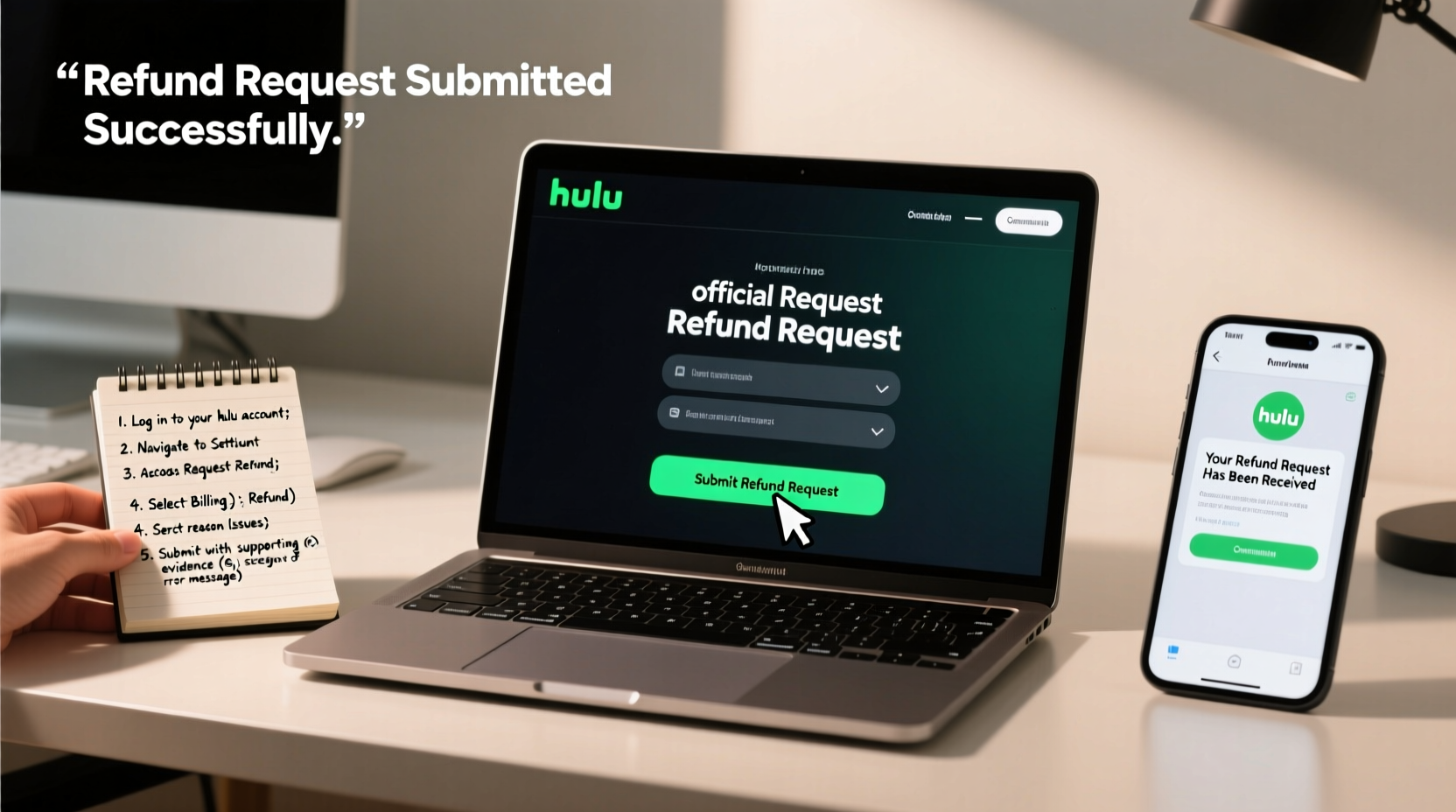
Hulu does not offer automatic refunds for active subscriptions. However, exceptions exist under specific circumstances. According to Hulu’s official billing policy, refunds may be issued if:
- You were charged after canceling your subscription.
- You were billed for a free trial period.
- You experienced duplicate charges.
- The service was unavailable for an extended period due to outages.
- You were charged during a promotional period that promised no fees.
It’s important to note that simply changing your mind after a few days of use is typically not sufficient grounds for a refund. Hulu considers its subscriptions “non-refundable” under normal conditions. That said, customer service representatives often have discretion to issue goodwill refunds, especially for first-time requests or in cases of clear billing errors.
“While Hulu’s policy appears strict, their support team resolves many refund requests on a case-by-case basis—especially when customers present clear evidence and remain polite.” — Sarah Lin, Consumer Advocacy Specialist
Step-by-Step Guide to Requesting a Hulu Refund
Securing a refund from Hulu requires more than just sending a quick message. Follow these seven steps to maximize your chances of approval.
- Gather Your Account Information: Have your email address, payment method, account ID (found in settings), and billing dates ready. This information speeds up verification.
- Review Your Billing History: Log into your Hulu account and check the “Billing & Payments” section. Note the exact date and amount of the disputed charge.
- Check for Unauthorized or Duplicate Charges: Compare Hulu’s charges with your bank or credit card statement. If you see two identical payments within a short timeframe, highlight this as a potential error.
- Contact Hulu Support via Official Channels: Use the Hulu Help Center (help.hulu.com) to submit a refund request. Navigate to “Billing & Payments,” then “Request a Refund.” Alternatively, call Hulu customer service at 1-877-485-8980.
- Be Clear and Polite in Your Request: Explain your situation concisely. For example: “I canceled my subscription on [date], but was charged on [date]. I kindly request a refund for this amount.” Avoid emotional language.
- Follow Up Within 48 Hours: If you don’t receive a response, send a follow-up message or call again. Persistence pays off—many refunds are approved after second contact.
- Escalate If Necessary: If frontline support denies your request without justification, ask to speak with a supervisor or file a complaint through third-party channels like the Better Business Bureau (BBB).
When and How to Escalate Your Refund Request
If Hulu denies your initial request or fails to respond, escalation is appropriate—but it must be strategic. Begin by filing a formal complaint with the BBB at bbb.org. Include all relevant details: dates, charges, screenshots, and correspondence. The BBB forwards complaints directly to the company, often prompting faster resolution.
Another effective option is disputing the charge with your bank or credit card provider. Most financial institutions allow disputes for unauthorized or erroneous charges within 60 days. When initiating a dispute:
- Provide evidence such as cancellation confirmation emails.
- Explain why the charge was invalid (e.g., post-cancellation billing).
- Note whether you contacted Hulu and received no resolution.
While chargebacks work, they should be a last resort. Hulu may blacklist your email or payment method from future sign-ups if they detect a dispute.
Refund Success: A Real Customer Example
Jamie R., a Hulu subscriber from Austin, Texas, signed up for a free trial but was mistakenly charged $7.99 shortly after. She canceled immediately but didn’t receive a refund. Here’s what she did:
- Logged into her Hulu account and confirmed the charge date.
- Contacted support via chat, explaining the trial was supposed to be free.
- Attached a screenshot of the promotional page stating “No charges during trial.”
- Followed up two days later when no response came.
On the third day, Hulu issued a full refund and apologized for the error. Jamie’s case highlights the importance of documentation and persistence—even small amounts can be recovered with the right approach.
Do’s and Don’ts When Requesting a Refund
| Do’s | Don’ts |
|---|---|
| Keep records of all transactions and communications. | Wait more than 30 days to report an error. |
| Be polite and professional in all messages. | Threaten legal action in initial contact. |
| Use official Hulu support channels. | Assume automatic eligibility for refunds. |
| Escalate to BBB or bank if unresolved. | Submit multiple refund requests simultaneously. |
Frequently Asked Questions
Can I get a refund if I forgot to cancel before my free trial ended?
Generally, no. Hulu clearly states that users are responsible for canceling before the trial ends. However, if this is your first time using Hulu and the transition felt misleading, a goodwill refund may be granted upon request—especially if you act quickly.
How long does Hulu take to process a refund?
If approved, refunds typically appear in your account within 5–10 business days, depending on your payment method. Bank transfers may take longer than credit card reversals.
Will canceling my Hulu account automatically trigger a refund?
No. Cancellation stops future charges but does not reverse past payments. You must explicitly request a refund for any disputed amount.
Final Checklist Before Submitting Your Refund Request
- ✅ Verified the exact date and amount of the disputed charge.
- ✅ Confirmed your subscription status (active or canceled).
- ✅ Collected screenshots of billing history and cancellation proof.
- ✅ Drafted a clear, respectful message outlining your request.
- ✅ Prepared to follow up within 48 hours if no response.
Take Action and Protect Your Rights
Requesting a refund from Hulu doesn’t have to be intimidating. With the right information, a calm tone, and a structured approach, many subscribers recover unwanted charges. Companies like Hulu rely on the assumption that most users won’t pursue refunds—but you’re not most users. By understanding the process, documenting everything, and knowing when to escalate, you protect your financial interests and hold service providers accountable. Don’t let a small charge go unchallenged. Take the steps today, and reclaim what’s rightfully yours.




 浙公网安备
33010002000092号
浙公网安备
33010002000092号 浙B2-20120091-4
Comments
No comments yet. Why don't you start the discussion?