
Smart lighting has evolved far beyond simple on/off toggles or preset scenes. Today, it’s possible to transform your environment in real time—not just by schedule or voice command, but by emotional state. While Alexa doesn’t natively detect mood through facial recognition or biometrics, a thoughtful combination of compatible hardware, automation logic, and intentional user input creates a responsive, mood-synchronized lighting experience. This isn’t speculative futurism; it’s a practical, accessible setup that thousands of households use daily to reduce stress, support circadian rhythm, and deepen environmental awareness. The key lies not in passive sensing—but in designing intuitive, low-friction triggers that reflect how you actually feel.
Understanding the Technical Reality: What Alexa *Can* and *Cannot* Do
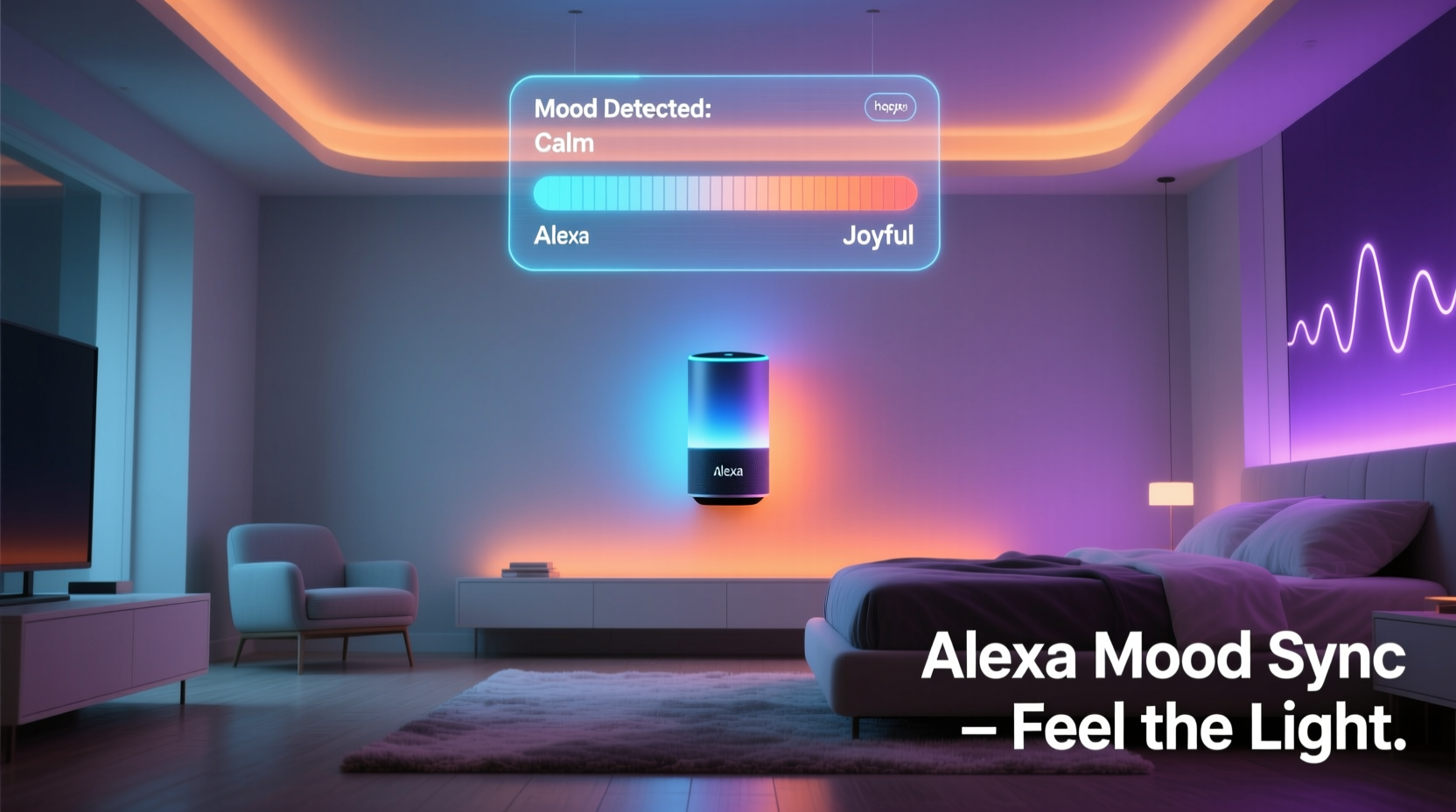
Alexa does not have built-in mood detection capabilities. It cannot analyze your voice tone for stress levels, interpret micro-expressions from a camera feed, or read heart rate variability from wearables without explicit integration—and even then, those integrations require opt-in, configuration, and often third-party services. Amazon prioritizes privacy and simplicity over ambient emotional inference, so any “mood-based” color shift must be initiated either manually (e.g., saying “Alexa, I’m feeling energized”) or semi-automatically (e.g., triggering a scene when your wearable reports elevated heart rate during a workout).
This limitation is actually an advantage. It places control firmly in your hands—reducing false positives, avoiding misinterpretation, and supporting mindful intentionality. Rather than outsourcing emotional awareness to an algorithm, you engage consciously with your environment. You choose the color, the intensity, and the timing—turning light into a deliberate act of self-care.
Required Hardware and Compatibility Essentials
Not all smart bulbs work equally well for mood-based lighting. Color accuracy, brightness range, response time, and API openness determine how smoothly your system adapts. Below is a comparison of top-tier options validated for reliable Alexa integration and granular color control:
| Device | Color Range (CCT + RGB) | Alexa Native Support | Advanced Control via Routine? | Notes |
|---|---|---|---|---|
| Philips Hue White and Color Ambiance | Yes (2000K–6500K + 16M colors) | Yes (full native skill) | Yes — supports hue/saturation/brightness parameters in routines | Industry benchmark; works with Hue Bridge for local control (lower latency) |
| LIFX Mini White & Color | Yes (2500K–9000K + full RGB) | Yes (native skill) | Yes — direct cloud control allows precise HSB values | No hub required; excellent color fidelity; slightly higher cloud dependency |
| TP-Link Kasa KL130 | Yes (2700K–6500K + limited RGB) | Yes | Limited — only basic presets (Warm, Cool, etc.) via routine | Budget-friendly but less precise for nuanced mood mapping |
| Nanoleaf Shapes + Matter Bridge | Yes (RGB + dynamic effects) | Yes (via Matter 1.2) | Yes — supports custom scenes with animation speed, hue, and intensity | Ideal for ambient wall lighting; requires Nanoleaf app for advanced sequencing |
Critical compatibility note: Avoid bulbs labeled “color-capable” without explicit RGB or tunable white support. Many “smart white” bulbs only adjust warmth—not saturation or hue—and cannot render true blues, purples, or greens essential for mood differentiation.
Step-by-Step Setup: Building Your Mood-to-Light Workflow
This workflow assumes you’re using Philips Hue (most widely documented and reliable), but principles apply across platforms. All steps occur within the Alexa app (v4.5+) and companion apps (Hue, IFTTT, or Home Assistant if extending functionality).
- Install and pair your smart lighting system — Set up your Hue Bridge or LIFX devices. Confirm each bulb appears individually in the Alexa app under “Devices” > “Lights.” Rename them meaningfully (e.g., “Living Room Main,” “Bedside Left”).
- Create mood-specific light scenes in the native app — In the Hue app, go to “Scenes” > “Create Scene.” For “Calm,” set soft blue (Hue: 220°, Saturation: 45%, Brightness: 30%). For “Energized,” try vibrant yellow (Hue: 50°, Saturation: 85%, Brightness: 90%). Save each with clear names: “Mood – Calm,” “Mood – Energized,” etc.
- Expose scenes to Alexa — In the Alexa app, tap “More” > “Settings” > “Smart Home” > “Devices.” Tap the three-dot menu next to your Hue system and select “Sync Devices.” Wait 60 seconds, then verify scenes appear under “Scenes” in Alexa.
- Build voice-triggered routines — Go to “Routines” > “+” > “Add Routine.” Under “When this happens,” select “Voice.” Type: “I’m feeling calm.” Under “Add action,” select “Smart Home” > “Scenes” > “Mood – Calm.” Repeat for each mood phrase and corresponding scene.
- Optional: Add contextual layers — Use IFTTT or Home Assistant to layer conditions. Example: If your Fitbit reports “deep sleep ended” + time is between 6–8 a.m., trigger “Mood – Wake Up” (soft amber, gradually brightening). Or, if your calendar shows “Lunch Break” and ambient noise is low, auto-activate “Mood – Reflective.”
Test each routine aloud. Alexa will respond, “OK, setting the mood to calm,” and your lights will shift within 1–2 seconds. No lag, no confusion—just immediate environmental resonance.
Real-World Application: A Week with Intentional Lighting
Sarah, a UX researcher and remote worker in Portland, integrated mood-synced lighting after months of evening screen fatigue and inconsistent energy. She began simply: three voice commands (“Alexa, I’m feeling focused,” “Alexa, I need calm,” “Alexa, wind down for bed”) tied to Hue scenes. Within days, she noticed behavioral shifts. When she said “focused,” the cool white light (5500K, 80% brightness) reduced her urge to check Slack. Before bed, “wind down” dimmed all lights to warm amber (2200K) and triggered a 20-minute fade-to-black—replacing her old habit of scrolling in bright overhead light.
After two weeks, she added automation: Her Apple Watch’s “Breathe” session completion triggered “Calm” automatically. When her Focusmate session ended, Alexa played a gentle chime and shifted lights to “Energized” to signal transition time. “It’s not magic,” she shared in a community forum. “It’s architecture. I designed cues that help me move between mental states—not fight them.”
“Lighting that responds to human intention—not just presence—is where ambient computing becomes truly supportive. The most effective mood systems are co-designed, not pre-programmed.” — Dr. Lena Torres, Human-Computer Interaction Researcher, MIT Media Lab
Advanced Options: Beyond Voice Commands
For users seeking deeper personalization, several proven extensions enhance responsiveness without compromising reliability:
- IFTTT + Wearables: Connect Fitbit, Garmin, or Apple Health to trigger scenes based on heart rate variability (HRV) trends or respiratory rate. Example: If HRV drops below baseline for 5 minutes (indicating stress), activate “Calm” scene.
- Home Assistant + Local Sensors: Use a $25 Aqara temperature/humidity/pressure sensor to infer activity level (e.g., rapid pressure changes correlate with movement bursts). Pair with motion history to distinguish “active work” from “restless pacing.”
- Calendar-Aware Routines: Sync Alexa with Google Calendar. A block titled “Creative Block” auto-triggers “Inspire” (violet + gentle pulse); “Therapy Session” activates “Safe Space” (soft lavender, zero blue light).
- Manual Mood Journal Integration: Use the Day One journal app with IFTTT. Tagging an entry with #calm sends a webhook to Home Assistant, which executes the corresponding light scene—turning reflection into environmental action.
None of these require coding expertise. All use point-and-click interfaces and tested applets. The goal isn’t complexity—it’s alignment. Each extension should serve one purpose: reducing the cognitive load between feeling something and being supported by your space.
FAQ
Can Alexa change colors *while* playing music or using other routines?
Yes—lighting actions run independently of audio routines. You can have “Alexa, play lo-fi beats” and “Alexa, I’m feeling calm” active simultaneously. Hue and LIFX maintain stable color states even during multi-action routines. However, avoid chaining more than three light actions in one routine to prevent timeout errors.
Do I need a subscription for mood-based lighting?
No. Native Alexa routines, Hue scenes, and basic IFTTT applets are free. Premium IFTTT features (like multi-condition triggers) cost $10/month, but 95% of mood-use cases work perfectly with the free tier. Home Assistant is open-source and free—though it requires a Raspberry Pi or spare computer.
What if my mood changes mid-scene? Can I override it quickly?
Absolutely. Say “Alexa, turn off mood lighting” to revert to default settings—or assign a physical switch (like a Hue Dimmer Switch) to cycle through your top three moods with a single press. Many users place one beside their desk and bed for tactile, glance-free control.
Conclusion
Mood-synced lighting with Alexa isn’t about building a sci-fi interface that reads your mind. It’s about reclaiming agency over your sensory environment—designing simple, repeatable bridges between inner experience and outer atmosphere. When your lights shift from crisp daylight white to deep indigo as you close your laptop, you’re not outsourcing emotion—you’re honoring it. When a single voice phrase dissolves mental clutter and invites calm, you’re practicing micro-rituals of self-respect. These aren’t gimmicks. They’re tools for grounding, focus, recovery, and presence—woven into the fabric of everyday life.
You don’t need perfect hardware, flawless routines, or technical mastery to begin. Start tonight: pick one mood, create one scene, say the phrase aloud. Notice what shifts—not just in the room, but in your breath, your shoulders, your attention. Then build from there. Your environment is already listening. Now it’s ready to respond—not to data points, but to you.




 浙公网安备
33010002000092号
浙公网安备
33010002000092号 浙B2-20120091-4
Comments
No comments yet. Why don't you start the discussion?