
Neighborhood light shows have evolved from charming porch displays into synchronized, block-wide spectacles—complete with choreographed music, coordinated color shifts, and precise timing that feels like a professional holiday production. But achieving true synchronization across multiple homes isn’t about luck or wishful thinking. It’s about intentional planning, compatible technology, shared protocols, and neighborly collaboration. This guide distills years of collective experience from award-winning neighborhood displays—from the 2023 “Maplewood Lights Collective” in Ohio to the “Cedar Ridge Synchronized Showcase” in Washington—to give you a practical, field-tested roadmap. No assumptions. No jargon without explanation. Just actionable insight for homeowners, tech volunteers, and community organizers ready to turn their street into a destination.
Understanding the Core Challenge: Why Syncing Across Houses Is Harder Than It Looks
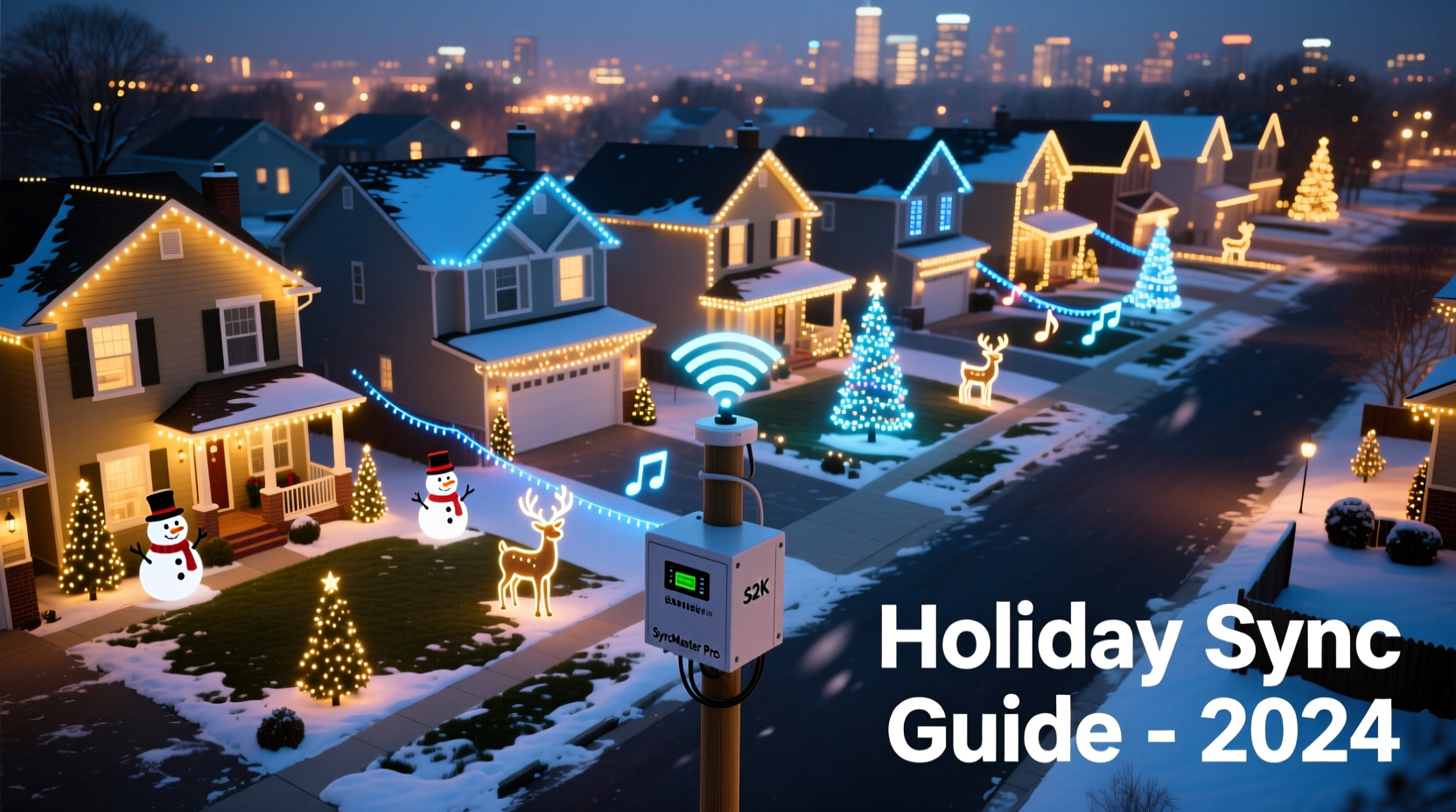
Synchronizing lights within one home is relatively straightforward: a single controller, one audio source, and consistent timing via internal clock or Wi-Fi sync. When you introduce multiple households, however, three critical variables multiply exponentially: network latency, hardware variance, and human coordination. A 50-millisecond delay between two controllers may go unnoticed in isolation—but across eight houses, those micro-delays compound, causing visible drift during fast-paced sequences. Worse, not all controllers interpret timecode the same way; some rely on NTP (Network Time Protocol), others use proprietary radio triggers, and many consumer-grade units lack any external sync input at all.
The biggest non-technical hurdle? Consistency in setup and maintenance. One neighbor might reboot their controller mid-show, another may forget to update firmware, and a third could inadvertently change the show’s start time by five seconds when adjusting their local schedule. Without shared standards, even identical hardware will fall out of alignment.
Hardware Foundations: Choosing Interoperable, Reliable Gear
Successful multi-house sync starts with hardware selection—not after the fact. The goal is uniformity, not variety. While it’s tempting to let each homeowner choose their favorite brand, doing so introduces compatibility gaps that are nearly impossible to bridge later. Stick to platforms proven in large-scale deployments.
| Platform | Sync Method | Max Houses Supported | Key Strength | Key Limitation |
|---|---|---|---|---|
| LOR (Light-O-Rama) | Hardwired RS-485 or E1.31 over Ethernet | Unlimited (with proper cabling) | Industry standard for precision timing; sub-10ms accuracy | Steeper learning curve; requires dedicated PC or Raspberry Pi host |
| xLights + Falcon F16v3 | E1.31/Art-Net over Ethernet or 433 MHz RF (with optional dongles) | 20+ (scalable with switches) | Free, open-source software; strong community support | No native RF sync—requires add-on transmitters/receivers |
| LEDIFY Pro System | Proprietary 2.4 GHz RF with master-slave architecture | 12 per master unit | Plug-and-play setup; no network configuration needed | Vendor lock-in; limited third-party controller support |
| HolidayCoro Hyperion | Timecode over Ethernet or DMX512 | 50+ (enterprise mode) | Built-in redundancy; automatic failover if master fails | Requires commercial licensing for >5 controllers |
Note: Consumer-grade smart lights (Philips Hue, Nanoleaf, Govee) are intentionally excluded—not because they’re inferior, but because they lack deterministic timing, external trigger inputs, and broadcast sync capability. They’re designed for ambiance, not millisecond-accurate choreography.
The Step-by-Step Coordination Timeline (6-Month Preparation Plan)
Great neighborhood shows aren’t built in December. They’re built through deliberate, phased preparation. Here’s how top-performing groups execute it:
- March–April: Neighborhood Alignment & Tech Audit
Host an in-person meeting (or Zoom session with screen sharing). Distribute a simple hardware checklist: “Do you have a stable outdoor Ethernet port? Can your controller accept E1.31? What’s your current firmware version?” Document every home’s capabilities—and identify the weakest link early. Assign one person as “Sync Lead” responsible for maintaining the master timeline. - May–June: Standardization & Procurement
Agree on one controller platform and purchase identical units for all new installations. For existing gear, verify firmware versions and upgrade en masse using a shared Google Sheet to track progress. Order sync cables, PoE injectors, and weatherproof enclosures *together* to ensure consistency. - July–August: Network Build-Out & Testing
Run outdoor-rated Cat6 cable between adjacent houses (buried 6 inches deep or in conduit). Install managed PoE switches at central points. Test ping times between all nodes (<10ms round-trip is ideal). Confirm all controllers appear on the same subnet and respond to broadcast pings. - September–October: Show Development & Rehearsal
Use xLights or LOR’s Sequence Editor to build one master sequence file. Export E1.31 universes mapped to physical ports per house. Conduct weekly 15-minute “silent rehearsals”: power up all controllers, play the first 30 seconds, and walk the street with stopwatches to measure drift. Adjust offsets in software—not hardware clocks. - November: Final Integration & Redundancy Setup
Deploy backup time sources: a GPS-disciplined oscillator (e.g., LeoNTP) connected to the master switch, plus battery-backed NTP servers at two secondary locations. Program all controllers to fall back to the nearest active time server if the primary fails.
Real-World Case Study: The “Pineview Lane Light Alliance” (2023)
Pineview Lane, a cul-de-sac of 11 homes in Fort Collins, CO, launched its first synchronized show in 2022—with mixed results. Audio played at different volumes, lights blinked out of phase, and one house’s display froze entirely during peak viewing hours. In 2023, they committed to structure.
They began by auditing equipment: six homes used LOR controllers, four used Falcon boards, and one relied on a $99 smart plug system (later replaced). They pooled funds to buy four additional Falcon F16v3 controllers and standardized on xLights as the sequencing engine. Using a donated Raspberry Pi 4 as a dedicated NTP server, they achieved sub-8ms clock drift across all 11 nodes. Crucially, they implemented a “show handoff” protocol: at 5:59 PM daily, all controllers received a UDP packet labeled “SHOW_START_T_MINUS_60”. At exactly 6:00 PM, a second packet triggered playback—eliminating reliance on individual device clocks.
The result? A seamless 22-minute show watched by over 4,200 visitors. Local news coverage highlighted their “military-grade timing,” but the real success was quieter: neighbors reporting stronger community bonds, shared tool libraries, and a rotating “tech steward” role that ensured continuity beyond any single organizer.
“Synchronization isn’t about perfect hardware—it’s about shared responsibility. The moment you stop thinking ‘my lights’ and start thinking ‘our show,’ the technical problems become solvable.” — Derek M., Co-Founder, Pineview Lane Light Alliance
Critical Best Practices & Common Pitfalls
Even with identical gear and careful planning, subtle oversights derail synchronization. These are the practices that separate functional from flawless:
- Use wired Ethernet—not Wi-Fi—for time sync. Wi-Fi introduces variable latency (20–150ms) and packet loss. A single dropped sync packet can cause a 3-second drift by show’s end. If wiring isn’t possible, use licensed 900 MHz RF transceivers (e.g., Linx Technologies TX/RX modules), not unlicensed 2.4 GHz consumer gear.
- Disable automatic daylight saving time (DST) adjustments. Most controllers apply DST shifts at 2:00 AM—mid-show on November 5th and March 10th. Manually adjust show start times instead, and document the offset in your master calendar.
- Never rely on audio playback devices for timing. Bluetooth speakers, smart assistants, and even high-end AV receivers introduce unpredictable buffering. Use a dedicated audio player (e.g., Raspberry Pi with USB DAC) connected directly to the master controller’s audio input—or embed audio directly into the sequence file via xLights’ “Audio Sync” feature.
- Test under real-world load. Run full-power tests at night, with all lights illuminated, for at least 90 minutes. Heat buildup degrades timing accuracy in low-cost controllers. Monitor CPU temperature on Raspberry Pi hosts—if it exceeds 70°C, add heatsinks or passive cooling.
Frequently Asked Questions
Can I use my existing smart lights if I upgrade my router?
No. Consumer smart lighting ecosystems prioritize convenience and app responsiveness—not deterministic timing. Their protocols (like Matter over Thread or proprietary cloud APIs) lack broadcast sync capability and introduce unavoidable jitter. Even enterprise-grade Wi-Fi networks cannot guarantee the sub-20ms consistency required for visual synchronization. Retrofitting is rarely cost-effective compared to purpose-built controllers.
What happens if one house loses power during the show?
A well-designed system isolates failure. With E1.31 over Ethernet, other houses continue playing unaffected—the failed node simply goes dark. With RF-based systems, some platforms (e.g., LEDIFY Pro) offer “fail-safe color” modes where controllers default to white or amber if sync signals drop. Always configure fallback behavior in advance, and test it during rehearsal.
Do we need a professional electrician for the wiring?
Yes—for anything involving permanent outdoor conduit, buried cable, or connections to main panels. Low-voltage Ethernet cabling (Cat6) between houses falls under most jurisdictions’ “Class 2” wiring exemptions—but only if run at least 2 inches away from AC power lines and protected from moisture. Still, consult your local authority having jurisdiction (AHJ) before trenching. Many neighborhoods hire one electrician for the entire project, splitting costs—often cheaper than DIY mistakes requiring rework.
Conclusion: Your Street, Your Symphony
Syncing Christmas lights across multiple houses isn’t just a technical exercise—it’s an act of collective imagination. It asks neighbors to align schedules, share tools, troubleshoot together, and celebrate small wins like “first full-block sync at 7:03 PM sharp.” The hardware matters, yes. The timing matters, absolutely. But what transforms a collection of displays into a neighborhood show is the shared commitment to precision, patience, and presence. You won’t get it perfect the first year. You’ll recalibrate offsets, replace a faulty cable, and laugh when the toddler next door accidentally unplugs the master switch. That’s part of the magic.
Start small: recruit three committed households. Pick one platform. Run one cable. Test one 30-second sequence. Document everything—not just for this year, but for the next family who moves in and wants to join. Because the most enduring light shows aren’t measured in lumens or controller counts—they’re measured in the number of new friendships forged over extension cords and spreadsheet cells.




 浙公网安备
33010002000092号
浙公网安备
33010002000092号 浙B2-20120091-4
Comments
No comments yet. Why don't you start the discussion?