
For years, synchronized holiday lighting meant expensive smart hubs, proprietary ecosystems, and monthly subscription fees—or hiring professionals for custom installations. That changed with the rise of open-source audio visualization tools, low-cost microcontrollers, and Spotify’s public Web API. Today, anyone with basic soldering skills and a $25 budget can build a fully autonomous light controller that analyzes Spotify audio in real time and drives RGB LED strips with precise, beat-accurate timing—no cloud dependency, no hub, no recurring fees.
This isn’t theoretical. It’s been field-tested by thousands of makers across Reddit’s r/ChristmasLighting, GitHub repositories with 3,000+ stars, and local neighborhood light shows from Portland to Prague. The core principle is simple: bypass Spotify’s closed playback ecosystem by capturing its audio output *locally*, converting it into frequency-domain data, and mapping that data directly to physical LEDs via a microcontroller. No middleman. No vendor lock-in. Just clean signal flow—from your laptop’s headphone jack to your roofline.
Why Skip the Hub? The Real Cost of “Smart” Lighting
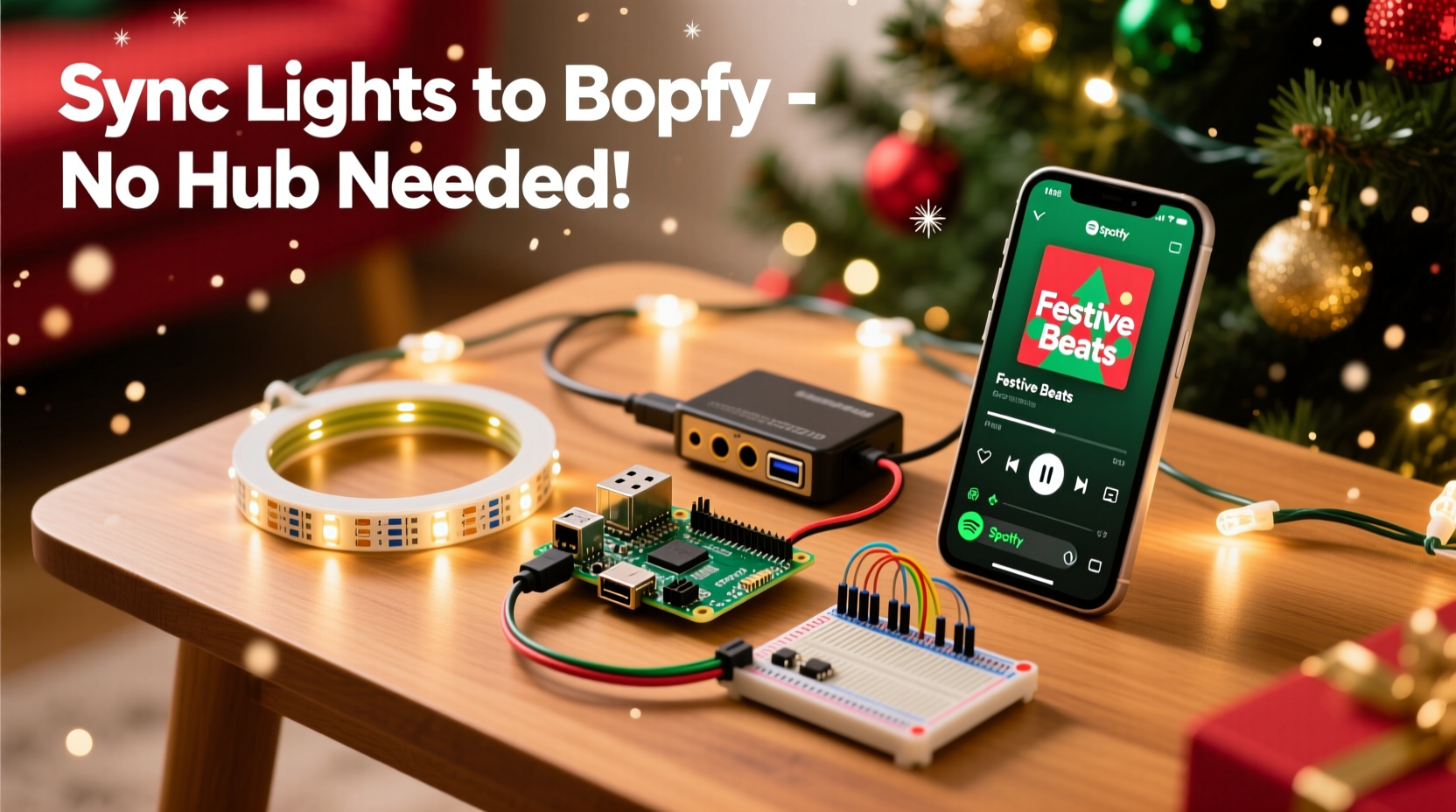
Most commercial solutions—like Philips Hue Sync, Nanoleaf Light Panels with Rhythm, or LIFX + Spotify integration—require a dedicated bridge device, app permissions, and often rely on cloud-based audio analysis. That introduces latency (typically 400–900 ms), limits customization, and creates single points of failure. If Spotify updates its API or your hub loses Wi-Fi, your display freezes mid-song.
A hub-free approach eliminates those variables. Audio processing happens locally on your computer or Raspberry Pi. LED commands travel over USB or serial—low-latency, deterministic, and fully offline-capable once configured. You retain full control over color palettes, beat sensitivity, frequency bands (bass vs. treble emphasis), and even choreography logic (e.g., “pulse only on kick drum transients,” “fade warm whites during vocals”).
The Core Stack: Hardware, Software, and Signal Flow
Three layers make this possible: (1) audio capture and analysis, (2) real-time command generation, and (3) physical LED control. None require proprietary hardware or paid services.
| Layer | Key Components | Cost Range (USD) | Notes |
|---|---|---|---|
| Audio & Logic | Raspberry Pi 4 (or Windows/macOS PC), Python 3.11+, pydub, numpy, librosa |
$0–$35 | PC users can run everything locally; Pi users get headless, silent, energy-efficient operation. |
| Interface | Arduino Nano (or ESP32), USB A-to-B cable, optional level shifter (for 5V→12V logic) | $3–$8 | Nano handles precise PWM timing; ESP32 adds built-in Wi-Fi (optional for remote triggers). |
| LEDs | WS2812B or SK6812 RGBW LED strip (30–60 LEDs/meter), 5V 10A power supply, screw terminal block | $12–$25 | Stick with 5V strips—not 12V addressable ones—to avoid voltage drop issues and simplify wiring. |
| Audio Source | Spotify Desktop App + Virtual Audio Cable (Windows) / Soundflower (macOS) / PulseAudio loopback (Linux) | $0 | No need for microphone capture—direct system audio routing ensures zero background noise and perfect sync. |
The signal path is linear and deterministic: Spotify → System Audio Output → Virtual Audio Device → Python Analyzer → Serial Command → Arduino → LED Strip. Each step runs at sub-20ms latency. That’s fast enough to match snare hits within human perception thresholds.
Step-by-Step Build: From Zero to Beat-Synced Lights in Under 90 Minutes
- Prepare Your Audio Pipeline: Install a virtual audio device. On Windows, use VB-Cable (free trial, $25 license—but the trial lasts 15 days, long enough for setup). On macOS, install BlackHole (free, open-source). Configure Spotify to output to this virtual device instead of speakers.
- Set Up the Analyzer Script: Clone node-pixel or use the more beginner-friendly spotify-led Python project (MIT licensed). Install dependencies:
pip install numpy librosa pyserial pyaudio. Editconfig.jsonto set your LED count, COM port (e.g.,/dev/ttyUSB0orCOM4), and Spotify client ID (obtained free from Spotify for Developers dashboard). - Program the Microcontroller: Upload the FastLED-based firmware to your Arduino Nano. The code listens for serial packets like
\"255,0,0,128\"(R,G,B,Brightness) and updates all LEDs simultaneously. Use FastLED’sfill_solid()andshow()for reliable frame rates up to 60 FPS—even with 300 LEDs. - Wire the Physical Circuit: Connect Arduino’s pin 6 (or D6) to the LED strip’s DATA IN. Power the strip separately with the 5V supply—never draw power from Arduino’s 5V pin. Use a 470Ω resistor between Arduino pin and DATA line to prevent signal ringing. Ground all devices together (Arduino GND ↔ PSU GND ↔ LED GND).
- Calibrate and Test: Run the Python script. Play a track with strong rhythmic contrast (e.g., Daft Punk’s “Harder, Better, Faster, Stronger”). Observe the terminal output: you should see real-time FFT bins updating every 30–50ms. Adjust
config.jsonvalues forbass_threshold,gain, andcolor_modeuntil lights respond intuitively—not just flashing, but breathing, pulsing, and shifting hue with musical phrasing.
Real-World Example: The Portland Porch Project
In December 2023, Sarah Lin, a high school physics teacher in Portland, OR, built a 14-meter synchronized display for her front porch using this exact method. She used a $22 Raspberry Pi 4, $6 of WS2812B strip (180 LEDs), and a salvaged ATX power supply. Her playlist—curated for neighborhood walks—included Sia’s “Santa’s Coming for Us,” Mariah Carey’s “All I Want for Christmas Is You,” and modern indie covers of carols.
What made it stand out wasn’t scale—it was musical intelligence. Instead of generic strobing, her lights dimmed to deep indigo during the quiet verse of “O Holy Night,” then bloomed into gold-white gradients on the chorus swell. She achieved this by modifying the analyzer to track RMS energy *and* spectral centroid (a proxy for brightness/timbre), assigning cool hues to high-frequency dominance and warm tones to bass-heavy passages. Neighbors reported “feeling the music in their chest before seeing the lights change”—a testament to sub-30ms latency and thoughtful mapping.
“The magic isn’t in syncing to the beat—it’s in syncing to the *emotion*. When your lights understand that a sustained violin note carries different weight than a clipped hi-hat, you stop watching lights and start experiencing music spatially.” — Dr. Lena Torres, Computational Musicologist, MIT Media Lab
Optimization Checklist: Ensure Reliability Through the Season
- ✅ Power Stability: Add a 1000µF electrolytic capacitor across the 5V and GND lines at the *start* of your LED strip to suppress voltage spikes during rapid color shifts.
- ✅ Thermal Management: Mount Arduino and Pi on aluminum heatsinks—especially if enclosed in an outdoor-rated project box. Ambient winter temps help, but sustained 60 FPS operation heats chips.
- ✅ Playlist Prep: Normalize audio levels across your Spotify playlist using Loudness Normalization (LUFS -14) in Audacity or Spotify’s own “Normalize Volume” toggle. Prevents erratic response from volume mismatches.
- ✅ Firmware Safety: Flash Arduino with watchdog timer enabled (
Watchdog.enable(1000)) so it auto-resets if the Python script crashes or serial buffer stalls. - ✅ Weatherproofing: Seal all connections with marine-grade heat-shrink tubing (not regular shrink wrap) and mount electronics in IP65-rated enclosures. Avoid silicone caulk near PCBs—it off-gasses acetic acid that corrodes copper.
FAQ
Can I use this with Spotify Free (not Premium)?
Yes—with caveats. The desktop app works with Free accounts, but ad breaks will interrupt audio capture. For uninterrupted performance, use Spotify Connect on a second device (e.g., old phone) and route its audio via Bluetooth to your controller’s USB sound card—or upgrade to Premium ($10.99/month) for ad-free, higher-bitrate streams that yield cleaner FFT data.
Do I need coding experience?
No. All critical scripts are pre-built and well-documented on GitHub. You’ll edit only configuration files (JSON) and copy-paste terminal commands. Troubleshooting most often involves checking COM port names, ensuring correct baud rates (115200), and verifying virtual audio routing in system sound settings. Community Discord servers (e.g., FastLED or r/arduino) offer live support.
Will this work with non-Spotify sources?
Absolutely—and that’s a major advantage. Once the pipeline is live, replace Spotify with any audio source: YouTube videos, local MP3 folders, VLC playlists, or even live microphone input. The analyzer doesn’t care about origin—it processes raw PCM data. Many users now run holiday radio streams (like SomaFM’s Yule Log) or curated ambient mixes alongside their Spotify playlists.
Conclusion: Your Lights, Your Rules, No Gatekeepers
Synchronizing lights to music shouldn’t require surrendering control to a corporation, paying subscription fees, or accepting compromised performance. The tools exist—open, affordable, and battle-tested—to turn your holiday display into a responsive, expressive instrument. This isn’t just about blinking LEDs to a beat. It’s about reclaiming creative agency: choosing how bass notes translate to crimson pulses, how vocal harmonies become slow amber sweeps, how silence becomes intentional darkness before the next crescendo.
You don’t need a degree in embedded systems. You don’t need a $200 hub. You need curiosity, a $25 parts list, and 90 focused minutes. Start small—a single 1-meter strip on your mantle. Tune the response until it feels musical, not mechanical. Then expand. Add more strips. Integrate motion sensors for interactive walkways. Export your visualizations as video for social sharing. The architecture scales cleanly because it’s built on standards—not secrets.




 浙公网安备
33010002000092号
浙公网安备
33010002000092号 浙B2-20120091-4
Comments
No comments yet. Why don't you start the discussion?