
Transforming your home into a holiday spectacle no longer requires expensive gear or professional help. With the rise of accessible open-source tools and smart lighting technology, anyone can create a synchronized light show that dances in perfect rhythm with classic carols and festive beats—all at no cost. The magic lies not in complex wiring but in clever software that maps light effects to audio cues. Whether you're aiming for subtle ambiance or a neighborhood-favorite display, syncing your Christmas lights to a holiday playlist is more achievable than ever.
The foundation of any synchronized setup is timing: matching light intensity, color changes, and patterns to the tempo, volume, and mood of the music. While commercial solutions exist, several powerful free tools allow precise control over standard or smart LED strings. This guide walks through the process from planning to playback, using only free, reliable software and minimal hardware investment.
Choose the Right Software for Audio-to-Light Synchronization
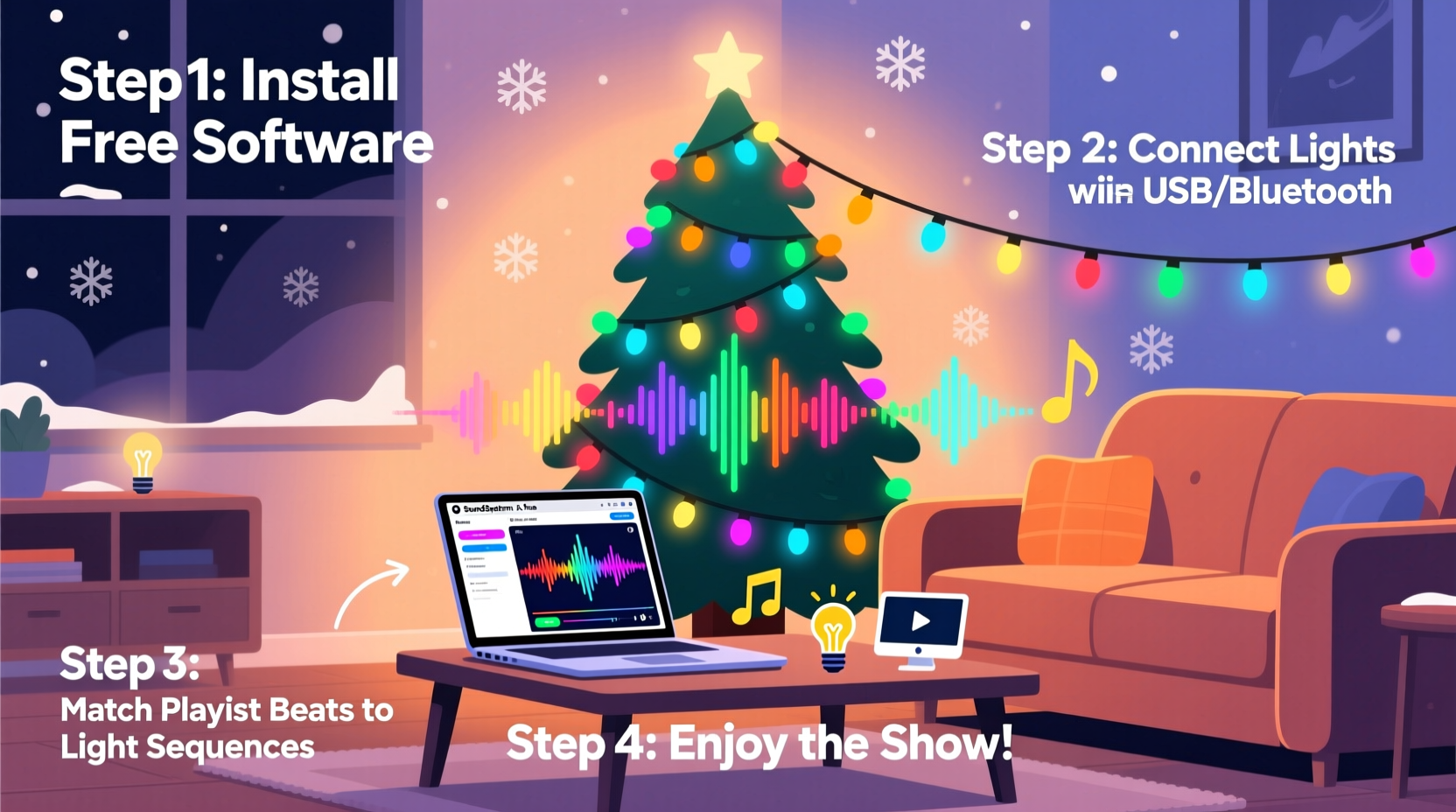
The first step is selecting software capable of translating sound into visual signals. Not all programs offer granular control, so it's essential to pick one designed for real-time audio analysis and output mapping. Three standout free options dominate the DIY holiday lighting community:
- Xlights (formerly Light-O-Rama): Open-source, feature-rich, and compatible with various controllers. It supports beat detection, waveform visualization, and multi-channel sequencing.
- Falcon Player: Often used in tandem with Xlights, this runs on Raspberry Pi devices to receive sequences and drive physical lights via DMX or E1.31 protocols.
- Ableton Live Lite + MIDI Controllers (Free Versions): For advanced users, routing audio triggers through MIDI allows custom logic, though setup is steeper.
Xlights stands out as the most beginner-friendly while still offering professional-grade features. It includes built-in effects like twinkles, chases, fades, and sweeps, all adjustable by time signature or frequency band. You can preview your layout in 3D, assign channels to specific fixtures, and export sequences for standalone playback.
Hardware Setup: Connecting Lights to Your System
Software alone won’t make lights blink—you need a way to send commands from your computer to physical LEDs. This typically involves three components:
- Controller(s): Devices that convert digital signals into electrical outputs for lights. Popular choices include Renard, SSRs (Solid State Relays), or pixel-based controllers like ESP8266/ESP32 modules.
- Lighting Type: Incandescent C7/C9 bulbs work with relay controllers; RGB LED strips or smart pixels (WS2811/WS2812B) support full-color animation.
- Network Interface: Ethernet (E1.31/sACN) or Wi-Fi-enabled boards let you transmit data wirelessly from Xlights to the controller.
A basic yet effective configuration uses an ESP8266 microcontroller connected to WS2811 addressable LEDs. These are affordable, widely available, and natively supported by Xlights via the “FPP” (Falcon Player) bridge. Once flashed with the appropriate firmware, the ESP8266 receives UDP packets containing color and timing data, updating each LED accordingly.
For non-pixel (on/off) lights, use AC relays controlled by a microcontroller or dedicated board. Each channel corresponds to a separate string or section, allowing independent activation during the sequence.
| Light Type | Best Controller | Sync Method | Cost Estimate |
|---|---|---|---|
| Standard Mini Lights | Relay Module + Arduino | On/Off Sequencing | $30–$60 |
| RGB LED Strips | ESP8266 + WS2812B | Pixel-Level Control | $50–$100 |
| C7/C9 Bulbs (Color-Changing) | Renard Controller | Channel-Based Timing | $75–$150 |
| Smart Plugs (Indoor Use) | Falcon Player + Wi-Fi Plug | Power Cycling | $20–$40 |
Step-by-Step Guide: Syncing Lights to Music
With your hardware ready, follow this workflow to build a fully synchronized display:
- Select Your Playlist Track: Choose a high-quality MP3 or WAV file of a holiday song. Shorter tracks (2–3 minutes) are easier to manage initially.
- Import Audio into Xlights: Launch Xlights, create a new project, and import the audio file. The waveform will appear on the timeline.
- Create a Model: Define your physical layout—e.g., “Front Roofline,” “Tree,” “Lawn Arches.” Assign pixel counts or channels based on actual installation.
- Detect Beats Automatically: Use Xlights’ beat detection tool to mark downbeats and tempo changes. Adjust sensitivity to avoid false triggers.
- Apply Effects Manually: Layer effects such as “Fade,” “Twinkle,” or “Color Wash” aligned with lyrics, crescendos, or instrumental breaks.
- Preview and Refine: Play back the sequence with audio. Look for misaligned flashes or unnatural transitions. Fine-tune timing in milliseconds if needed.
- Export Sequence: Save the file in .fseq format for use with Falcon Player or compatible hardware.
- Deploy to Controller: Transfer the sequence to your Raspberry Pi or microcontroller running FPP. Ensure network connectivity and correct IP addressing.
- Test Live: Run the show outdoors with speakers playing the same track. Confirm lights respond accurately across distance and interference.
Checklist: Pre-Show Preparation
Before launching your public display, verify these critical steps:
- ✅ Confirm all lights function individually before synchronization
- ✅ Label each channel or strand for easy troubleshooting
- ✅ Test wireless signal strength between controller and access point
- ✅ Waterproof connections exposed to snow or rain
- ✅ Align speaker audio with light response (avoid Bluetooth lag)
- ✅ Schedule automatic start/stop times using cron jobs or FPP scheduler
- ✅ Share playlist publicly (e.g., YouTube link) so visitors can listen along
Real Example: A Neighborhood Favorite Built on a Budget
In suburban Ohio, homeowner Daniel Reyes transformed his modest front yard into a holiday destination using only $120 in materials and free software. Starting with two strands of addressable LEDs wrapped around his porch columns and a small tree, he used an ESP32 board programmed with WLED firmware and linked it to Xlights via sACN protocol.
His chosen track was a jazzy rendition of “Winter Wonderland.” Using Xlights, he mapped red-and-white twinkle effects to vocal phrases, triggered sweeping blue waves during instrumental solos, and timed full-brightness flashes to drum hits. After two weekends of tweaking, the result was a fluid, expressive performance that drew families from neighboring streets.
“I didn’t think I could pull this off without spending thousands,” Daniel said. “But once I figured out how to match the chorus swell with a slow rainbow cycle, everything clicked. Now kids bring hot cocoa and watch from their cars.”
Expert Insight: Why Free Tools Are Changing Holiday Displays
The democratization of lighting control has shifted what’s possible for amateur creators. According to Marcus Lin, a lighting systems educator and contributor to the Open Pixel Project:
“Five years ago, professional-grade synchronization required proprietary hardware and licenses costing thousands. Today, open-source platforms like Xlights and FPP give hobbyists the same precision—down to the millisecond—with community support and zero cost. We’re seeing innovation come from garages, not corporations.”
This shift isn’t just about affordability. It fosters creativity. Users experiment with dynamic palettes, responsive patterns, and even crowd interaction via app-controlled segments. As APIs become more accessible, integration with voice assistants and weather data opens further possibilities.
Common Challenges and How to Solve Them
Even with robust software, issues arise. Here are frequent problems and their fixes:
- Lag Between Audio and Lights: Caused by Bluetooth latency or slow processing. Solution: Use wired Ethernet or direct audio output from the same device driving the lights.
- Random Flashing or Glitches: Often due to power fluctuations or ground loops. Add a logic-level shifter and ensure stable 5V supply for pixel strips.
- Lost Network Connection: Wi-Fi dropouts disrupt sequences. Deploy a dedicated outdoor access point or switch to wired PoE (Power over Ethernet) where feasible.
- Overwhelming Complexity: Beginners may struggle with model creation. Start with a single string and one effect type before expanding.
FAQ
Can I sync lights without coding or technical knowledge?
Yes. While some setup is required, tools like Xlights provide graphical interfaces and wizards that minimize technical barriers. Many users learn through community forums and YouTube walkthroughs without prior experience.
Do I need internet access during the show?
No. Once the sequence is loaded onto a local controller (like a Raspberry Pi), the display runs independently. Internet is only needed for initial setup, updates, or remote monitoring.
Can I use indoor lights for outdoor displays?
Only if they are rated for outdoor use. Standard indoor strings lack weatherproofing and pose safety risks. Always check manufacturer labels and enclose electronics in waterproof boxes.
Conclusion: Bring the Holidays to Life—No Budget Required
Synchronizing Christmas lights with music used to be a luxury reserved for theme parks and wealthy enthusiasts. Now, thanks to free, powerful software and accessible hardware, every household can craft a personalized light show that captures the joy of the season. From detecting the first beat of “Jingle Bell Rock” to orchestrating a grand finale on “Hark! The Herald Angels Sing,” the tools are in your hands.
You don’t need engineering credentials or a big budget—just curiosity, patience, and a love for holiday spirit. Start small, iterate often, and embrace the learning curve. Before long, your home could become a beacon of cheer, drawing neighbors together and spreading warmth through light and sound.




 浙公网安备
33010002000092号
浙公网安备
33010002000092号 浙B2-20120091-4
Comments
No comments yet. Why don't you start the discussion?