
The holiday season is the perfect time to blend technology and tradition into something magical. One of the most impressive ways to elevate your Christmas decor is by syncing your outdoor or indoor lights with music—transforming a static display into a dynamic, rhythmic performance. With smart home platforms like Amazon Alexa and Google Home now widely accessible, it's easier than ever to orchestrate synchronized light shows that respond in real time to holiday tunes. Whether you're aiming for a subtle glow that pulses with carols or a full-on neighborhood spectacle, this guide walks you through everything you need to know.
Understanding Smart Light Sync Technology
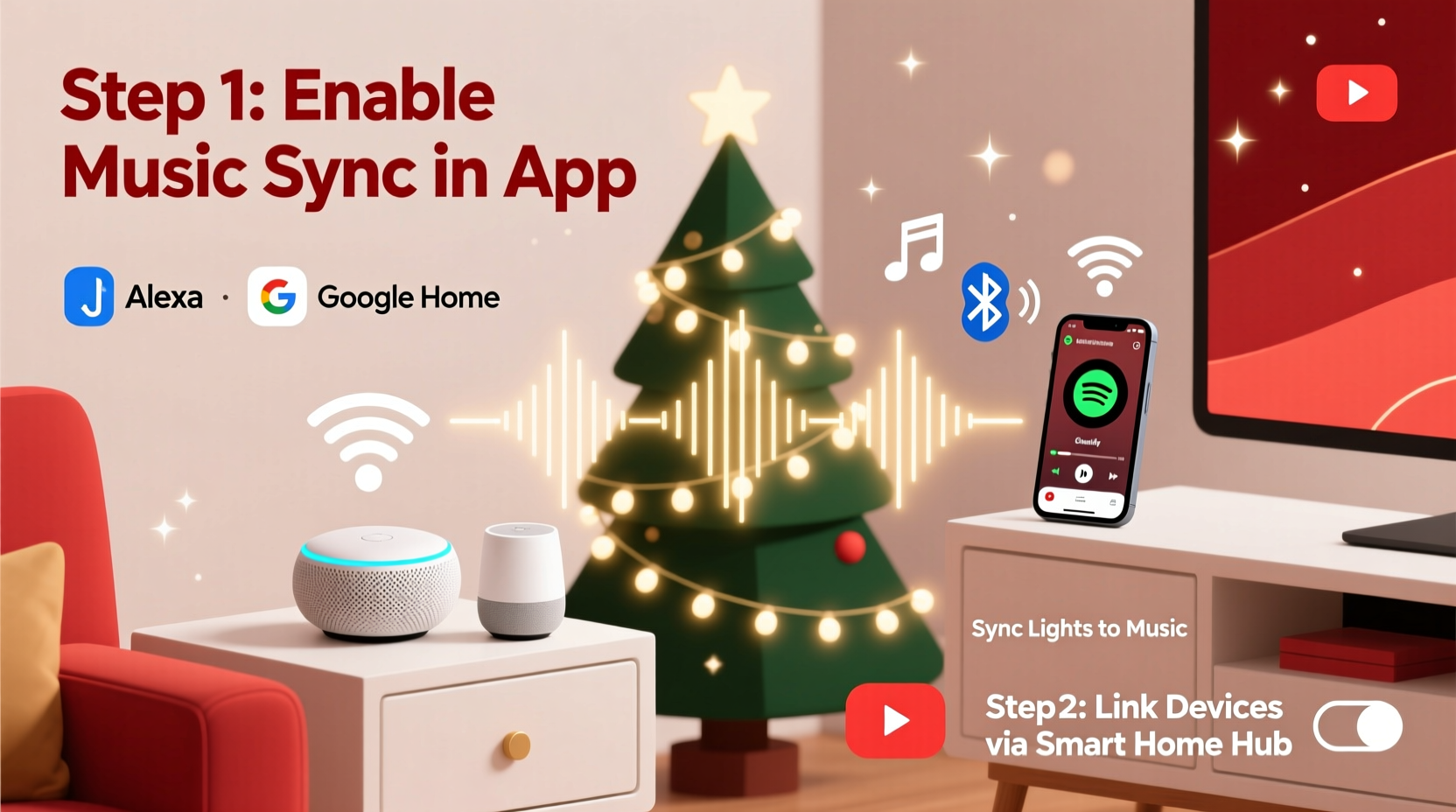
Synchronizing lights with music involves controlling smart bulbs or light strips so their brightness, color, and effects change in response to audio input. While Alexa and Google Home don’t natively offer beat-detection or music-reactive lighting as a default feature, they can integrate with third-party apps and compatible smart lighting systems that do.
Platforms such as Philips Hue, LIFX, Nanoleaf, and Govee support music synchronization via their own apps, which then connect to Alexa or Google Assistant. These ecosystems use ambient sound detection or pre-programmed sequences to match light behavior to music tempo, volume, and frequency.
The key is not relying solely on Alexa or Google Home to “hear” the music and react—but instead using them as voice-controlled hubs that trigger pre-configured scenes or routines tied to music-synced lighting modes.
Essential Equipment and Setup Requirements
To create a music-synced light display controlled via Alexa or Google Home, you’ll need a combination of hardware and software components. Not all smart lights support music reactivity, so compatibility is crucial.
| Component | Requirements | Recommended Options |
|---|---|---|
| Smart Lights | Must support music sync or ambient mode | Philips Hue, LIFX Z Strip, Nanoleaf Shapes, Govee LED Strips |
| Music Source | Bluetooth or speaker output connected to smart system | Smartphone, tablet, Echo speaker, Chromecast Audio |
| Control Hub | App that translates audio into light signals | Hue Sync, LIFX app, Nanoleaf Desktop App, Govee Music Mode |
| Voice Assistant | Alexa-enabled device or Google Nest | Amazon Echo, Google Nest Hub, Nest Mini |
| Network | Stable 2.4 GHz Wi-Fi (5 GHz may cause lag) | Dual-band router with QoS settings |
Once you’ve gathered the necessary gear, ensure all devices are updated and linked to the same account. For example, if using Philips Hue, pair your bulbs with the Hue Bridge, install the Hue app, and then connect the Hue skill to your Alexa account.
Step-by-Step Guide to Sync Lights with Music Using Alexa or Google Home
- Install and configure your smart lights
Follow manufacturer instructions to set up your bulbs or strips. Use the corresponding app (e.g., Hue, LIFX) to assign rooms, test colors, and confirm connectivity. - Enable music sync mode in the lighting app
In the app, look for features like “Hue Sync,” “Audio Input,” or “Music Mode.” For instance:- With Philips Hue, open the Hue Sync app (desktop or mobile), select a media source (Spotify, YouTube, system audio), and let it analyze sound to drive lights.
- With Govee, enable “Music Mode” in the app and allow microphone access to detect ambient sound.
- Link your lighting system to Alexa or Google Home
In the Alexa app, go to Skills & Games and search for your lighting brand (e.g., “Philips Hue”). Enable the skill and link your account. Repeat for Google Home by going to \"Add device\" > \"Works with Google\" and searching for your brand. - Create a routine or scene for activation
Set up a voice-triggered command:- Alexa: “Alexa, start Holiday Lights Show”
- Google: “Hey Google, turn on Christmas Dance Mode”
- Play music near the listening device
If using an app like Govee that relies on microphone input, play music from a phone or speaker near the device running the app. For Hue Sync, stream audio directly to the computer or phone where the app is active. - Test and adjust timing
Lights may lag slightly behind audio due to processing delays. Reduce buffer size in desktop apps or move your music source closer to the microphone. Some users report better results when using wired audio connections or lowering Wi-Fi congestion.
Real Example: A Neighborhood-Wide Display Powered by Voice Commands
In Portland, Oregon, homeowner Marcus Rivas transformed his front yard into a viral holiday attraction using a mix of Govee LED strips, Philips Hue spotlights, and two Echo Dots. He programmed different lighting themes for songs like “Jingle Bell Rock” and “All I Want for Christmas Is You.”
Marcus used the Govee app’s music mode for the roofline lights and Hue Sync on a laptop for the tree and pathway fixtures. He created an Alexa routine labeled “Start Christmas Show” that turns on all lights and triggers the music playlist via an Echo Dot connected to a Bluetooth speaker.
“The first night we ran it, kids were dancing in the street,” Marcus said. “People recorded it and posted online. Now we do it every weekend in December.” His setup proves that even non-experts can achieve professional-grade results with affordable tools and a little planning.
“We’re seeing more families treat their holiday lighting like a mini-concert experience. The integration with voice assistants makes it accessible—even for those who aren’t tech-savvy.” — Lena Torres, Smart Home Experience Designer at IoT Living Labs
Pro Tips and Optimization Strategies
- Use multiple zones for layered effects
Divide your lights into zones (e.g., roof, tree, porch) and assign different behaviors. Have the roof flash on beats while the tree slowly fades through colors. - Reduce latency with local processing
Apps that run on your local device (like Hue Sync desktop) are faster than cloud-dependent ones. Avoid streaming music through low-bandwidth connections. - Pre-program sequences for reliability
Instead of relying on live audio analysis, some users pre-map light patterns to specific songs using tools like xLights or Falcon Player. These advanced setups can be triggered via Alexa using webhooks or IFTTT. - Limit the number of bulbs on high-motion effects
Fast color changes across dozens of bulbs can strain Wi-Fi. Prioritize key focal points for dynamic motion and keep background areas subtle.
Checklist: Ready Your Smart Light Show in 7 Steps
- ✅ Choose music-reactive smart lights (Hue, Govee, etc.)
- ✅ Install and group lights in your brand’s app
- ✅ Set up music sync mode (via app or desktop software) <4>✅ Link lighting system to Alexa or Google Assistant
- ✅ Create a voice-activated routine (e.g., “Alexa, start holiday lights”)
- ✅ Test audio-to-light response with sample music
- ✅ Optimize placement and reduce lag for smooth performance
Frequently Asked Questions
Can Alexa or Google Home sync lights to music without extra apps?
No. Neither Alexa nor Google Home has built-in beat detection. They act as triggers for external apps that handle the actual music-to-light translation. You must use a compatible lighting platform like Hue or Govee with its own sync capabilities.
Do I need a hub or bridge for music sync?
It depends. Philips Hue requires a Hue Bridge for advanced features like Hue Sync. Govee and LIFX bulbs typically work over Wi-Fi without a hub, but performance improves with a strong router. For larger setups, a hub ensures more reliable control.
Can I sync outdoor lights safely?
Yes, as long as the lights are rated for outdoor use (IP44 or higher) and properly installed. Keep power supplies and any connected devices (like tablets running sync apps) indoors. Use weatherproof enclosures if needed.
Conclusion: Bring Holiday Magic to Life with Voice-Controlled Light Shows
Synching Christmas lights with music using Alexa or Google Home isn’t just for tech enthusiasts—it’s a creative way for anyone to spread joy during the holidays. With the right combination of smart bulbs, apps, and voice routines, you can turn your home into a festive stage that responds to every note of your favorite carols.
The process blends simplicity and sophistication: easy enough for beginners using plug-and-play systems like Govee, yet flexible enough for advanced users to build elaborate, choreographed displays. As smart home ecosystems continue to evolve, the line between decoration and interactive experience will only grow thinner.




 浙公网安备
33010002000092号
浙公网安备
33010002000092号 浙B2-20120091-4
Comments
No comments yet. Why don't you start the discussion?