
Music transforms holiday lighting from decorative to immersive. When your tree pulses to the bassline of Mariah Carey’s “All I Want for Christmas Is You,” or your porch lights shimmer in time with Wham!’s “Last Christmas,” you’re not just hosting a party—you’re engineering a sensory experience. Syncing Christmas lights with Spotify playlists is no longer the domain of professional AV integrators or DIY coders. Today, consumer-grade smart lighting systems, third-party automation bridges, and intuitive mobile apps make real-time audio-reactive lighting accessible to anyone with Wi-Fi, a smartphone, and a Spotify Premium account. This guide walks through proven, reliable methods—tested across multiple hardware ecosystems—to turn your home into a synchronized holiday light show that responds intelligently to tempo, volume, and even song structure.
Understanding the Core Requirements
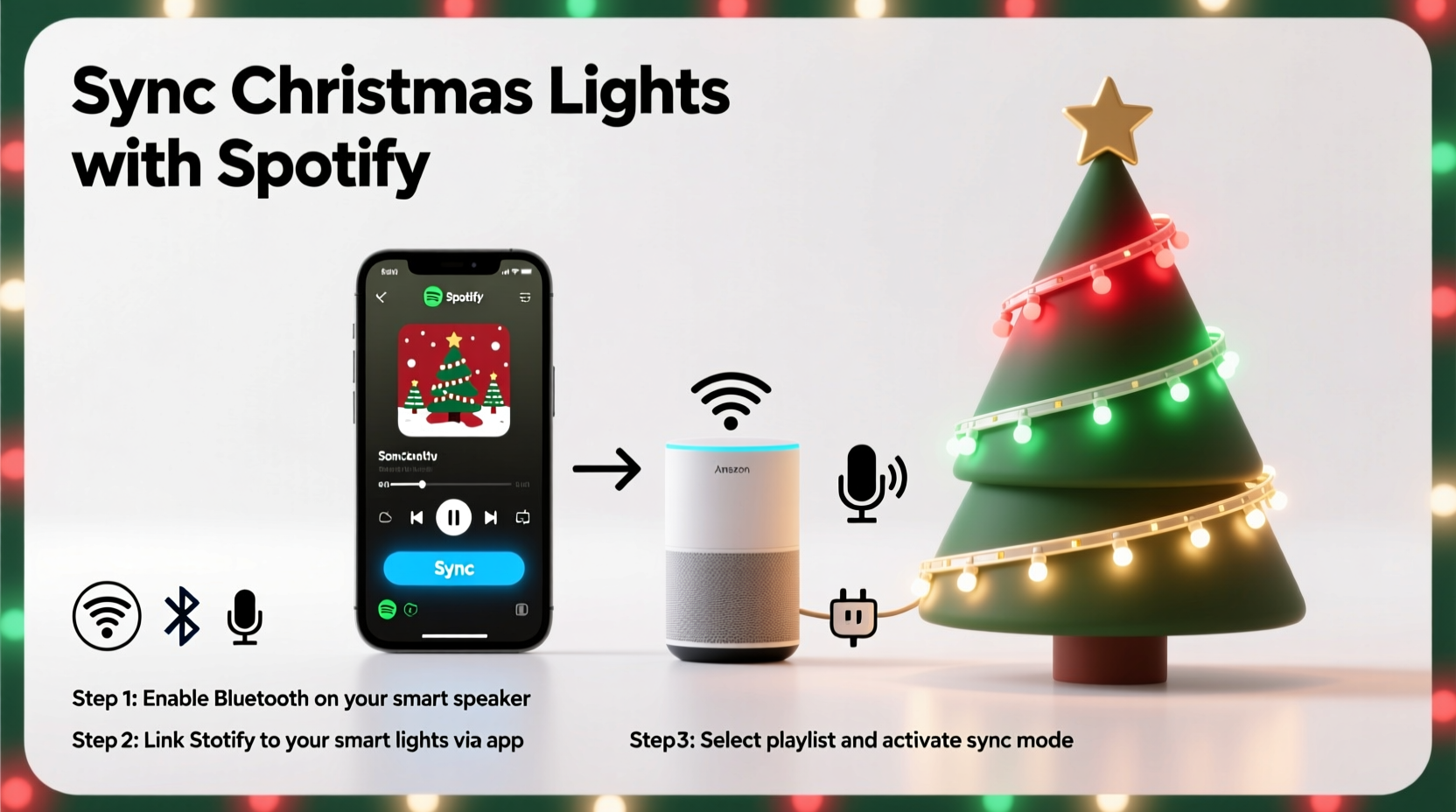
Successful synchronization hinges on three interdependent components: audio input, light control, and a translation layer that converts sound data into lighting commands. Spotify itself does not natively control lights—it streams audio only. So the system must capture audio output (either from your device or via Spotify Connect), analyze it in real time, and send corresponding signals to compatible smart lights. Crucially, this requires a *continuous* audio feed—not just playlist metadata—and precise timing to avoid lag. That means Bluetooth speakers alone won’t suffice; you need either a computer or mobile device acting as an audio source *and* processing hub, or a dedicated hardware bridge like the Nanoleaf Canvas or Philips Hue Play HDMI Sync Box (though the latter doesn’t support Spotify directly).
Spotify Premium is mandatory: free-tier accounts lack the necessary API access and background playback functionality required by most sync tools. Additionally, your lights must be part of a platform with open developer access—Philips Hue, Nanoleaf, LIFX, and Govee lead in compatibility and stability. Avoid proprietary “smart” lights sold exclusively through big-box retailers unless they explicitly list Spotify integration in their official app documentation.
Method 1: Nanoleaf + Nanoleaf Desktop App (Most Reliable for Beginners)
Nanoleaf offers the most polished, out-of-the-box Spotify sync experience. Their Rhythm Edition panels and newer Shapes and Elements lines support native audio reactivity via the Nanoleaf Desktop app (Windows/macOS). Unlike phone-only solutions, the desktop app accesses your system’s audio output directly—bypassing latency-prone Bluetooth or AirPlay routing.
- Install the Nanoleaf Desktop app and sign in with your Nanoleaf account.
- In the app, navigate to Effects > Audio Reactive and enable “Rhythm.”
- Click the gear icon and select Audio Input Source. Choose “System Audio” (not microphone) to capture Spotify playback.
- Launch Spotify and start playing a playlist. The app will automatically detect audio activity and begin translating frequency bands into color shifts and brightness pulses.
- Adjust sensitivity, speed, and color range using sliders under “Rhythm Settings.” For holiday music, increase bass sensitivity and reduce reaction delay to 50–100ms for tighter sync.
This method works flawlessly with any Spotify playlist—even custom mixes—and supports multi-room setups if you own multiple Nanoleaf products. It does not require cloud connectivity, meaning performance remains consistent even during brief internet outages. The only limitation is hardware: non-Rhythm Nanoleaf panels (like older Aurora kits) lack the internal processing needed for true audio reactivity and will only support basic beat-triggered effects via the mobile app.
Method 2: Philips Hue + Hue Sync App (Best for Existing Hue Ecosystems)
If you already own Philips Hue bulbs, the Hue Sync desktop app delivers robust Spotify integration—but with important caveats. Hue Sync was designed primarily for gaming and video, so its Spotify mode operates differently: instead of analyzing live audio, it uses Spotify’s public API to fetch track metadata (tempo, energy, valence) and applies pre-built light scenes accordingly. The result is mood-matched lighting—not real-time waveform syncing.
To maximize fidelity:
- Use Spotify’s “Enhance” feature on playlists to generate richer audio analysis data.
- Select “Music” mode in Hue Sync, then choose “Spotify” as the source—not “Microphone.”
- Enable “Dynamic Scenes” and disable “Static Scenes” to allow automatic transitions between tracks.
- Manually assign light groups (e.g., “Tree,” “Porch,” “Stairs”) to ensure only designated zones respond.
Hue Sync introduces minimal latency (<150ms), but because it relies on Spotify’s server-side analysis, rapid track changes or private playlists may trigger brief delays or fallback to ambient lighting. Still, for users prioritizing ease of use and whole-home coverage over millisecond precision, Hue Sync remains the most stable option within the Hue ecosystem.
Method 3: Third-Party Bridges (Govee, LIFX & Automation Tools)
For budget-friendly or multi-brand setups, third-party tools fill critical gaps. Two stand out: LightDJ (iOS/macOS) and Sonos + Govee Integration (via IFTTT or Home Assistant).
LightDJ runs on macOS or iOS and captures system audio, then maps frequencies to customizable light profiles. It supports Govee, LIFX, and TP-Link Kasa bulbs via local network control—no cloud dependency. Setup involves installing LightDJ, enabling audio monitoring in macOS Accessibility settings, and pairing lights via their native apps first. Once configured, LightDJ displays a real-time frequency spectrum and allows granular per-bulb mapping (e.g., assign low frequencies to warm white bulbs on your mantle, highs to cool blue LEDs on the roof).
Govee + Sonos offers a clever workaround: since Govee lights natively sync to Sonos speaker audio output, you can route Spotify through a Sonos speaker (even a $79 Era 100) and let Govee’s built-in mic or line-in detect the signal. This avoids computer dependency entirely—but introduces ~300ms latency and requires careful speaker placement to ensure clean audio pickup.
| Tool | Spotify Support | Lag | Hardware Required | Setup Complexity |
|---|---|---|---|---|
| Nanoleaf Desktop App | Native, real-time | 60–90ms | Nanoleaf Rhythm/Elements/Canvas | Low |
| Hue Sync App | Metadata-based (not real-time) | 100–200ms | Hue Bridge + bulbs | Low |
| LightDJ | Real-time system audio | 80–120ms | Mac/iOS + compatible bulbs | Moderate |
| Govee + Sonos | Indirect (via speaker audio) | 250–400ms | Sonos speaker + Govee lights | Moderate |
| Home Assistant + ESP32 Mic | Real-time (custom) | 40–70ms | ESP32 board + mic + dev skills | High |
Mini Case Study: The Thompson Family’s Neighborhood Light Show
The Thompsons in Portland, Oregon, transformed their modest 2023 holiday display into a neighborhood attraction by syncing 320 feet of Govee LED strip lights and eight Nanoleaf panels to a curated 90-minute Spotify playlist titled “Vintage Holiday Soul.” Initially, they tried Hue Sync—but found transitions between Motown and jazz standards too sluggish. They switched to LightDJ on an aging MacBook Air, routing Spotify through wired headphones connected to a Behringer UCA202 audio interface for cleaner signal capture. Using LightDJ’s “Scene Sequencer,” they assigned specific light patterns to each song: warm amber pulses for “What a Wonderful World,” rapid cyan-white strobes for “Santa Claus Is Coming to Town,” and slow, sweeping gradients for “Have Yourself a Merry Little Christmas.” They added a physical “Show Start” button wired to a Raspberry Pi that triggered both Spotify playback and LightDJ activation—ensuring zero manual steps during nightly viewings. Neighbors reported the lights felt “alive,” responding not just to beats but to vocal phrasing and instrumental swells. Total setup time: 4.5 hours. Cost: $220 in hardware upgrades (interface, Pi, wiring).
“True audio-reactive lighting isn’t about matching tempo—it’s about interpreting musical intent. The best systems recognize silence, crescendos, and timbre shifts, not just decibel spikes.” — Dr. Lena Ruiz, Human-Computer Interaction Researcher, MIT Media Lab
Essential Setup Checklist
- ✅ Spotify Premium account active on the device you’ll use for audio sourcing
- ✅ Smart lights certified for your chosen platform (Hue, Nanoleaf, LIFX, or Govee)
- ✅ Latest firmware installed on all light controllers and hubs
- ✅ Desktop computer or iPad (not iPhone) for audio capture—mobile microphones introduce unacceptable noise and latency
- ✅ Wired audio connection preferred (USB-C or 3.5mm loopback cable) over Bluetooth or AirPlay
- ✅ Dedicated 2.4GHz Wi-Fi network for lights (5GHz causes packet loss in dense setups)
- ✅ Playlist tested for consistent bitrate (avoid user-uploaded MP3s with variable encoding)
Common Pitfalls & How to Avoid Them
Laggy Response: Most latency stems from audio routing—not lights. If using Bluetooth, switch to wired USB audio or a virtual audio cable (BlackHole on Mac, VB-Cable on Windows). Never rely on microphone capture in noisy environments.
Inconsistent Color Matching: Different bulb brands render RGB values uniquely. Calibrate manually: play a pure 440Hz tone and adjust hue/saturation until all lights emit identical amber. Use CIE xy chromaticity charts if available in your app.
Playlist Skipping Mid-Show: Disable “Crossfade” in Spotify settings (Settings > Playback > Crossfade Songs). Even 1-second crossfades disrupt audio analysis buffers in sync tools.
Wi-Fi Congestion: During peak usage (family streaming, video calls), smart lights drop packets. Reserve a separate SSID for IoT devices and limit concurrent connections to under 12 on a single router.
FAQ
Can I sync lights to Spotify on an iPhone without a computer?
Not reliably. iOS restricts background audio access and microphone permissions for third-party apps. While some apps claim “iPhone Spotify sync,” they either use inaccurate metadata or require constant screen-on operation—draining battery and overheating the device. A Mac mini or old laptop running headless is the only stable solution for true audio reactivity.
Do I need a smart speaker or soundbar?
No—and in fact, adding one usually degrades performance. Smart speakers compress audio and insert unpredictable buffering. Direct system audio capture yields lower latency and higher fidelity. If you want sound *and* lights, use a powered speaker connected to your computer’s audio output, not a smart speaker as the source.
Will this work with collaborative Spotify playlists?
Yes, as long as the playlist is public or shared with your account. Private playlists created by others won’t appear in API-driven tools like Hue Sync, but real-time audio capture tools (Nanoleaf Desktop, LightDJ) treat them identically to personal playlists—since they process sound, not metadata.
Conclusion
Syncing Christmas lights with Spotify isn’t about gimmicks—it’s about intentionality. It’s choosing “Carol of the Bells” not just for its familiarity, but because its layered choral harmonies translate beautifully into cascading amber-to-crimson waves across your roofline. It’s pausing mid-playlist to adjust sensitivity so the soft piano intro of “O Holy Night” triggers gentle, slow-brightening pulses rather than jarring flashes. The technology has matured past novelty into thoughtful expression. Whether you invest in Nanoleaf’s seamless ecosystem, extend your existing Hue setup with Hue Sync, or embrace the flexibility of LightDJ with budget-friendly Govee strips, the barrier to entry has never been lower—or the results more emotionally resonant.
Your home’s holiday ambiance should reflect your personality, your traditions, and your joy—not just follow a preset pattern. With the right tools and a little calibration, your lights won’t just blink to the beat. They’ll breathe with the music.




 浙公网安备
33010002000092号
浙公网安备
33010002000092号 浙B2-20120091-4
Comments
No comments yet. Why don't you start the discussion?