
Modern homes are increasingly equipped with smart lighting from various manufacturers—Philips Hue, LIFX, Nanoleaf, TP-Link Kasa, and more. While each brand offers unique features and aesthetics, managing them in unison can quickly become chaotic. Lights turning on at different times, inconsistent brightness levels, or colors that don’t match can ruin the ambiance you're trying to create. Achieving smooth synchronization across these diverse ecosystems isn't just possible—it's essential for a truly intelligent home. This guide walks through practical, tested methods to unify your lighting setup across brands, ensuring seamless control, perfect timing, and harmonious ambiance.
Why Cross-Brand Lighting Syncing Matters
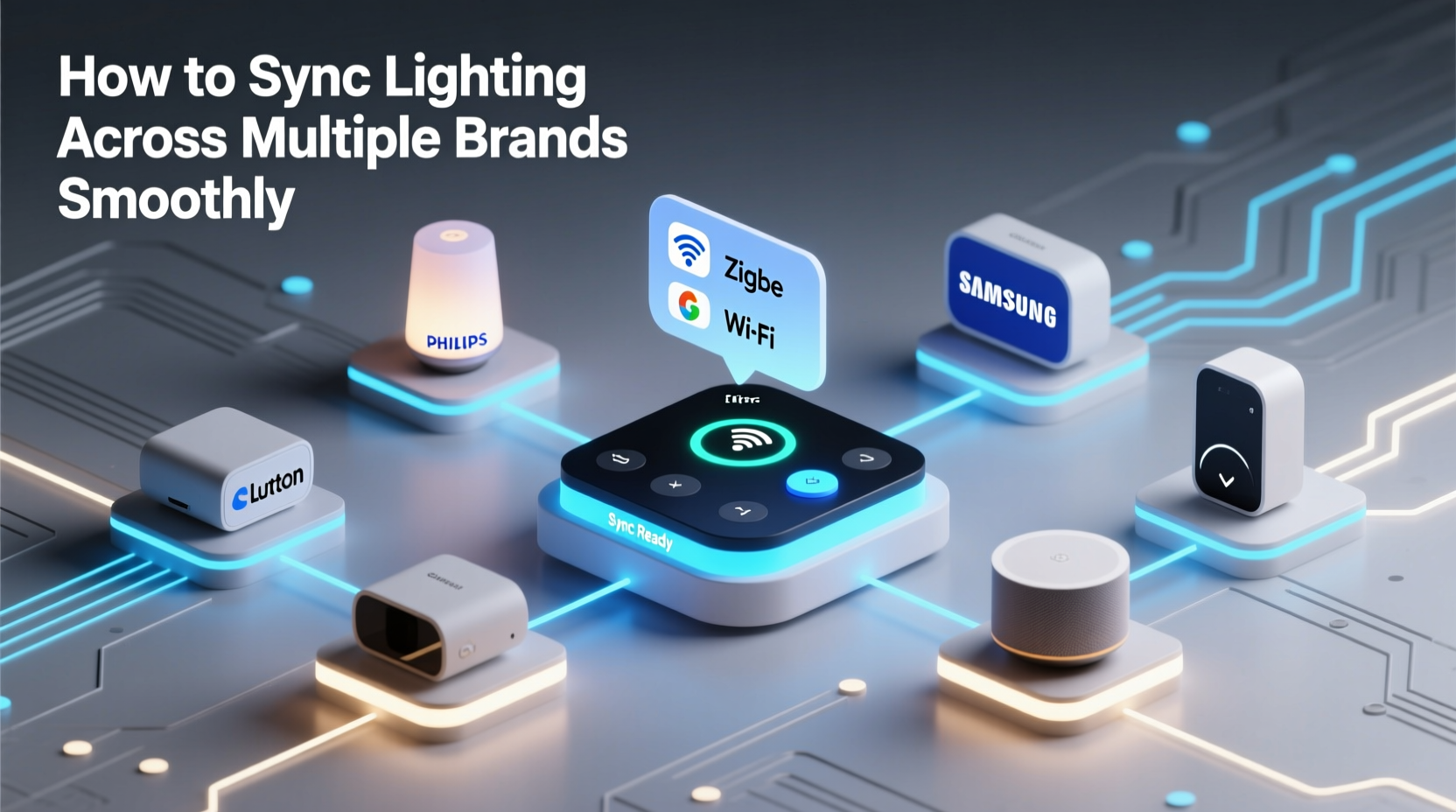
Smart lighting enhances comfort, security, and mood. But when lights from different brands behave independently, the illusion of a cohesive smart environment breaks down. Imagine setting a “movie night” scene where warm white lights dim gradually—only for one room’s bulbs to flash bright blue before settling. These inconsistencies stem from incompatible communication protocols, delayed responses, or lack of centralized control.
Synchronization ensures that every light reacts simultaneously to commands, maintains consistent color temperatures, and follows the same automation logic. Whether you’re creating ambient scenes, enhancing safety with motion-triggered illumination, or simply turning off all lights at bedtime, synchronized behavior elevates user experience and reduces frustration.
“True smart home integration isn’t about owning devices from one brand—it’s about making everything work together like it was designed as a single system.” — Daniel Reyes, Smart Home Systems Architect
The Core Challenges of Multi-Brand Lighting Integration
Before solving the problem, it helps to understand what causes syncing issues:
- Different Communication Protocols: Some lights use Wi-Fi, others Zigbee, Z-Wave, or Bluetooth. These operate on separate networks with varying response speeds.
- Proprietary Hubs: Brands like Philips Hue require their own hub, which may not natively communicate with other systems.
- Latency Differences: Wi-Fi bulbs often respond slower than Zigbee-based ones due to network congestion.
- Inconsistent APIs: Not all brands expose full functionality via third-party platforms, limiting automation depth.
- Color Calibration Gaps: Two bulbs set to “warm white” may appear noticeably different in hue due to manufacturing variances.
Step-by-Step Guide to Synchronize Lighting Across Brands
Follow this structured approach to achieve smooth cross-brand lighting control:
- Inventory Your Devices: List all smart lights, noting brand, model, connectivity type (Wi-Fi, Zigbee, etc.), and required hubs.
- Select a Centralized Control Platform: Choose a hub or software that supports multi-brand integration (e.g., Hubitat, Home Assistant, Apple Home, or Google Home).
- Connect All Devices to the Chosen Ecosystem: Use native integrations or bridges to bring each brand under one roof. For example, link Philips Hue via its bridge, LIFX over Wi-Fi, and Nanoleaf through its API.
- Standardize Naming and Grouping: Rename lights logically (e.g., “Kitchen Ceiling,” “Living Room Lamp”) and group by room or function.
- Test Individual Responses: Trigger simple commands (on/off, dimming) to check latency and consistency.
- Create Unified Scenes: Build lighting scenes (e.g., “Evening Relax,” “Morning Wake”) that apply the same settings across all relevant lights.
- Refine Timing with Delays (if needed): If certain lights lag, introduce micro-delays in automations to align activation.
- Calibrate Colors Visually: Manually adjust RGB values or color temperatures so lights match perceptually, even if settings differ numerically.
- Automate with Triggers: Set up rules based on time, motion, or voice commands to activate synchronized scenes automatically.
- Monitor and Optimize: Revisit performance weekly; tweak brightness offsets or command sequences as needed.
Best Platforms for Cross-Brand Lighting Sync
Not all smart home platforms handle multi-brand synchronization equally. Below is a comparison of top options:
| Platform | Supported Brands | Sync Accuracy | Setup Complexity | Best For |
|---|---|---|---|---|
| Apple HomeKit | Hue, Nanoleaf, Eve, Philips, LIFX (via HomeKit support) | High (with Thread/Zigbee) | Moderate | iOS users wanting reliable, secure syncing |
| Google Home | Broad Wi-Fi support (Kasa, LIFX, TP-Link, Yeelight) | Moderate (occasional delays) | Low | Voice-first users with mostly Wi-Fi lights |
| Amazon Alexa | Extensive brand list, including Zigbee-compatible devices | Moderate (cloud-dependent) | Low to Moderate | Folks invested in Echo ecosystem |
| Home Assistant | Nearly all (local control, custom integrations) | Very High (low latency) | High | Tech-savvy users seeking precision and privacy |
| Hubitat Elevation | Most major brands via drivers and LAN control | Very High (local processing) | Moderate to High | Reliable automation without cloud reliance |
For the smoothest syncing experience, local-processing platforms like Home Assistant or Hubitat outperform cloud-based ones because they eliminate internet latency and reduce command execution time to milliseconds.
Mini Case Study: Unified Lighting in a Mixed-Brand Household
Mark, a homeowner in Portland, had Philips Hue bulbs in his living room, LIFX strips in the kitchen, and Kasa ceiling lights in bedrooms. He wanted a “Good Morning” routine where all lights slowly brightened at sunrise. Initially, lights turned on at different times—some flickered, others stayed off.
He solved it by installing Home Assistant on a Raspberry Pi. Using built-in integrations, he connected the Hue bridge, discovered LIFX devices over local API, and added Kasa via the community plug-in. He created an automation triggered by sunrise, applying a gradual ramp-up from 1% to 80% brightness over 15 minutes. To correct color mismatch, he adjusted the Kasa lights to 2700K and Hue to 2650K for visual consistency. The result? Every morning, his entire home gently wakes up in harmony—no delays, no flickers.
Checklist: Ensure Smooth Lighting Sync Across Brands
- ✅ Audit all smart lights and their connectivity types
- ✅ Choose a central platform with broad brand support
- ✅ Connect each brand using official or community-supported integrations
- ✅ Group lights by room or function for unified control
- ✅ Test on/off, dimming, and color changes for response time
- ✅ Adjust color temperature or RGB values manually for visual match
- ✅ Create shared scenes (e.g., “All Off,” “Dinner Mode”)
- ✅ Automate scenes with time, sensor, or voice triggers
- ✅ Monitor performance and fine-tune delays or brightness curves
- ✅ Keep all device firmware and hub software updated
Advanced Tips for Flawless Performance
Once basic syncing works, refine the experience with these pro techniques:
- Use Local Control Where Possible: Cloud-dependent systems add delay. Platforms like Home Assistant run locally, cutting response time dramatically.
- Leverage Mesh Networks: Zigbee and Thread-based lights (like Hue or Nanoleaf) form self-healing networks that improve reliability and speed.
- Normalize Brightness Levels: A “50% brightness” command might mean different lumen outputs. Calibrate by eye or use lux meters for precision.
- Avoid Overloading Wi-Fi: Too many Wi-Fi lights can congest your network. Prioritize Zigbee/Thread for critical areas or use access points to segment traffic.
- Implement Fallback Logic: In automations, add conditions to retry failed commands or notify you if a light doesn’t respond.
“Synchronization isn’t just about timing—it’s about predictability. When users trust that their lights will behave consistently, the technology fades into the background, and the experience becomes magical.” — Lena Park, UX Designer at SmartDwell Labs
FAQ
Can I sync lights from different brands without a hub?
Yes, but with limitations. Cloud-based platforms like Google Home or Alexa can connect many Wi-Fi-only brands directly. However, syncing precision suffers due to internet latency. For best results, use a local hub like Home Assistant or Hubitat.
Why do my lights turn on at slightly different times?
This usually stems from network protocol differences. Wi-Fi bulbs wait for router signals, while Zigbee devices communicate faster via a dedicated hub. To fix this, use a centralized automation system that sends commands in rapid succession or introduces micro-delays to align activation.
How can I make sure color temperatures match across brands?
Manufacturer-reported color temps (e.g., 2700K) aren’t always visually identical. Use manual calibration: set all lights to the same Kelvin value, then adjust individual bulbs until they appear uniform. Some platforms allow fine-tuning RGB sliders to compensate for discrepancies.
Conclusion
Synchronizing lighting across multiple smart home brands is no longer a luxury—it’s a necessity for a functional, elegant living space. By selecting the right control platform, standardizing device management, and fine-tuning visual output, you can transform a fragmented collection of smart bulbs into a unified, responsive lighting ecosystem. The key lies not in avoiding multi-brand setups, but in mastering integration. Whether you're winding down with a perfectly tuned evening scene or waking up to a gentle, whole-home sunrise simulation, smooth synchronization turns everyday moments into seamless experiences.




 浙公网安备
33010002000092号
浙公网安备
33010002000092号 浙B2-20120091-4
Comments
No comments yet. Why don't you start the discussion?