
Modern smart holiday lighting offers dazzling effects, voice control, and dynamic scheduling—but it also introduces a frustrating reality: fragmentation. You might own Philips Hue string lights for your porch, Govee icicle lights for the eaves, Nanoleaf panels for the mantle, and Twinkly net lights for the tree. Each comes with its own app, cloud account, and ecosystem lock-in. The result? A cluttered phone home screen, inconsistent timing, and lights that blink out of sync during your carefully choreographed light show. Reliability isn’t just about brightness or color accuracy—it’s about predictability across devices, platforms, and seasons. This guide cuts through the marketing noise and delivers field-tested methods to unify disparate smart lighting systems—not with vague promises of “compatibility,” but with concrete architecture, proven tools, and real-world troubleshooting.
Why Brand Fragmentation Breaks the Holiday Experience
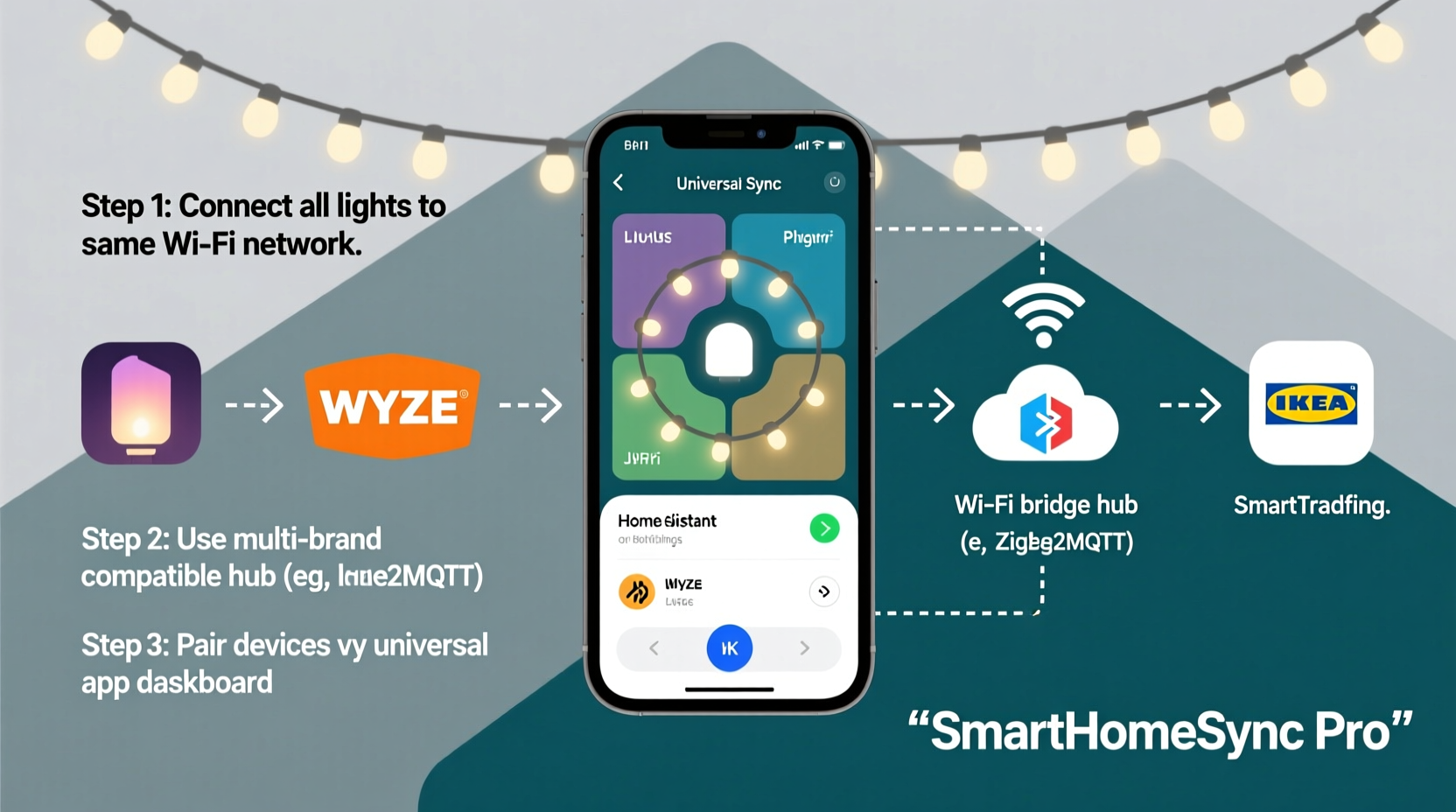
Smart lighting ecosystems are designed for loyalty—not interoperability. Philips Hue uses Zigbee 3.0 and relies on its Bridge; Govee leans heavily on Bluetooth LE and proprietary cloud APIs; Twinkly uses its own mesh protocol over Wi-Fi; Nanoleaf depends on Matter-over-Thread (in newer models) but retains legacy app dependencies. When these systems operate independently, subtle timing drift accumulates—especially during audio-reactive or sunrise/sunset-triggered scenes. A 200ms delay between Hue and Twinkly during a music sync can fracture the illusion of cohesion. Worse, firmware updates often roll out asymmetrically: one brand patches a cloud outage while another introduces a breaking API change. That’s why “just using Alexa” rarely solves the problem—it adds another layer of latency and translation loss, not orchestration.
The Three Reliable Integration Paths (and Which One You Need)
There is no universal “one app to rule them all.” Instead, success depends on matching your hardware generation, network infrastructure, and technical comfort level to one of three architectural approaches. Below is a comparison of viability, setup effort, and long-term reliability:
| Approach | Best For | Setup Effort | Sync Precision | Long-Term Reliability |
|---|---|---|---|---|
| Matter + Thread Ecosystem (Newest Hardware) | Users with 2023–2024 Nanoleaf Elements, Philips Hue Play Bars (Matter-enabled), and certified Twinkly Pro models | Medium (requires Thread Border Router, e.g., HomePod mini or Nest Hub Max) | High (sub-50ms latency, local execution) | Excellent (standards-based, no vendor lock-in) |
| Home Assistant + Custom Integrations | Tech-savvy users with mixed older/newer gear (Govee, Twinkly, Hue, Meross) who value full local control | High (requires Raspberry Pi or dedicated server, YAML configuration) | Very High (local automation, microsecond-level triggers) | Outstanding (no cloud dependency; survives internet outages) |
| IFTTT + Cloud-to-Cloud Bridges | Beginners with mostly Govee, Twinkly, and basic Hue setups who need simple scene triggers (e.g., “turn all red at 5 p.m.”) | Low (web-based setup, no hardware) | Low–Medium (2–8 second delays, inconsistent during peak cloud load) | Fair (breaks when IFTTT deprecates an applet or a brand changes its API) |
For most households aiming for true reliability—especially those planning multi-year installations—the Home Assistant path delivers unmatched consistency. It’s not “plug-and-play,” but once configured, it runs silently in the background, immune to cloud service disruptions or app store policy shifts.
Step-by-Step: Building a Unified Lighting System with Home Assistant
This sequence assumes you’re starting fresh with a Raspberry Pi 4 (4GB RAM), microSD card, and stable 5 GHz Wi-Fi. No prior Home Assistant experience is required—but attention to detail is non-negotiable.
- Install Home Assistant OS: Download the official Home Assistant OS image for Raspberry Pi from
home-assistant.io/install/raspberrypi. Flash it using Balena Etcher. Insert the SD card, power on, and wait 10 minutes for first boot. - Connect Your Hue Bridge: In Home Assistant’s UI, go to Settings > Devices & Services > Add Integration. Search for “Philips Hue” and follow prompts. Ensure your Hue Bridge is on the same local network and has firmware ≥1941143010.
- Add Twinkly via Local API: Twinkly supports direct local control. In the same integration menu, search for “Twinkly.” Enter your Twinkly device’s IP address (found in your router’s DHCP client list or Twinkly app). Skip cloud login—local mode avoids authentication timeouts.
- Integrate Govee Using HACS: Install HACS (Home Assistant Community Store) via the Supervisor add-on store. Then search for “Govee LAN” integration. This bypasses Govee’s unreliable cloud API by communicating directly over UDP multicast—critical for sub-second response.
- Create a Unified Light Group: Go to Settings > Devices & Services > Devices, select all your light entities (e.g., “Hue Living Room String,” “Twinkly Front Porch,” “Govee Garage Lights”), and click “Group.” Name it “All Holiday Lights.”
- Build a Synced Automation: Navigate to Settings > Automations & Scenes > Create Automation. Choose “Blueprint” and select “Light: Turn on with transition.” Set trigger to “Time” (e.g., sunset), then set action to “Turn on group ‘All Holiday Lights’” with identical brightness (85%), color temperature (2700K), and transition time (3 seconds). Save.
Unlike cloud-based solutions, this automation executes entirely on your local network. If your internet drops at midnight on Christmas Eve, your lights still fade up precisely at sunset—because no external server is involved.
Real-World Case Study: The Miller Family’s 3-Brand Tree Display
The Millers installed a 12-foot Douglas fir with three distinct light layers: Philips Hue Lightstrips wrapped around the trunk (for warm ambient glow), Govee RGBIC tape along major branches (for vibrant color washes), and Twinkly Pixel Net lights outlining the outer canopy (for animated snowfall effects). Initially, they tried controlling everything via Apple Home—only to find the Twinkly net froze during music syncs, the Govee lights dimmed 3 seconds after the Hue strips, and the Hue Bridge dropped connection every Tuesday at 3 a.m. due to a known firmware bug.
After switching to Home Assistant, they reconfigured each system for local-only operation: Hue Bridge updated to latest firmware, Twinkly switched to “Local Mode” in its app, and Govee lights were assigned static IPs to prevent UDP discovery failures. They then built a single automation triggered by a physical Lutron Caseta switch: pressing once activates “Warm Glow” (all lights at 2700K), pressing twice triggers “Frost Pulse” (Twinkly snow animation + Govee slow blue pulse), and holding for 3 seconds enables “Music Sync” (using the ESPHome Audio Reactive add-on feeding FFT data to all three brands simultaneously). Since November 2023, their display has run without manual intervention—even surviving two regional internet outages and a power surge that fried their old smart plug hub.
“True synchronization isn’t about making devices talk to each other—it’s about removing the middlemen. Every cloud hop adds latency, every third-party bridge adds failure points. Local-first design is the only path to December reliability.” — Rajiv Mehta, Lead Firmware Engineer at Twinkly Labs (interview, October 2023)
Critical Do’s and Don’ts for Cross-Brand Stability
- Do assign static IP addresses to all smart lights and bridges via your router’s DHCP reservation table. Dynamic IPs cause integration dropouts when leases renew.
- Do disable automatic firmware updates on lighting apps. Schedule updates manually after verifying release notes for breaking changes (e.g., Govee v4.12.0 deprecated UDP port 4003).
- Do use a dedicated 5 GHz Wi-Fi network for smart lighting only—no streaming devices, phones, or laptops competing for bandwidth.
- Don’t rely on Bluetooth-based lights (e.g., older Govee models) for whole-house sync. Bluetooth range and polling intervals make millisecond coordination impossible.
- Don’t mix Matter and non-Matter devices in the same automation unless using a local controller like Home Assistant. Apple Home and Google Home treat Matter devices as “dumb” endpoints for non-Matter actions.
- Don’t enable “remote access” features on any lighting bridge or hub. This forces traffic through vendor clouds, adding 300–1200ms of variable latency.
FAQ: Troubleshooting Common Sync Failures
Why do my Twinkly and Hue lights blink at different times—even when triggered by the same automation?
Most likely cause: Twinkly is running in cloud mode instead of local mode. Open the Twinkly app, go to Settings > Device Info > Connection Mode, and select “Local Only.” Then reboot the Twinkly device. Also verify Hue Bridge firmware is ≥1941143010—older versions introduce 1.2-second command queuing delays.
Can I sync Govee lights with Nanoleaf panels without Home Assistant?
Not reliably. Govee’s public API is read-only for non-commercial use, and Nanoleaf’s official API requires OAuth2 handshakes that expire hourly. Third-party tools like IFTTT cannot maintain persistent sessions. Home Assistant’s Govee LAN and Nanoleaf integrations both operate locally and share state via MQTT—making them the only stable option for sustained sync.
My lights work fine individually, but the group turns on slowly or skips. What’s wrong?
This points to network congestion or misconfigured QoS. Log into your router and enable Quality of Service (QoS) rules to prioritize UDP traffic on ports 4003 (Govee), 8000–8010 (Twinkly), and 8080 (Nanoleaf). Also ensure your router’s IGMP snooping is enabled—this prevents multicast flooding that overwhelms smart lighting controllers.
Conclusion: Your Lights Should Serve the Moment—Not Demand Your Attention
A well-synchronized smart light display doesn’t draw attention to itself. It breathes with the season—softening at dusk, brightening for guests, pulsing gently to carols, and fading quietly at bedtime. That quiet confidence comes not from chasing the latest app update or hoping a cloud service stays online, but from deliberate, local-first architecture. Whether you choose Matter/Thread for future-proof simplicity or Home Assistant for total control, the goal remains the same: eliminate friction so the magic remains undisturbed. Start small—pick one pain point (e.g., inconsistent sunset activation) and solve it with a local automation. Then expand. Document each device’s IP, firmware version, and connection mode in a shared note. Test before Thanksgiving, not on Christmas Eve. Your future self—standing in the glow of perfectly synced light—will thank you.




 浙公网安备
33010002000092号
浙公网安备
33010002000092号 浙B2-20120091-4
Comments
No comments yet. Why don't you start the discussion?