
Decorating for the holidays has evolved far beyond stringing basic incandescent bulbs. Today’s smart Christmas lights offer dazzling color control, music synchronization, scheduling, and remote access—all from a smartphone. But when you mix brands like Philips Hue, Govee, Twinkly, LIFX, and Nanoleaf, managing them can become chaotic. Each brand often requires its own app, cloud service, or hub, leading to notification overload and conflicting signals. The good news: it’s entirely possible to unify your holiday lighting under a single interface—without sacrificing functionality or causing device interference.
The key lies in understanding communication protocols, leveraging universal platforms, and applying strategic configuration. With the right approach, your multibrand light display can behave as one synchronized system, transforming your home into a seamless winter wonderland.
Understanding the root of hub conflicts
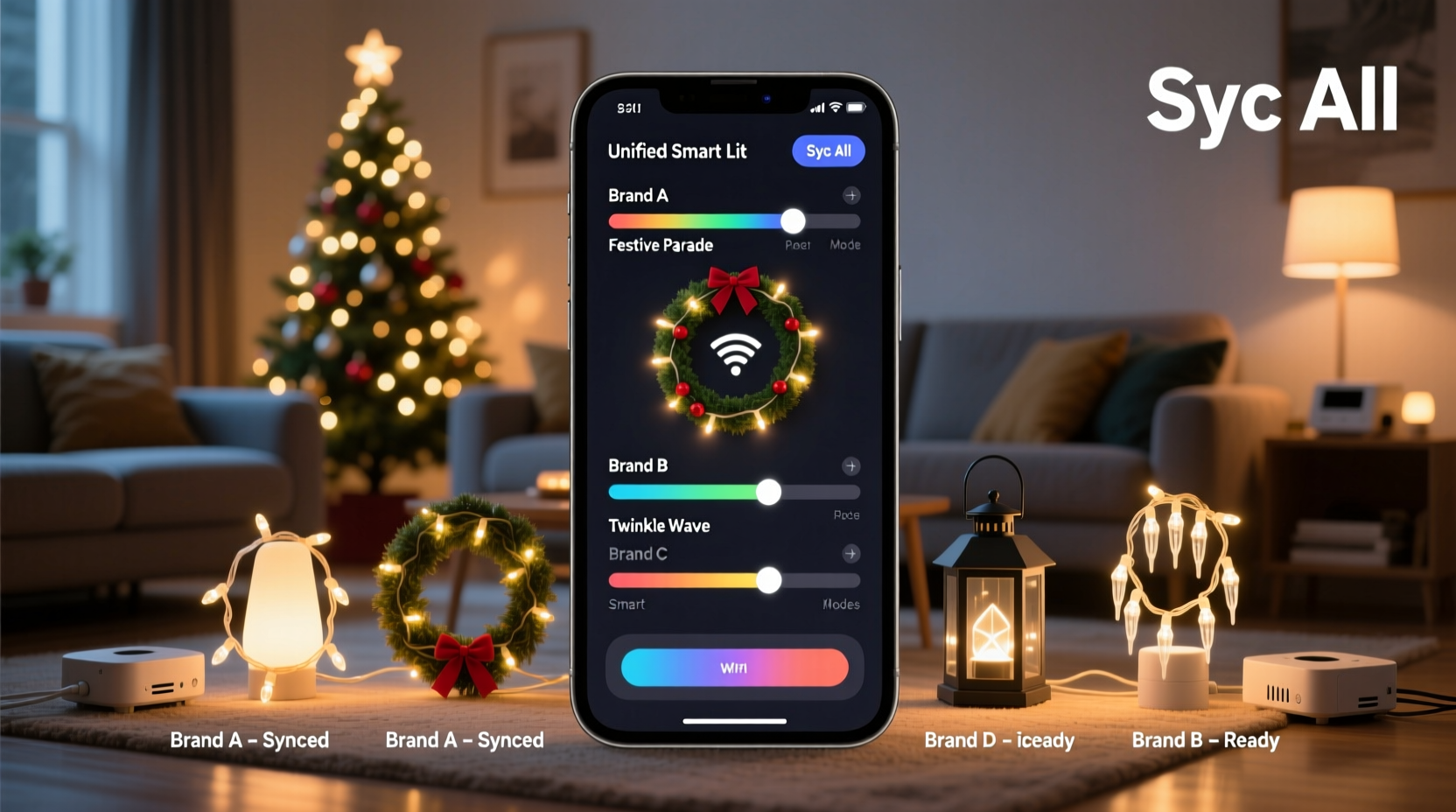
Smart lights rely on wireless communication standards such as Wi-Fi, Bluetooth, Zigbee, or Thread. Different brands use different protocols, and even within the same protocol, proprietary firmware can create silos. For example:
- Philips Hue uses Zigbee and requires a Hue Bridge.
- Govee primarily uses Bluetooth LE and Wi-Fi, connecting directly to its app.
- Twinkly operates over Wi-Fi with its own dedicated network during setup.
- LIFX runs on Wi-Fi without a hub but may struggle on crowded networks.
When multiple hubs attempt to manage overlapping devices or compete for bandwidth, conflicts arise. Symptoms include delayed responses, dropped connections, erratic behavior, or failure to sync animations. These issues are not due to faulty hardware but rather incompatible ecosystems.
“Most interoperability problems stem from fragmented communication layers, not device quality. The solution is abstraction—using a central platform that translates between systems.” — Marcus Tran, IoT Integration Engineer at SmartHome Labs
Step-by-step guide to unifying multibrand smart lights
Synchronizing different brands under one app isn’t plug-and-play, but it’s achievable with planning. Follow this sequence to minimize friction and maximize compatibility.
- Inventory your current lighting ecosystem
Create a list of all your smart light strings, including brand, model, connectivity type (Wi-Fi/Bluetooth/Zigbee), and required apps or hubs. - Choose a universal control platform
Select a third-party application capable of integrating multiple brands. Top options include:- Home Assistant – Open-source, highly customizable, supports hundreds of integrations.
- Apple HomeKit – If all devices support HomeKit, use the Apple Home app as a unified controller.
- Google Home – Broad compatibility with Wi-Fi and some Zigbee devices via Matter.
- IFTTT (If This Then That) – Useful for simple automations across platforms.
- Verify Matter and Thread readiness
Matter, the new cross-platform smart home standard, enables devices from different manufacturers to work together securely. Check if your lights support Matter over Wi-Fi or Thread. Devices like newer Nanoleaf panels and Eve Light Strips are Matter-certified and can coexist peacefully under Apple Home, Google Home, or Amazon Alexa. - Set up local control where possible
Prefer local execution over cloud-dependent commands. Cloud outages can disrupt timing-sensitive displays. Platforms like Home Assistant allow local automation, reducing lag and increasing reliability. - Map devices to zones or groups
Within your chosen app, organize lights by location (e.g., “Front Yard,” “Tree,” “Porch”) regardless of brand. This simplifies scene creation and scheduling. - Test synchronization with simple routines
Start with basic on/off schedules or color changes across all devices. Gradually introduce complex effects like waves, chases, or beat detection once stability is confirmed.
Using Home Assistant as a master controller
For users seeking maximum flexibility, Home Assistant stands out as the most powerful tool for merging disparate smart lighting systems. It runs locally on a Raspberry Pi or mini PC, eliminating reliance on external servers.
Here’s how to integrate multiple brands:
- Govee: Use the official Govee integration or MQTT bridge for real-time updates.
- Hue: Connect via the Hue Bridge integration; Home Assistant discovers lights automatically.
- Twinkly: Enable API access in the Twinkly app, then use the custom component available in HACS (Home Assistant Community Store).
- LIFX: Native integration via UDP broadcast; no hub needed.
- TP-Link Kasa / Nanoleaf: Supported through built-in integrations.
Once connected, create an automation that triggers all lights simultaneously. For instance:
- alias: \"Evening Holiday Lights On\"
  trigger:
    - platform: time
      at: \"17:00\"
  action:
    - service: light.turn_on
      target:
        area_id: [front_yard, living_room_tree, porch]
      data:
        brightness_pct: 80
        color_name: white
This ensures every brand responds to the same command at the same time, effectively syncing them without direct inter-brand communication.
Comparison table: App consolidation strategies
| Platform | Supported Brands | Hub Required? | Local Control? | Best For |
|---|---|---|---|---|
| Apple Home | Hue, Nanoleaf, Eve, LIFX (Matter-compatible) | Yes (for non-Matter) | Yes (with Hub or Thread Border Router) | iOS users wanting simplicity and reliability |
| Google Home | Govee, TP-Link, Philips Hue, LIFX | Sometimes | Limited (mostly cloud-based) | Voice control via Assistant; broad brand support |
| Amazon Alexa | Most major brands via skills | Rarely | No | Voice-first households; routine-based scenes |
| Home Assistant | Nearly all (via integrations) | Depends on device | Yes (fully local) | Tech-savvy users needing full control and privacy |
| IFTTT | Select brands with public APIs | No | No | Simple triggers between ecosystems (e.g., weather → lights) |
Real-world case: A multibrand holiday display in Seattle
In suburban Seattle, homeowner Jenna Rivas manages a sprawling holiday display featuring 12 light strings from five different brands: Philips Hue (tree), Govee (gutters), Twinkly (window outlines), LIFX (indoor staircase), and a set of vintage RGB LED strips controlled via ESPHome.
Initially, she used five separate apps, leading to inconsistent timing and frustration when guests arrived. After researching integration methods, she installed Home Assistant on a Raspberry Pi 4 and connected all devices using their respective integrations. She created a dashboard showing all lights, grouped by zone, and programmed a daily sunset-triggered routine that gradually activates each section in sequence.
She also added a motion sensor linked to her front doorbell camera. When motion is detected between December 1 and January 5, the porch lights pulse gently in welcome. Music-reactive modes activate only during weekend evenings, avoiding noise complaints.
“It took about three weekends to set up,” Jenna said, “but now everything works like one big show. My kids can control it from one screen, and neighbors stop to ask how I made it so smooth.”
Checklist: Pre-sync preparation steps
Before attempting to synchronize your lights, complete the following checklist to ensure success:
- ☐ Inventory all smart light models and their connectivity types
- ☐ Update firmware on all devices and hubs
- ☐ Confirm Wi-Fi signal strength in outdoor installation areas
- ☐ Reserve static IPs for critical hubs (Hue Bridge, Twinkly Controller)
- ☐ Choose a primary control platform (e.g., Home Assistant, Apple Home)
- ☐ Install necessary integrations or enable developer APIs (e.g., Twinkly API, Govee MQTT)
- ☐ Test individual device responsiveness in their native apps first
- ☐ Disable conflicting automations in original apps to avoid double triggers
Common pitfalls and how to avoid them
Even with careful planning, issues can arise. Awareness helps prevent setbacks:
- Overloading the 2.4 GHz band: Most smart lights use 2.4 GHz Wi-Fi or Bluetooth. Too many devices on one channel cause interference. Solution: Use a dual-band router, assign lights to 2.4 GHz, and reserve 5 GHz for high-bandwidth devices.
- Cloud dependency delays: Some apps process commands through remote servers, adding seconds of latency. Opt for local control whenever possible.
- Inconsistent color calibration: “Red” on Govee may look orange on Hue. Manually adjust RGB values in your master app to match hues visually.
- Firmware incompatibility: Older models may lack API access or Matter support. Consider upgrading legacy strips or isolating them into standalone scenes.
“The biggest mistake people make is trying to force synchronization before establishing stable individual operation. Get each system working reliably on its own first.” — Lena Park, Smart Lighting Consultant
FAQ
Can I sync Govee and Philips Hue lights together?
Yes, but not natively. You’ll need a unifying platform like Home Assistant or Apple Home (if both are Matter-enabled). Direct pairing between Govee and Hue apps is not supported.
Do I need a hub for every brand of smart light?
Not necessarily. Wi-Fi-based lights (like LIFX or newer Govee models) connect directly to your network. However, Zigbee lights (e.g., Hue) require a hub. Some platforms, like Home Assistant, can act as a virtual hub using USB sticks like the Sonoff Zigbee Dongle.
Why do my lights desync after a few minutes?
This typically happens due to unstable network conditions or cloud polling intervals. Ensure all devices are on a stable 2.4 GHz network, reduce background traffic, and use local automation instead of cloud routines.
Conclusion: Unified lighting starts with smart integration
Syncing multiple brands of smart Christmas lights into a single app isn’t just convenient—it transforms your holiday display from a collection of gadgets into a cohesive experience. By understanding communication protocols, selecting the right control platform, and carefully configuring each device, you eliminate hub conflicts and unlock advanced features like timed sequences, voice control, and responsive lighting.
The future of smart holiday décor lies in interoperability, and standards like Matter are accelerating that shift. Whether you’re a casual decorator or a neighborhood spectacle creator, investing time in integration pays off in ease, reliability, and jaw-dropping results.




 浙公网安备
33010002000092号
浙公网安备
33010002000092号 浙B2-20120091-4
Comments
No comments yet. Why don't you start the discussion?