
Smart lighting has transformed modern homes from static environments into dynamic, mood-responsive spaces. But as homeowners adopt different brands—Philips Hue, LIFX, Nanoleaf, Wyze, or TP-Link Kasa—they often end up with fragmented systems that don’t communicate. The dream of a unified, synchronized light show across rooms and devices remains out of reach without the right strategy. Fortunately, it’s entirely possible to blend these disparate ecosystems into one harmonious display. With the right tools, protocols, and setup approach, you can control all your lights—regardless of brand—from a single interface and choreograph them in perfect rhythm.
Understanding the Challenge: Why Brands Don’t Talk
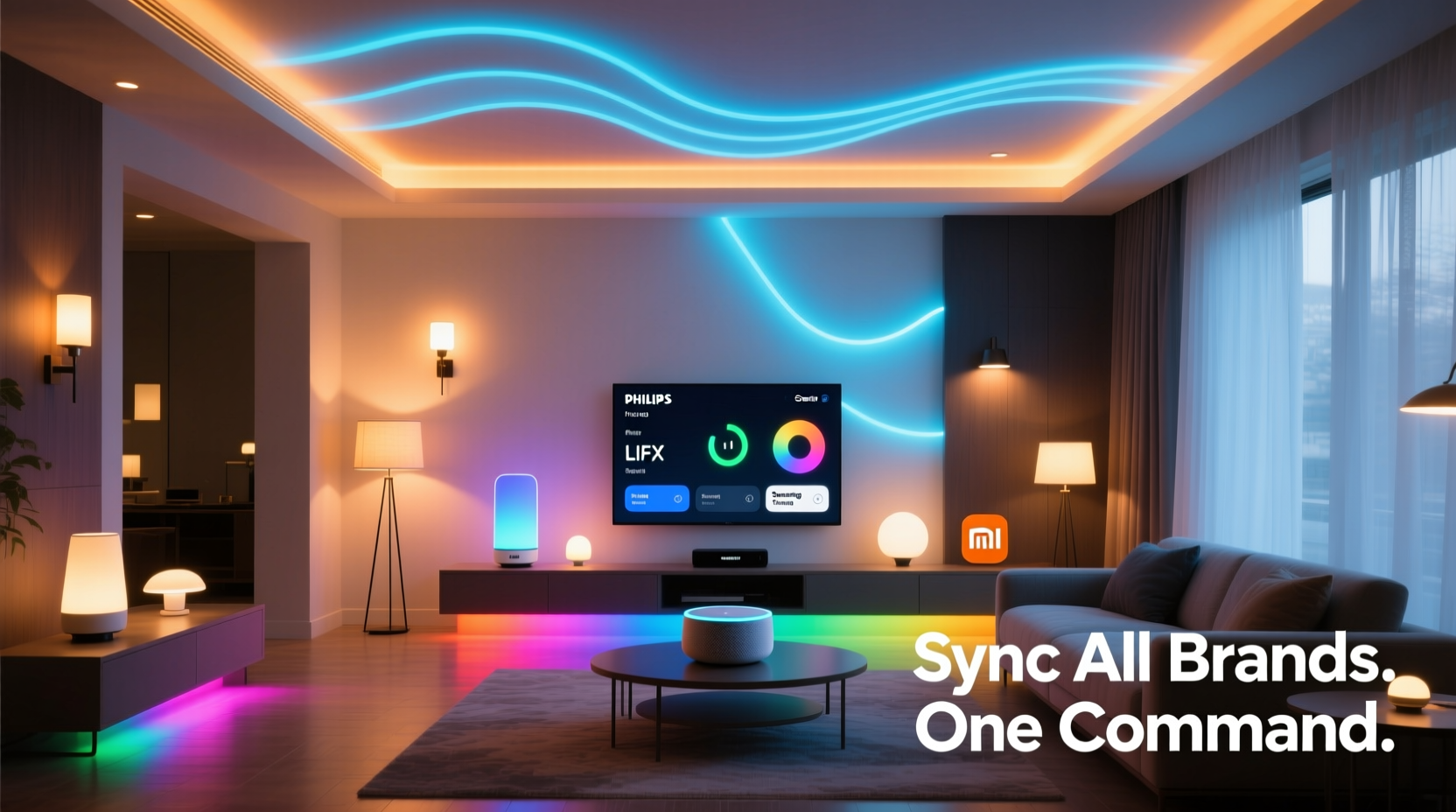
At the heart of the multi-brand smart light dilemma is fragmentation. Each manufacturer uses its own app, cloud infrastructure, and sometimes even communication protocol. Philips Hue relies on Zigbee, while LIFX uses Wi-Fi. Nanoleaf supports both Thread and Wi-Fi, and newer brands like Govee use Bluetooth or proprietary mesh networks. These differences create silos.
Without a universal language, your living room’s LED strips can’t naturally coordinate with your bedroom bulbs or kitchen under-cabinet lighting. Even if two brands offer similar features—like color changing or scheduling—they operate independently unless bridged by a third-party platform.
The solution isn’t replacing all your lights. It’s integration. By leveraging hubs, cross-platform automation tools, and standardized protocols, you can unify your ecosystem without sacrificing existing investments.
Step-by-Step Guide to Unifying Your Smart Lighting
Synchronizing multiple brands requires careful planning and execution. Follow this timeline to build a cohesive system:
- Inventory Your Devices: List every smart light by brand, model, and communication type (Wi-Fi, Zigbee, Bluetooth, etc.). Note which ones are hub-dependent (e.g., Hue) and which connect directly to your network.
- Select a Central Hub or Platform: Choose a unifying system such as Apple Home, Google Home, Amazon Alexa, or Home Assistant. This will act as the command center.
- Ensure Network Stability: All devices must be on the same 2.4 GHz Wi-Fi band. For Zigbee or Thread devices, verify that your hub supports those protocols.
- Add Devices to the Central Platform: Use the chosen app to discover and integrate each light. Some may require linking accounts via OAuth (e.g., “Connect Hue” in Google Home).
- Group Lights by Room or Function: Create zones like “Living Room,” “Entertainment Area,” or “Ambient Lights” for easier control.
- Create Scenes and Automations: Design lighting scenes (e.g., “Movie Night,” “Sunrise Wake-Up”) that trigger multiple lights simultaneously.
- Test Synchronization: Activate scenes manually and observe timing. Adjust delays if certain brands respond slower than others.
- Enable Voice and Remote Access: Set up voice commands through Alexa or Siri so you can control everything hands-free.
This process typically takes 1–2 hours depending on device count, but yields long-term simplicity and enhanced functionality.
Best Platforms for Cross-Brand Integration
Not all smart home platforms handle multi-brand support equally. Here's how top options compare:
| Platform | Supported Brands | Key Strengths | Limits |
|---|---|---|---|
| Apple Home | Hue, Nanoleaf, LIFX, TP-Link, Eve, Aqara | Strong privacy, reliable automation, excellent iOS integration | Limited Android support; requires Apple hardware for full features |
| Google Home | Hue, LIFX, Wyze, Cync, Sengled, Govee | Voice accuracy, broad brand support, intuitive routines | Less precise timing in complex automations |
| Amazon Alexa | Nearly all major brands via Skills | Vast compatibility, good voice control, IFTTT integration | Scene transitions can lag; inconsistent response times |
| Home Assistant | All (with local integrations) | Fully customizable, no cloud dependency, advanced scripting | Steep learning curve; requires Raspberry Pi or server |
For most users, Google Home or Apple Home offers the best balance of ease and capability. Power users seeking granular control should consider Home Assistant despite its complexity.
“Interoperability is the next frontier in smart homes. Platforms that bridge ecosystems—not replace them—will define the future.” — Dr. Lena Torres, IoT Research Lead at MIT Media Lab
Advanced Syncing Techniques for Seamless Displays
Beyond basic scene creation, true cohesion demands precision. When syncing music-reactive effects or sunrise simulations across brands, minor delays become noticeable. To eliminate lag and enhance fluidity:
- Use Local Execution: Cloud-based automations introduce latency. Platforms like Home Assistant or Apple Home (with HomePod as hub) execute commands locally, reducing delay to milliseconds.
- Standardize Firmware Updates: Keep all devices updated. Older firmware versions may not respond efficiently to group commands.
- Leverage MQTT for Real-Time Control: In Home Assistant, use MQTT brokers to publish lighting states instantly across devices, enabling frame-accurate synchronization useful for entertainment setups.
- Calibrate Response Times: If one brand consistently lags (e.g., Govee Bluetooth strips), program a slight offset in your automation script to align it visually with faster responders.
For ambient experiences like gradual dimming or sunrise alarms, uniform transition duration is critical. Set all lights to fade over the same period—even if one brand only allows 500ms increments and another allows 100ms. Round to the nearest common value.
Mini Case Study: Unified Lighting in a Mixed-Brand Apartment
Jamal, a designer in Portland, wanted to create an immersive evening ambiance in his open-concept loft. He owned Philips Hue ceiling lights, Nanoleaf Canvas wall panels, Govee LED strips under cabinets, and LIFX bulbs in floor lamps. Initially, each worked in isolation.
He chose Apple Home as his central platform, connecting all devices via their respective apps. Using a HomePod Mini as the hub, he created a scene called “Evening Glow” that triggered at sunset. The Hue lights dimmed to 30% warm white, the Nanoleaf panels pulsed softly in deep amber, Govee strips activated a slow rainbow cycle, and LIFX bulbs shifted to candlelight mode—all within half a second of each other.
The result was a cinematic atmosphere where walls, floors, and ceilings moved in harmony. Jamal later added a motion-triggered “Welcome Home” scene that lit a path from the front door to the kitchen, using all brands in sequence. His guests consistently remark on the space feeling “alive.”
Checklist: Building a Cohesive Multi-Brand Lighting System
Follow this checklist to ensure success:
- ✅ Audit all current smart lights by brand, model, and connectivity type
- ✅ Confirm router supports 2.4 GHz Wi-Fi and adequate coverage
- ✅ Select a central platform (Apple Home, Google Home, Alexa, or Home Assistant)
- ✅ Install and update required apps and firmware
- ✅ Link brand-specific accounts (e.g., Hue, Nanoleaf) to the central app
- ✅ Group devices logically (by room, function, or zone)
- ✅ Test individual device responsiveness
- ✅ Create 2–3 core scenes (e.g., “Relax,” “Focus,” “Party”)
- ✅ Fine-tune transition speeds and brightness levels for visual consistency
- ✅ Enable voice control and geofencing automations
- ✅ Document your setup for future troubleshooting
Completing this list ensures you don’t overlook hidden incompatibilities and establishes a maintainable system.
Common Pitfalls and How to Avoid Them
Even experienced users encounter issues when merging ecosystems. Awareness prevents frustration.
- Bluetooth Bottlenecks: Brands like Govee or Yeelight often use Bluetooth, which doesn’t scale well. These lights may disconnect when too many are grouped. Solution: Use Wi-Fi versions when available, or rely on a dedicated gateway.
- Cloud Dependency Delays: Automations routed through the cloud can take 1–3 seconds to execute. For real-time sync, use local execution platforms like Apple Home or Home Assistant.
- Inconsistent Color Temperatures: Two bulbs set to “warm white” may appear different—one yellow, one orange. Manually calibrate using the app’s color picker until they match visually.
- Overloaded Routines: Adding 20+ lights to one scene can cause timeouts. Break large automations into smaller, sequenced triggers with 100–200ms delays between groups.
Patience during calibration pays off in smoother, more professional results.
FAQ
Can I sync smart lights from different brands without a hub?
Yes, but with limitations. Cloud-based platforms like Google Home or Alexa can link multiple brands without physical hubs. However, response times are slower, and offline control isn’t possible. For reliable, fast syncing—especially for music or video effects—a local hub (like HomePod, Echo, or Home Assistant server) is strongly recommended.
Why do some of my lights not appear in the main app?
This usually happens when the brand isn’t natively supported by your central platform or when account linking fails. Check the platform’s compatibility list, ensure the light’s app is updated, and re-authenticate the connection. Some brands require enabling “device discovery” in their settings.
Is it safe to mix high-voltage and low-voltage smart lights in one automation?
Yes, from a control perspective. The automation system sends signals, not power. However, ensure all electrical installations comply with local codes. Low-voltage strips should be powered through proper adapters, and hardwired fixtures installed by qualified personnel.
Conclusion: Light in Harmony, Not Isolation
A truly intelligent home doesn’t favor one brand over another—it integrates them all. Synchronizing multiple brands of smart lights isn’t just about convenience; it’s about creating environments that respond intuitively to your life. Whether you’re winding down with a gentle glow or energizing a party with pulsing rhythms, unified control transforms functionality into artistry.
The tools exist. The protocols are maturing. What’s needed now is intention. Audit your setup, choose your platform, and begin building scenes that reflect your style—not your gadget lineup. With patience and precision, your lights can move as one, turning every corner of your home into a canvas of coordinated light.




 浙公网安备
33010002000092号
浙公网安备
33010002000092号 浙B2-20120091-4
Comments
No comments yet. Why don't you start the discussion?