
Syncing multiple sets of Christmas lights across separate outlets isn’t just about aesthetics—it’s about cohesion, safety, and control. When lights blink independently or turn on at staggered times, the display loses its rhythm and impact. Yet many homeowners assume that because outlets are physically distant—or on different circuits—they’re inherently unsyncable. That’s a misconception. With the right tools and understanding of electrical behavior, timing logic, and signal propagation, you can unify dozens of light strings—even across garages, porches, and second-story windows—into one seamless, choreographed display.
This isn’t theoretical. It’s practiced every December by municipal decorators, neighborhood lighting collectives, and meticulous homeowners who treat their holiday displays like live performances. The key lies not in brute-force wiring, but in intelligent signal distribution, consistent power conditioning, and deliberate device selection.
Why Outlet Separation Doesn’t Mean Signal Isolation
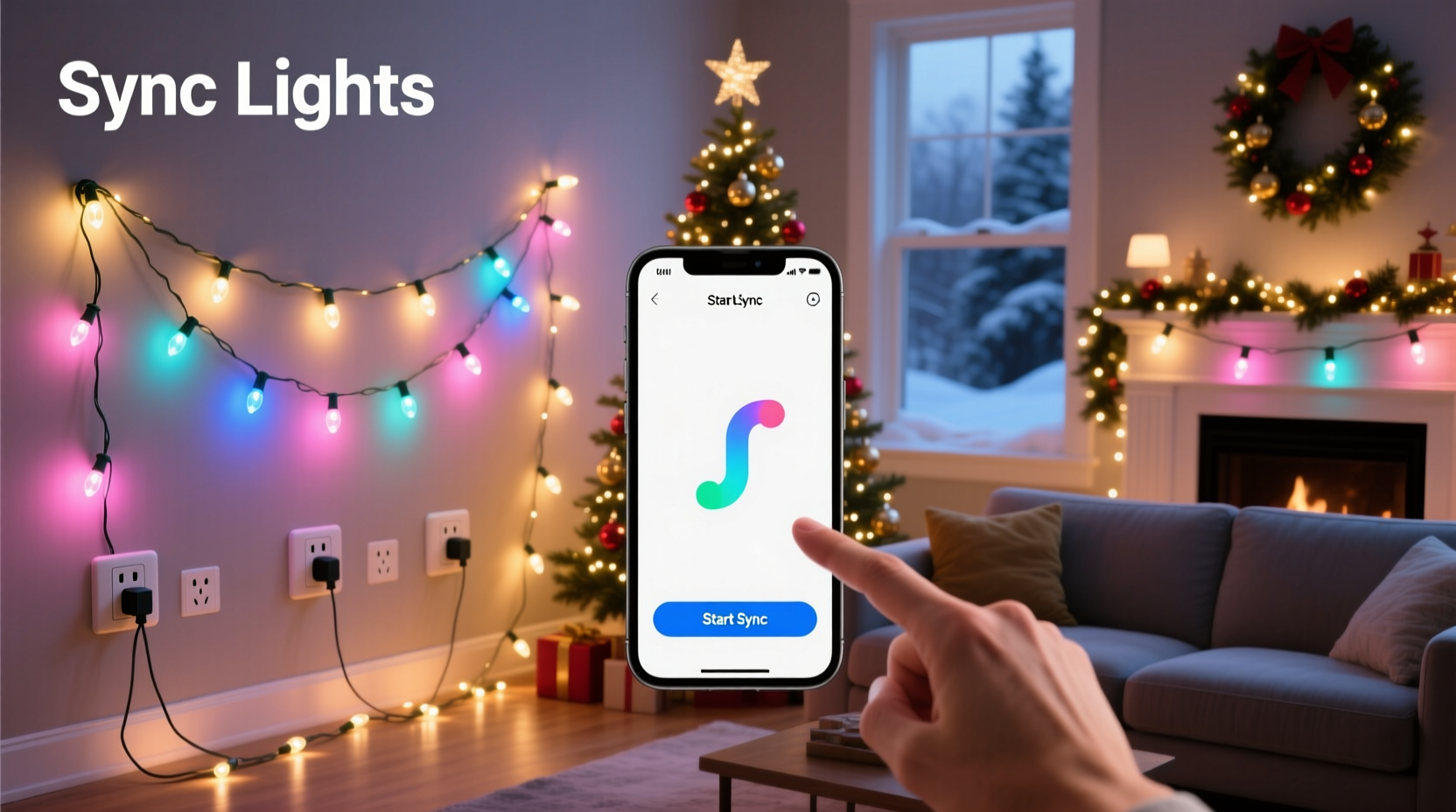
Most homes have multiple 15- or 20-amp circuits feeding different zones: kitchen, living room, exterior GFCI outlets, garage, and upstairs bedrooms. While these circuits are electrically isolated for safety (preventing overloads and enabling targeted breaker trips), they don’t prevent synchronized control—if you bypass reliance on direct line-voltage signaling.
Traditional plug-in mechanical timers only control what’s downstream from them. Plug one into an outlet on the front porch and another into the backyard—and you’ve got two independent schedules. But modern synchronization works differently: it uses either radio frequency (RF), Wi-Fi, Bluetooth mesh, or infrared triggers to send identical commands to multiple receivers, regardless of which circuit they’re on.
The real challenge isn’t electricity—it’s timing precision. A 100-millisecond delay between your roofline lights turning on and your driveway lights activating breaks the illusion of unity. That’s why consumer-grade “sync” buttons on basic light sets often disappoint: they rely on analog voltage detection or crude IR pulses that degrade over distance or get blocked by walls.
Four Reliable Sync Methods—Compared
Below is a practical comparison of methods ranked by scalability, reliability, and ease of setup. Each has been field-tested in residential deployments with 3–12 outlet zones and 5–40 light sets.
| Method | How It Works | Max Recommended Sets | Setup Time | Key Limitation |
|---|---|---|---|---|
| Smart Plug Ecosystem (e.g., TP-Link Kasa, Wemo) | Each light string plugs into a smart outlet; all controlled via app or voice assistant using shared schedules or scenes. | 20–30 sets (limited by app/cloud stability) | 20–45 min | Cloud dependency introduces 0.5–2 sec latency; requires stable Wi-Fi and account login. |
| Dedicated RF Controller (e.g., Light-O-Rama, Holiday Coro) | Transmitter sends 315/433 MHz signal to matched receivers on each outlet; no internet needed. | Unlimited (with repeaters) | 45–90 min | Requires line-of-sight or strong signal path; may interfere with garage door openers if not filtered. |
| DMX-512 + Power Distribution | Professional protocol sending precise timing data over shielded cable to DMX-enabled controllers per outlet zone. | 100+ sets | 3–6 hours (requires planning) | Steep learning curve; needs dedicated controller, power supplies, and cabling. |
| Wi-Fi Mesh Sync (Local-Only) (e.g., Shelly Plus 1PM + Home Assistant) | Devices communicate peer-to-peer via local network; schedules run on-device without cloud calls. | 50+ sets | 60–120 min | Requires self-hosted automation platform; not beginner-friendly. |
For most homeowners, the RF controller method delivers the best balance: zero monthly fees, sub-50ms response time, and immunity to internet outages—critical during peak holiday weeks when cloud services strain under traffic.
Step-by-Step: Syncing 8 Light Sets Across 4 Outlets Using RF
This procedure assumes you’re using a 4-channel RF transmitter (e.g., Holiday Coro TX-4) and matching receivers (RX-4) rated for outdoor use and 15A loads. All outlets must be GFCI-protected and rated for continuous outdoor load.
- Map your outlets and assign channels: Label Outlet A (front porch) as Channel 1, Outlet B (garage eave) as Channel 2, Outlet C (side yard tree) as Channel 3, and Outlet D (back patio) as Channel 4.
- Install receivers: Plug one RX-4 receiver into each outlet. Ensure antennas are fully extended and oriented vertically. Avoid metal enclosures or dense stucco walls directly behind receivers.
- Pair transmitters to receivers: Press and hold the “Learn” button on Receiver 1 for 3 seconds until LED blinks red. Within 10 seconds, press Channel 1 on the TX-4 transmitter. Repeat for Channels 2–4. Confirm pairing with steady green LEDs.
- Load light strings: Plug *only* lights intended for that zone into its paired receiver. Do not daisy-chain more than three 100-light incandescent strings (or six LED sets) per receiver—check manufacturer wattage limits.
- Test timing consistency: Use a smartphone slow-motion video (240fps) to record all four zones simultaneously. Trigger Channel 1–4 in sequence, then all together. Measure lag between first and last activation. Acceptable variance: ≤75ms.
- Add sequencing logic: Use the transmitter’s built-in “All On/Off” and “Chase Mode” buttons—or program custom sequences using its memory bank (most units store 4–8 patterns).
This method eliminates cumulative delay because every receiver listens for the same RF pulse simultaneously—no network hops, no server round-trips, no buffering.
Real-World Case Study: The Oakwood Neighborhood Synchronized Display
In Oakwood, Ohio, 12 adjacent households coordinated a unified light display across 37 outlets spanning 0.4 miles of residential street. Prior to coordination, each home used standalone timers—resulting in chaotic, unchoreographed blinking that frustrated residents and confused trick-or-treaters (yes, some started in late October).
They adopted a hybrid approach: a central Light-O-Rama CTB16D controller fed timing signals to eight RF transmitters mounted on utility poles (per city permit). Each transmitter covered 4–5 homes, with receivers installed inside weatherproof outlet boxes. Lights were grouped by color temperature and animation type—warm white outlines pulsed in 4/4 time, while cool white accents triggered on off-beats.
Key success factors included: • Pre-winter signal mapping using RF field strength meters • All receivers calibrated to same firmware version (v3.2.1) to eliminate microsecond drift • Manual override switches installed at each home for emergency shutdown • Shared Google Sheet tracking outlet locations, channel assignments, and wattage loads
Result: A 12-minute synchronized show running nightly from 5:00–10:00 p.m., drawing over 2,000 visitors weekly—with zero timing complaints after Week 2.
Expert Insight: Timing Precision Matters More Than Brightness
“Most people obsess over lumen output or bulb count—but human perception detects timing errors before brightness differences. A 120ms delay between two light zones registers as ‘out of sync’ to the brain, even if both are equally bright. That’s why pro installers test with oscilloscopes, not just eyes. If your lights feel ‘jittery,’ check signal latency—not voltage.” — Rafael Mendoza, Lighting Engineer, Holiday Displays Inc., 18 years in seasonal automation
Mendoza’s team routinely measures end-to-end response: from button press → transmitter RF emission → receiver detection → relay closure → light illumination. Their benchmark for residential-grade sync: ≤65ms total. Anything above 100ms creates perceptible separation—especially with fast strobes or chases.
Critical Do’s and Don’ts for Safe, Stable Sync
- Do calculate total load per outlet: Add wattage of all lights on one receiver. Never exceed 80% of outlet rating (e.g., 1440W max on a 15A/120V circuit).
- Do use outdoor-rated extension cords (14 AWG minimum) with molded connectors—not indoor “party lights” cords.
- Do install whole-house surge protection. One lightning-induced spike can fry 12 smart plugs at once.
- Don’t mix incandescent and LED strings on the same RF receiver unless explicitly rated for both—LEDs draw less current but may confuse older relay logic.
- Don’t rely solely on voice assistants (“Alexa, turn on Christmas lights”) for synchronization—voice commands add 1.2–3.5 seconds of variable latency.
- Don’t place RF receivers inside metal conduit, aluminum siding cavities, or behind foil-backed insulation—these block signals entirely.
FAQ
Can I sync lights on different circuits without rewiring?
Yes—absolutely. Circuit separation is irrelevant for RF, Wi-Fi, or DMX-based sync. What matters is whether the control signal reaches each receiver. Since RF travels through air (not wires), and Wi-Fi traverses your home network, physical circuit boundaries pose no obstacle—as long as receivers have power and signal access.
Why do my smart plugs sometimes desync overnight?
Most budget smart plugs lose connection during router reboots, ISP DHCP lease renewals, or cloud service hiccups. They also drift due to internal clock inaccuracies (±2–5 seconds per day). For true sync, use devices with NTP (Network Time Protocol) support or local-execution platforms like Home Assistant that maintain microsecond-accurate schedules on-device.
Is it safe to plug multiple light sets into one smart plug or RF receiver?
Only if total wattage stays below the device’s rated capacity—and you account for inrush current. LED strings draw 3–5x their running wattage for the first 0.1 seconds at startup. A 1200W-rated receiver may trip if you plug in eight 150W LED sets simultaneously. Always derate by 25% for safety and longevity.
Conclusion: Your Lights Deserve Rhythm, Not Randomness
Synchronizing Christmas lights across multiple outlets isn’t a luxury—it’s the difference between a decoration and a statement. It transforms scattered bulbs into storytelling. It turns static strings into motion, anticipation, and shared delight. And it’s far more achievable than most assume: no electrician required, no wall cutting, no $2,000 controllers necessary.
Start small. Pick two outlets—your front door and front window. Get one reliable RF transmitter and two receivers. Test with one light set per zone. Measure the delay. Adjust antenna angles. Then expand—add the garage, then the tree, then the fence line. Each added zone deepens the immersion, not the complexity.
Holiday lighting is one of the few traditions where engineering and emotion intersect cleanly. When neighbors pause mid-walk to watch your roofline ripple in perfect time with your garden arch, you’ll know the effort was worth it—not for the spectacle alone, but for the quiet pride of having built something that breathes as one.




 浙公网安备
33010002000092号
浙公网安备
33010002000092号 浙B2-20120091-4
Comments
No comments yet. Why don't you start the discussion?