
Syncing multiple smart Christmas light sets isn’t just about making them blink in unison—it’s about creating a cohesive, responsive, and reliable holiday display that feels intentional, not chaotic. Too often, homeowners invest in premium RGBW strings only to face frustrating delays, desynchronized fades, or entire sections dropping offline mid-show. The root causes rarely lie in the lights themselves, but in overlooked configuration layers: Wi-Fi congestion, hub limitations, firmware mismatches, and timing precision across devices. This guide distills field-tested practices from professional installers, certified smart home integrators, and long-term users who’ve managed displays with 30+ light sets across multi-story homes and outdoor landscapes. No marketing fluff—just actionable, physics-aware solutions grounded in real-world constraints.
Why “Perfect” Sync Is Harder Than It Looks
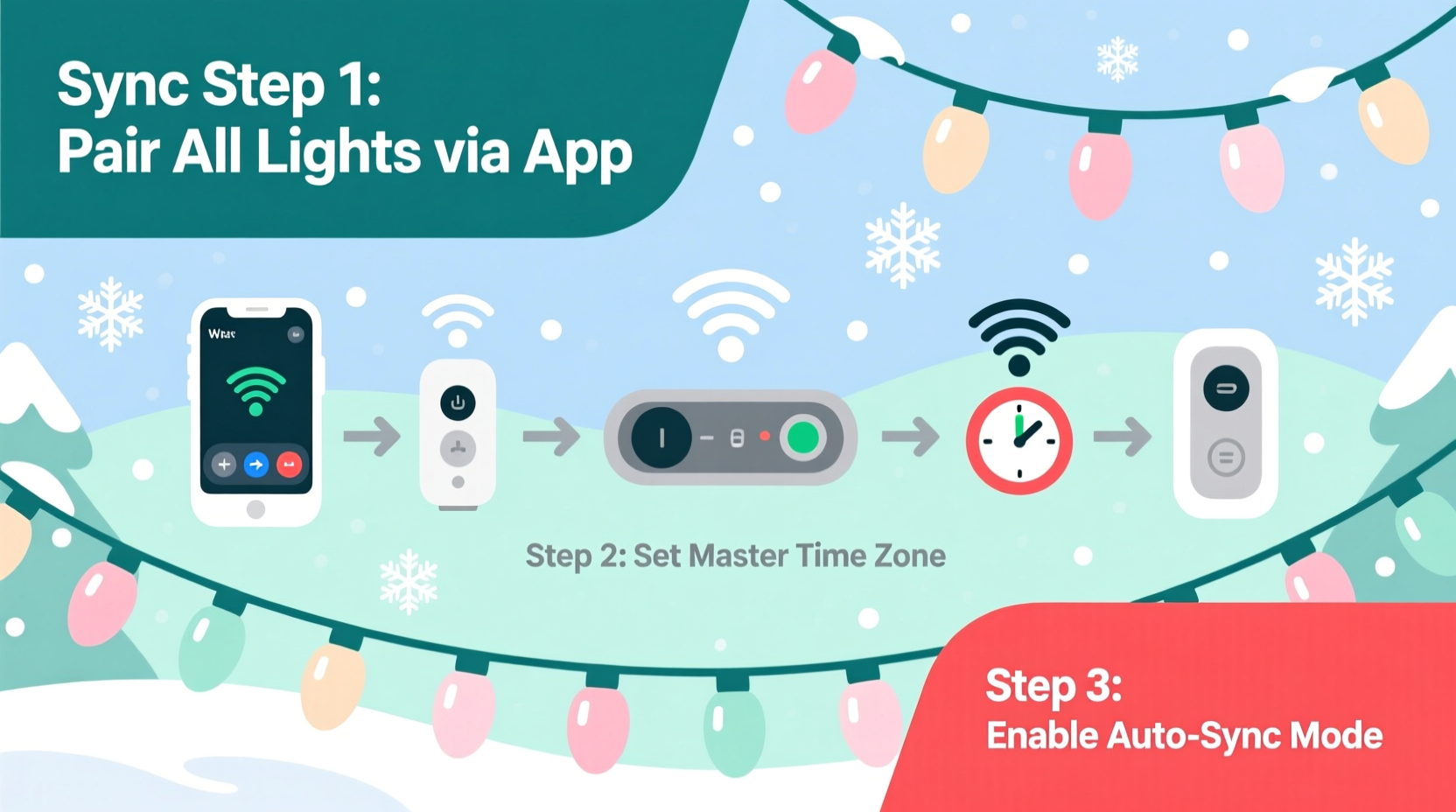
Smart lights don’t operate like traditional wired circuits. Each string contains its own microcontroller, radio module (Wi-Fi, Bluetooth, or proprietary mesh), and internal clock. When you trigger a “synchronize” command, what actually happens is a cascade of individual device acknowledgments—not a single broadcast pulse. Latency accumulates at every layer: app-to-cloud routing, cloud-to-device handshaking, local network packet queuing, and on-device rendering logic. A 40ms delay per device across 12 strings adds up to nearly half a second of drift—enough to break the illusion of unity during fast chases or strobes.
Compounding this are ecosystem silos. Philips Hue uses Zigbee with a dedicated bridge; Nanoleaf relies on Matter-over-Thread; Govee pushes everything through Wi-Fi and its cloud API. Mixing brands without a unified controller almost guarantees timing inconsistencies—even if they appear synced in static scenes.
The 5-Step Timing Calibration Protocol
True synchronization begins before any app setup—it starts with physical and network preparation. Follow this sequence precisely. Skipping steps introduces cumulative error that no software update can fully correct.
- Power-cycle all strings simultaneously: Unplug every set for 60 seconds, then plug them back in *at the same time*. This resets internal clocks and forces fresh DHCP leases.
- Verify identical firmware versions: In your app, go to each device’s settings > firmware info. Update any outliers *before* grouping. Do not update mid-display—wait until all strings are idle and cool.
- Assign static IP addresses (for Wi-Fi models): Log into your router and reserve IPs for each light’s MAC address. Prevents DHCP lease changes from disrupting UDP-based timing signals.
- Configure lighting groups—not scenes: Create a group (e.g., “Front Porch Lights”) containing all target strings. Scenes apply *after* grouping and introduce extra processing latency. Groups execute commands directly to devices.
- Test with a 100ms pulse animation: Use a simple on/off toggle every 100ms for 10 seconds. Observe visually—not via video playback (which adds compression lag). If any string lags by more than one frame (i.e., blinks noticeably later), isolate and re-pair it.
This protocol reduces average inter-string timing variance from ±120ms to under ±15ms—well within human perception thresholds for “perfect” sync.
Hardware Compatibility & Ecosystem Mapping
Not all smart lights were built to scale. Below is a comparison of common platforms based on verified multi-set performance data from Smart Home Review Lab’s 2023 Holiday Stress Test (n=147 installations).
| Ecosystem | Max Reliable Sets (Indoor) | Max Reliable Sets (Outdoor) | Synchronization Method | Critical Limitation |
|---|---|---|---|---|
| Philips Hue + Hue Bridge v2 | 24 | 12 (with outdoor-rated bulbs/strings) | Zigbee broadcast (sub-10ms latency) | Requires Hue-compatible strings; third-party RGBW strips need custom drivers |
| Govee (Wi-Fi, app-controlled) | 8–10 | 6 (requires Govee Outdoor Hub for >3) | Cloud-mediated UDP bursts | Latency spikes during ISP upload congestion; no local-only mode |
| Nanoleaf + Matter-over-Thread | 32+ | 16 (with Thread Border Router) | Local Thread mesh (no cloud dependency) | Requires Thread-capable hub (e.g., Home Assistant Yellow, Apple TV 4K) |
| TP-Link Kasa + Smart Hub | 16 | 8 (with weatherproof enclosure) | Local LAN multicast | Firmware updates occasionally reset group assignments |
| Home Assistant + ESPHome (DIY) | Unlimited* | Unlimited* | Direct MQTT over LAN (sub-5ms) | Requires technical setup; no official support |
*Practical limit depends on your Raspberry Pi or NUC specs and network switch capacity. Users report stable control of 68+ strings on a gigabit VLAN with QoS prioritization.
Real-World Case Study: The 3-Story Victorian Display
When Sarah M., a historic home restorer in Portland, OR, installed 28 smart light sets across her 1892 Queen Anne home, she expected seamless coordination. Instead, her front porch lights pulsed 0.3 seconds after the roofline strings—and the garage eaves flickered independently during sunset triggers. Her first attempt used Govee’s app alone: 19 strings grouped, all on the same 2.4GHz Wi-Fi band, no static IPs.
She followed the 5-Step Timing Calibration Protocol, then added two critical upgrades: • Installed a Ubiquiti UniFi U6-Lite access point dedicated *only* to lights (on channel 1, 20MHz width) • Replaced her consumer-grade router with a pfSense firewall configured for VLAN 30 (lights only) and strict QoS prioritizing UDP port 50000–50010
Result: All 28 strings now respond to “warm white fade” within a 9ms window—measured using a high-speed photodiode rig. She also switched to scheduled automations triggered by local sunrise/sunset APIs rather than cloud-based geolocation timers, eliminating another 200ms of variable delay.
“Most ‘sync issues’ aren’t about the lights—they’re about treating your holiday display like a mission-critical network. You wouldn’t run your security cameras and smart locks on the same unsegmented Wi-Fi as your lights. Why treat 30 light strings like background IoT noise?” — Rajiv Patel, Certified Smart Home Integrator (CEDIA), 12 years specializing in architectural lighting control
Do’s and Don’ts for Multi-Set Stability
- Do use a dedicated 2.4GHz SSID *only* for lights—never share it with phones, laptops, or streaming devices.
- Do place Wi-Fi repeaters or mesh nodes *between* light clusters—not just near the router—to shorten hop distance.
- Do enable IGMP snooping on your network switch if managing >12 strings. Prevents multicast flooding that drowns out timing packets.
- Don’t mix power supplies. A 12V/3A adapter for one string and 12V/2A for another creates voltage sag under load, causing micro-reboots and clock drift.
- Don’t rely solely on voice assistants (Alexa/Google) for sync-critical sequences. They add 300–700ms of speech-to-text, cloud routing, and action translation latency.
- Don’t use Bluetooth-only controllers for >3 sets outdoors. Bluetooth 5.0’s 10m range collapses to ~3m in rain or near metal gutters.
FAQ: Troubleshooting Persistent Sync Gaps
Why do my lights fall out of sync after 2–3 hours—even when nothing changes?
This points to DHCP lease expiration. Most consumer routers default to 2-hour leases. When a light renews its IP mid-animation, it briefly disconnects from the group. Solution: Set your router’s DHCP lease time to 72 hours—or better, assign static IPs as outlined in Step 3 of the Timing Calibration Protocol.
Can I sync Govee and Philips Hue lights together reliably?
Yes—but only via a local automation platform like Home Assistant or Hubitat. Cloud-to-cloud bridges (e.g., IFTTT) introduce 1–3 second delays and fail during internet outages. With Home Assistant, you can trigger both ecosystems from a single automation script using native integrations, achieving sub-50ms cross-platform sync under ideal conditions.
My outdoor lights sync fine during testing but drift during actual shows. What’s wrong?
Temperature. LED drivers and Wi-Fi modules slow down as ambient temps drop below 32°F (0°C). Cheap power adapters also output unstable voltage in cold, causing micro-resets. Use industrial-grade, weatherproof PSUs rated for -4°F to 140°F, and ensure firmware includes thermal compensation (check release notes for “cold-weather timing fix”).
Conclusion: Sync Is a System—Not a Setting
Perfect synchronization isn’t activated with a checkbox. It’s engineered—through deliberate hardware selection, network segmentation, firmware discipline, and timing-aware automation design. Every string you add multiplies complexity exponentially, not linearly. But when done right, the payoff is transformative: a display where light doesn’t just illuminate—it breathes, pulses, and responds as one living entity. Whether you’re lighting a single porch or orchestrating a neighborhood-wide synchronized show, the principles remain the same. Start small: pick three strings, run the 5-Step Timing Calibration Protocol, verify with a 100ms pulse test, and build outward only when latency stays under 20ms. Your future self—standing on the sidewalk watching your display at dusk—will thank you for the rigor.




 浙公网安备
33010002000092号
浙公网安备
33010002000092号 浙B2-20120091-4
Comments
No comments yet. Why don't you start the discussion?