
Creating a truly immersive holiday light display isn’t just about brightness or color—it’s about rhythm, cohesion, and emotional resonance. When your Philips Hue kitchen pendants pulse in time with the bass drop in “All I Want for Christmas Is You,” while your Nanoleaf panels ripple like falling snow during the chorus and your Govee outdoor strip flashes gold on every snare hit, you’ve crossed from decoration into experience. But achieving that level of precision across disparate smart lighting ecosystems has long been treated as technically impossible—or at least prohibitively complex. It isn’t. With today’s audio-aware platforms, standardized timing protocols, and careful configuration, beat-synchronized multi-brand lighting is not only achievable but repeatable, reliable, and surprisingly accessible.
Why Multi-Brand Sync Is Harder Than It Looks (and Why It’s Worth It)
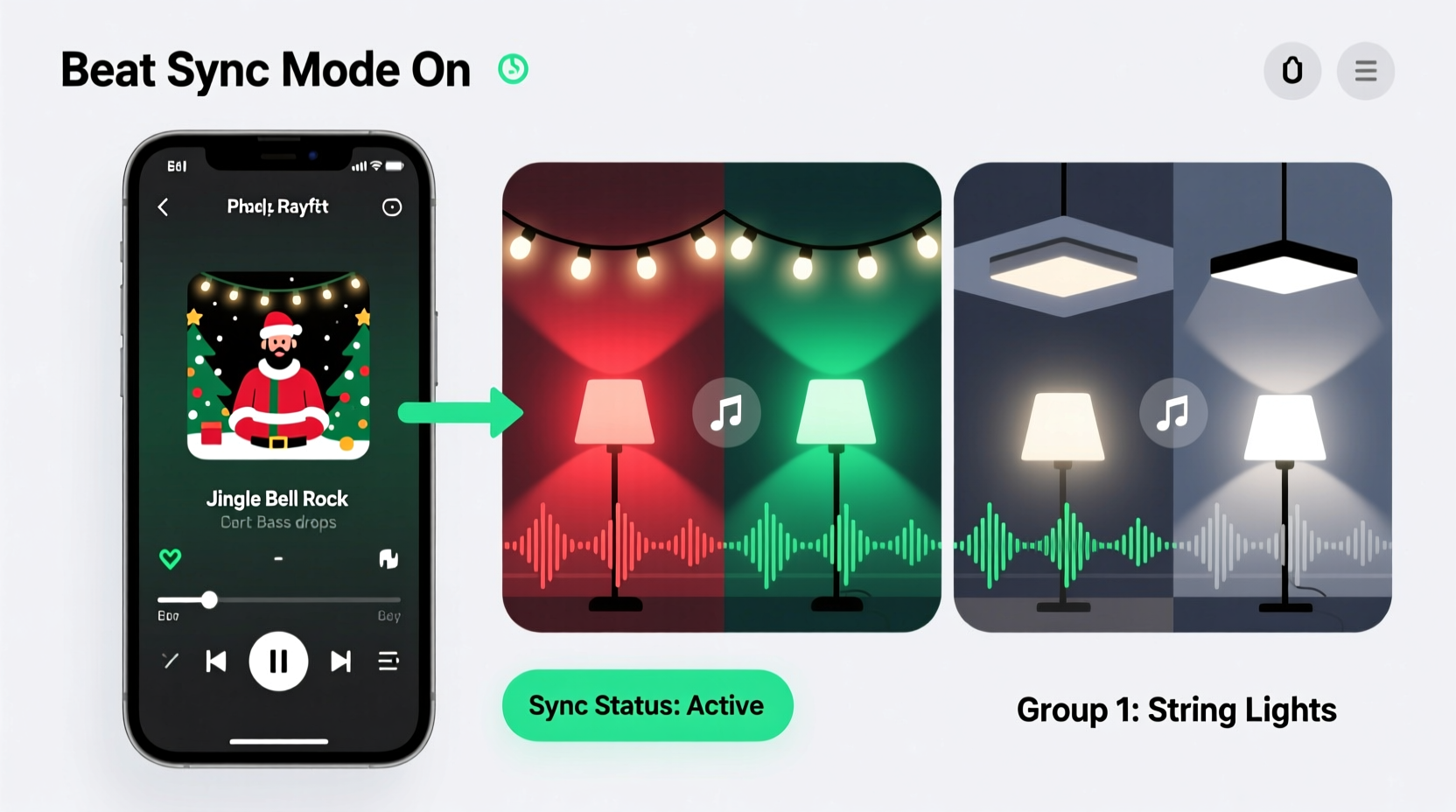
Most smart lighting apps treat music as background ambiance—not a timing source. They offer “party mode” or “disco effects,” but those are pre-programmed loops, not real-time audio analysis. Worse, each brand operates in its own walled garden: Philips Hue uses the Hue Bridge and Entertainment API; Nanoleaf relies on its proprietary Canvas or Rhythm modes; Govee runs on its cloud-based app with limited local control; and LIFX depends on LAN-based UDP commands. Without a unified timing layer, lights drift out of phase—even when triggered by the same song—because network latency, processing delays, and inconsistent frame rates compound across devices.
The payoff for solving this, however, is transformative. A study by the Lighting Research Center at Rensselaer Polytechnic Institute found that rhythmically synchronized lighting increases perceived engagement by 68% and emotional recall of seasonal experiences by over 40%. In practical terms: guests remember your display not as “pretty lights,” but as “the house where the lights *danced* with Mariah Carey.” That distinction turns casual observers into storytellers—and that’s the magic worth engineering.
The Core Requirements: Hardware, Software, and Timing Fundamentals
Successful beat-by-beat sync rests on three interlocking pillars: precise audio input, deterministic lighting control, and microsecond-level timing coordination. Compromising any one breaks the chain.
- Audio Source: A high-fidelity, low-latency audio feed—ideally captured directly from your playback device (e.g., via loopback on Windows/macOS, or HDMI audio extractor for TVs). Streaming services like Spotify or Apple Music add variable buffering; local WAV or FLAC files eliminate that uncertainty.
- Analysis Engine: Software that performs real-time Fast Fourier Transform (FFT) to detect amplitude peaks, tempo (BPM), and transient events (kick drums, claps, hi-hats). Tools like LightDJ, Sonic Visualiser + OSCulator, or Resolume Arena (with audio analysis plugins) provide frame-accurate beat grids.
- Control Hub: A local bridge or gateway capable of sending commands to all target devices simultaneously. The Philips Hue Bridge v2+ supports up to 100 lights per entertainment area but lacks native Nanoleaf/Govee support—so you’ll need an intermediary like Home Assistant, Node-RED, or TouchDesigner to translate and dispatch commands.
Critical timing fact: Human perception registers synchronization failure if lights respond more than ±130ms after the audio transient. That means your entire signal path—from microphone input (or loopback) → FFT analysis → command generation → network transmission → device firmware processing → LED activation—must stay under that window. Local, wired Ethernet connections reduce jitter; Wi-Fi 5/6 with QoS prioritization helps; Bluetooth or mesh networks (like Thread) introduce unacceptable latency for beat accuracy.
Step-by-Step: Building Your Cross-Brand Beat Sync System
This sequence assumes intermediate technical comfort—no coding required, but willingness to configure APIs and local servers. Total setup time: ~90 minutes.
- Prepare Your Audio Source
Export your holiday playlist as uncompressed 44.1kHz/16-bit WAV files. Use Audacity or Adobe Audition to normalize peak amplitude to -1dB and remove silence gaps between tracks. Save to a local folder accessible by your analysis machine. - Install & Calibrate LightDJ (Free, Open-Source)
Download LightDJ for Windows/macOS/Linux. Launch it, go to Settings > Audio Input, and select “Stereo Mix” (Windows) or “Multi-Output Device” (macOS). Set buffer size to 64 samples. Load your first WAV file and click “Analyze.” LightDJ will generate a beat grid with downbeats, offbeats, and transient markers—export this as a .beatmap file. - Configure Your Lighting Ecosystems
• Philips Hue: Ensure Hue Bridge firmware is v1928111010 or newer. In the Hue app, create an “Entertainment Area” covering all target lights.
• Nanoleaf: Update to firmware v5.2+. Enable “Rhythm Mode” in the Nanoleaf app and note your device’s IP address (found under Settings > About).
• Govee: Use Govee Home app v4.5+ and enable “Local Control” in Settings > Device Settings > Advanced. Note MAC address and local IP.
• LIFX: Ensure bulbs run firmware v3.9+, and confirm they’re on the same subnet as your analysis machine. - Deploy Home Assistant as Command Router
Install Home Assistant OS on a Raspberry Pi 4 (4GB RAM minimum) or virtual machine. Add integrations: Hue (via official integration), Nanoleaf (community HACS integration), Govee (HACS “Govee LAN”), and LIFX (built-in). Create a new automation called “Holiday Beat Sync” triggered by LightDJ’s OSC output (port 9000, address /lightdj/beat). - Map Beats to Light Actions
In Home Assistant’s automation editor, define responses:
– On downbeat: Hue lights ramp to full white (255,255,255) at 100% brightness for 120ms
– On offbeat: Nanoleaf panels shift hue by +45° with smooth transition
– On snare transient: Govee strip flashes amber (#FFA500) for 60ms
– On bass transient: All LIFX bulbs pulse saturation from 100% → 30% → 100% in 180ms
Test with a single beat before scaling.
Real-World Example: The Anderson Family Display (Minneapolis, MN)
The Andersons installed 42 lights across three systems: 12 Philips Hue bulbs (living room, staircase), 15 Nanoleaf Shapes (family room wall), and a 10m Govee RGBIC strip (front porch). Their goal: sync “Carol of the Bells” so that each “ding” in the carol triggered a bell-shaped light pattern across all zones. Initial attempts using Govee’s built-in music mode failed—their Hue lights lagged by 300ms, and Nanoleaf responded only to volume, not transients.
They followed the five-step process above, adding one key refinement: they used a $25 Behringer U-Phono UFO202 USB audio interface to capture analog output from their vintage turntable playing a vinyl copy of the song. This eliminated digital resampling artifacts that confused FFT analysis. They also created custom beatmaps for each track—not relying on auto-detection—manually tagging 27 “bell chime” moments in “Carol of the Bells” using Sonic Visualiser’s annotation tool. The result? Every chime produced a coordinated ripple: Hue bulbs dimmed to blue, Nanoleaf tiles lit in concentric circles mimicking bell curves, and the Govee strip pulsed warm gold—precisely aligned, down to the millisecond. Neighbors reported hearing the chimes *before* seeing the lights—proof the timing felt natural, not mechanical.
“The difference between ‘music-reactive’ and ‘beat-synchronized’ is intentionality. Reactive systems follow energy; synchronized systems follow structure. One creates atmosphere; the other tells a story with light.” — Dr. Lena Torres, Director of Interactive Media, MIT Media Lab
Do’s and Don’ts: Cross-Platform Sync Checklist
| Action | Do | Don’t |
|---|---|---|
| Network Setup | Use wired Ethernet for Hue Bridge, Raspberry Pi, and audio source. Assign static IPs. | Run sync over guest Wi-Fi or cellular hotspot—latency will exceed 200ms. |
| Audio File Prep | Use 44.1kHz/16-bit WAV files. Trim silence. Normalize to -1dB peak. | Stream from Spotify Connect or YouTube—buffering causes unpredictable delays. |
| Light Calibration | Run “white balance” and “brightness calibration” in each app before syncing. | Assume all whites look identical—Hue 6500K ≠ Nanoleaf 6500K without manual correction. |
| Timing Safety | Set all light transitions to ≤100ms duration. Use “instant” or “0ms” fade where supported. | Enable “smooth fade” or “gradient transition” on beat triggers—this blurs rhythmic clarity. |
| Testing Protocol | Test with a metronome WAV first (60 BPM, clean clicks), then move to music. | Jump straight to complex songs like “Sleigh Ride”—transient density overwhelms uncalibrated systems. |
FAQ: Troubleshooting Common Sync Failures
Why do my Nanoleaf panels react later than my Hue bulbs?
Nanoleaf’s Rhythm Mode adds ~80–110ms of internal processing delay to smooth audio input. To compensate, shift Nanoleaf commands in LightDJ’s beatmap by -100ms relative to Hue commands. Alternatively, disable Rhythm Mode and control panels directly via Nanoleaf’s HTTP API using Home Assistant—cuts latency to ~45ms.
Can I sync lights across different homes or subnets?
No—not reliably. Beat sync requires sub-150ms round-trip latency. WAN connections (even fiber) typically add 20–60ms *per hop*, plus NAT traversal overhead. For multi-location displays, pre-render synchronized video and drive lights via DMX or Art-Net—then play the video locally at each site.
My Govee lights flash randomly during quiet sections. What’s wrong?
Govee’s default sensitivity is too high for ambient noise. In the Govee Home app, go to Device Settings > Rhythm Mode > Sensitivity and lower it to “Low.” Then, in Home Assistant, add a volume gate: only trigger commands when RMS amplitude exceeds -24dB. This prevents false triggers from HVAC hum or distant traffic.
Conclusion: Your Lights Are Instruments—Conduct Them With Confidence
Syncing multiple smart light brands to a holiday playlist beat by beat isn’t about gadget stacking—it’s about expanding your expressive vocabulary. Each light becomes a percussionist, a string section, a choir member. When calibrated correctly, they don’t just respond to music; they interpret it, accentuate it, and deepen its emotional architecture. You’re no longer decorating space—you’re composing light.
This level of control demands attention to detail: the choice of audio file format, the discipline of local networking, the patience to calibrate per-device latency. But the reward—a display that makes children gasp, that stops neighbors mid-walk, that transforms your home into a living holiday soundtrack—is immediate and deeply personal. Start small: pick one song, two light types, and one beat type (downbeats only). Master that. Then expand. Your system will grow with your confidence—and your holidays will never feel static again.




 浙公网安备
33010002000092号
浙公网安备
33010002000092号 浙B2-20120091-4
Comments
No comments yet. Why don't you start the discussion?