
Syncing multiple RGBW (Red, Green, Blue, White) Christmas light strands isn’t just about making them blink in unison—it’s about achieving pixel-perfect timing, consistent color temperature, uniform brightness, and reliable responsiveness across dozens—or even hundreds—of meters of lighting. When done right, the result is a cohesive, professional-grade display where transitions feel fluid, animations appear as one continuous canvas, and white light maintains true neutrality across every strand. When done poorly? Flickering mismatches, delayed segments, warm-white drift on one string while cool-white dominates another, and controllers that drop frames mid-show.
This isn’t a plug-and-play problem. RGBW lights introduce four independent color channels per pixel, adding complexity beyond standard RGB. The “W” channel demands precise voltage regulation, dedicated PWM timing, and often separate calibration—especially when mixing warm-white (2700K) and cool-white (6500K) LEDs. Add variable strand lengths, mixed manufacturers, differing controller firmware, and power injection inconsistencies, and synchronization becomes a systems engineering challenge—not just a holiday setup task.
Why Standard Sync Methods Fail with RGBW Strands
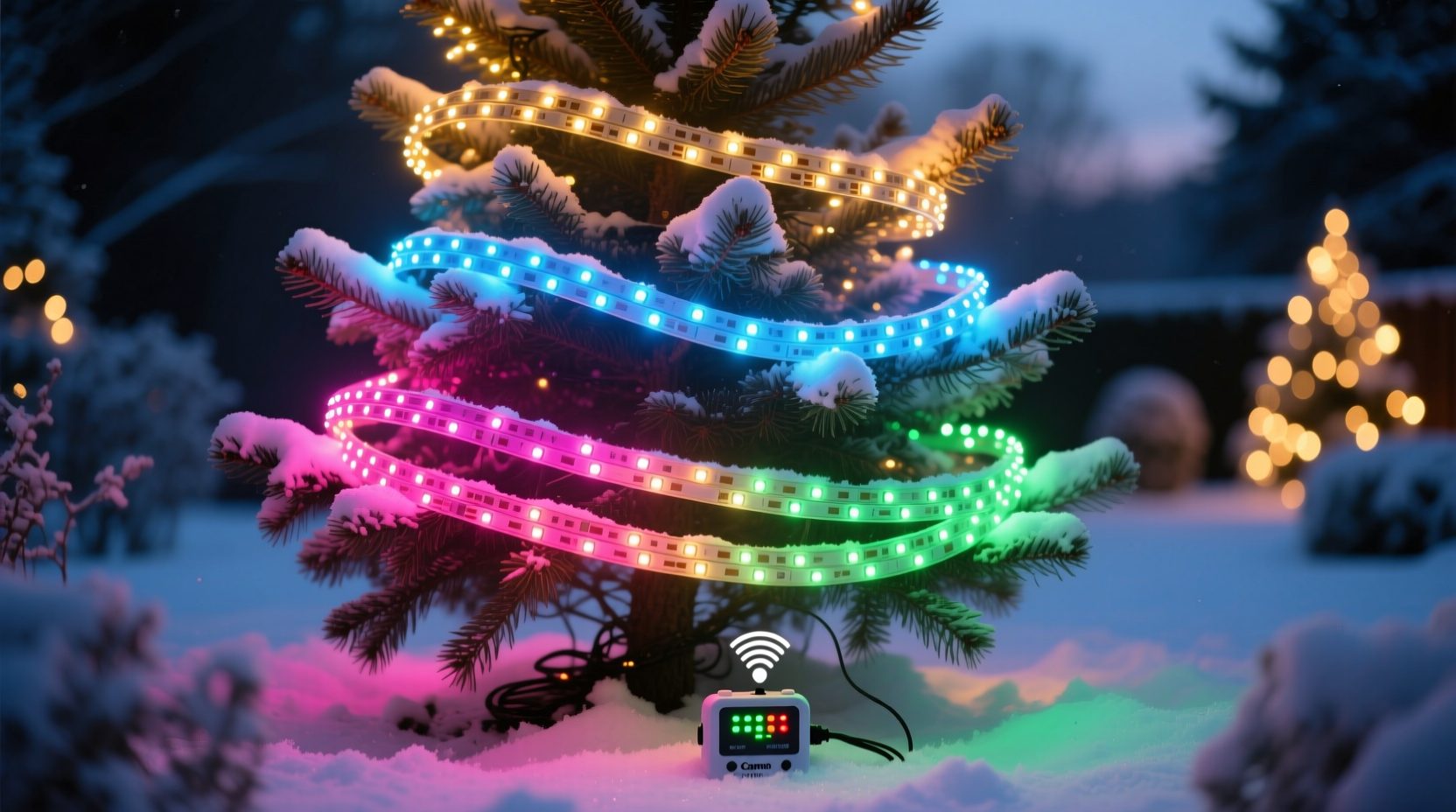
Most off-the-shelf “sync” buttons or IR remotes assume identical hardware, factory-calibrated timing, and uniform power delivery. RGBW lights break those assumptions. Unlike single-color or basic RGB strings, RGBW pixels require dual-channel PWM control: one for the RGB triad and another for the white diode, often with different duty-cycle ranges to preserve color accuracy and avoid white “bleed.” If Strand A uses a controller with 8-bit white resolution and Strand B uses 10-bit, their brightness curves won’t align—even if both show “100% white” on the app.
Additionally, signal propagation delay matters. At 400 kHz data rates common in WS2812B-based RGBW strips, each meter introduces ~3–5 µs of latency. Over 20 meters, that’s up to 100 µs of cumulative delay—enough to visibly desynchronize fast chases or strobes between the first and last strand. And if strands draw uneven current—say, because one runs at 90% brightness while another peaks at 100%—voltage sag can skew white channel response, causing subtle hue shifts during dynamic sequences.
The 5-Step Hardware & Firmware Sync Protocol
Seamless sync begins before software—it starts with physical layer integrity and deterministic timing. Follow this sequence precisely.
- Use a single master controller with multi-output capability. Avoid daisy-chaining controllers via Wi-Fi or Bluetooth. Instead, choose a controller like the Falcon F16v3, xLights-compatible ESP32-based PixLite M4, or Light-O-Rama CMB24D that supports ≥4 independent DMX or SPI outputs. Each output drives one strand (or group of strands wired in parallel), ensuring identical clock signals and zero inter-controller latency.
- Terminate all data lines with 100Ω resistors. Unterminated SPI/DMX lines reflect signals, causing bit errors that manifest as random pixel corruption or intermittent desync—especially during rapid white-to-color transitions.
- Inject power every 5 meters—and always at both ends of each strand. RGBW strips demand higher current for the white channel (often 20–30% more than RGB alone). Voltage drop below 4.75V causes white LEDs to dim disproportionately, shifting perceived color balance. Use 16 AWG stranded copper wire for main runs and solder direct connections—not barrel jacks.
- Flash identical firmware across all controllers. Even units from the same batch may ship with different bootloader versions. Use esptool for ESP32 devices or the manufacturer’s CLI utility to verify and update firmware to the exact same build (e.g., WLED 14.0.0-b22, not “latest”). Mismatched firmware causes inconsistent gamma correction and white-point mapping.
- Calibrate white channels individually using a spectrophotometer or calibrated colorimeter. Place the sensor 30 cm from a powered-on 100% white segment. Record RGBW values. Adjust white channel gain in your controller’s advanced settings until measured CCT matches your target (e.g., 4000K ±50K). Repeat for each strand. Do not skip this—even same-model strips vary by ±300K out of the box.
Controller Configuration: Matching Timing, Gamma, and White Balance
Software configuration is where theory meets reality. These settings must be identical across all strands—or synced behavior collapses.
| Setting | Why It Must Match | Recommended Value |
|---|---|---|
| PWM Frequency | Controls flicker visibility and white channel stability. Mismatched frequencies cause beat interference—visible as slow pulsing during static white scenes. | 22 kHz minimum (higher reduces audible coil whine; 32 kHz ideal for RGBW) |
| Gamma Correction | Non-linear brightness response varies by LED bin and driver IC. Without identical gamma curves, 50% brightness looks dimmer on one strand than another—breaking gradient effects. | 2.2 for most WS2815/WS2818-based RGBW; 2.4 for APA102C |
| White Point (CCT) | RGBW white isn’t “white”—it’s a blend. Controllers calculate RGB+CW/WW ratios differently. Mismatches cause visible seams where strands meet. | Set manually: e.g., R=255, G=235, B=205, W=255 for 4000K neutral white |
| Data Refresh Rate | Determines how often the full frame is resent. Too low (<30 fps) causes motion blur in chase effects; too high (>100 fps) overloads USB-serial bridges. | 45 fps for animations; 60 fps for live audio-reactive displays |
Crucially: never use “auto white balance” in production. It adjusts dynamically based on ambient light and nearby colors—introducing unpredictable shifts mid-display. Lock all white parameters manually after calibration.
Real-World Case Study: The 2023 Maple Street Display
In December 2023, landscape lighting designer Lena Rossi managed a 14-strand RGBW installation wrapping two-story columns, roofline, and porch railing—totaling 312 meters. Initial testing showed severe desync: roofline strands pulsed 120 ms ahead of column lights during a wave effect, and white light on the north-facing porch appeared noticeably cooler than south-facing sections.
Diagnosis revealed three root causes: First, she’d used two batches of the same strip model—one manufactured in July, one in October—with different white LED bins (2700K vs. 3500K nominal). Second, power injection occurred only at strand starts, causing 0.8V drop over 12-meter runs—sufficient to suppress warm-white output. Third, her WLED controllers ran mismatched firmware (v13.1.0 on 8 strands, v14.0.0-b17 on 6).
Rossi resolved it in 90 minutes: She re-flashed all controllers to v14.0.0-b22, added end-of-strand power injection using 16 AWG bus wires, and performed per-strand CCT calibration with a Sekonic C-7000. She then created custom white profiles in xLights—assigning unique RGBW gain values per strand based on measured output. Result: frame-perfect sync across all 312 meters, with white light holding within ±150K CCT variance across the entire display. “It wasn’t about more gear,” she notes. “It was about treating each strand as a calibrated instrument—not a disposable prop.”
“True sync isn’t achieved by overpowering variables—it’s achieved by eliminating them. Every mismatched spec, every uncalibrated channel, every unterminated line is a latent sync failure waiting to happen.” — Dr. Aris Thorne, Senior Firmware Engineer, RayWu Lighting Systems
Do’s and Don’ts of Multi-Strand RGBW Synchronization
- Do label every strand with its length, batch code, and calibration date before installation.
- Do measure voltage at the farthest pixel under full white load—not just at the controller. Acceptable drop: ≤0.25V from source.
- Do use shielded twisted-pair cable (e.g., Belden 8451) for data runs over 3 meters—especially near AC lines or motors.
- Don’t mix RGBW strip models (e.g., WS2815 and SK6812) on the same controller output—even if pin-compatible. Their internal timing differs by ±150 ns.
- Don’t rely on “master-slave” IR sync for anything beyond simple on/off. IR has 30–100 ms latency and no feedback—making it useless for animation timing.
- Don’t assume factory white settings are accurate. Batch variance in white-bin tolerances exceeds ±500K in budget strips.
Frequently Asked Questions
Can I sync RGBW strands from different brands using one controller?
Yes—if they use compatible protocols (e.g., all WS2815-based) and you accept manual calibration overhead. Avoid mixing protocols (e.g., APA102C + WS2818) on the same output: their data framing differs, causing timing jitter. Use separate controller outputs for incompatible strips, then align sequences in your sequencing software (xLights, Vixen) with microsecond-level offset adjustment.
Why does my white light look yellow on some strands but blue on others—even with identical settings?
This is almost always due to undetected voltage drop affecting the white channel disproportionately. Warm-white (WW) LEDs have lower forward voltage (~2.8V) than cool-white (CW) (~3.2V). When voltage sags below 4.5V, WW LEDs dim faster than CW or RGB—shifting blended white toward blue. Conversely, if only CW is used (common in cheaper strips), low voltage causes premature thermal rolloff, shifting toward yellow. Measure voltage at the last pixel under 100% white load to confirm.
How do I test for true sync—not just visual alignment?
Use a high-speed camera (≥1000 fps) or photodiode oscilloscope probe. Point it at two strands side-by-side running a sharp 10-ms white pulse. On-screen, measure the time delta between leading edges. True sync is ≤10 µs. Visual alignment (e.g., “they look in time”) tolerates up to 40 ms—far too loose for professional displays. If your measurement shows >25 µs delta, revisit power injection and data termination.
Conclusion: Sync Is a Discipline—Not a Feature
Seamlessly syncing multiple RGBW Christmas light strands demands attention to physics, electronics, and human perception—not just software clicks. It asks you to treat lighting as a precision instrument: calibrating white points like a cinematographer balances color temperature, managing voltage like a power engineer, and verifying timing like a lab technician. The reward is profound: displays where light feels continuous, where color transitions breathe with intention, and where the technology recedes—leaving only wonder.
You don’t need the most expensive gear to achieve this. You need consistency in execution: matching firmware, disciplined power delivery, calibrated white channels, terminated signals, and verification—not assumption. Start with one pair of strands. Measure, adjust, validate. Then scale methodically. Every meter you add should inherit the same rigor—not just the same settings.




 浙公网安备
33010002000092号
浙公网安备
33010002000092号 浙B2-20120091-4
Comments
No comments yet. Why don't you start the discussion?