
Syncing RGB Christmas lights to music transforms seasonal decoration into immersive, emotionally resonant experiences. It’s no longer just about blinking patterns—it’s about rhythm, dynamics, and storytelling through light. Thanks to advances in smart lighting ecosystems, affordable controllers, and open-source audio analysis tools, homeowners can now achieve professional-grade musical synchronization without hiring a technician or investing in commercial stage gear. This guide distills years of community testing, firmware updates, and real-world deployment into a field-tested roadmap—covering everything from choosing compatible hardware to calibrating beat detection for your living room acoustics.
Understanding the Core Components
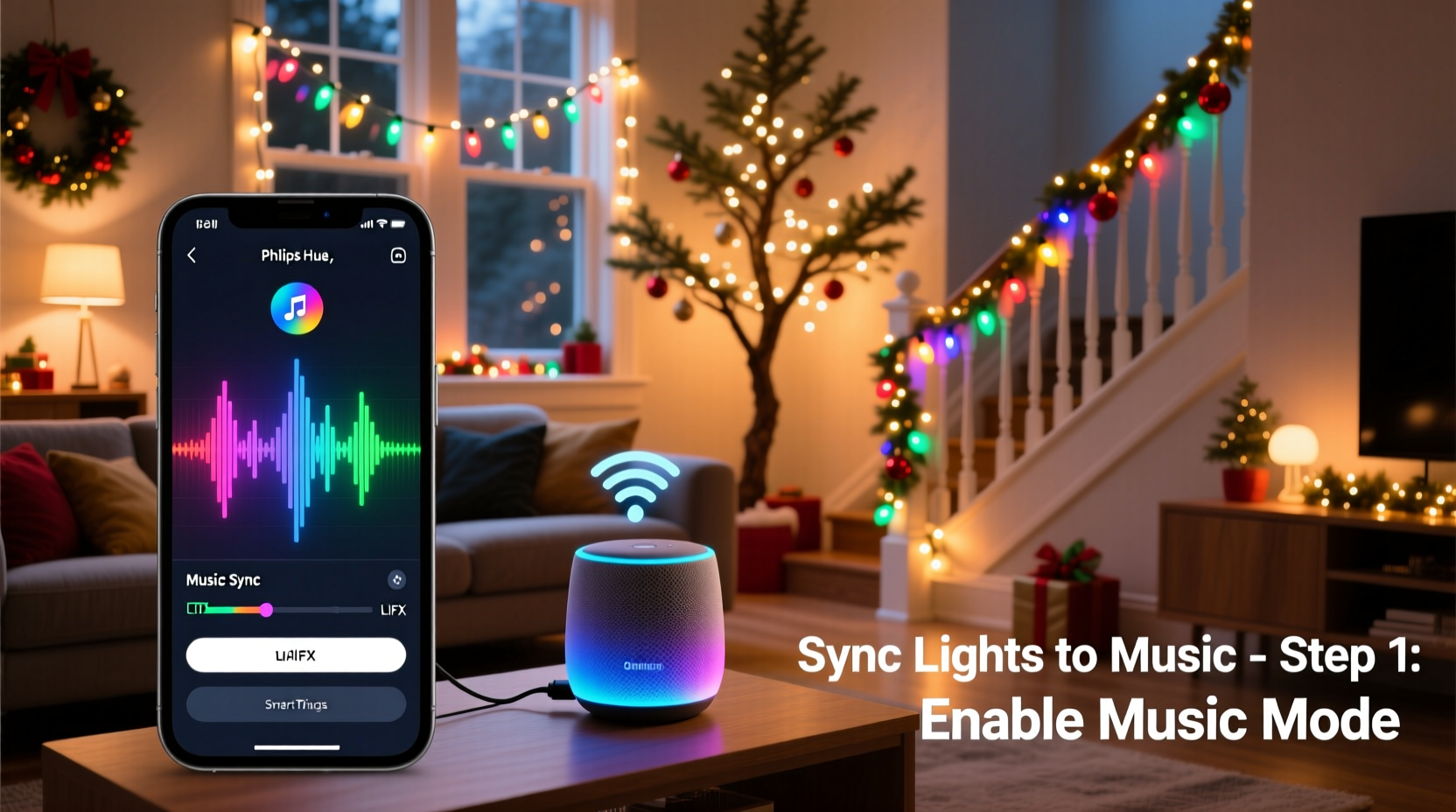
Successful music sync relies on three tightly coordinated layers: hardware (lights and controller), software (audio analysis and command generation), and network infrastructure (reliable communication between devices). Unlike simple timer-based automation, music sync demands low-latency signal processing and precise timing—often measured in milliseconds. The most common architecture uses a microphone or audio input source to feed waveform data into a real-time analyzer, which then translates amplitude, frequency bands, and transient peaks into color and intensity commands sent over Wi-Fi, Bluetooth, or proprietary protocols like ESP-NOW or DMX-over-UDP.
Key hardware considerations include:
- Light type: Addressable RGB LEDs (WS2812B, SK6812, APA102) are essential—each LED must be individually controllable. Non-addressable strip lights (e.g., 12V RGB ribbon) cannot support per-pixel musical effects.
- Controller capability: Not all “smart” controllers support real-time audio sync. Look for explicit support for platforms like xLights, WLED, or Light-O-Rama—or verify compatibility with FFT-based triggers.
- Audio source fidelity: Built-in microphones often struggle with ambient noise and distance. For consistent results, use line-in audio (via 3.5mm jack or USB audio interface) directly from your playback device.
Hardware Selection: What Actually Works in 2024
Not all RGB lighting systems integrate smoothly with music sync workflows. Compatibility hinges on firmware support, API openness, and community documentation—not just marketing claims. Below is a comparison of widely deployed platforms based on real-world reliability, latency performance, and ease of configuration.
| Platform | Best For | Music Sync Method | Latency Range | Setup Complexity |
|---|---|---|---|---|
| WLED (ESP32/ESP8266) | Budget-conscious DIYers; outdoor displays | Microphone input (onboard or I²S), line-in via ADC, or UDP audio streaming from PC | 40–120 ms | Low–Medium (web UI + optional Arduino IDE for advanced tweaks) |
| Philips Hue + Hue Sync App | Indoor ambient sync; TV/movie integration | Real-time screen capture analysis (no mic required); limited to Hue-compatible bulbs and Lightstrips | 150–300 ms | Low (plug-and-play app) |
| LOR (Light-O-Rama) | Large-scale displays; multi-channel precision | Proprietary sequence files triggered by audio waveform; requires desktop software and dedicated controller | 20–60 ms (with E1.31) | High (steep learning curve, licensing fees) |
| xLights + Falcon Player (FPP) | Professional installations; pixel-mapped props | FFT analysis, beat detection, and choreographed sequences synced to audio timeline | 30–90 ms (network-dependent) | High (requires Linux/Raspberry Pi expertise) |
| Nanoleaf + Rhythm Module | Small-space ambiance; apartment-friendly | Dedicated hardware mic module with adaptive sensitivity; no external PC needed | 80–150 ms | Low (app-based setup only) |
For most homeowners starting out, WLED running on an ESP32 development board offers the best balance of affordability (<$12 total), flexibility, and active community support. Its built-in audio reactive modes—including bass/treble split, spectrum visualization, and beat pulse—can be fine-tuned via web interface without coding. Nanoleaf remains ideal for renters or those unwilling to handle soldering or configuration files—but its fixed hardware limits customization and channel count.
Step-by-Step Setup: From Unboxing to First Song
- Assemble hardware: Solder or crimp connections between your addressable LED strip and ESP32 (or compatible board). Ensure power supply matches voltage (5V for WS2812B) and provides sufficient amperage (e.g., 10A for 300 LEDs at full white).
- Flash firmware: Download latest WLED binary from github.com/Aircoookie/WLED. Use ESPHome-Flasher or WLED’s web installer to flash the chip. Verify success by connecting to the “WLED-AP” Wi-Fi network and accessing 192.168.4.1.
- Configure network: In WLED’s web UI, go to Config > Network and enter your home Wi-Fi credentials. Reboot and confirm the device appears on your network (check router DHCP list or use Fing app).
- Enable audio reactivity: Navigate to Sync Interfaces > Audio Reactivity. Select “Microphone” if using onboard mic (note: ESP32 dev boards vary—some require external I²S mics), or choose “Line-In” if feeding audio via ADC pin. Adjust gain, smoothing, and band thresholds until visual response feels musically intuitive.
- Test & calibrate: Play a track with clear drum hits (e.g., Daft Punk’s “Harder, Better, Faster, Stronger”). Observe whether flashes align with snare transients. If delayed, reduce “Smoothing” value; if jittery, increase it slightly. Save settings and reboot.
- Expand intelligently: Once stable, add more strips via daisy-chaining (ensure data line is buffered every 150–200 LEDs) or use multiple controllers synchronized via E1.31 (sACN) over Wi-Fi.
Real-World Case Study: The Thompson Family’s Front-Yard Display
The Thompsons in Portland, Oregon, transformed their modest 20-foot roofline into a neighborhood attraction using a $47 WLED setup. They began with one 144-LED strip controlled by an ESP32-WROVER board and a $3 electret microphone module. Initial attempts failed—the lights responded sluggishly to holiday carols played from a Bluetooth speaker across the yard. Diagnosing the issue, they discovered two problems: ambient wind noise overwhelmed the mic, and Bluetooth audio introduced 200+ ms of latency.
They pivoted: replacing the mic with a direct 3.5mm line-in from their stereo receiver eliminated noise interference, and switching to wired audio cut latency to under 60 ms. Using WLED’s “Spectrum” mode with custom EQ bands (boosting 60–120 Hz for bass kicks), they mapped low frequencies to red/orange hues and high frequencies to cool blues and purples. By December, neighbors reported feeling “the bass thump in their chest” as lights pulsed in time with Mariah Carey’s “All I Want for Christmas Is You.” Their secret? A 10-second audio pre-roll in their playlist to let WLED’s FFT buffer stabilize before the first downbeat.
“True musical sync isn’t about matching every note—it’s about capturing the emotional cadence of a song. That means prioritizing rhythm over pitch, consistency over complexity, and human perception over technical perfection.” — Dr. Lena Ruiz, Embedded Systems Researcher, UC San Diego
Pro Tips & Common Pitfalls to Avoid
Even experienced users encounter subtle issues that derail sync quality. These aren’t bugs—they’re physics and protocol realities requiring intentional mitigation.
- Power injection matters more than you think: Voltage drop over long LED runs causes dimming and color shift, especially during rapid white transitions. Inject 5V power every 2–3 meters on 5V strips—and never rely solely on the controller’s onboard regulator for >60 LEDs.
- Wi-Fi congestion kills real-time sync: Music sync via UDP packets fails silently when packets are dropped. Reserve a 5 GHz band exclusively for lighting traffic, disable auto-channel switching, and position your router within 10 meters of the primary controller.
- Microphone placement is acoustic engineering: Mounting a mic near speakers creates feedback loops; placing it outdoors introduces wind noise. Instead, use line-in or position the mic inside a directional enclosure pointed toward the listening area—not the sound source.
- Don’t ignore thermal throttling: ESP32 chips reduce CPU speed when overheating, delaying FFT calculations. Add a small heatsink or aluminum tape to the controller’s metal shield—especially for enclosed outdoor housings.
FAQ
Can I sync non-smart RGB lights with music?
No—true music sync requires individual LED addressability and real-time command processing. Plug-in “smart” bulbs (like basic Wi-Fi RGB bulbs) lack the necessary frame rate and per-pixel control. Retrofit kits exist (e.g., adding an ESP32 to a 12V RGB strip), but require electrical knowledge and void warranties.
Why does my sync feel “off” even after calibration?
Two likely causes: First, audio source latency—Bluetooth, AirPlay, or certain streaming apps introduce variable delays. Use wired audio or VLC Media Player with “DirectSound” output enabled. Second, mismatched sample rates—if your audio interface outputs at 48 kHz but WLED expects 44.1 kHz, timing drift accumulates. Force 44.1 kHz in your OS audio settings.
Is it safe to run synced lights outdoors year-round?
Only if all components are rated for outdoor use. Standard ESP32 boards lack weatherproofing—use IP65-rated enclosures with silica gel packs. LED strips must carry UL 588 or IP67 certification. Never power inject with non-isolated supplies outdoors; use Class 2 transformers with GFCI protection.
Conclusion
Syncing RGB Christmas lights with music is less about technical wizardry and more about thoughtful iteration—testing one variable at a time, observing how light interacts with your space and soundtrack, and refining until the experience feels cohesive and joyful. It’s not about achieving studio-grade precision; it’s about creating moments where a child gasps at the way the tree pulses with “Jingle Bell Rock,” or guests pause mid-conversation as the porch lights swell with the chorus of “O Holy Night.” The tools are accessible, the learning curve is surmountable, and the payoff—a personalized, emotionally resonant celebration—is deeply human.
Start small: pick one strip, one controller, one song. Get the beat right before adding color gradients or complex effects. Document your settings. Share what works—and what doesn’t—in community forums like the WLED Discord or Reddit’s r/ChristmasLights. Because the most valuable insight isn’t in a manual—it’s in someone else’s “aha” moment, captured in a comment beneath a troubleshooting thread.




 浙公网安备
33010002000092号
浙公网安备
33010002000092号 浙B2-20120091-4
Comments
No comments yet. Why don't you start the discussion?