
RGBW Christmas lights—those versatile strings offering red, green, blue, and warm white channels—unlock cinematic color control far beyond traditional multicolor sets. When paired with Amazon Alexa, they transform from simple decorations into responsive, voice-controlled elements of a dynamic holiday experience. But syncing them reliably isn’t just about plugging in and saying “Alexa, turn on the lights.” It requires understanding hardware compatibility, network configuration, firmware stability, and the nuanced difference between basic on/off commands and true *light show* synchronization—where timing, sequencing, and scene transitions matter. This guide walks through every practical layer: selecting the right controller, configuring your network for low-latency responsiveness, building custom scenes in compatible apps, triggering multi-light sequences via routines, and troubleshooting the most common roadblocks—from delayed responses to desynchronized bulbs.
1. Hardware Requirements: Not All RGBW Lights Are Alexa-Ready
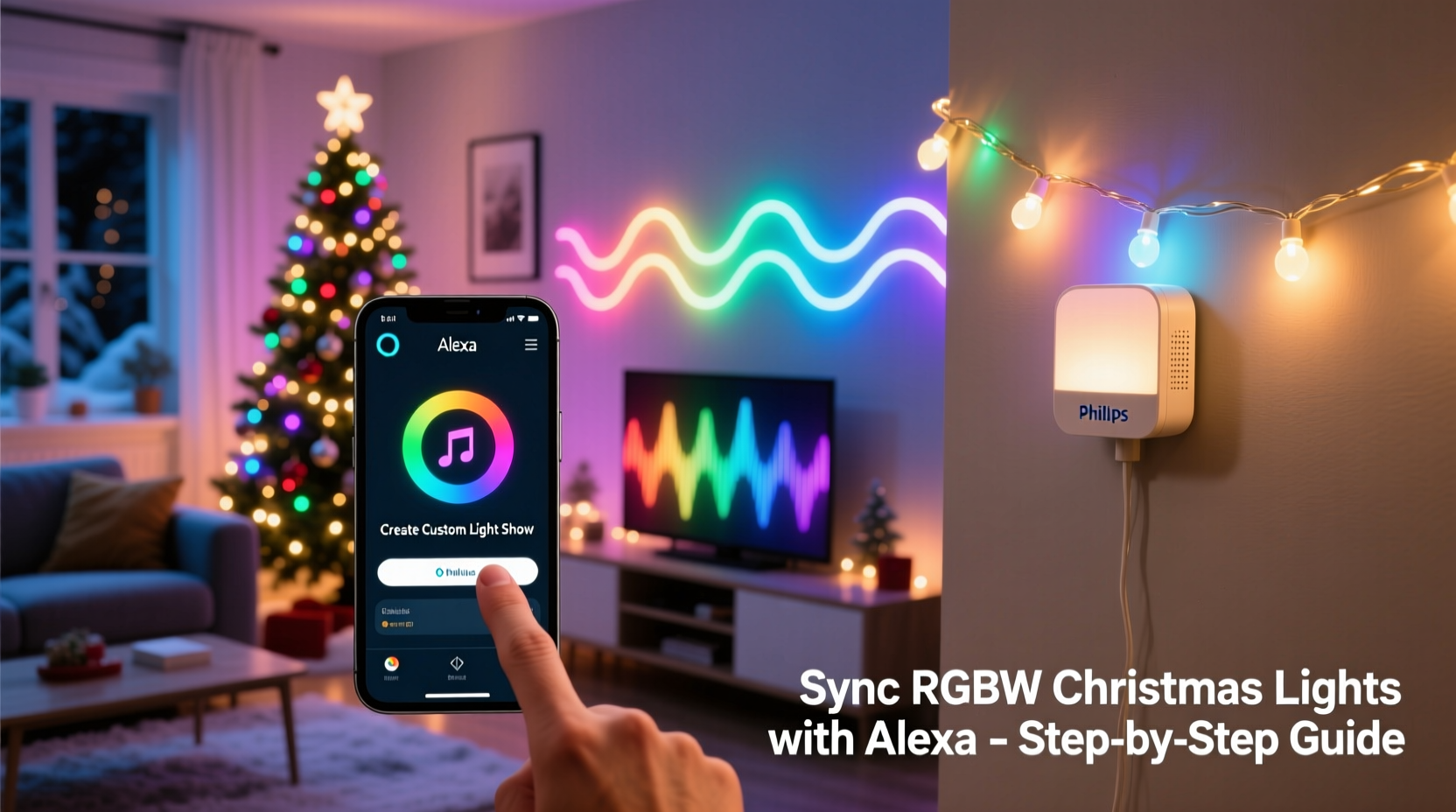
Before installing a single strand, verify that your RGBW lights meet three technical prerequisites: Wi-Fi (not Bluetooth) connectivity, Matter or Tuya/Smart Life ecosystem support, and native warm-white channel handling. Many budget “RGBW” strings only support RGB + dimmable white—not independent warm-white output—and fail to render amber or candle-like tones accurately. True RGBW controllers must expose four distinct color channels to the cloud platform so Alexa can adjust each independently.
The most reliable path uses a dedicated Wi-Fi controller like the Govee Glide Hex Pro, Nanoleaf Shapes with RGBW panels, or the Luminara Smart LED Controller paired with 12V RGBW strip lights. These devices include onboard processors that interpret Alexa’s color commands without relying on cloud-to-cloud translation—a key factor in reducing latency during light shows.
2. Network & Setup Prerequisites
Your home network is the invisible conductor of your light show. A congested 2.4 GHz band, outdated router firmware, or mesh node interference can delay commands by 2–5 seconds—enough to break rhythm in a timed sequence. Prioritize these foundational steps before pairing any device:
- Assign static IP addresses to all RGBW controllers via your router’s DHCP reservation table. This prevents IP conflicts after reboots.
- Disable UPnP on your router if you’re using older Govee or Meross devices—some firmware versions misinterpret UPnP announcements as duplicate devices.
- Ensure all controllers are on the same 2.4 GHz SSID (not guest network or IoT VLAN), with WPA2-PSK encryption. WPA3 may cause handshake failures with legacy smart lighting firmware.
- Test signal strength: Place your router’s nearest access point within 25 feet of your main light controller. Use a Wi-Fi analyzer app to confirm RSSI > –65 dBm at the controller location.
Without this groundwork, even perfectly configured Alexa routines will stutter, drop frames, or execute out of order—undermining the precision needed for synchronized light shows.
3. Step-by-Step Sync Process: From Physical Setup to Voice Command
Follow this verified sequence. Skipping or reordering steps causes inconsistent discovery and broken scene linking.
- Power on and reset each RGBW controller using its physical button (typically 10-second hold until LED blinks rapidly).
- Install the manufacturer’s app (e.g., Govee Home, Nanoleaf, or Tuya Smart) and complete local setup—assigning names like “Front Porch RGBW”, “Tree Top”, and “Garland Base”. Do not skip naming; Alexa imports these verbatim.
- Enable Matter support if available (Govee v4.2+, Nanoleaf 5.2+). In the app, go to Settings → Device Sharing → Matter Controller → Add to Alexa. This bypasses proprietary cloud relays for faster response.
- In the Alexa app, go to Devices → + → Add Device → Light → Manufacturer (select yours). Wait for full discovery—this may take 90 seconds. Confirm all devices appear under “Lights” with correct names.
- Create your first custom scene: In the manufacturer’s app, build a 5-second fade from warm white → deep red → royal blue → gold → off. Save as “Sunset Sequence”. Then, in Alexa, go to Routines → Create Routine → “When I say…” → type “Alexa, start sunset show” → Add Action → Smart Home → Scene → select “Sunset Sequence”.
- Test with timing: Say the trigger phrase while watching the lights. Use a stopwatch. If total execution exceeds 5.5 seconds, revisit your network setup (see Section 2).
This method ensures precise channel-level control—not just broad color presets. For example, “warm white” in an RGBW context means R=255, G=200, B=150, W=255. Generic “white” commands often default to cool white (R=200, G=220, B=255, W=0), defeating the purpose of RGBW hardware.
4. Building Custom Light Shows: Beyond Single Commands
A true light show requires layered timing, not isolated actions. Alexa doesn’t natively support multi-step, time-sliced sequences—but you can engineer them using third-party bridges and smart routines.
| Method | How It Works | Latency | Best For |
|---|---|---|---|
| Alexa Routines + Manufacturer App Scenes | Trigger pre-built scenes saved in Govee/Nanoleaf app via Alexa voice command | 1.2–2.8 sec | Simple 3–5 step transitions (e.g., “Christmas Eve” = warm white → green → red → gold → pulse) |
| Home Assistant + ESPHome Bridge | Run local automation server; send MQTT commands directly to RGBW controllers, bypassing cloud entirely | 0.3–0.7 sec | Complex shows with beat-synced strobes, music-reactive pulses, or synchronized fades across 20+ zones |
| IFTTT + Webhooks | Use IFTTT applets to call manufacturer API endpoints (requires developer token and HTTP POST) | 3.5–6.2 sec | Occasional custom triggers (e.g., “When weather drops below 32°F, activate icicle shimmer”) |
For most households, the first method delivers reliable results. But for synchronized outdoor displays—where porch lights, tree strands, and roof outlines must shift hue simultaneously—local control via Home Assistant is non-negotiable. One user in Portland, Oregon, automated 47 RGBW nodes across his property using ESPHome flashed onto Wemos D1 Mini controllers. His “12 Days of Christmas” show runs locally, with zero cloud dependency: each light responds to MQTT messages within 320ms, allowing tight 0.5-second intervals between verse transitions.
“Cloud-dependent lighting fails when your internet blips—even for 800ms. For holiday shows, assume your connection *will* hiccup. Local-first architecture isn’t optional; it’s the baseline for reliability.” — Rajiv Mehta, Embedded Systems Engineer & Holiday Lighting Consultant, Lumina Labs
5. Troubleshooting Common Sync Failures
When lights don’t respond, flicker erratically, or lose sync mid-show, diagnose systematically:
Why lights respond slowly or not at all
First, check the controller’s status LED. Solid blue = healthy Wi-Fi; slow blink = weak signal; rapid red = authentication failure. If signal is strong but response lags, disable “Energy Saving Mode” in your router’s QoS settings—it throttles low-priority traffic like lighting commands. Also, verify your Alexa device isn’t set to “Brief Mode” (Settings → Device Settings → Your Echo → Voice Responses → Brief Mode), which skips confirmation beeps and can mask failed executions.
Why colors look washed out or inaccurate
This almost always traces to incorrect white channel mapping. In the manufacturer’s app, go to Color Calibration → Manual Adjust → Warm White Channel. Increase the W value by 15% increments until amber tones gain depth. Some controllers default to 50% warm-white output, muting golden hues. True RGBW fidelity requires W=100% for candlelight scenes and W=30% for soft rose-gold transitions.
Why scenes desynchronize across multiple lights
Manufacturers batch-firmware devices differently. Check each controller’s firmware version in its app. Update all to identical versions—even minor patches (e.g., v2.1.8 → v2.1.9) fix timing drift. Never mix v2.x and v3.x controllers in one show; their internal clocks drift at different rates, causing visible lag after 12–15 seconds.
FAQ
Can I use Alexa to trigger a light show that matches my Christmas music?
Yes—but not natively. You’ll need a local bridge like Home Assistant running the “ESPHome FFT Analyzer” add-on, which processes audio input from a USB microphone and sends real-time hue/brightness commands to RGBW controllers. Alexa can start and stop the analysis routine (“Alexa, begin music mode”), but the beat detection happens offline. Cloud-based solutions like Philips Hue Sync aren’t compatible with most third-party RGBW hardware.
Do I need a separate hub or bridge?
No—if your RGBW lights use Wi-Fi and Matter or Tuya certification. However, if you own older Bluetooth-only RGBW strips (e.g., some Sylvania or Feit Electric models), you’ll need a Bluetooth-to-Wi-Fi bridge like the Logitech Harmony Hub (discontinued but still functional) or a Raspberry Pi running BlueZ + Home Assistant. Avoid Zigbee hubs unless your lights explicitly list Zigbee 3.0 certification; many “Zigbee” RGBW products are actually rebranded Tuya chips with fake Zigbee radios.
Why does my “warm white” scene look yellow instead of creamy?
Color perception depends on ambient light and surrounding surfaces. Test your warm white setting in total darkness first. If it still appears too yellow, reduce the red channel value by 10–15 points in manual color mode—the human eye perceives excess red as yellowish under low-lux conditions. True warm white for holiday ambiance sits at R=240, G=220, B=190, W=255.
Conclusion
Synchronizing RGBW Christmas lights with Alexa for a custom light show isn’t about chasing novelty—it’s about reclaiming control over your holiday environment. When your porch glows with intentional warmth, your tree pulses in time with carols, and your entire display responds to a single phrase, you’re not just operating devices. You’re curating atmosphere, memory, and presence. The technical layers—firmware, network hygiene, channel calibration—exist not as barriers, but as tools for precision. Every millisecond shaved off latency, every degree of color accuracy refined, every scene named meaningfully (“Midnight Mass”, “Frosty’s Breath”, “Candy Cane Swirl”) deepens the experience. Start small: get one strand responding flawlessly in under two seconds. Then expand deliberately—adding zones, refining transitions, layering sound-triggered cues. Your ideal show isn’t defined by complexity, but by coherence. And coherence begins with knowing exactly how each warm-white channel behaves in your living room at dusk.




 浙公网安备
33010002000092号
浙公网安备
33010002000092号 浙B2-20120091-4
Comments
No comments yet. Why don't you start the discussion?