
In today’s connected homes, it's common to own devices from multiple brands—Google Nest thermostats, Apple HomeKit-compatible locks, Amazon Echo speakers, Philips Hue lights, and Samsung SmartThings sensors. While each ecosystem offers its own strengths, managing them separately can create friction, fragmentation, and inefficiency. The promise of a smart home is convenience, not complexity. Achieving seamless interoperability between these systems isn’t always straightforward, but with the right strategies, tools, and understanding, you can unify your devices into a single, responsive environment.
The challenge lies in proprietary protocols and closed architectures. Google uses Matter and Works With Assistant, Apple relies on HomeKit and now Matter, while Amazon dominates with Alexa. Yet consumers don’t want to be locked into one brand. They want flexibility—lights that turn off when they leave, regardless of whether their phone runs iOS or Android, or thermostats that adjust based on motion detected by non-native sensors. This article explores practical methods to bridge these gaps and build a truly integrated smart home.
Understanding Ecosystem Fragmentation
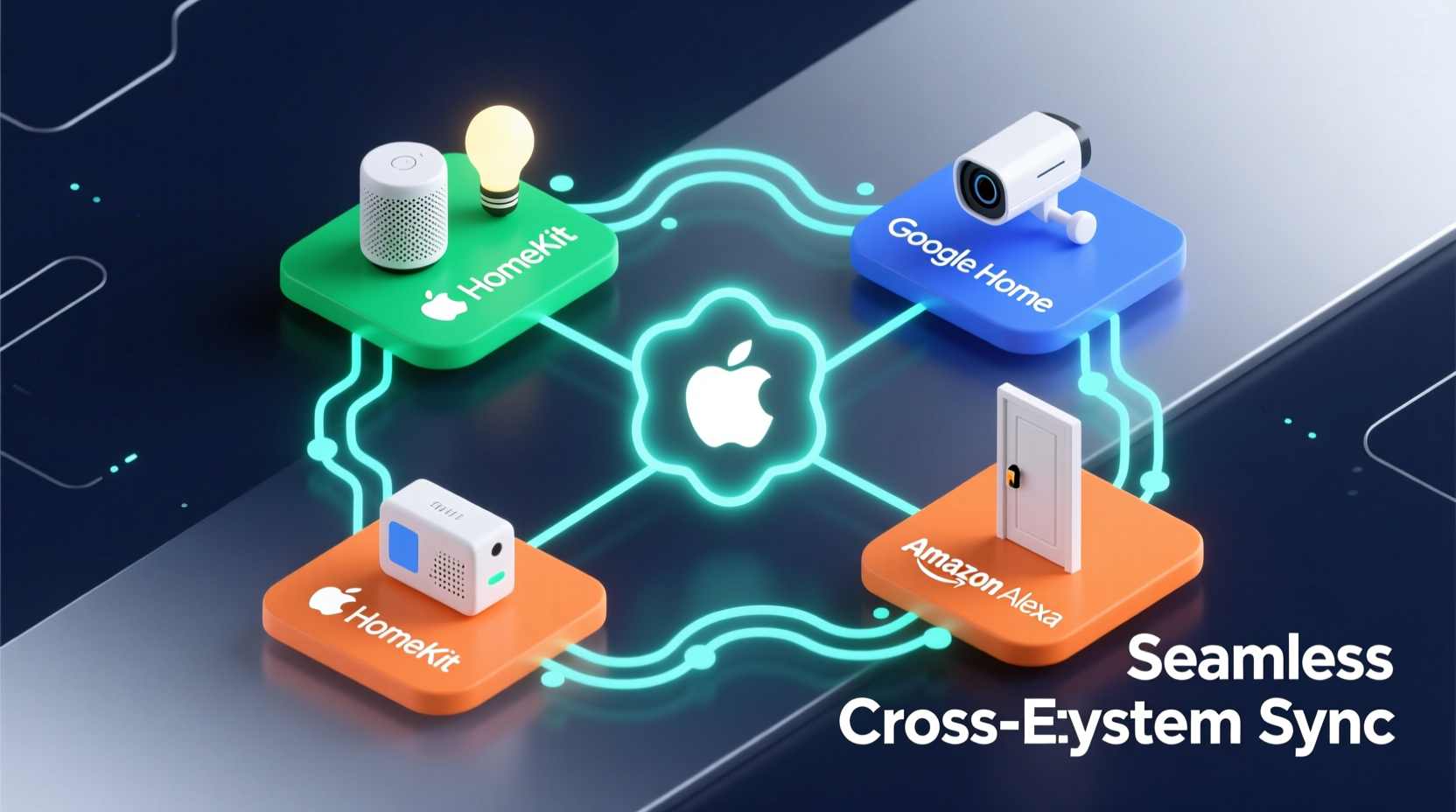
Smart home ecosystems are built around central hubs or voice assistants: Amazon Alexa, Google Assistant, Apple HomeKit, and Samsung SmartThings. Each operates on its own communication standards and app infrastructure. For example:
- Alexa supports Zigbee natively via Echo devices and integrates thousands of third-party skills.
- Google Assistant works best with Wi-Fi and Thread-enabled devices and emphasizes natural language control.
- Apple HomeKit prioritizes privacy and end-to-end encryption but historically had limited device support.
- Samsung SmartThings acts as a universal hub supporting Z-Wave, Zigbee, and LAN-based devices.
This fragmentation means a Ring doorbell might work flawlessly with Alexa but require additional steps to function within HomeKit. Similarly, an Eve Energy outlet (HomeKit-first) may not appear in the Google Home app without workarounds. These silos hinder automation and degrade user experience.
“Interoperability remains the biggest hurdle in smart home adoption. Users expect plug-and-play simplicity, but we’re still navigating protocol wars.” — Dr. Lena Patel, IoT Research Lead at Connected Living Institute
Leveraging Universal Standards: Matter and Thread
The most promising development in cross-ecosystem integration is Matter, an open-source connectivity standard backed by Apple, Google, Amazon, and the Connectivity Standards Alliance. Launched in 2023, Matter enables certified devices to communicate across platforms using IP-based networking, reducing dependency on brand-specific bridges.
Matter operates over Wi-Fi and Thread, a low-power mesh networking protocol ideal for battery-powered sensors. A Matter-enabled light bulb can be controlled via Siri, Alexa, or Google Assistant—without needing separate apps or complex linking.
However, Matter isn't a magic bullet. It doesn’t support all legacy devices, and some advanced features (like camera analytics) may remain locked behind proprietary ecosystems. Still, adopting Matter-certified products simplifies long-term integration.
Using Automation Platforms as Bridges
When native integration fails, third-party automation platforms act as translators between ecosystems. These services connect disparate apps and trigger actions across boundaries. The most effective include:
- IFTTT (If This Then That): Offers simple applets like “Turn on Philips Hue lights when I arrive home” using location data from an iPhone, even if Hue isn’t directly linked to Apple Home.
- Home Assistant: An open-source platform that runs locally (on a Raspberry Pi or server), giving full control over device logic without cloud reliance. It supports over 1,500 integrations, including obscure or regional devices.
- Node-RED: A visual programming tool often used alongside Home Assistant for creating complex automation flows with granular timing and conditions.
For instance, imagine you have a Netatmo weather station, LIFX bulbs, and an Ecobee thermostat. None of these natively talk to each other. But with Home Assistant, you can create a rule: “If outdoor humidity exceeds 80%, close compatible smart blinds and increase AC fan speed.” This level of customization transcends what any single ecosystem allows.
Step-by-Step Guide: Setting Up Cross-Ecosystem Automation with IFTTT
- Sign up for an IFTTT account at
ifttt.com. - Connect your services (e.g., Google Assistant, Philips Hue, Wyze Cam) under the “Services” tab.
- Click “Create” to build a new applet.
- Set the trigger: Choose “Google Assistant” > “Say a phrase with a text ingredient.”
- Define the action: Select “Philips Hue” > “Turn on lights with specific settings.”
- Customize color, brightness, and rooms, then save the applet.
- Test by saying, “Hey Google, activate movie night,” which dims the lights via Hue—even though Google and Hue aren’t directly synced.
This method works best for basic automations. For more sophisticated logic involving time delays, sensor thresholds, or multi-step sequences, consider migrating to Home Assistant.
Choosing the Right Hub for Maximum Compatibility
A central hub can serve as the backbone of a multi-ecosystem smart home. Unlike voice assistants, which are often limited to their native apps, certain hubs support broad protocols and act as translation layers.
| Hop | Protocols Supported | Ecosystem Integration | Best For |
|---|---|---|---|
| Samsung SmartThings Hub | Zigbee, Z-Wave, Wi-Fi, LAN | Alexa, Google, HomeKit (limited) | Users with mixed-brand sensors and switches |
| Home Assistant Blue | Zigbee, Z-Wave, BLE, Ethernet | All (via add-ons and integrations) | Tech-savvy users seeking full control |
| Alexa Echo (4th Gen+) | Zigbee, Matter, Wi-Fi | Amazon-focused homes | Beginners wanting simple Zigbee support |
| Apple TV / HomePod Mini | Thread, Matter, HomeKit | iOS/macOS ecosystem only | Apple-centric households |
Selecting the right hub depends on your existing setup and technical comfort. If you already rely on Alexa, using an Echo Dot with Zigbee support lets you add non-Alexa branded lights or sensors directly. For deeper integration, a dedicated Home Assistant server offers unparalleled flexibility—but requires maintenance and troubleshooting.
Mini Case Study: Bridging Apple and Google in a Family Home
Sarah and James share a household where Sarah uses an iPhone and prefers Siri, while James relies on Android and Google Assistant. Their smart home includes August locks (HomeKit-supported), Ecobee thermostats (Alexa + Google), and Nanoleaf light panels (Matter-capable).
Initially, voice commands were inconsistent: “Hey Siri, lock the front door” worked, but “Hey Google, set temperature to 72” didn’t reflect changes in the Ecobee app due to sync delays. To resolve this, they implemented two solutions:
- They upgraded their router to a Matter-compatible model and ensured all devices ran the latest firmware.
- They installed Home Assistant OS on a spare Intel NUC, integrating all devices under one dashboard.
Now, both partners can use their preferred assistant. Commands are routed through Home Assistant, which ensures state synchronization. A single automation turns off lights, locks doors, and adjusts the thermostat at bedtime—triggered by either “Siri, goodnight” or “Hey Google, start sleep mode.”
Actionable Checklist: Sync Devices Across Ecosystems
- Inventory all smart devices and note their supported ecosystems (e.g., Alexa, HomeKit, Google).
- Update firmware to the latest version to enable Matter or improved API access.
- Identify gaps: Are there devices that don’t appear in your primary app?
- Select a unifying platform (IFTTT for basics, Home Assistant for advanced).
- Set up a central hub (SmartThings, Home Assistant, or Echo) to manage local communication.
- Create shared automations (e.g., “Good morning” routine) that work across assistants.
- Test reliability weekly; monitor response times and failures.
- Enable two-factor authentication on all accounts to secure bridged systems.
Common Pitfalls and How to Avoid Them
Even with the right tools, syncing ecosystems introduces risks. Awareness helps prevent frustration:
- Cloud Dependency: Many bridges rely on internet connectivity. If IFTTT’s servers go down, automations fail. Solution: Use local execution platforms like Home Assistant whenever possible.
- Latency: Multi-step triggers via cloud APIs can introduce delays of several seconds. For real-time responses (e.g., security alerts), prioritize direct integrations or local processing.
- Data Privacy: Third-party platforms may collect usage data. Review permissions and opt for self-hosted solutions when handling sensitive routines (e.g., “unlock door when I arrive”).
- Over-Automation: Too many interdependent rules create fragility. Start small and test incrementally.
“Automation should feel invisible. When users notice it, it’s usually because something broke.” — Marcus Tran, Senior UX Designer at SmartDwell Labs
Frequently Asked Questions
Can I control Apple HomeKit devices with Alexa?
Yes, but not natively. You’ll need a third-party service like HomeBridge or a physical bridge such as the Home Assistant Gateway. Once configured, Alexa can discover and control HomeKit devices via routines.
Do I need to replace all my devices to use Matter?
No. Many existing devices received Matter support through software updates (e.g., newer Nest thermostats, Echo speakers). Check manufacturer websites for update eligibility. For older models, consider gradual replacement with Matter-certified versions.
Is Home Assistant difficult to set up?
The learning curve varies. The Home Assistant OS image is beginner-friendly with guided installation, but configuring automations and YAML scripts requires patience. Start with pre-built dashboards and community templates before diving into code.
Conclusion: Building a Unified Smart Home Experience
Synchronizing smart home devices across ecosystems is no longer a luxury—it’s a necessity for modern living. Relying solely on one brand limits choice and innovation. By embracing open standards like Matter, leveraging powerful automation tools, and selecting versatile hubs, you can dissolve the walls between platforms and create a responsive, intelligent environment tailored to your lifestyle.
The goal isn’t just connectivity; it’s coherence. Lights that dim as you watch a movie shouldn’t depend on which phone you own. Thermostats should adjust based on actual occupancy, not fragmented sensor data. With careful planning and the right tools, your smart home can finally live up to its potential: working together, quietly and seamlessly, so you don’t have to.




 浙公网安备
33010002000092号
浙公网安备
33010002000092号 浙B2-20120091-4
Comments
No comments yet. Why don't you start the discussion?