
Smart homes are no longer limited to systems that rely on a single central hub like Amazon Echo, Google Nest Hub, or Apple HomePod. While hubs simplify integration, they aren’t mandatory. Many modern smart devices support direct communication through built-in protocols, mobile apps, or cloud-based automation platforms. This flexibility allows users to build responsive, interconnected environments without investing in additional hardware. Whether you're minimizing costs, avoiding vendor lock-in, or simply prefer a decentralized setup, syncing smart devices without a hub is not only possible—it can be efficient and reliable when done correctly.
Understanding Hubless Smart Home Connectivity
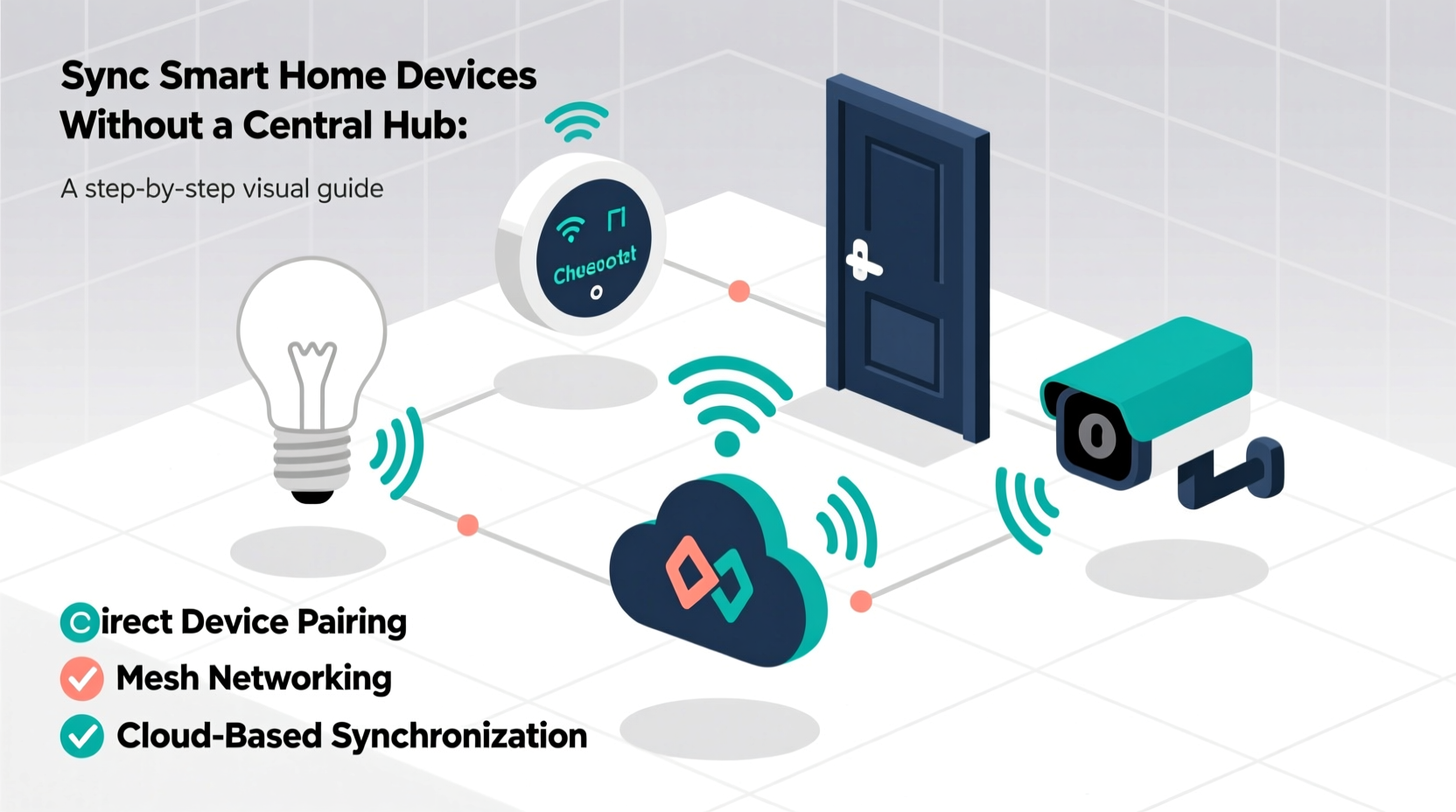
A central hub traditionally acts as a command center, translating signals between devices using different communication standards—such as Zigbee, Z-Wave, Wi-Fi, or Bluetooth—and enabling them to work together. However, advancements in device firmware and networking technologies have made it feasible to bypass this intermediary. Devices can now connect directly to your home Wi-Fi network or communicate peer-to-peer using standardized wireless protocols.
The key lies in selecting compatible products and leveraging software tools that facilitate automation and synchronization. For instance, Wi-Fi-enabled smart plugs, lights, and cameras often come with robust mobile applications that allow remote access and basic scene creation. Additionally, universal platforms like IFTTT (If This Then That), Alexa Routines, or Apple Shortcuts enable cross-brand automation by triggering actions based on events—even when no physical hub exists.
Communication Protocols That Enable Hub-Free Syncing
Different wireless protocols offer various advantages for hubless setups. Understanding these helps in choosing the right mix of devices for a cohesive system.
| Protocol | Range | Power Use | Hub Required? | Ideal For |
|---|---|---|---|---|
| Wi-Fi | Medium (up to 150 ft indoors) | High | No | Cameras, speakers, high-bandwidth devices |
| Bluetooth/BLE | Short (30–50 ft) | Low | No (for direct control) | Sensors, wearables, proximity triggers |
| Matter over Wi-Fi | Medium | Medium | No | Interoperable lighting, thermostats, locks |
| Zigbee/Z-Wave | Medium to Long (with mesh) | Low | Yes (unless gateway built-in) | Not recommended for pure hubless setups unless integrated via app |
Among these, Wi-Fi and Bluetooth Low Energy (BLE) are most practical for hub-free environments because routers and smartphones serve as de facto controllers. Matter, an emerging standard backed by Apple, Google, Amazon, and others, further enhances interoperability across brands without requiring a dedicated hub, provided all devices run on Wi-Fi or Thread (a low-power mesh protocol).
“With Matter, we’re moving toward a future where smart devices talk directly to each other securely, regardless of brand—eliminating the need for centralized hubs.” — David Pomerantz, Senior Engineer at Connectivity Standards Alliance
Step-by-Step Guide to Sync Devices Without a Hub
Setting up a synchronized smart home without a central hub involves careful planning and configuration. Follow this sequence to ensure smooth operation:
- Inventory Your Devices: List all current and planned smart devices, noting their connectivity type (Wi-Fi, Bluetooth, etc.) and supported apps.
- Ensure Network Stability: Upgrade to a dual-band router if needed. Assign static IP addresses to critical devices to prevent connection drops.
- Download Manufacturer Apps: Install official apps (e.g., Philips Hue, TP-Link Kasa, Eve for HomeKit) and complete initial setup via Wi-Fi or BLE pairing.
- Enable Cloud Access: Allow devices to connect to the internet so they can be controlled remotely and participate in automations.
- Create Automations: Use either native app schedulers or third-party platforms like IFTTT or Apple Shortcuts to define triggers and actions.
- Test Cross-Device Triggers: Verify that turning off a light actually turns on a fan, or that motion detection sends a phone alert.
- Secure Your System: Change default passwords, enable two-factor authentication on accounts, and disable unused features like remote access if not needed.
This process may take longer than plug-and-play hub systems but offers greater transparency and reduces dependency on a single point of failure.
Leveraging Automation Platforms for Seamless Control
One of the biggest challenges in a hubless environment is orchestrating multi-device workflows. Fortunately, several platforms bridge gaps between brands and protocols.
- IFTTT: Connects hundreds of services and devices. Example: “If my Ring doorbell detects motion, then turn on the LIFX living room light.”
- Apple Shortcuts: Ideal for iPhone/iPad users. Can trigger scenes involving HomeKit-compatible devices without a HomePod.
- Google Assistant Routines: Works with Android phones and Wear OS. Allows voice-initiated sequences like “Hey Google, good morning” to dim lights and start coffee maker (if supported).
- Tasker (Android): Advanced tool for custom logic based on location, time, battery level, or sensor data.
These tools act as virtual hubs, processing conditions and executing commands across disparate ecosystems. They require account linking and occasional troubleshooting but deliver powerful functionality without extra hardware.
Real-World Example: A Hub-Free Apartment Setup
Consider Maria, a city dweller renting a one-bedroom apartment. She wants automated lighting, temperature adjustment, and security alerts—but cannot install permanent fixtures or justify buying multiple hubs.
She chooses:
- A Wi-Fi smart thermostat (Ecobee SmartTherm)
- Philips Hue bulbs (connected via Hue Bridge-free mode over Wi-Fi)
- A Wyze Cam v3 with local storage and motion alerts
- An August Wi-Fi Smart Lock for her front door
- An iPhone running Apple Shortcuts
Using Apple Shortcuts, she creates a “Leave Home” routine: when her phone’s GPS detects she’s more than 100 meters away, it automatically sets the thermostat to Eco mode, turns off all lights, locks the door, and arms the camera. On return, another shortcut reverses the process. No hub is involved—only her phone, router, and cloud-linked apps.
This setup saves money, avoids clutter, and remains fully functional even if one service experiences downtime.
Checklist: Building a Reliable Hubless Smart Home
Before finalizing your configuration, confirm the following:
- ✅ All devices connect directly to Wi-Fi or Bluetooth—no hidden dependency on a hub
- ✅ Each device has a stable mobile app with automation capabilities
- ✅ Your home Wi-Fi covers all areas where devices are installed
- ✅ You’ve enabled firmware updates to maintain security and compatibility
- ✅ Critical automations have been tested under real conditions
- ✅ Backup control methods exist (e.g., manual switches, voice assistants)
- ✅ Accounts use strong, unique passwords and 2FA where available
Common Pitfalls and How to Avoid Them
While hubless systems offer freedom, they come with trade-offs. Awareness of common issues prevents frustration down the line.
Latency in Automation: Cloud-dependent triggers (like IFTTT) may introduce delays of several seconds. For near-instant responses, use local execution platforms such as Apple HomeKit automations on an iPad or Mac acting as a home hub.
App Overload: Managing five different apps becomes cumbersome. Consolidate control using a launcher app like Controller for HomeKit or automate routines so manual intervention is rare.
Vendor Lock-In Risk: Some companies discontinue cloud services, rendering devices useless. Opt for brands committed to Matter or local API access (e.g., Home Assistant compatibility).
Security Gaps: Every connected device is a potential entry point. Regularly audit permissions, remove unused integrations, and segment IoT devices onto a separate VLAN if your router supports it.
“Decentralized doesn’t mean unmanaged. The most resilient smart homes combine autonomy with proactive oversight.” — Lena Torres, Cybersecurity Consultant specializing in IoT
Frequently Asked Questions
Can I use voice assistants without a hub?
Yes. Devices like the Amazon Echo Dot (without Zigbee hub), Google Nest Mini, or even smartphones can function as voice interfaces. As long as your smart devices support Alexa, Google Assistant, or Siri via their respective apps, you can issue voice commands directly.
What happens if my internet goes out?
Most hubless systems rely on cloud connectivity, so automations may fail during outages. To mitigate this, choose devices with local control options (e.g., Matter-over-Thread devices) or maintain manual overrides like physical switches. Some newer routers also support offline scheduling for Wi-Fi devices.
Are there any truly local automation options without a hub?
Limited, but growing. Apple’s HomeKit allows certain automations to run locally if triggered by supported devices (e.g., motion sensor → light). Similarly, some TP-Link Kasa devices support local-only rules. However, full local orchestration usually requires a mini-server like Raspberry Pi running Home Assistant—which technically becomes a self-hosted hub.
Final Thoughts: Empowerment Through Simplicity
Synching smart home devices without a central hub isn’t just a budget-friendly alternative—it’s a strategic choice for those who value transparency, flexibility, and resilience. By carefully selecting interoperable devices, harnessing automation platforms, and maintaining network hygiene, you can create a responsive ecosystem tailored to your lifestyle. You retain full control, reduce reliance on single vendors, and avoid unnecessary hardware bloat.
The future of smart homes leans toward open standards and user agency. With tools like Matter gaining traction and mobile operating systems offering deeper automation, the need for proprietary hubs will continue to diminish. Start small, test thoroughly, and scale intelligently. A smarter home doesn’t require a central brain—it just needs thoughtful coordination.




 浙公网安备
33010002000092号
浙公网安备
33010002000092号 浙B2-20120091-4
Comments
No comments yet. Why don't you start the discussion?