
Every holiday season, neighborhoods come alive with dazzling light displays that dance in rhythm to festive tunes. While many assume such spectacles require thousands of dollars in specialized equipment and technical expertise, the truth is far more accessible. With modern consumer technology and a few clever workarounds, it’s entirely possible to create a synchronized light show—even if you’ve never touched a controller or written a line of code.
The key lies in leveraging affordable smart home devices, intuitive software, and some creative problem-solving. Whether you’re decorating a single tree or planning an entire yard display, this guide walks through practical, budget-friendly methods to bring musical precision to your lights—without hiring an electrician or learning programming.
Understanding the Basics: What Is Light-to-Music Syncing?
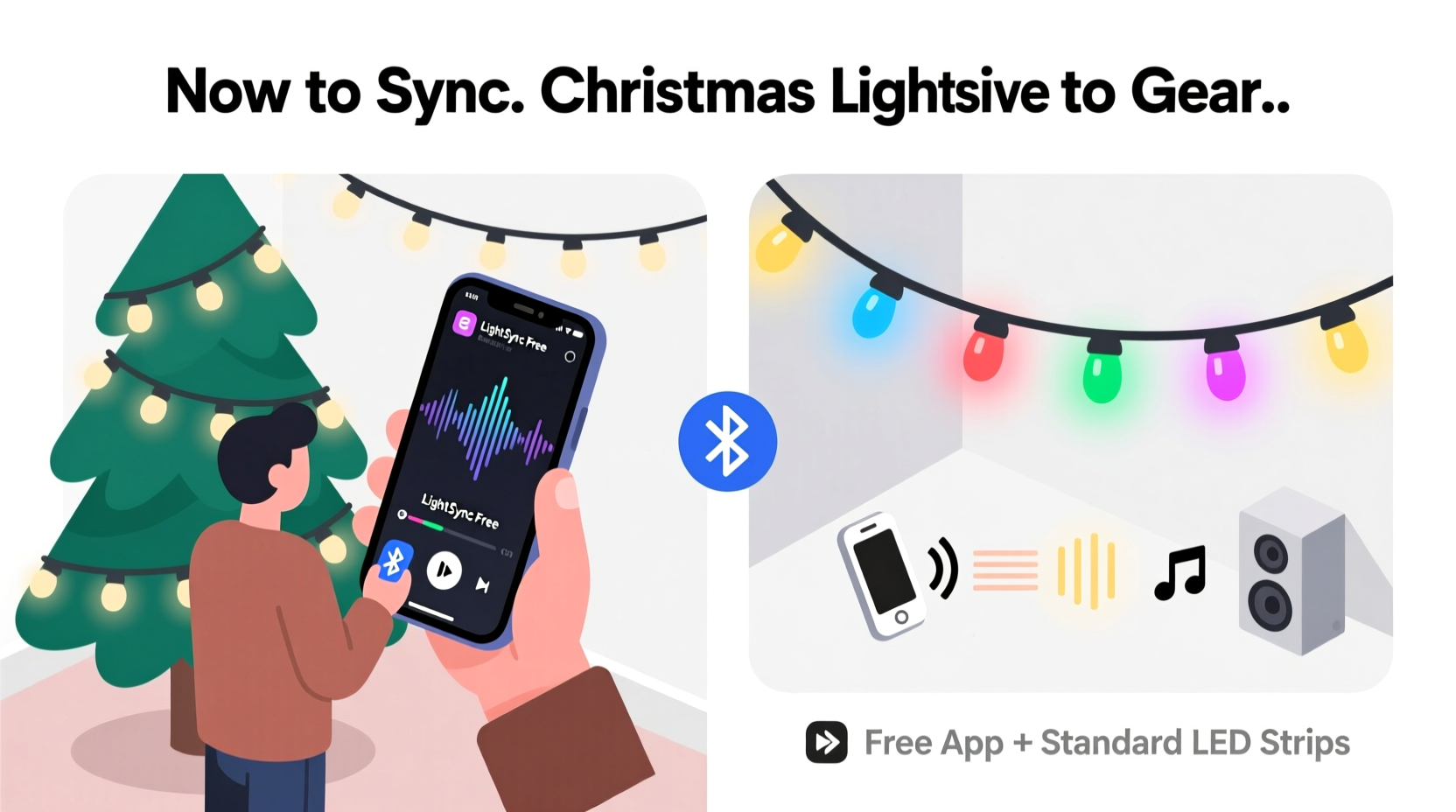
Synchronizing lights to music means coordinating changes in brightness, color, or pattern with specific beats, melodies, or transitions in a song. Traditionally, this was done using dedicated hardware like DMX controllers or pixel strips programmed with timing sequences—a process requiring both financial investment and technical skill.
Today, however, advancements in Wi-Fi-enabled lighting and automation platforms have democratized the experience. Smart bulbs from brands like Philips Hue, LIFX, or Govee can be controlled remotely and respond to audio cues via third-party applications. These systems allow users to create dynamic effects based on sound input—all managed through user-friendly interfaces.
The core principle remains the same: detect audio signals and translate them into commands for the lights. The difference now is that no custom circuitry or scripting is required. Instead, off-the-shelf tools handle the complexity behind the scenes.
Tools You Already Own (Or Can Get Cheaply)
You don’t need industrial-grade gear to get started. In fact, most of what you need may already be in your home. Here’s a breakdown of essential components—and their low-cost alternatives:
- Smart Lights: LED strip lights or smart bulbs compatible with mobile apps. Look for models supporting music-reactive modes.
- Smartphone or Tablet: Used as the central control device running synchronization apps.
- Auxiliary Audio Output: To play music locally while maintaining signal clarity (via Bluetooth speaker or wired connection).
- Free or Low-Cost Apps: Software that analyzes audio and sends real-time commands to your lights.
Many popular smart lighting ecosystems include built-in music modes. For example, Philips Hue offers “Hue Sync” (available on Android and iOS), which uses your phone’s microphone to analyze sound and adjust connected lights accordingly. Similarly, Govee’s app includes a live music mode that responds to ambient noise.
These features eliminate the need for external microphones, complex wiring, or manual beat mapping. All processing happens within the app, making the system plug-and-play for non-technical users.
Step-by-Step Guide: Syncing Lights Using a Mobile App
- Choose Your Lights: Purchase a set of app-controlled RGB LED strips or bulbs. Ensure they are on the same Wi-Fi network as your phone.
- Install the Companion App: Download the manufacturer’s app (e.g., Govee Home, Philips Hue, LIFX) and complete device setup.
- Enable Music Mode: Open the app and navigate to the music or sound-reactive feature. This is often found under \"Scenes,\" \"Effects,\" or \"Entertainment.\"
- Grant Microphone Access: Allow the app to listen to audio. Play a test track and observe how the lights react to volume and tempo.
- Optimize Placement: Position your phone near the sound source but shielded from wind or background noise that could distort detection.
- Adjust Sensitivity: Use sliders in the app to fine-tune responsiveness. Higher sensitivity increases reactivity but may cause erratic behavior with complex tracks.
- Test at Night: Run a full trial after dark to evaluate visibility and effect quality.
This method works best indoors or in sheltered outdoor areas where Wi-Fi coverage is strong and environmental interference is minimal. For larger displays, consider adding Wi-Fi extenders or mesh nodes to maintain stable connections.
Budget-Friendly Alternatives to Professional Controllers
While high-end setups use E1.31 protocols and Raspberry Pi boards to control hundreds of individually addressable LEDs, similar results can be achieved using consumer-grade solutions. Below is a comparison of traditional vs. accessible approaches:
| Feature | Professional Setup | DIY Consumer Alternative |
|---|---|---|
| Hardware Cost | $300–$2000+ | $50–$150 |
| Setup Complexity | Requires coding, networking, soldering | App-based configuration, no tools needed |
| Light Control Precision | Frame-perfect sync across zones | Moderate sync, slight latency possible |
| Audio Input Method | Digital feed via computer | Microphone or Bluetooth audio loopback |
| Best For | Large public displays | Home displays, porch decorations, trees |
One standout alternative is Govee Glide Wall Light Panels, which support music sync out of the box. Priced under $100 for a four-panel set, these modular units attach to walls and react vividly to bass and treble frequencies. They’re especially effective when paired with outdoor speakers playing holiday playlists.
Another option is combining TP-Link Kasa Smart Plugs with voice assistants. While not inherently music-responsive, these plugs can be triggered by routines activated through Alexa or Google Assistant during specific songs—offering a semi-synchronized experience ideal for beginners.
Real Example: A Front Yard Display on a $120 Budget
Mark T., a schoolteacher in Ohio, wanted to surprise his kids with a backyard light show but had no technical background. He spent two weekends creating a fully synced display using only household items and smart tech purchased online.
His setup included:
- Two Govee Wi-Fi LED strip kits ($60 total)
- A used iPad Mini (already owned)
- A portable Bluetooth speaker ($35)
- Free version of the Govee Home app
He mounted the strips along his fence and attached the iPad to a stand facing outward. Using the app’s music mode, he played “All I Want for Christmas Is You” through the speaker. The lights pulsed and shifted colors in real time with Mariah Carey’s vocals. Neighbors gathered nightly, and local news even featured the display.
“I thought I’d need special gear or a degree in engineering,” Mark said. “But once I found the music mode in the app, it took less than ten minutes to make it work.”
This case illustrates how modern design prioritizes accessibility. What once required niche knowledge is now hidden behind a single button labeled “Start Music Mode.”
“Modern smart lighting has removed the biggest barrier to entry: complexity. Today, syncing lights to music is more about creativity than coding.” — Dana Reyes, Smart Home Educator and Tech Reviewer
Checklist: Launch Your First Synchronized Light Show
Follow this checklist to ensure a smooth, successful debut:
- ☐ Choose at least one set of music-compatible smart lights
- ☐ Confirm all devices are on the same Wi-Fi network
- ☐ Install and update the lighting app on your smartphone or tablet
- ☐ Test microphone permissions and audio playback
- ☐ Select a song with clear beats and dynamic range (avoid flat or muffled tracks)
- ☐ Perform a daytime dry run to check connectivity
- ☐ Conduct a nighttime test to assess visual impact
- ☐ Adjust brightness and sensitivity settings for optimal response
- ☐ Share your display safely—avoid obstructing sidewalks or blinding drivers
Once everything works reliably, schedule repeat performances using calendar reminders or smart routines. Some apps let you automate music playback and light activation at set times each evening.
Frequently Asked Questions
Can I sync multiple brands of lights together?
Direct integration between different brands (e.g., Philips Hue and Govee) is limited unless they share a common platform like Apple HomeKit or Google Home. However, you can achieve loose synchronization by placing all devices in the same room and using a central music source. Each system will react independently but appear coordinated due to shared audio input.
Is there noticeable delay between the music and lights?
Minor latency (typically 0.2–0.5 seconds) is common, especially over Wi-Fi. To minimize lag, close other apps on your control device, reduce network congestion, and position your router close to the lights. Wired Ethernet bridges (like those connecting smart hubs) also improve response times.
Do I need internet access during the show?
Not always. Once lights are paired and music mode is active, many systems operate locally. However, losing Wi-Fi may disable remote controls or advanced effects. For uninterrupted performance, consider using a dedicated hotspot or disabling automatic updates during shows.
Maximizing Impact Without Increasing Cost
Even with modest equipment, you can enhance the perceived sophistication of your display. Focus on presentation and environment:
- Use Reflective Surfaces: Position lights near white walls, fences, or snow-covered ground to amplify glow.
- Layer Effects: Combine steady glows with flickering candles or twinkle modes to add depth.
- Control Viewing Angles: Shield certain sections from direct view to create surprise reveals as people walk by.
- Add Non-Lighted Elements: Include inflatables, signs, or motion figures to diversify attention points.
- Create a Playlist Flow: Sequence songs from calm to energetic, letting the light intensity build gradually.
Remember: audiences remember atmosphere more than pixel-perfect timing. A warmly lit scene with gentle pulses to “Silent Night” can feel more magical than a technically flawless but impersonal laser barrage.
Conclusion: Bring Holiday Magic Within Reach
Synchronized Christmas lights no longer belong exclusively to engineers or wealthy homeowners. Thanks to advances in smart home technology, anyone with a smartphone and a string of RGB LEDs can create enchanting, music-driven displays. There’s no need for soldering irons, command-line terminals, or thousand-dollar budgets.
The tools exist. The apps are free. The hardest part is pressing play.




 浙公网安备
33010002000092号
浙公网安备
33010002000092号 浙B2-20120091-4
Comments
No comments yet. Why don't you start the discussion?