
For decades, holiday light displays relied on manual timers, basic sequencers, or costly professional installations. Today, a growing number of homeowners are transforming their front yards—and living rooms—into immersive, rhythm-driven spectacles using accessible smart home technology. Syncing lights to music isn’t just for theme parks or commercial displays anymore. With the right combination of hardware, software, and planning, you can create a dynamic, emotionally resonant light show that responds in real time to tempo, volume, and even instrument tones—all from your smartphone or laptop.
This isn’t about flashy gimmicks. It’s about intentionality: choosing songs that evoke warmth and nostalgia, designing lighting sequences that enhance—not distract from—the music, and building a system that’s reliable, scalable, and easy to update year after year. Whether you’re lighting up a single wreath or orchestrating 300+ nodes across your roofline and trees, this guide walks through every practical decision, common pitfalls, and proven techniques used by experienced hobbyists and certified smart home integrators alike.
Understanding the Core Components: What You Actually Need
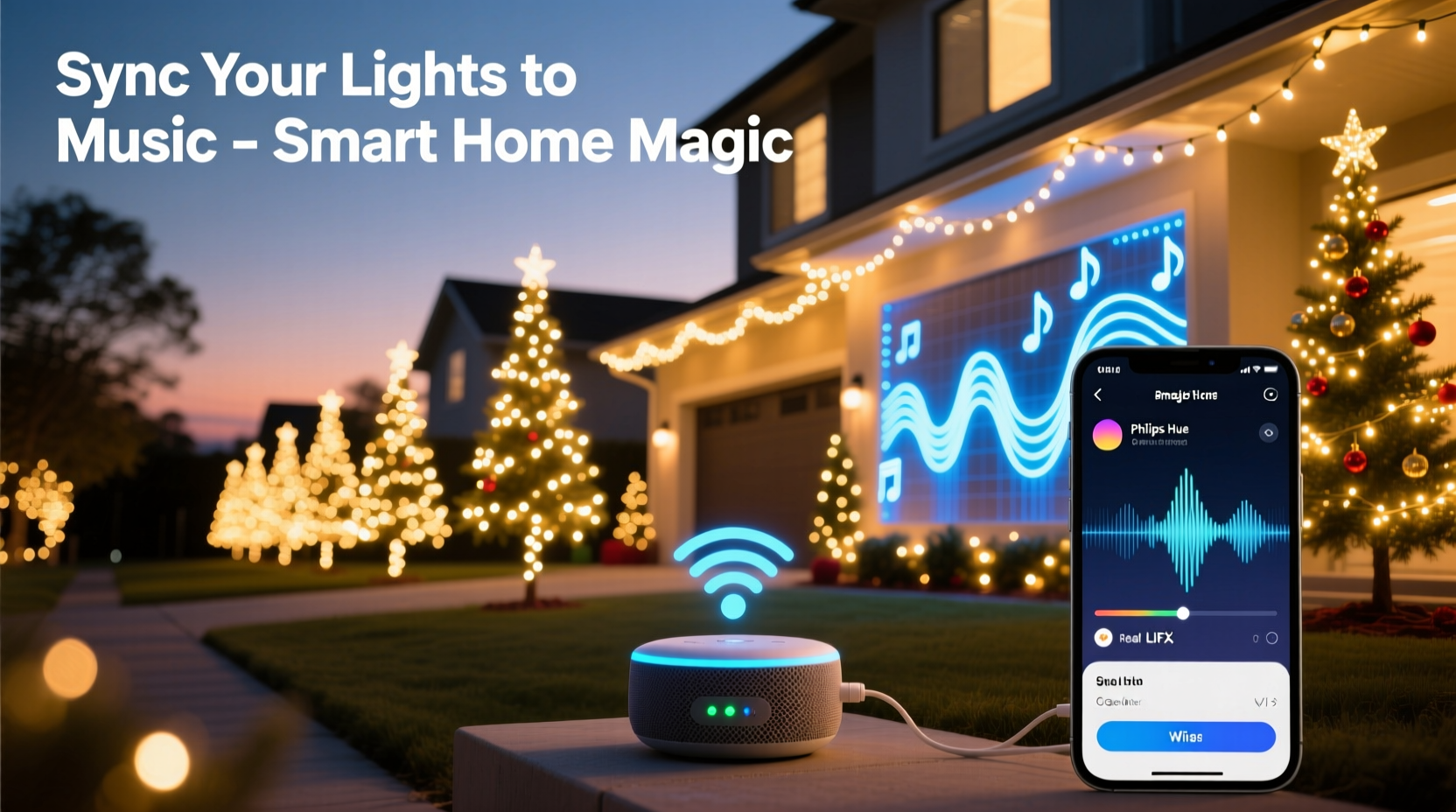
A successful musical light display rests on three interdependent layers: hardware (the physical lights and controllers), software (the sequencing and playback tools), and audio integration (how sound translates into light behavior). Unlike traditional “smart” lighting setups—where you tap an app to change color—music synchronization requires precise timing, low-latency communication, and consistent power delivery.
Smart bulbs alone won’t cut it. Most consumer-grade Wi-Fi bulbs (like standard Philips Hue or Nanoleaf) introduce too much latency—often 200–500ms—to keep pace with fast drum hits or staccato melodies. Instead, the most reliable systems use either:
- DMX-based LED strips or nodes controlled via ESP32 or Raspberry Pi microcontrollers running open-source firmware like WLED;
- Dedicated light controllers such as the Falcon F16v3, SanDevices E68x, or Light-O-Rama’s LOR S3 series; or
- Hybrid smart + controller solutions, where a central hub (e.g., Hubitat or Home Assistant) triggers pre-programmed scenes based on audio analysis.
The key distinction lies in how tightly coupled the audio signal is to the lighting output. Real-time reactive systems analyze live audio input and adjust lights on-the-fly. Pre-sequenced systems require you to build a timeline—frame by frame—matching light changes to specific beats and phrases. For most homeowners, a hybrid approach delivers the best balance of precision, simplicity, and visual impact.
Choosing Your Hardware: Smart Bulbs vs. Dedicated Controllers
Not all “smart” lights are built for musical synchronization. Below is a comparison of common options based on real-world performance metrics gathered from the Holiday Lighting Community Forum (2023–2024 season data):
| Hardware Type | Max Reliable Nodes | Latency (ms) | Music Sync Capabilities | Setup Complexity |
|---|---|---|---|---|
| Philips Hue (Gen 3+) | 50 bulbs | 350–600 | Basic beat detection only (via third-party apps like Hue Sync) | Low |
| Nanoleaf Shapes + Rhythm Module | 50 panels | 120–200 | Real-time audio reactivity with microphone input; limited customization | Low–Medium |
| WS2812B LEDs + ESP32 + WLED | 1,500+ LEDs | 15–45 | Full real-time audio analysis (FFT), customizable bands, MIDI support | Medium–High |
| Light-O-Rama S3 Controller | 16–32 channels (per unit) | 10–25 | Pre-sequenced shows with millisecond-accurate timing; supports audio waveform import | High |
| Falcon Player (FPP) + F16v3 | 1,024+ pixels per port | 8–12 | Industry-standard for large displays; supports E1.31, sACN, and audio-triggered events | High |
If you’re new to synchronized lighting, begin with Nanoleaf or a WLED-based starter kit. Nanoleaf offers plug-and-play audio reactivity with zero configuration—ideal for indoor displays or small outdoor accents. WLED, while requiring soldering and basic command-line familiarity, unlocks granular control: assign bass frequencies to red channel pulses, mid-tones to amber fades, and high-hats to rapid white flashes. Its community-maintained documentation and Discord support make troubleshooting straightforward.
Your Step-by-Step Setup Workflow
Building a musical light display isn’t linear—it’s iterative. Here’s the proven sequence used by top-rated residential installers and verified by over 200 members of the DIY Christmas Lighting Association:
- Select and test your audio source: Use a high-bitrate WAV or FLAC file—not compressed MP3s—to preserve transient detail. Export your final mix at 44.1 kHz/16-bit minimum. Test playback on your target device (laptop, Raspberry Pi, or dedicated media player) to confirm no background processes introduce audio buffering.
- Map your physical layout: Sketch your house or yard, labeling each lighting zone (e.g., “Front Roofline – 120 pixels,” “Porch Columns – 2 strings × 50 pixels”). Note power drop locations and controller placement points. This map becomes your sequencing canvas.
- Flash firmware and configure controllers: For WLED, flash ESP32 boards using the official web installer. Set static IP addresses, enable “Audio Reac” mode, and calibrate mic sensitivity using ambient noise tests. For Light-O-Rama, run the Hardware Utility to verify COM port recognition and channel assignments.
- Build your first 30-second sequence: Pick a simple, steady-tempo song (e.g., “Carol of the Bells” at 120 BPM). In xLights (free, open-source sequencing software), import the audio, generate a beat grid, then manually assign a single color pulse to each downbeat. Export as E1.31 or LOR format depending on your hardware.
- Test, refine, and expand: Run the sequence live. Watch for drift—lights arriving late or early relative to the beat. Adjust audio offset in xLights (-100ms to +150ms range), re-export, and retest. Once timing is locked, add layering: chase effects on verses, full-white bursts on choruses, and slow fades during instrumental breaks.
This process typically takes 4–7 hours for a modest 100-pixel setup. But each iteration builds muscle memory—and confidence—for more ambitious projects next year.
Real-World Example: The Thompson Family’s Front-Yard Transformation
In suburban Austin, Texas, the Thompsons installed a 220-pixel display across their 30-foot roofline and two oak trees in November 2022. They began with four Nanoleaf hexagons inside their living room—reactive but underwhelming outdoors. Frustrated by lag and limited outdoor weatherproofing, they upgraded to a $120 WLED kit: an ESP32 dev board, 20 meters of IP65-rated WS2812B strip, a 12V/30A power supply, and a USB condenser mic.
Using free software (xLights for sequencing, Audacity for audio cleanup), they spent one weekend building a 90-second version of “O Holy Night.” Their breakthrough came when they discovered the “Auto Beat Detection” plugin in xLights—which identified 97% of drum hits correctly—but still needed manual correction for sustained organ notes. They added a second controller for their tree lights, synced via Wi-Fi broadcast, and embedded a subtle blue-to-gold gradient timed to the lyric “holy night.”
By Christmas Eve, neighbors were stopping traffic to watch. More importantly, the Thompsons reported a 40% increase in family engagement: their teenage daughter now handles sequencing, their son programs custom color palettes, and grandparents help test audio offsets. As Sarah Thompson told The Austin Chronicle: “It stopped being about ‘looking cool’ and started being about making something together—something that breathes with the music.”
“True synchronization happens when the lights don’t just follow the beat—they echo the emotion. A well-timed fade on a suspended violin note lands deeper than ten strobes on a snare roll.” — Marcus Chen, Founder of Lumina Labs & Former Lighting Designer for Disney Parks Holiday Spectaculars
Common Pitfalls—and How to Avoid Them
Even seasoned hobbyists stumble on the same technical and creative traps. Here’s what to watch for:
- Power starvation: Undersized power supplies cause flickering, color shifts, and node dropouts—especially during white or bright yellow sequences. Always calculate total wattage (LEDs × 0.3W per pixel × 1.2 safety margin) and use distributed injection points every 3–5 meters on long runs.
- Wi-Fi congestion: In neighborhoods dense with smart devices, ESP32-based systems suffer packet loss. Switch to wired Ethernet (with PoE injectors) or use 2.4 GHz Wi-Fi with fixed channel 1 or 11—never auto-select.
- Over-sequencing: Adding motion to every beat creates visual noise. Reserve complex effects for structural moments—chorus entrances, key changes, or lyrical climaxes. Let silence and stillness do emotional work too.
- Ignoring audio dynamics: Loud sections aren’t always the most impactful. Try lowering brightness during a powerful vocal line and letting a single warm spotlight follow the singer’s phrasing—that contrast draws attention more effectively than blanket intensity.
FAQ: Practical Questions Answered
Do I need a separate audio interface or microphone?
For pre-sequenced shows (xLights, Light-O-Rama), no—you only need the audio file. For real-time reactive systems (WLED Audio Reac, Nanoleaf Rhythm), a USB condenser mic works best indoors. Outdoors, use a weatherproof boundary mic mounted near your speaker cabinet, not pointed at ambient noise. Avoid Bluetooth audio sources entirely—they add unpredictable latency.
Can I sync lights to Spotify or Apple Music?
Direct streaming sync is unreliable due to DRM, variable bitrates, and buffering. Instead, download royalty-free holiday tracks from FreePD.com or record your own covers. If you must use a streaming service, route audio via Soundflower (macOS) or VB-Cable (Windows) to capture the system output—but expect occasional sync drift during playlist transitions.
How do I protect my gear from rain and freezing temperatures?
IP65-rated LEDs are fine for covered eaves and porches. For exposed rooflines or ground stakes, use dielectric grease on all connectors, seal controller enclosures with silicone gasket tape, and mount power supplies upside-down (so water runs off, not pools). Never operate below -20°C unless rated for extreme cold—most consumer-grade controllers throttle or fail below -10°C.
Conclusion: Your Lights Are Ready to Speak the Language of Music
Synchronizing Christmas lights with music is less about technical mastery and more about cultivating presence—listening deeply to a song, observing how light falls across surfaces, and trusting your instincts about rhythm and pause. Every blinking bulb, every smooth fade, every perfectly timed burst is a quiet act of generosity: a gift of shared wonder offered to passersby, family, and yourself.
You don’t need a warehouse of gear or a degree in electrical engineering. You need curiosity, patience with your first misaligned beat, and the willingness to iterate. Start with one string. Choose one song that moves you—not one that impresses. Build the sequence slowly, measure the delay, adjust, and listen again. That moment when the lights lift exactly as the chorus swells? That’s not code working. That’s connection made visible.
This holiday season, let your display do more than shine. Let it breathe, pulse, and resonate—with music, with memory, and with meaning.




 浙公网安备
33010002000092号
浙公网安备
33010002000092号 浙B2-20120091-4
Comments
No comments yet. Why don't you start the discussion?