
Transforming your holiday decor into a dynamic light show that dances in rhythm with music is no longer reserved for professional installers or expensive setups. With today’s smart lighting systems and accessible software tools, you can create a mesmerizing, music-synchronized Christmas tree right from your living room. Whether you’re hosting a neighborhood gathering or simply want to elevate your seasonal spirit, syncing lights to music adds a layer of magic that captivates both kids and adults alike.
The key lies in combining the right hardware, software, and a bit of technical finesse. From choosing addressable LED strips to configuring audio-reactive effects via apps or local servers, this guide walks you through everything you need to bring your tree to life—pulse by pulse, note by note.
Understanding Smart Lighting and Music Sync Capabilities
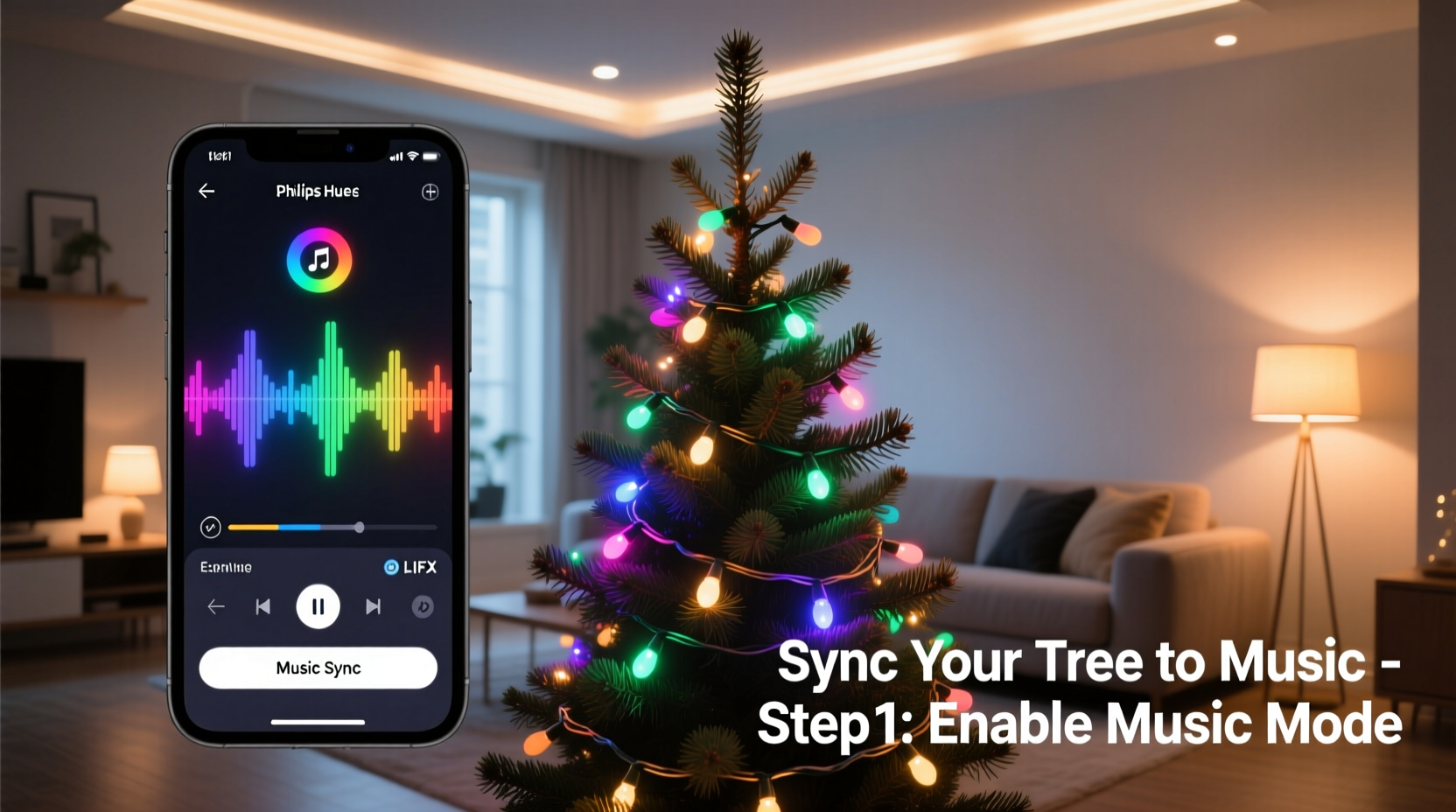
Smart lights have evolved far beyond simple on/off commands or color changes via smartphone apps. Modern addressable LEDs—such as those based on WS2812B (commonly known as NeoPixels) or similar chips—allow individual control over each bulb's brightness, color, and timing. This granular control makes them ideal for creating fluid animations that respond directly to sound input.
Unlike traditional string lights or even basic RGB smart bulbs, addressable strips can be programmed to ripple, flash, fade, or chase in perfect time with music. When paired with a microcontroller like an ESP32 or Raspberry Pi, or integrated into platforms such as WLED or Home Assistant, these lights become capable of real-time audio reactivity.
Audio reactivity works by analyzing incoming sound—either from a microphone or digital audio stream—and converting amplitude, frequency, or beat detection into lighting effects. For example, bass drops can trigger red flashes, while high notes might produce shimmering white waves across the tree.
“With precise frame timing and FFT-based audio analysis, modern DIY setups can rival commercial light shows at a fraction of the cost.” — Daniel Park, Embedded Systems Developer & Holiday Tech Enthusiast
What You’ll Need: Equipment Checklist
Before diving into setup, gather the necessary components. The exact configuration may vary depending on your desired complexity, but here’s a comprehensive checklist to get started:
- Addressable LED strip or string lights: WS2811/WS2812B-based (e.g., NeoPixel, LightOrbit, or Lumenati). Aim for 60 LEDs per meter for dense coverage.
- Microcontroller board: ESP32 (recommended) or ESP8266 for Wi-Fi connectivity and processing power.
- Power supply: 5V or 12V DC adapter rated for at least 20% more than your total LED draw (calculate: number of LEDs × 0.3W).
- Logic level shifter (if using 5V LEDs with 3.3V controller): Protects the ESP from voltage mismatch.
- Resistor (300–500 ohms): Place between controller data pin and LED input to smooth signal.
- Capacitor (1000µF, 6.3V+): Solder across power rails near the strip to prevent current spikes.
- Computer or smartphone: For initial programming and configuration.
- Optional microphone module: MAX9814 or INMP441 if you want real-time ambient sound input.
Step-by-Step Setup: From Wiring to Sync
Follow this sequence to build and configure your music-syncing system safely and effectively.
- Plan your layout: Measure your tree height and girth. Estimate 100–300 LEDs depending on size. Plan vertical runs or spiral wraps for best visual effect.
- Connect hardware:
- Solder or plug the LED strip to the controller (ESP32 GPIO5 or D5 typical).
- Wire the power supply to both the controller (via VIN/GND) and directly to the LED strip’s +V and GND (parallel connection).
- Add capacitor across power inputs on the strip; add resistor on data line.
- Flash firmware: Install WLED (wled.me) onto your ESP32:
- Download the latest .bin file from the official site.
- Use WLED Flasher tool or Arduino IDE to upload firmware.
- Ensure correct board selection (ESP32 Dev Module) and port.
- Configure WLED:
- Power on the device and connect to its access point (AP mode).
- Navigate to http://192.168.4.1 and join your home Wi-Fi.
- Reboot; note the assigned IP address.
- Access the web UI at the new IP (e.g., http://192.168.1.150).
- Set up audio reactivity:
- In WLED, go to “Sync” > “Audio Input” settings.
- Select input source: internal ADC (for mic), UDP packets, or MQTT.
- Enable “Realtime override” so music modes take precedence.
- Install optional mic module if using analog input; set gain appropriately.
- Test audio response:
- Apply an effect like “Glitter” or “Beat Decay.”
- Play music nearby or send audio via AirPlay/Soundflower (PC/Mac).
- Adjust “Gain,” “Attack,” and “Decay” sliders until lights react sharply but smoothly.
- Mount lights on tree: Carefully wrap or drape the strip around branches, securing with twist ties or non-damaging clips. Avoid sharp bends.
- Finalize integration: Use WLED’s presets to save favorite music-reactive scenes. Link to voice assistants or automations via Home Assistant or Apple Shortcuts if desired.
Software Options Beyond WLED
While WLED is the most user-friendly and widely supported platform for audio-reactive lighting, alternatives offer deeper customization for advanced users.
| Platform | Best For | Music Sync Method | Learning Curve |
|---|---|---|---|
| WLED | Beginners to intermediates; plug-and-play | Built-in mic support, UDP audio streaming | Low |
| Arduino + FastLED + FFT Library | Hobbyists wanting full code control | Analog mic input with custom FFT processing | High |
| MagicHome Pro / Fluence | Pre-built controllers only | Limited built-in music mode (mic-sensitive) | Very Low |
| Home Assistant + Node-RED | Integrated smart homes | Analyze media_player audio output via spectrogram nodes | Medium-High |
For most users, WLED strikes the ideal balance between functionality and ease of use. Its active community provides pre-made configurations, downloadable effects, and troubleshooting forums that simplify deployment.
Real Example: A Suburban Family’s First Light Show
The Thompson family in Portland, Oregon, wanted to surprise neighbors during the annual holiday block party. With two teens interested in coding and a modest budget of $120, they decided to build a synchronized tree instead of buying another static light set.
They purchased a 150-LED WS2812B strip, an ESP32 board, and a 5V 10A power supply online. Over one weekend, they followed a YouTube tutorial to wire the system and flashed WLED using a laptop. Using a spare USB microphone plugged into the ESP32, they configured audio input and tested various effects.
On the night of the event, they played classic carols through a Bluetooth speaker placed near the mic. The tree pulsed with warm golds during “Silent Night,” flared bright red and green on upbeat choruses of “Jingle Bell Rock,” and shimmered softly during instrumental breaks. Neighbors recorded videos, and several asked for setup tips—proving that impressive results don’t require professional gear.
Avoiding Common Pitfalls
Even experienced tinkerers encounter issues when syncing lights to music. Here are frequent problems and how to resolve them:
- Lights flicker inconsistently: Often due to insufficient power. Ensure direct power injection and use a properly rated supply.
- No response to music: Check microphone gain settings, ensure correct input source in WLED, and verify physical connections.
- Delayed reaction to beats: Reduce network latency by minimizing Wi-Fi congestion or using wired Ethernet via ESP32-CAM modules.
- Colors appear washed out: Overdriving LEDs dims overall output. In WLED settings, reduce intensity (try 80–90%) for better contrast.
- Overheating controller: Add a small heatsink or passive cooling fan if running long durations at full brightness.
Expanding Your Display
Once your tree is synced, consider integrating other elements for a full outdoor or indoor experience:
- Add multiple zones: Run separate strips to different ESP controllers and sync them via WLED’s “Sync Groups” feature.
- Outdoor extensions: Use waterproof LED strings along rooflines or walkways, all controlled from the same network.
- Mobile control: Create a playlist-triggered automation using Tasker (Android) or Shortcuts (iOS) to start specific light modes when music starts.
- Voice activation: Link WLED to Alexa or Google Assistant through HA-Bridge or native Home Assistant integration.
For larger displays, consider setting up a central audio hub that sends synchronized UDP packets to multiple receivers, ensuring all lights stay in perfect time regardless of Wi-Fi lag.
Frequently Asked Questions
Can I sync regular smart bulbs like Philips Hue to music?
Yes, but with limitations. Apps like Hue Sync or third-party tools such as Govee Sync+ can mirror screen or audio content to Hue bulbs. However, response is often delayed, and effects are less dynamic than with addressable strips. Ideal for ambient background pulses, not detailed beat matching.
Do I need coding skills to make this work?
No. Platforms like WLED provide graphical interfaces and pre-built audio reactive effects. Only advanced modifications—like designing custom FFT filters—require programming knowledge.
Is it safe to leave the setup running overnight?
Yes, if properly powered and ventilated. Use UL-listed power supplies, avoid covering electronics, and monitor temperature during initial runs. Never use damaged wires or overloaded circuits.
Bring the Holidays to Life—One Beat at a Time
Synchronizing your Christmas tree lights with music blends technology, creativity, and seasonal joy in a uniquely memorable way. What once seemed like a complex feat is now within reach of anyone willing to spend a few hours assembling parts and exploring intuitive software tools. With careful planning and attention to power and signal integrity, your tree can become the centerpiece of a joyful, interactive holiday experience.
Start small—even a single strand reacting to piano melodies creates wonder. As confidence grows, expand to multi-zone displays, scheduled shows, or neighbor-inviting performances. The tools are open, the community is supportive, and the smiles you’ll generate are priceless.




 浙公网安备
33010002000092号
浙公网安备
33010002000092号 浙B2-20120091-4
Comments
No comments yet. Why don't you start the discussion?