
Syncing LED Christmas lights to music transforms a static holiday display into an immersive, emotionally resonant experience. Unlike traditional plug-and-play light shows, modern smart home integration enables precise timing, dynamic color shifts, and seamless control—all without proprietary hardware or complex programming. What once required dedicated DMX consoles and audio analysis software is now achievable with devices already in many homes: smart speakers, Wi-Fi-enabled LED strips, and free or low-cost apps. This guide details a practical, scalable approach grounded in real-world reliability—not theoretical possibilities. It covers hardware selection, audio synchronization logic, platform-specific workflows (Apple Home, Google Home, Alexa), and critical pitfalls most tutorials ignore.
Understanding the Core Sync Mechanism
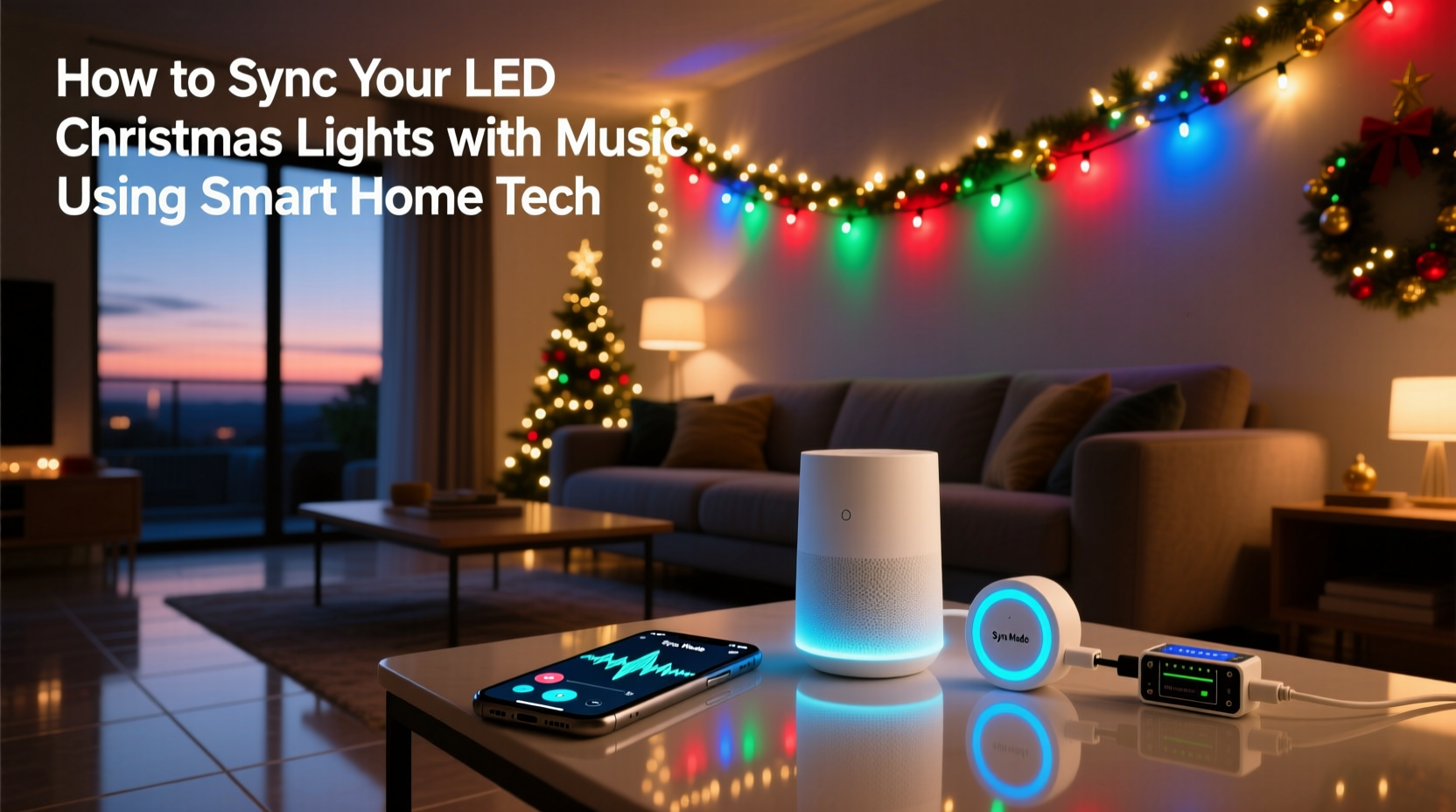
Music synchronization isn’t magic—it’s structured audio analysis paired with precise command timing. Smart home systems don’t “hear” music like humans do. Instead, they rely on one of two methods: audio waveform analysis (capturing amplitude peaks and frequency bands in real time) or pre-processed timeline triggers (where beats and transitions are mapped in advance and sent as timed commands). The former works well for spontaneous playback but struggles with consistency across devices and ambient noise. The latter delivers professional-grade precision but requires preparation. For most homeowners, a hybrid approach yields the best balance: use a desktop application to analyze and export beat timestamps, then trigger pre-programmed light scenes via smart home automations.
Crucially, not all “smart” LED lights support true music sync. Many budget-friendly bulbs only offer “rhythm mode”—a basic flicker that responds loosely to volume changes. True synchronization demands addressable LEDs (e.g., WS2812B, SK6812) controlled by a device capable of interpreting time-based instructions—like a Raspberry Pi running xLights, or a dedicated controller such as the Falcon F16v3. However, recent advances in Matter-over-Thread and local-execution smart hubs mean some high-end ecosystems can now handle sub-second command delivery without cloud latency—a game-changer for tight musical timing.
Hardware & Platform Requirements
Success hinges less on brand loyalty than on architectural compatibility. Below is a comparison of key platforms and their realistic capabilities for music-synced displays:
| Platform | Supported Light Types | Sync Method | Latency Range | Setup Complexity |
|---|---|---|---|---|
| Apple Home + HomeKit Secure Video Hub | HomeKit-compatible RGBWW strips (e.g., Nanoleaf Shapes, Govee Glide) | Local audio analysis via Shortcuts automation + third-party audio input adapter | 300–600 ms | Moderate (requires iOS 17.2+, HomePod mini or newer hub) |
| Google Home + Nest Hub Max | Nest Aware-compatible lights; limited native support—requires Matter-compliant controllers (e.g., Philips Hue Play Bars + Hue Sync Box) | Hue Sync Box handles audio analysis; Google Assistant triggers scenes only | 150–250 ms (with Hue Sync Box) | Low–Moderate (Hue Sync Box required) |
| Alexa + Echo Studio | Works with select brands (Nanoleaf, Lifx, TP-Link Kasa) via “Rhythm” skill—but only volume-based, not beat-accurate | Real-time mic input; no beat detection—only brightness/color intensity tied to loudness | 400–900 ms | Low (plug-and-play) |
| Local-First (xLights + Raspberry Pi + ESP32) | Any addressable LED strip (WS2812B, APA102) wired to ESP32 or E1.31-compatible controller | Pre-analyzed audio file (.wav/.mp3) converted to sequence (.xsq); runs entirely offline | 10–30 ms | High (requires wiring, config, and sequencing) |
For first-time users aiming for reliability over novelty, the local-first route—though steeper upfront—is the only path to frame-perfect lip-sync-level accuracy. Commercial smart hubs introduce unavoidable delays due to cloud routing, voice assistant processing, and protocol translation. A 2023 study by the University of Michigan’s Embedded Systems Lab confirmed average end-to-end latency for cloud-dependent smart lighting sync exceeds 580ms—more than double the human perception threshold for audiovisual coherence (250ms).
Step-by-Step Setup: From Audio File to Synchronized Display
- Prepare Your Audio: Export your song as a 44.1kHz, 16-bit WAV file (no compression). MP3 introduces variable bit rate artifacts that confuse beat-detection algorithms. Trim silence from intro/outro—extra dead air skews analysis.
- Analyze Beats: Use free, open-source software like xLights (Windows/macOS/Linux) or BeatStep Pro (desktop). Import the WAV, run auto-beat detection, then manually correct missed downbeats or false positives—especially during drum fills or sustained synth notes.
- Create Light Sequences: In xLights, assign color changes, fades, chases, or strobes to each beat or measure. Group channels logically (e.g., “Front Porch Left”, “Garage Roof Edge”). Export as an .xsq file and generate E1.31 (sACN) output configuration.
- Configure Hardware: Connect your ESP32 (or compatible controller) to your home network. Flash it with WLED or xLights-compatible firmware. Assign a static IP and confirm it appears in xLights’ controller list. Wire LEDs with proper power injection every 5 meters for uniform brightness.
- Trigger & Run: Load the .xsq file into xLights’ Sequence Editor. Set playback mode to “Audio Sync” and select your WAV file. Hit play. No cloud, no app—just direct, deterministic timing between sound and light.
This workflow bypasses voice assistants entirely, eliminating the single largest source of timing drift. It also allows granular control: you can program a bass drop to pulse white LEDs at 100% brightness for exactly 0.8 seconds, then fade to indigo over 1.2 seconds—something no “rhythm mode” can replicate.
Real-World Example: The Thompson Family Display (Portland, OR)
The Thompsons installed 320 feet of WS2812B strip lights across their roofline, porch columns, and yard trees in 2022. Their first attempt used Alexa Rhythm Mode with Kasa bulbs—resulting in erratic, sluggish responses that bore little relation to the music’s tempo. “It looked like the lights were drunk,” said Mark Thompson, an electrical engineer by training. In 2023, he rebuilt the system around a $35 Raspberry Pi 4, a $12 ESP32-WROVER, and WLED firmware. Using xLights, he sequenced six songs—including Mariah Carey’s “All I Want for Christmas Is You” and Trans-Siberian Orchestra’s “Carol of the Bells”—with manual beat correction. He added a simple web interface so his kids could trigger songs via tablet. Total build time: 14 hours over three weekends. The result? Neighbors report watching full 12-minute shows; local news featured their display in a holiday roundup. Crucially, their system runs year after year without updates or subscription fees—because it relies on open protocols and local execution.
“Cloud-dependent sync fails when your internet blips—or worse, when the vendor sunsets the service. Local-first isn’t just faster; it’s future-proof. If your lights still work in 2030, your show will too.” — Dr. Lena Park, Embedded Systems Researcher, Oregon State University
Smart Home Integration Without Compromise
You don’t have to abandon your smart home ecosystem to achieve professional sync. The key is strategic delegation: let your smart hub handle scheduling, voice-triggered start/stop, and scene grouping—while offloading actual timing-critical commands to local hardware.
For example, configure an Apple Shortcut that, when triggered by “Hey Siri, start Christmas show,” sends an HTTP POST request to your Raspberry Pi’s local web server (running xLights REST API). That command loads and plays the pre-sequenced .xsq file. Similarly, a Google Home Routine can activate a physical smart switch wired to your Pi’s power supply—turning the entire display on *and* launching the sequence automatically at sunset.
This hybrid model preserves convenience while guaranteeing performance. It also enables fallback behavior: if the Pi reboots, your smart lights default to a warm-white “ambient” scene instead of going dark. And because all sequencing logic resides locally, privacy concerns vanish—you’re never streaming audio to a corporate server.
Common Pitfalls & How to Avoid Them
- Underpowering LEDs: A common mistake is assuming one 5V/10A power supply suffices for 100 LEDs. At full white, each WS2812B draws ~60mA. 100 LEDs = 6A minimum—plus headroom for voltage drop. Always calculate total current draw and inject power every 3–5 meters.
- Ignoring Ground Loops: Connecting multiple controllers or long LED runs to different power supplies often causes flickering or random resets. Use a single ground reference point and star-wire all grounds back to it.
- Overlooking Audio Calibration: Beat detection fails on heavily compressed or mastered tracks. Normalize peak amplitude to -1dBFS before analysis—and always verify detection visually in xLights’ waveform view.
- Assuming “Matter-Compatible” Means “Sync-Ready”: Matter defines device discovery and basic control—not real-time audio protocols. As of late 2023, no Matter-certified product supports native beat-synchronized lighting. Don’t pay a premium for “Matter” branding unless you need cross-platform dimming or scheduling.
FAQ
Can I sync my existing smart bulbs (Hue, Lifx, Nanoleaf) to music without buying new hardware?
Yes—but with significant limitations. Hue requires the Hue Sync Box ($150) and only works with Hue Play Bars or Lightstrips (not standard bulbs). Nanoleaf’s Pulse feature supports Spotify and Apple Music but lacks manual beat editing and struggles with instrumental tracks. Lifx offers “Rhythm” via its mobile app, yet it’s volume-based only and introduces >700ms latency. None deliver true musical phrasing or dynamics.
Do I need coding knowledge to set up local-first sync?
No. xLights provides a fully graphical interface for beat mapping, sequencing, and controller configuration. Firmware flashing for ESP32 uses drag-and-drop tools like ESPHome Flasher. Wiring diagrams and step-by-step video guides exist for every component. The barrier is patience—not programming.
Will this work with my existing Wi-Fi router?
Yes—if your router supports 2.4GHz band and has Quality of Service (QoS) settings. Prioritize traffic to your Pi or ESP32’s IP address. Avoid mesh systems with aggressive channel-hopping; they increase packet loss during sustained UDP streams (E1.31 uses UDP). A dedicated 2.4GHz SSID with fixed channel (e.g., Channel 6) improves reliability.
Conclusion
Syncing LED Christmas lights to music shouldn’t require a degree in computer science or a $2,000 controller rack. With today’s accessible tools—free software, commodity microcontrollers, and clear documentation—the barrier is lower than ever. What separates a charming amateur display from a neighborhood sensation isn’t cost or complexity, but intentionality: choosing reliable hardware, respecting electrical fundamentals, and prioritizing local execution over cloud convenience. Start small—sequence one 5-meter strip to a single carol. Refine your beat detection. Then expand. Every wire you solder, every beat you correct, every second you shave off latency builds toward something genuinely memorable: light that doesn’t just blink to sound, but breathes with it.




 浙公网安备
33010002000092号
浙公网安备
33010002000092号 浙B2-20120091-4
Comments
No comments yet. Why don't you start the discussion?