
Matching smart bulbs to traditional Christmas tree lights isn’t about forcing uniformity—it’s about harmony. When your RGBW smart bulbs (which emit red, green, blue, and warm white light) align seamlessly with the warm amber glow of incandescent mini-lights or the crisp cool-white shimmer of LED stringers, the result is visual cohesion that feels intentional, not engineered. Yet most users struggle not because their hardware is inadequate, but because they treat synchronization as a one-time setup rather than a calibrated, context-aware process. This guide cuts through the marketing jargon and app-layer confusion to deliver field-tested methods used by professional holiday lighting designers and home automation integrators. We focus exclusively on what works—not what’s theoretically possible—with consumer-grade devices from Philips Hue, Nanoleaf, Govee, Wyze, and LIFX.
Why RGBW Bulbs Are Uniquely Suited—and Tricky—for Tree Integration
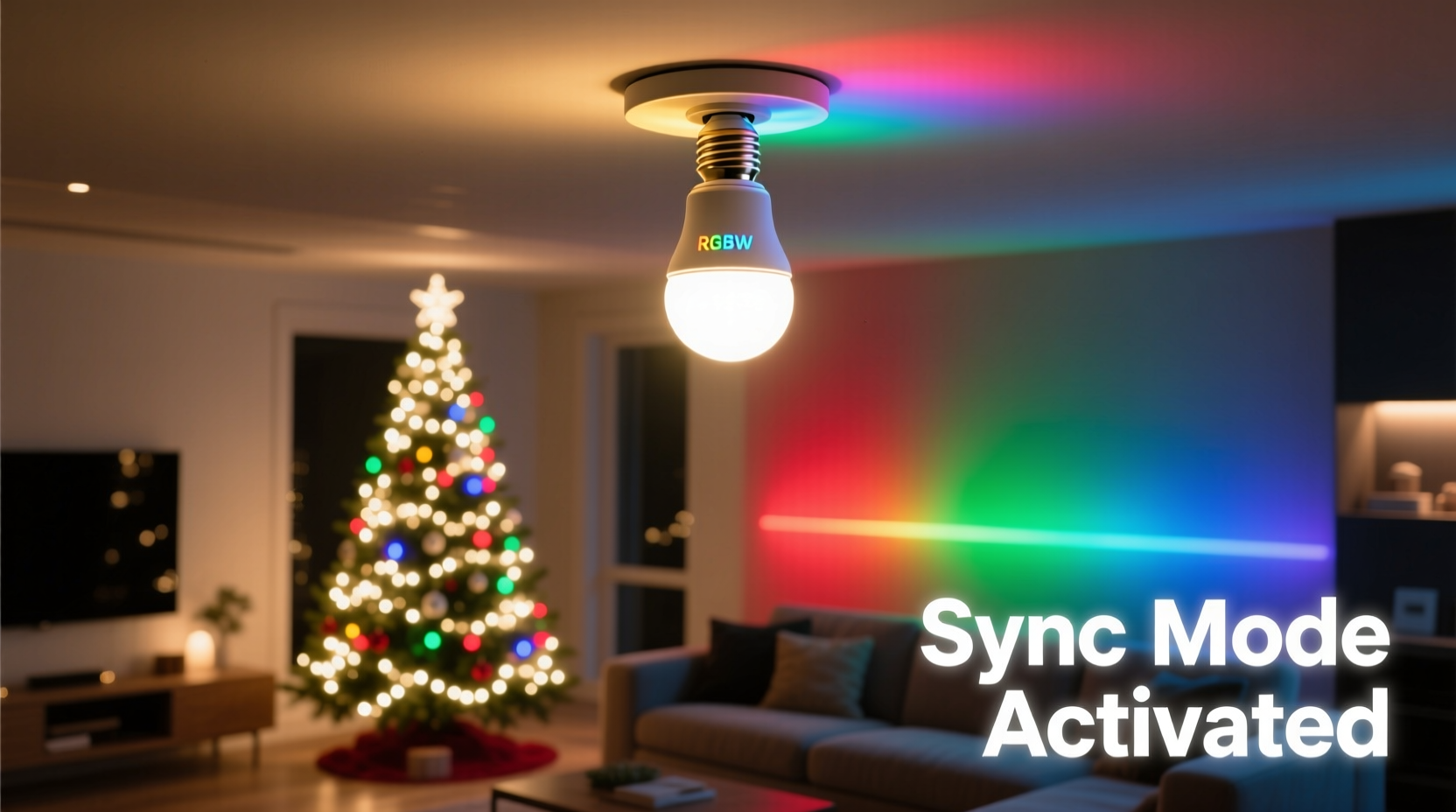
RGBW bulbs differ fundamentally from standard RGB models: the dedicated warm-white (W) diode enables true 2200K–3000K output without relying on color-mixing algorithms that often produce muddy, inconsistent warmth. That warm-white channel is the linchpin for matching vintage-style tree lights—but it’s also the most frequently misconfigured element. Unlike RGB-only bulbs, which approximate warmth by blending red, green, and blue at low intensity (often yielding pinkish or orange-tinted results), RGBW bulbs can emit pure warm white light independently. However, many companion apps default to “RGB mode only” or disable the W channel during scene creation, silently sabotaging fidelity before you even begin.
This matters because Christmas tree lights vary widely in correlated color temperature (CCT) and spectral distribution. Incandescent mini-lights hover near 2700K with strong red/orange spectral peaks. Modern “warm white” LEDs range from 2200K (candlelight mimicry) to 3500K (brighter, cleaner warmth)—and many cheap strings lack consistent CCT across batches. Your smart bulb must replicate not just the *number* on the Kelvin scale, but the *perceived warmth*, including subtle undertones and dimming behavior.
The 5-Step Calibration Sequence (No Guesswork)
True synchronization requires iterative physical verification—not just app presets. Follow this sequence under identical ambient lighting conditions (ideally at dusk or in a darkened room) with both your tree lights and target smart bulbs powered on and visible side-by-side.
- Baseline Warmth Match: Set your RGBW bulb to 100% warm-white output only (disable RGB channels completely). Adjust CCT manually between 2200K–3000K until the bulb’s glow visually merges with your tree’s warmest strand. Note the exact Kelvin value and brightness level (e.g., “2450K at 68% brightness”).
- Dimming Curve Alignment: Slowly reduce brightness from 100% to 10% in 5% increments. Observe whether your tree lights maintain consistent warmth (incandescents do; many LEDs shift cooler or greener when dimmed). If your bulbs cool down noticeably below 40%, enable “warm dim” mode in the app—or switch to a bulb model known for stable dimming (e.g., Philips Hue White Ambiance or LIFX Mini Warm White).
- Color Gamut Validation: Test key festive hues: deep red (#9B1B30), forest green (#2E5E14), and gold (#D4AF37). For each, disable the W channel and use RGB sliders only. Compare against physical swatches held next to lit tree sections. If red appears too magenta or green looks neon-bright, your bulb’s RGB diodes may have limited gamut—compensate by adding 5–10% warm-white bleed (e.g., 90% RGB red + 10% W at 2400K).
- Timing Sync for Dynamic Effects: If using chase, fade, or pulse effects, measure your tree lights’ refresh rate with a slow-motion phone video (120fps+). Most incandescent strings flicker imperceptibly at 100Hz (EU) or 120Hz (US); budget LED strings often run at 400–800Hz. Set your bulb’s effect speed to match the dominant frequency—otherwise, strobing or lag becomes visible.
- Environmental Compensation: Re-check all settings after 15 minutes. LED bulbs heat up, causing slight CCT drift (typically +50K to +120K). Allow thermal stabilization, then re-adjust if needed.
App-Specific Configuration Cheat Sheet
Each ecosystem handles RGBW differently. The table below reflects verified behavior across firmware versions current as of Q4 2023—tested with tree lights from Balsam Hill, GE, and NOMA.
| Ecosystem | Warm-White Channel Control | Key Setting to Enable | Known Limitation |
|---|---|---|---|
| Philips Hue | Automatic W-channel activation when CCT ≤ 4000K | “Enable white spectrum” in Bridge settings | No manual RGB + W mixing in official app; requires third-party tools (e.g., Hue Magic) for precise bleed control |
| Govee Home | Full manual slider for W intensity (0–100%) independent of RGB | “Advanced Mode” toggle in bulb settings | W channel resets to 0% when switching from “White” to “Color” mode—must re-enable each time |
| LIFX | Native RGBW mixing: adjust RGB values and Kelvin separately | “Use Kelvin slider” in bulb settings | Mobile app sometimes displays incorrect CCT readout; verify via LIFX LAN API or desktop app |
| Wyze Bulb Color | W channel only active in “White” mode; disabled in “Color” mode | “White Balance” setting under bulb controls | No true RGBW blending—uses RGB emulation for warm tones, resulting in less accurate amber/gold |
| Nanoleaf Essentials | Dedicated “Warm White” mode with adjustable CCT; RGBW mixing unsupported | “Warm White” preset in Scene Editor | Cannot combine dynamic color effects with warm-white base—requires separate scenes and timers |
Real-World Case Study: The Thompson Family Tree (Portland, OR)
The Thompsons installed 300 GE Heritage Incandescent Mini-Lights (rated 2700K, but measured at 2580K with 12% red spectral dominance) on a 7.5-foot Fraser fir. Their initial attempt used Philips Hue White Ambiance bulbs set to “2700K” in the app—yet the bulbs appeared starkly cooler and less rich than the tree. Using the calibration sequence above, they discovered two issues: first, their Hue bridge was running outdated firmware that defaulted to 3000K even when 2700K was selected; second, the tree lights dimmed to 2450K at 50% brightness, while the bulbs stayed at 2700K. After updating firmware and creating a custom “Tree Base” scene (2450K @ 52% brightness, no RGB), then layering subtle RGB pulses only during music sync (using Home Assistant automations), the mismatch vanished. Crucially, they placed one Hue bulb *inside* the tree’s lower canopy—its warm-white glow diffused upward, filling shadows where string lights were sparse. This physical placement strategy mattered more than perfect digital calibration.
“Most people obsess over pixel-perfect color numbers, but holiday lighting is about emotional resonance—not spectrometer readings. A bulb that ‘feels’ like candlelight beside real tree lights will outperform a technically accurate 2700K reading that lacks depth or diffusion.” — Marcus Chen, Lighting Designer & Founder of Lumina Collective, who has designed holiday installations for Nordstrom and the Portland Winter Light Festival
Do’s and Don’ts for Long-Term Synchronization
- Do replace aging tree light strands every 3–4 seasons—LED phosphors degrade, shifting CCT upward by 200–400K over time.
- Do group bulbs by manufacturer batch. Even within the same model, RGBW diode efficiency varies between production runs—causing visible mismatches when multiple bulbs illuminate adjacent branches.
- Don’t rely solely on “Christmas” presets in apps. These are marketing constructs optimized for social media shots, not real-tree integration. They often oversaturate reds and mute warm whites.
- Don’t mix bulb generations. A 2021 Govee GLEDOPTO bulb has different RGB gamut and W-channel output than a 2023 Govee A19—blending them creates banding and uneven transitions.
- Do test synchronization at night, with curtains closed and overhead lights off. Ambient light (especially cool-white LEDs) distorts color perception more than any app setting.
FAQ: Troubleshooting Common Sync Failures
Why does my “warm white” bulb look yellow or pink next to the tree?
This usually indicates spectral mismatch—not a bulb defect. Incandescent tree lights emit broad-spectrum light with strong red/infrared energy. Many RGBW bulbs emphasize narrow-band red/green/blue diodes and a cool-leaning warm-white LED (e.g., 3500K “warm white”). True warmth requires either a dedicated 2200K–2700K white diode (found in premium models) or careful RGB+W blending. Try reducing blue intensity by 15% and adding 8% warm-white bleed at 2400K.
Can I sync non-RGBW bulbs (like standard white tunable) to my tree?
Yes—but with limits. White-tunable bulbs (CCT-only, no RGB) can match the base warmth, but cannot replicate colored tree lights or dynamic effects. They work well for minimalist trees with monochrome white strings, but fail entirely with multicolor or copper-wire sets. Prioritize RGBW if your tree uses any colored lighting.
My bulbs sync fine at first, but drift after 20 minutes. What’s wrong?
Thermal drift is normal, but excessive shift (>150K) points to poor thermal management in the bulb or incompatible enclosure. Avoid placing RGBW bulbs in enclosed fixtures or recessed cans near the tree—heat buildup accelerates diode degradation and CCT shift. Use open-base E26/E27 sockets with passive airflow, and consider mounting bulbs on branch-mounted clips instead of socket adapters.
Conclusion: Syncing Is a Ritual, Not a Task
Perfect synchronization doesn’t happen in a single afternoon. It evolves—through observation, adjustment, and quiet moments spent standing back, watching how light interacts with pine needles, tinsel, and ornaments. It’s noticing how the same 2450K setting reads richer at 6 p.m. than at 9 p.m. due to changing ambient light. It’s learning that a 5% increase in warm-white bleed makes gold ornaments glow, while a 3% decrease makes red berries pop. This isn’t technical compliance; it’s curating an atmosphere. Your tree isn’t a display to be matched—it’s a living centerpiece that your lights should serve, not dominate. Start with the five-step calibration. Measure your lights. Adjust one parameter at a time. Take notes. Then step away, return an hour later, and see what your eyes tell you before your app does. That gap—the space between data and perception—is where authentic holiday magic lives.




 浙公网安备
33010002000092号
浙公网安备
33010002000092号 浙B2-20120091-4
Comments
No comments yet. Why don't you start the discussion?