
Coordinating multiple sets of smart Christmas lights can transform your holiday display from chaotic to cinematic. When done right, synchronized lighting creates rhythm, depth, and visual storytelling—elevating curb appeal and delighting neighbors and passersby. Yet achieving seamless synchronization across different brands, protocols, or locations requires more than just plugging in bulbs. It demands planning, compatible technology, and precise execution. This guide walks through the technical and practical steps to unify your smart lighting ecosystem into one harmonious, dazzling show.
Understand Smart Lighting Protocols and Compatibility
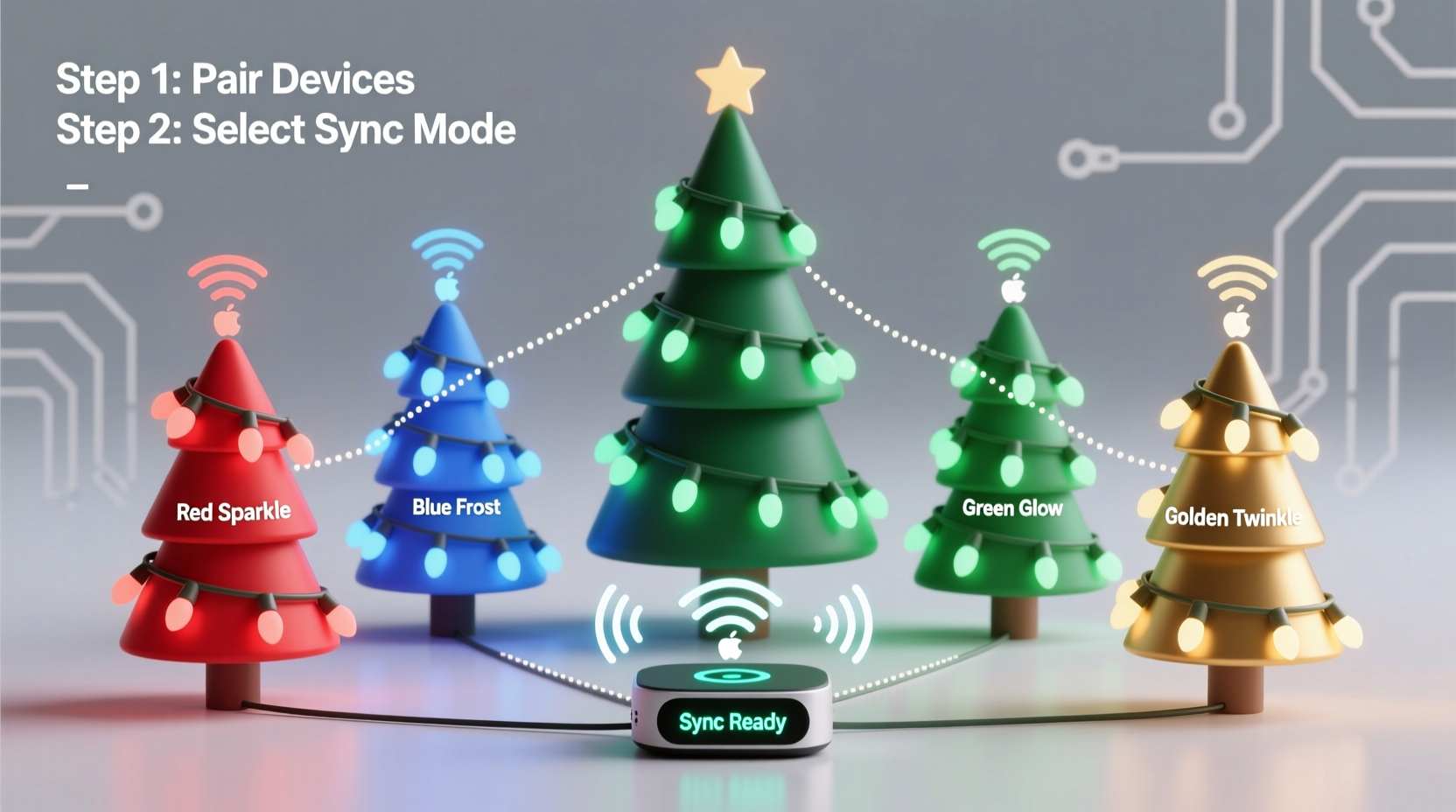
Not all smart lights communicate the same way. Before attempting synchronization, identify the communication protocols used by your devices. The most common include Wi-Fi, Bluetooth, Zigbee, Z-Wave, and proprietary RF (radio frequency) systems. Each has implications for range, responsiveness, and integration potential.
Wi-Fi-based lights, such as those from Philips Hue, Govee, or Nanoleaf, connect directly to your home network and are typically controlled via apps. These offer wide coverage but may suffer lag during high-traffic moments if your router is overwhelmed. Bluetooth models have shorter ranges and are better suited for indoor use with direct device pairing. Zigbee and Z-Wave require a hub but provide stable, low-latency control ideal for large-scale setups.
To synchronize across multiple sets, they must either:
- Be from the same brand using a unified app
- Support a common platform like Google Home, Apple HomeKit, or Amazon Alexa
- Be integrated via a third-party automation tool such as IFTTT or Home Assistant
For example, while two different brands might both work with Alexa, that doesn’t guarantee frame-perfect sync. Voice commands introduce delays. True synchronization requires deeper integration at the control layer.
Build a Synchronization Strategy: Hardware, Software, and Timing
Synchronization isn't just about turning lights on and off together—it's about timing effects down to the millisecond. A delay of even 300ms between strips can ruin the illusion of unity. Achieving tight coordination involves three pillars: hardware setup, software control, and network optimization.
Hardware Preparation
Start by grouping lights logically. Outdoor strands should be powered adequately—voltage drop over long runs can cause dimming or erratic behavior at the end of a strip. Use power injectors for LED strips longer than 16 feet (5 meters). Ensure all controllers are within reliable network range. For Wi-Fi lights, consider installing outdoor access points or mesh nodes near display areas.
If mixing brands, verify whether they can be grouped under a single virtual controller. Some ecosystems allow you to create “rooms” or “zones” that act as unified entities. Others require bridging through external tools.
Software Integration
The control software determines how precisely you can coordinate effects. Basic app timers are insufficient for dynamic patterns. Instead, use advanced platforms designed for light orchestration:
- XLights/Nutcracker: Open-source software for creating complex, music-synced light shows. Supports hundreds of devices and outputs to multiple controllers simultaneously.
- FPP (Falcon Player): Runs on Raspberry Pi and plays pre-programmed sequences across synchronized channels.
- Home Assistant: Offers granular automation and real-time syncing when combined with MQTT brokers.
These tools bypass inconsistent cloud APIs by sending direct signals to local controllers, minimizing latency and drift.
Timing Calibration
Even with local control, slight variations in processor speed or firmware response can desynchronize lights. To correct this:
- Run a test sequence where all lights flash white at a fixed interval (e.g., every 2 seconds).
- Record the display with a smartphone camera.
- Review frame-by-frame to detect lagging units.
- Adjust start offsets in your control software to compensate.
This calibration step ensures visual coherence, especially important for wave or chase effects.
| Platform | Best For | Synchronization Accuracy | Learning Curve |
|---|---|---|---|
| Brand-Specific App (e.g., Govee, Hue) | Simple routines and color themes | Moderate (±500ms) | Low |
| Google Home / Alexa Routines | Voice-triggered scenes | Poor (±1–2s) | Low |
| IFTTT | Cross-platform triggers | Fair (±700ms) | Moderate |
| XLights + FPP | Music-synced, multi-zone displays | Excellent (±10ms) | High |
| Home Assistant + MQTT | Real-time automation | Very Good (±50ms) | High |
Step-by-Step Guide to Unified Light Control
Follow this sequence to synchronize multiple smart light sets reliably:
- Inventory Your Lights: List each set by brand, model, protocol, and location. Note whether they support local API access or require cloud control.
- Select a Central Controller: Choose one platform to serve as the master scheduler. For simple setups, use a shared ecosystem like Google Home. For advanced shows, deploy XLights with a Raspberry Pi running FPP.
- Unify Network Access: Ensure all lights are on the same subnet. Disable guest networks for control devices. Assign static IPs to critical controllers to prevent disconnections.
- Create Groups or Sequences: In your chosen software, define zones (e.g., “Front Roof,” “Tree,” “Porch Columns”) and assign corresponding lights.
- Test Sync with a Flash Pattern: Program all groups to flash in unison. Observe for delays and adjust timing offsets as needed.
- Deploy Dynamic Effects: Once synced, apply color waves, chases, or music-reactive animations. Save presets for holidays or events.
- Monitor Performance: During operation, check for dropped signals or overheating controllers. Log issues for post-season upgrades.
Real-World Example: The Neighborhood Display Project
In Portland, Oregon, a group of five neighbors collaborated on a synchronized holiday display spanning three front yards. They used a mix of Govee outdoor strips, Philips Hue porch lights, and LIFX roofline bulbs. Initially, attempts to sync via Alexa routines failed—delays ranged from 0.8 to 1.5 seconds, making the effect look accidental rather than intentional.
The team shifted strategy. They installed a central Raspberry Pi running Falcon Player and connected it to an Ethernet switch powered by a weatherproof enclosure. Using XLights, they designed a 90-second animated sequence timed to \"Carol of the Bells.\" Each homeowner configured their lights to accept UDP packets from the local network, disabling cloud-only modes.
After calibrating individual channel delays and reinforcing outdoor Wi-Fi with a directional mesh node, the system achieved sub-50ms synchronization. The result was a fluid, theater-quality display that drew visitors from across the city. Local news covered the story, highlighting how community collaboration and smart tech created something greater than the sum of its parts.
“True synchronization happens at the network edge—not in the cloud. When you cut out round-trip server requests, you gain precision and reliability.” — Daniel Reyes, Smart Home Engineer and Holiday Lighting Designer
Avoid Common Pitfalls
Even experienced users make mistakes that undermine synchronization. Watch for these issues:
- Overloading the Wi-Fi network: Too many devices streaming data during peak hours can cause packet loss. Dedicate a 5GHz band for lighting control and limit non-essential traffic.
- Ignoring firmware updates: Outdated firmware may lack local control support or contain bugs affecting timing accuracy.
- Using voice assistants as primary triggers: While convenient, Alexa or Google voice commands add unpredictable latency. Use them only to activate pre-synced scenes, not to initiate timing-critical sequences.
- Mixing AC-powered and battery-operated lights: Battery-powered units often enter sleep mode to conserve energy, causing delayed wake-up times and sync failure.
- Skipping grounding and surge protection: Outdoor electrical noise or lightning-induced surges can corrupt controllers. Use UL-listed surge protectors and grounded outlets.
Checklist: Pre-Sync Setup Verification
Before launching your synchronized display, confirm the following:
- ✅ All smart lights are on the same local network
- ✅ Cloud-only mode is disabled where possible
- ✅ Firmware is up to date on all controllers
- ✅ Power supplies meet or exceed LED strip requirements
- ✅ Static IP addresses assigned to critical devices
- ✅ Test sequence runs without visible lag
- ✅ Backup configuration files stored offline
- ✅ Physical connections are weather-sealed and secure
FAQ
Can I sync smart lights from different brands?
Yes, but it depends on integration capabilities. If both brands support a common platform like Home Assistant or can receive Art-Net/MQTT signals, synchronization is achievable. Direct app-to-app syncing is unreliable due to variable latency.
Why do my lights blink out of sync even when grouped?
This usually stems from network congestion, outdated firmware, or reliance on cloud-based processing. Switch to local control solutions like FPP or Home Assistant to eliminate server delays. Also, ensure all devices are within strong Wi-Fi range or use wired Ethernet adapters for controllers.
Is it possible to sync lights to music in real time?
Yes, using software like XLights or AudioReactive LED. These tools analyze audio input and translate beats, volume, and frequency into lighting effects. For real-time performance, run the software on a dedicated machine connected to your network and use low-latency output protocols.
Conclusion: Turn Lights Into a Story
Synchronizing multiple sets of smart Christmas lights isn’t just a technical challenge—it’s an opportunity to create emotion, wonder, and connection. With the right blend of compatible hardware, robust networking, and intelligent control software, your display can pulse with rhythm, respond to music, and tell a story that resonates long after the holidays end.
Start small. Master one zone. Expand with confidence. Whether you’re illuminating a single tree or coordinating a block-wide spectacle, precision and patience yield magic. The tools exist. The methods are proven. Now it’s time to bring your vision to life—one perfectly timed sparkle at a time.




 浙公网安备
33010002000092号
浙公网安备
33010002000092号 浙B2-20120091-4
Comments
No comments yet. Why don't you start the discussion?