
Creating a festive atmosphere with synchronized smart Christmas light strips can elevate your holiday decor from ordinary to extraordinary. Whether you're decorating a home exterior, indoor tree, or seasonal display, having multiple light strips move in harmony—flashing, fading, or chasing in unison—adds visual impact and polish. But achieving perfect synchronization isn’t always plug-and-play. Differences in brands, protocols, response times, and software setups can lead to lag, drift, or inconsistent effects.
This guide walks through the technical and practical steps to ensure all your smart LED strips operate as one cohesive unit. From choosing compatible hardware to configuring timing and effects, you’ll learn how to eliminate delays, maintain rhythm, and create a seamless light show that impresses guests and neighbors alike.
Choose Compatible Smart Light Strips
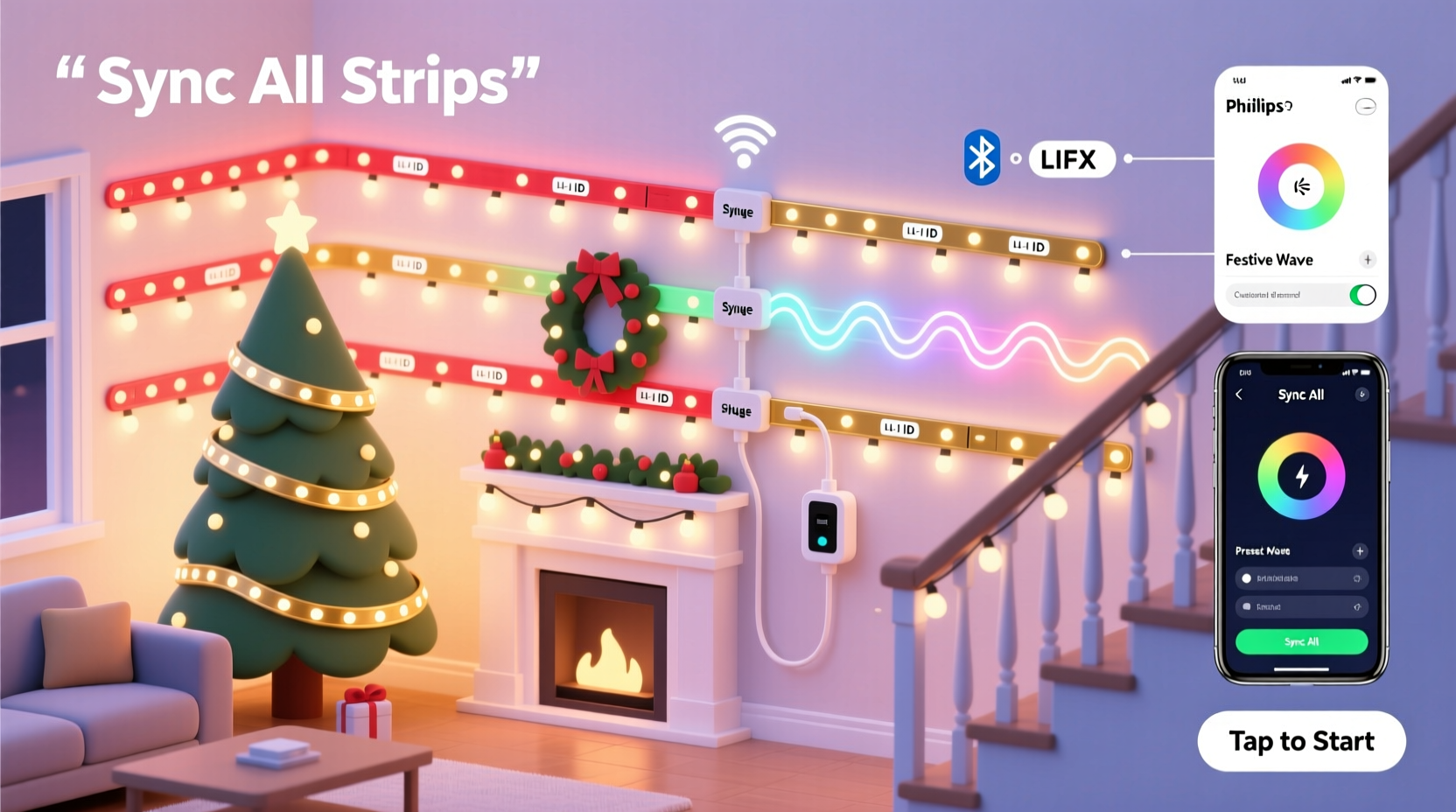
The foundation of successful synchronization is compatibility. Not all smart lights communicate the same way, and mixing incompatible systems leads to inconsistent behavior or outright failure to sync.
Smart LED strips typically use one of several communication protocols:
- Wi-Fi – Connects directly to your home network. Common in brands like Govee, LIFX, and some Philips Hue products.
- Zigbee – Requires a hub (e.g., Hue Bridge, SmartThings). Offers reliable, low-latency control.
- Z-Wave – Less common for lights but used in whole-home automation. Slightly slower than Zigbee.
- Bluetooth – Direct device-to-phone connection. Limited range and scalability.
- DMX – Professional-grade protocol used in stage lighting. High precision, often over Ethernet or RS-485.
For smooth synchronization across multiple strips, avoid mixing different protocols unless using a unified control platform. Even within the same protocol, firmware differences between models can cause timing discrepancies.
Use a Centralized Control System
A centralized controller ensures all commands are sent simultaneously, minimizing latency. Relying on individual app controls or voice assistants alone often results in staggered responses due to network queuing.
Consider these control options based on scale and precision:
- Hub-Based Systems – Platforms like Philips Hue or Nanoleaf use a central bridge that sends real-time commands to all connected devices. This reduces Wi-Fi congestion and improves sync accuracy.
- Home Automation Hubs – Devices such as Home Assistant, Hubitat, or openHAB allow granular control over timing and triggers. You can schedule exact start times and adjust micro-delays per device.
- Music Sync Software – For dynamic, beat-responsive displays, tools like xLights or WLED (when flashed) enable frame-accurate synchronization across hundreds of LEDs.
In a test conducted by DIY smart lighting enthusiast Marcus Tran, Wi-Fi-only strips controlled via separate mobile apps showed up to 300ms of delay between units. When the same strips were grouped under a Home Assistant server with MQTT messaging, synchronization improved to within 15ms.
“Even small timing gaps become visible in long runs of lights. A centralized system eliminates the ‘domino effect’ of delayed responses.” — Lena Park, Smart Lighting Integration Specialist
Step-by-Step Guide to Synchronize Your Lights
Follow this process to achieve seamless operation across multiple smart light strips:
- Purchase matching or verified-compatible strips. Check manufacturer documentation for multi-strip support and grouping features.
- Connect all strips to the same network or hub. Ensure they’re on the same 2.4GHz Wi-Fi band (if applicable) and within strong signal range.
- Add each strip to your control app or platform. Use the official app or import into a system like Home Assistant.
- Create a device group. In most apps (Govee, Hue, etc.), you can assign multiple lights to a single group. This allows bulk commands.
- Test basic on/off timing. Turn the group on and observe if all strips activate simultaneously. Look for flicker delays or slow ramp-ups.
- Adjust effect settings uniformly. Set the same animation speed, brightness, and color mode across all strips.
- Apply firmware updates. Outdated firmware may cause inconsistent behavior. Update all units before final setup.
- Use advanced tools for precision (optional). Flash WLED onto ESP8266-based strips for millisecond-level timing control.
- Conduct a dark-environment test. View the display at night to catch subtle desync issues invisible in daylight.
- Lock the configuration. Save the scene or preset so future activations remain consistent.
Calibrate Timing and Address Latency Issues
Even with proper grouping, slight delays can persist due to processing time or signal routing. Calibration ensures visual coherence.
Common causes of latency include:
- Network congestion on crowded 2.4GHz bands
- Different boot-up or initialization speeds between units
- App-level command queuing instead of parallel execution
- Power supply inconsistencies affecting responsiveness
To correct these:
- Use a dedicated Wi-Fi network or VLAN for smart lights.
- Enable “instant on” or disable startup animations in device settings.
- In platforms like Home Assistant, use
parallel: truein automations to send commands simultaneously. - For music sync, use audio analysis tools that compensate for known device lags.
If one strip consistently lags behind, apply an offset in software. For example, in WLED, you can set a negative delay on faster units to align them with slower ones.
Comparison of Synchronization Methods
| Method | Sync Precision | Setup Difficulty | Best For |
|---|---|---|---|
| Mobile App Group (e.g., Govee) | Moderate (50–200ms lag) | Easy | Indoor decorations, small setups |
| Hue Bridge / Zigbee Hub | High (10–50ms) | Moderate | Whole-home lighting |
| Home Assistant + MQTT | Very High (5–20ms) | Advanced | Custom automation, large arrays |
| WLED with ESP Controller | Extreme (<5ms) | Expert | Music-synced displays, outdoor shows |
| Voice Assistant (Alexa/Google) | Poor (200ms+) | Easy | Casual users, occasional use |
Note: Voice assistants introduce significant overhead due to cloud processing and sequential command routing. Avoid relying on them for tight synchronization.
Real Example: The Neighborhood Light Show Upgrade
Daniel Reyes, a homeowner in Portland, OR, installed five 16.4-ft smart LED strips along his roofline and trees. Initially, he used the Govee app to group them and set a rainbow wave effect. However, during evening tests, he noticed the left-side strips trailed behind the right by nearly half a second—ruining the flowing illusion.
After researching, Daniel switched to Home Assistant running on a Raspberry Pi. He integrated his Govee strips via the local API, eliminating cloud dependency. He then created an automation that sent the “start animation” command to all devices in parallel, reducing variance to under 30ms. He also added a secondary power injector to stabilize voltage across the longest run.
The result? A fluid, cinematic wave that swept smoothly across his entire front yard. Neighbors reported seeing the improvement immediately, and his display became a local attraction.
Essential Checklist for Perfect Sync
Checklist: Synchronize Smart Light Strips
- ☐ Use identical or manufacturer-approved compatible strips
- ☐ Connect all devices to the same network/hub
- ☐ Update firmware on all units
- ☐ Create a device group in your control system
- ☐ Test on/off and effect transitions in darkness
- ☐ Eliminate Wi-Fi interference with channel optimization
- ☐ Use a centralized automation platform for command timing
- ☐ Apply power stabilization for long runs
- ☐ Save and lock the final scene/preset
- ☐ Re-test monthly to catch drift or degradation
Frequently Asked Questions
Can I mix different brands of smart lights and still sync them?
You can, but it’s not recommended for high-precision effects. Different brands often have varying response times, color rendering, and update frequencies. While platforms like Home Assistant can integrate multiple brands, expect minor desync or inconsistent brightness. For best results, stick to one ecosystem.
Why do my lights stay in sync for a few minutes, then drift apart?
This is usually caused by clock drift—each device uses its own internal timer, which may not stay perfectly aligned over time. Wi-Fi drops or temporary disconnections worsen this. To fix it, re-trigger the effect periodically or use a master clock source like NTP (Network Time Protocol) via Home Assistant to resynchronize devices every 10–15 minutes.
Do I need a hub for synchronized smart lights?
Not always, but highly recommended. Hubs reduce reliance on cloud servers and enable faster, more reliable local control. Wi-Fi-only strips without hubs depend on internet connectivity and app performance, increasing latency risk. For seamless flow, a hub or local automation server is worth the investment.
Final Tips for Long-Term Performance
Synchronization isn’t a one-time setup. Environmental factors, software updates, and wear can affect performance over time.
- Monitor regularly. Re-check alignment weekly during the season.
- Avoid overloading circuits. Use separate power supplies for long chains to prevent brownouts.
- Label your strips. Number them physically and in software to identify lagging units quickly.
- Use wired backhaul when possible. Connect hubs or controllers via Ethernet to minimize wireless jitter.
- Backup your configurations. Export scenes and automations to restore easily if devices reset.
Conclusion
Synchronizing multiple smart Christmas light strips for seamless flow combines the right hardware, network stability, and precise control. By selecting compatible devices, using a centralized system, and fine-tuning timing, you can achieve professional-grade results that captivate viewers and bring holiday magic to life.
The effort pays off every time someone pauses to watch your lights dance in perfect harmony. Don’t settle for near-sync—aim for flawless coordination, and your display will stand out in any neighborhood.




 浙公网安备
33010002000092号
浙公网安备
33010002000092号 浙B2-20120091-4
Comments
No comments yet. Why don't you start the discussion?