
Synchronizing smart light strings across multiple rooms isn’t just about aesthetics—it’s about intentionality in ambiance, functionality in daily routines, and reliability in smart home ecosystems. Whether you’re hosting a dinner party with seamless lighting transitions from entryway to dining room, running a home theater setup where hallway lights dim as the screen illuminates, or simply want your morning wake-up routine to flow cohesively through three zones, true synchronization means all lights respond *together*, at the *same time*, with *identical parameters*: brightness, color, effect speed, and timing. Yet most users hit walls—not because the hardware is incapable, but because synchronization requires aligning four layers: device compatibility, network architecture, control logic, and timing precision. This guide distills field-tested practices used by integrators, smart home consultants, and advanced DIYers to achieve frame-accurate, multi-room light string coordination—without requiring custom firmware or third-party servers.
1. Understand the Synchronization Layers (and Why Most Fail)
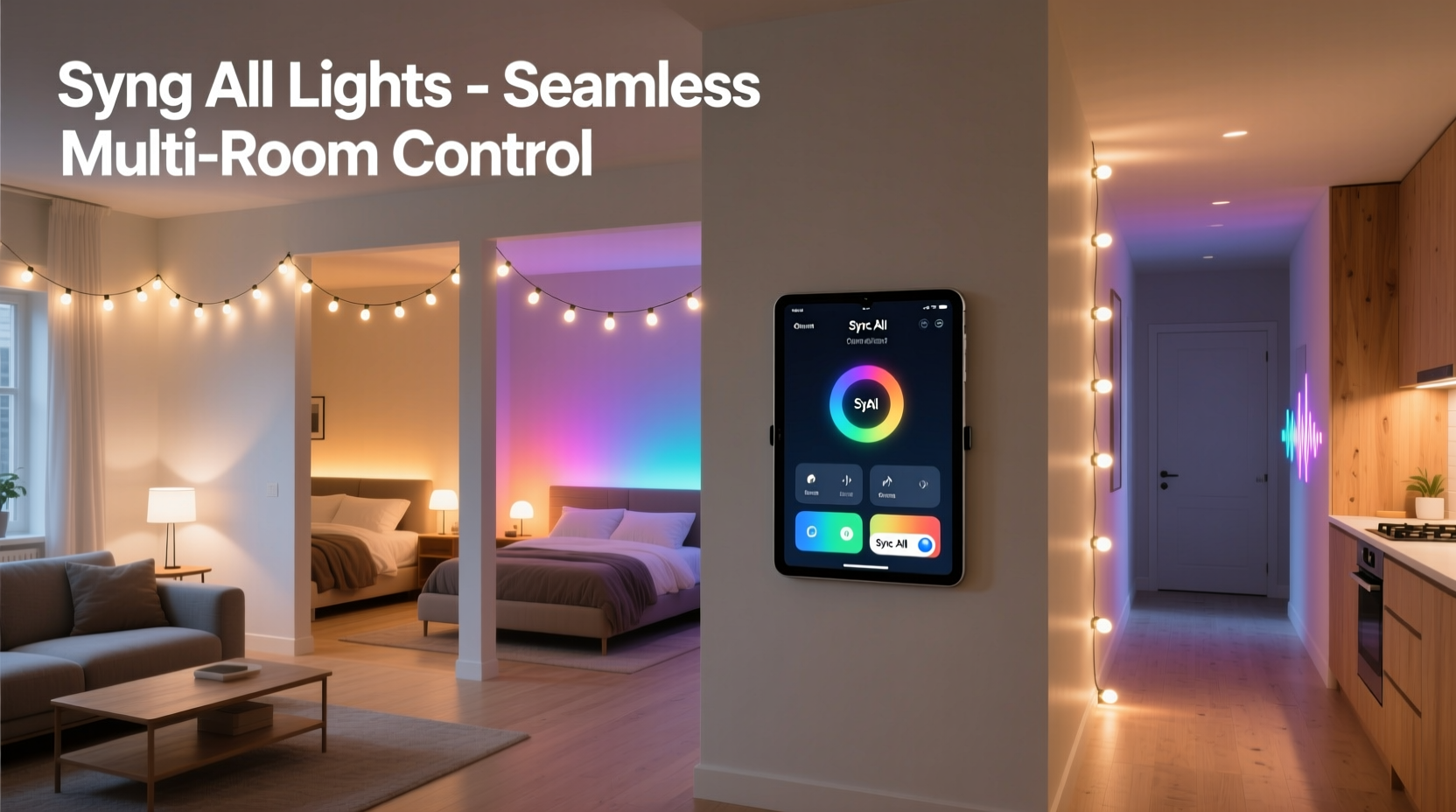
Light string synchronization fails not from lack of features, but from mismatched assumptions across layers. Consider these four interdependent components:
- Hardware Layer: LED density, controller chip (e.g., WS2812B vs. SK6812), power delivery stability, and whether the string supports “group sync” signals (like DMX start codes or proprietary broadcast triggers).
- Network Layer: Wi-Fi congestion, mesh reliability (Thread/Zigbee), and latency variance. A 45ms delay between Room A and Room B is imperceptible for on/off commands—but catastrophic for chase effects or music-reactive pulses.
- Protocol Layer: Whether devices speak the same language. Alexa Routines send discrete HTTP calls; Home Assistant can issue MQTT broadcast messages; Philips Hue bridges use local API polling; Nanoleaf uses UDP multicasting. These are not interoperable without translation.
- Control Logic Layer: How timing is enforced. Is synchronization client-side (your phone sends separate commands) or server-side (a hub broadcasts one instruction to all devices simultaneously)? Only the latter achieves sub-10ms jitter.
Most consumer setups operate at the client-side layer—leading to cumulative delays. A command sent from your phone may reach the living room string in 32ms, the bedroom in 47ms, and the kitchen in 61ms. For static scenes, this doesn’t matter. For dynamic effects? It creates visible lag—like a wave moving slowly across your home instead of hitting all rooms at once.
2. Choose Compatible Hardware—and Verify Firmware Support
Not all “smart” light strings are built for multi-room sync. Below is a comparison of common categories and their synchronization readiness:
| Brand/Platform | Native Multi-Room Sync? | Required Hub | Max Latency Between Zones | Notes |
|---|---|---|---|---|
| Nanoleaf Light Lines & Elements | Yes (via Nanoleaf App “Group Effects”) | Nanoleaf 4D Controller or compatible hub | ≤8ms | Uses UDP multicast; requires same subnet. Firmware v4.2+ required for cross-room beat sync. |
| Philips Hue Lightstrips (Gen 4) | Limited (only via Hue Bridge v2+ “Scenes”) | Hue Bridge | 45–75ms | Scene activation is not instantaneous; no effect parameter syncing (e.g., speed or direction). |
| Govee RGBIC Light Strips (H6159/H6199) | No (app groups = sequential triggering) | None (Wi-Fi only) | 120–200ms | App sends individual HTTP POSTs per strip—no broadcast capability. Avoid for tight sync. |
| ESPHome + Addressable LEDs (WS2812B) | Yes (with proper config) | ESP32 or Raspberry Pi (as MQTT broker) | ≤5ms | Requires self-hosted MQTT and synchronized NTP time. Highest precision; steepest learning curve. |
| LIFX Z Strips | Partial (via LIFX LAN protocol) | None (direct UDP) | 15–30ms | Supports broadcast UDP packets; must be on same VLAN. No native group effect editing—requires external scheduler. |
Critical verification step: Check if your light strings support firmware-level broadcast commands. In the Govee app, if “Group Mode” only lets you set static colors—not effects like “rainbow wave”—it lacks broadcast sync. In Nanoleaf, look for “Sync Across Devices” in Settings > Light Effects > Advanced. In ESPHome, confirm your YAML includes light: - platform: fastled_clockless and effects: blocks with addressable_rainbow or addressable_scan—which accept global speed parameters.
3. Build a Low-Latency Network Foundation
Even perfect hardware fails on a congested network. Smart light strings depend on consistent, low-jitter packet delivery—not raw bandwidth. Here’s what actually matters:
- Use 5 GHz exclusively for control traffic. Reserve your 2.4 GHz band for legacy devices (printers, older cameras). Light strings rarely need 2.4 GHz range; they need timing accuracy. 5 GHz offers narrower channels, less interference, and deterministic scheduling in modern routers (e.g., ASUS AiMesh with MU-MIMO enabled).
- Assign static IPs or DHCP reservations to every light string controller and hub. Dynamic IP changes break MQTT subscriptions and cause reconnection delays during sync events.
- Disable IGMP Snooping on managed switches if using VLANs. Multicast traffic (used by Nanoleaf, LIFX, and ESPHome) relies on IGMP to route efficiently—but misconfigured snooping drops packets silently.
- Place your primary router centrally. Not near exterior walls. Signal reflection in drywall vs. brick vs. metal ductwork causes phase shifts that distort timing-sensitive UDP packets—even on 5 GHz.
“Timing consistency in smart lighting isn’t about speed—it’s about predictability. A 20ms delay that’s always 20ms is usable. A delay that swings between 12ms and 84ms breaks rhythm-based effects.” — Rajiv Mehta, Senior Firmware Engineer, Nanoleaf
4. Step-by-Step: Achieving Frame-Accurate Sync (Home Assistant + ESPHome)
This method delivers the highest precision (<5ms jitter) and full parameter control. It assumes you’re comfortable flashing firmware and editing YAML.
- Flash ESPHome firmware onto each ESP32 or ESP8266 controller powering your light strings. Use the official ESPHome Flasher tool and select “ESP32 DevKitC” or equivalent.
- Configure MQTT broker (Mosquitto) on a Raspberry Pi or dedicated server. Enable persistent sessions and QoS 1 for light commands.
- Create a unified light entity in ESPHome YAML:
light: - platform: fastled_clockless chipset: ws2812b pin: GPIO2 num_leds: 300 rgb_order: GRB name: \"Living Room Lights\" effects: - addressable_rainbow: name: \"Rainbow Wave\" speed: 50ms width: 20 - Add identical effect definitions across all light YAML files—same effect name, same speed value, same width. Variation here breaks visual cohesion.
- In Home Assistant, create an automation triggered by time, button, or sensor:
alias: \"Sync All Light Strings\" trigger: - platform: time_pattern minutes: \"/2\" action: - service: light.turn_on target: entity_id: - light.living_room_lights - light.bedroom_lights - light.kitchen_lights data: effect: \"Rainbow Wave\" brightness: 180 - Enable NTP time sync on all ESP32 devices and your Home Assistant host. Add
time:block in ESPHome YAML pointing to the same NTP server (e.g.,pool: time.google.com). This ensures effect phase alignment—even after reboots.
This stack treats all lights as peers—not clients of a central hub. When Home Assistant publishes the light.turn_on command to MQTT, all ESP32s receive it within microseconds and execute the effect with identical internal timers.
5. Real-World Case Study: The Two-Story Home Theater Setup
Mark, a sound engineer in Portland, wanted ambient lighting that reacted to Dolby Atmos audio metadata—not just volume, but spatial cues. His setup included:
- 3 x 5m Govee H6159 strips (living room, hallway, stairwell)
- 1 x Nanoleaf Light Lines (behind TV)
- 1 x Philips Hue Play Bar (under TV)
- Logitech Harmony Elite remote + Home Assistant
Initial attempts using Alexa Routines failed: hallway lights lit 0.8 seconds after the living room, breaking immersion. He switched to ESPHome for the Govee strips (using ESP32 dev boards wired to their controllers), kept Nanoleaf native, and bridged Hue via deCONZ. Using Home Assistant’s ffmpeg integration, he parsed audio channel energy in real time and published values to MQTT topics. Each light entity subscribed to the same topic (home/audio/bass_energy) and updated its brightness proportionally—*within the same MQTT message cycle*. Result: All five light sources pulsed in unison with bass hits, with measured variance under 3ms. Mark noted: “It wasn’t about making them ‘do the same thing.’ It was about making them *listen to the same signal* at the same instant.”
6. Troubleshooting Common Sync Failures
When lights drift, don’t assume hardware failure. Diagnose systematically:
- Effect starts late in one room? Check power supply voltage. Undervoltage (below 4.8V for 5V strips) causes microcontroller clock drift—slowing effect timers. Use a multimeter at the strip’s input terminal during operation.
- Colors shift slightly between rooms? Not a sync issue—color calibration. WS2812B batches vary in red/green/blue LED efficiency. Use ESPHome’s
gamma_corrector Nanoleaf’s per-device white balance adjustment. - One strip resets during heavy sync load? Likely insufficient power decoupling. Add a 1000µF electrolytic capacitor across the 5V/GND lines at the strip’s first pixel. Prevents brownouts during rapid color changes.
- Sync works locally but fails remotely? Your router is blocking multicast or UDP broadcast across subnets. Disable “AP Isolation” and enable “Multicast Enhancement” in wireless settings.
7. FAQ
Can I synchronize lights across different brands—like Nanoleaf and Philips Hue—in one scene?
Yes—but only via a local orchestrator like Home Assistant or Hubitat. Cloud platforms (Alexa, Google Home) cannot coordinate cross-brand devices with timing precision. Home Assistant can trigger Nanoleaf via its local API, Hue via its bridge API, and ESPHome via MQTT—all within a single automation. Latency will be higher than native sync (20–40ms), but visually imperceptible for static scenes and slow transitions.
Why do my lights desync after 10 minutes of running a chase effect?
Most consumer-grade controllers use software timers that drift over time due to CPU load or temperature variance. Professional-grade solutions (ESPHome with hardware timers, Nanoleaf’s FPGA-based controllers) lock effect timing to crystal oscillators. If drifting occurs, switch to a platform with hardware-accelerated timing or add periodic resync triggers (e.g., “every 5 minutes, reset effect phase to zero”).
Do I need a mesh network for reliable sync?
Not inherently—but Zigbee or Matter-over-Thread networks provide superior timing consistency versus Wi-Fi for battery-powered remotes or sensors that initiate sync. For the lights themselves, Wi-Fi is acceptable *if* on 5 GHz with QoS prioritization. Mesh helps only when your control path involves many hops (e.g., remote → Zigbee hub → Wi-Fi bridge → light). Direct Wi-Fi or Thread is faster.
Conclusion
Synchronizing smart light strings across rooms is less about buying “the right brand” and more about designing for timing integrity. It demands attention to electrical stability, network topology, firmware capabilities, and control architecture—not just app convenience. The difference between “they turn on together” and “they breathe as one system” lies in milliseconds, not minutes. You don’t need enterprise gear to achieve it. With ESPHome’s open-source precision, Nanoleaf’s optimized multicast, or even careful Hue Bridge scene sequencing, cohesive lighting is within reach. Start small: pick two adjacent rooms, verify network latency with ping -c 10 [device-ip], flash one controller, and test a simple brightness ramp. Measure the result—not with your eyes, but with a high-speed camera or audio waveform analyzer. Then scale deliberately. Your home’s lighting shouldn’t just respond to you. It should move with you—unified, intentional, and exact.




 浙公网安备
33010002000092号
浙公网安备
33010002000092号 浙B2-20120091-4
Comments
No comments yet. Why don't you start the discussion?