
Christmas lights bring joy, warmth, and festive charm to homes during the holiday season. But leaving them on all night wastes electricity, increases your energy bill, and can shorten the lifespan of your bulbs. More importantly, it poses a potential fire hazard. The solution? Automate your display with precise timing so your lights shine brightly when they’re appreciated—and turn off safely when you're asleep.
Whether you have a modest string of LED lights or an elaborate outdoor spectacle synchronized to music, automating their operation ensures convenience, safety, and efficiency. This guide walks through proven methods, tools, and best practices to help you set up reliable nightly shutdowns—without lifting a finger after setup.
Why Automatic Timing Matters
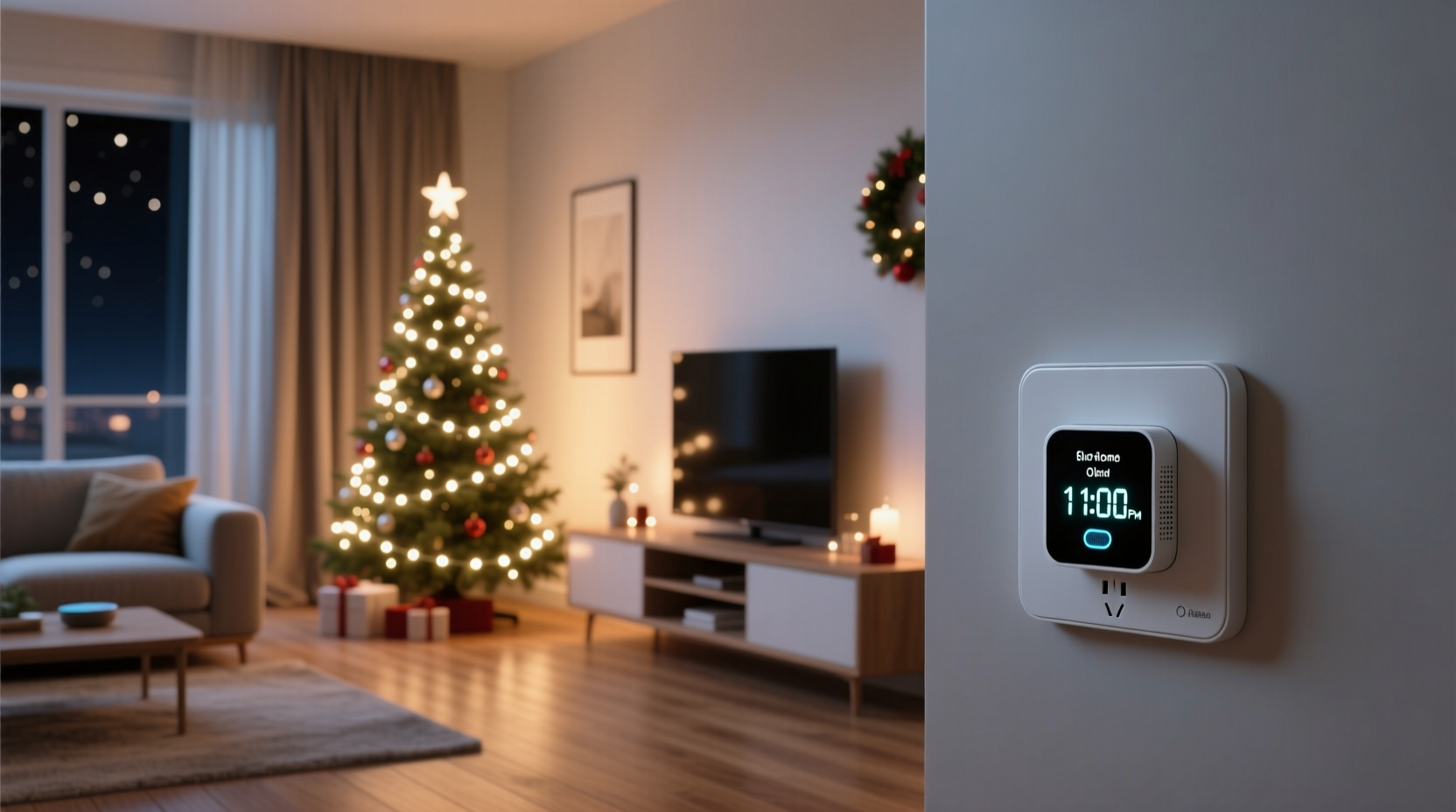
Manually unplugging lights each night is impractical, especially in cold weather or if your display spans multiple circuits. Worse, forgetting to turn them off leads to unnecessary energy consumption and risk. According to the U.S. Department of Energy, decorative holiday lighting accounts for nearly 6% of residential December electricity use. That adds up quickly across millions of households.
Automated shut-off systems solve this by ensuring lights operate only during desired hours—typically from dusk until 10 or 11 p.m., aligning with peak viewing times while avoiding late-night burnout.
“Properly timed lighting not only saves energy but reduces strain on wiring and extends bulb life significantly.” — Daniel Reeves, Electrical Safety Consultant at HomeWise Inspections
Step-by-Step Guide: Setting Up Automatic Shut-Off
Setting up automatic control doesn’t require technical expertise. Follow these steps to get your system running reliably:
- Assess Your Setup: Count how many strands you have, where they’re plugged in, and whether they’re indoors or outdoors. Note any GFCI (Ground Fault Circuit Interrupter) outlets used for safety.
- Determine Total Power Load: Add up the wattage of all connected lights. Most standard household circuits handle 1,500–1,800 watts. Avoid overloading one outlet or timer.
- Select the Right Timer Type: Choose between mechanical plug-in timers, digital models, or Wi-Fi-enabled smart devices based on your needs.
- Install Timers at Key Outlets: Plug your main light strings into the timer(s). For complex setups, consider multiple timers per zone (e.g., roofline vs. tree).
- Program On/Off Times: Set lights to come on at 5 p.m. and turn off at 11 p.m., for example. Adjust as days shorten or for special events like Christmas Eve.
- Test Before Finalizing: Run the system for two nights to ensure reliability. Check that no strand flickers or fails due to power fluctuations.
- Add Backup Measures: Use surge protectors and label cords clearly. Consider a photocell sensor if you want dusk-to-dawn automation without manual programming.
Types of Timers and Their Best Uses
Not all timers are created equal. Choosing the right one depends on your schedule, tech comfort level, and budget. Below is a comparison of common options:
| Type | Pros | Cons | Best For |
|---|---|---|---|
| Mechanical Plug-In Timer | Inexpensive (~$10), easy to use, no app needed | Limited precision (30-min increments), no remote access, manual daylight saving adjustment | Simple indoor displays, beginners |
| Digital Programmable Timer | Precise scheduling (down to the minute), multiple on/off cycles per day | Slightly more expensive (~$20), buttons can be small | Outdoor displays with strict schedules |
| Wi-Fi Smart Plug with App Control | Remote control via smartphone, voice commands (Alexa/Google), geofencing, integration with smart home systems | Requires stable Wi-Fi, higher cost (~$25–$40), monthly updates possible | Tech-savvy users, multi-zone setups |
| Photocell Sensor Timer | Turns on at dusk, off at dawn automatically; adjusts daily with changing sunset times | Less flexibility—can’t set custom end times unless combined with another timer | Traditionalists who want “set and forget” dusk-to-dawn lighting |
For maximum control, many homeowners combine a photocell sensor with a programmable timer. This way, lights activate at dusk but still shut off at a safe hour—like 11 p.m.—rather than staying on until sunrise.
Real Example: A Suburban Family’s Automated Display
The Thompson family in Portland, Oregon, installed a large front-yard Christmas display featuring inflatable reindeer, roofline icicle lights, and a lit tree. Initially, they unplugged everything manually each night, but frequent winter rain made it unpleasant and risky.
They upgraded by purchasing three outdoor-rated Wi-Fi smart plugs—one for each major section of the display. Using the Kasa app, they programmed all lights to turn on at 5:30 p.m. and off at 10:30 p.m. daily. They also enabled a “holiday mode” rule that extended operation to midnight on Christmas Eve and New Year’s Eve.
Additionally, they linked the system to a voice assistant. Now, young children can say, “Alexa, turn on the Christmas lights,” for early evening guests—without disrupting the nightly auto-off schedule.
Within three weeks, their energy monitoring showed a **27% reduction** in outdoor lighting consumption compared to the previous year. More importantly, peace of mind replaced nightly worry about forgotten switches.
Checklist: Automating Your Christmas Lights Like a Pro
- ☐ Audit all light strings and calculate total wattage per circuit
- ☐ Verify outlet locations and GFCI protection for outdoor use
- ☐ Purchase appropriate timers (mechanical, digital, or smart)
- ☐ Test each light strand before connecting to a timer
- ☐ Program start and stop times aligned with local sunset/sunrise
- ☐ Label each cord and corresponding timer for future reference
- ☐ Install surge protectors on all outdoor circuits
- ☐ Perform a 48-hour trial run before final deployment
- ☐ Schedule mid-season check-ins (especially after storms)
- ☐ Plan for easy disconnection and storage post-holiday
Advanced Options: Smart Scheduling and Voice Integration
For those embracing home automation, integrating Christmas lights into a broader ecosystem unlocks powerful features:
- Geofencing: Some smart plugs detect when your phone leaves or approaches home. You could set lights to turn on only when someone arrives after dark.
- Voice Commands: With Amazon Alexa or Google Assistant, say “Turn on the porch lights” without touching a switch.
- Scene Automation: Create a “Holiday Evening” scene that dims interior lights, starts holiday music, and activates exterior displays simultaneously.
- Energy Monitoring: Certain smart plugs (like the TP-Link KP125) track real-time power usage, helping identify faulty or inefficient strands.
To implement these:
- Ensure your router supports 2.4 GHz Wi-Fi (most smart plugs don’t work on 5 GHz).
- Download the manufacturer’s app and create an account.
- Follow pairing instructions (usually involves pressing a button while plugging in).
- Name each device descriptively (“Front Roof Lights”, “Garage Inflatable”).
- Set recurring schedules under the “Timer” or “Automation” tab.
- Link to Alexa/Google via the respective skill or action.
One caveat: During internet outages, some smart plugs lose scheduling ability unless they support local execution. Check product specs carefully if reliability is critical.
Common Mistakes to Avoid
Even experienced decorators make errors when automating. Watch out for these pitfalls:
- Overloading a single timer: Plugging too many high-wattage strands into one unit can trip breakers or damage the timer.
- Using indoor-only timers outdoors: Unless rated for wet/damp conditions, exposure to snow or rain creates shock hazards.
- Ignoring daylight saving time shifts: Mechanical timers won’t adjust automatically—reset them twice a year.
- Programming inconsistent cycles: Accidentally setting conflicting on/off times causes erratic behavior.
- Forgetting battery backup: If using a digital timer with memory, ensure it has a backup battery to retain settings during outages.
FAQ: Frequently Asked Questions
Can I use one timer for multiple light strands?
Yes, as long as the total wattage does not exceed the timer’s maximum load (usually 1,800 watts for standard models). Use a power strip with built-in surge protection between the timer and multiple strands—but never daisy-chain timers.
What if I want lights to respond to sunset time changes?
Use either a photocell sensor or a smart plug with adaptive scheduling. Many apps like Philips Hue or Kasa allow you to base schedules on local sunset/sunrise data, adjusting automatically each day.
Are there timers that work without Wi-Fi?
Absolutely. Mechanical and digital plug-in timers operate independently of your network. These are ideal for users concerned about privacy, complexity, or connectivity issues.
Final Thoughts and Call to Action
Automating your Christmas light display isn’t just about convenience—it’s a smart move for safety, sustainability, and long-term enjoyment. By investing a small amount of time upfront, you gain months of worry-free operation, lower energy bills, and a safer home environment.
Whether you choose a $10 mechanical timer or build a full smart-home-integrated light show, the key is consistency and planning. Start now, test thoroughly, and refine as needed. Your future self—standing warm inside while the lights shut off precisely at 10:30 p.m.—will thank you.




 浙公网安备
33010002000092号
浙公网安备
33010002000092号 浙B2-20120091-4
Comments
No comments yet. Why don't you start the discussion?