
As the holiday season approaches, nothing adds more charm than a beautifully lit home. But keeping Christmas lights on all night is neither practical nor safe. Not only does it increase electricity usage, but it can also pose fire risks or disturb neighbors and wildlife with unnecessary light pollution. The solution? Automate your display to shut off at bedtime—without lifting a finger. With simple tools like timers, smart plugs, and mobile apps, you can enjoy festive brilliance during peak evening hours and ensure everything powers down when it’s time to sleep.
This guide walks through proven methods to schedule your Christmas lights to turn off automatically, including device recommendations, setup steps, and expert-backed strategies for reliability and efficiency. Whether you're managing indoor string lights or an elaborate outdoor layout, automation brings peace of mind and convenience.
Why You Should Automate Your Christmas Light Schedule
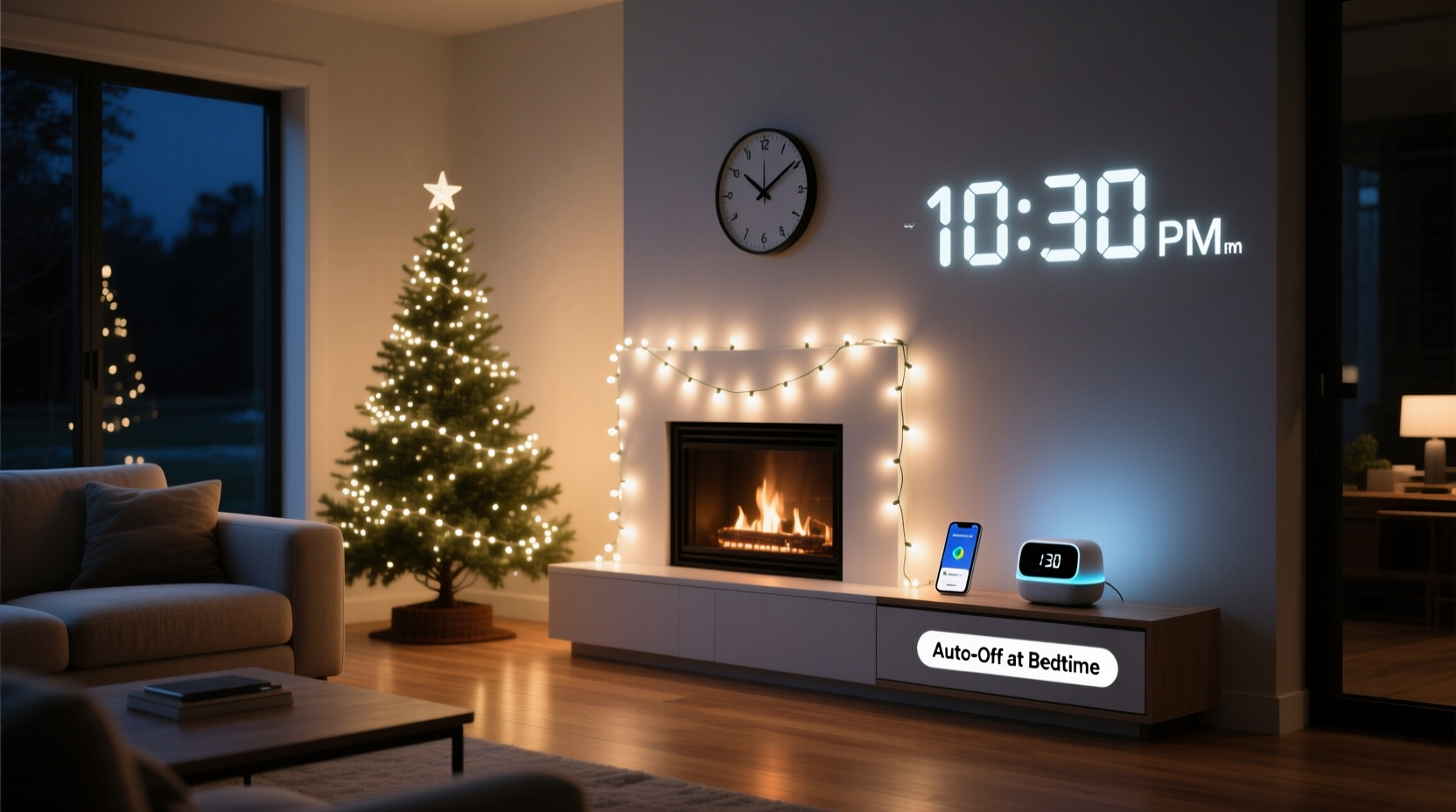
Leaving holiday lights on overnight may seem harmless, but it carries several drawbacks:
- Increased energy costs: Many traditional incandescent lights consume significant power over extended periods.
- Safety concerns: Overheating from faulty wiring or overloaded circuits becomes more likely the longer lights stay energized.
- Light pollution: Excessive nighttime lighting disrupts circadian rhythms in humans and animals alike.
- Shortened lifespan: Constant operation wears out bulbs faster, reducing their usable life for future seasons.
Automatically turning off your lights aligns with both environmental responsibility and personal safety. According to the National Fire Protection Association (NFPA), decorative lighting accounts for an estimated 7% of home fires reported during the winter holidays. Most occur due to electrical failures that could have been mitigated by limiting active runtime.
“Setting automatic shutoff times reduces fire risk and energy waste. It’s one of the simplest yet most effective safety habits for holiday decorators.” — Sarah Linwood, Electrical Safety Consultant, NFPA
Step-by-Step: How to Set Up Automatic Shut-Off for Christmas Lights
Timing your Christmas lights doesn’t require technical expertise. Follow this clear sequence to automate your display before the first snowfall.
- Assess your lighting setup: Identify how many strands you’re using, whether they’re indoor or outdoor rated, and where they’re plugged in. Note any extension cords or power strips involved.
- Determine your ideal on/off times: Decide when you want the lights to turn on (e.g., dusk or 5 PM) and when they should switch off (e.g., 11 PM). Most households find a 6–8 hour window sufficient.
- Select the right timer or smart device: Choose between mechanical outlet timers, digital programmable models, or Wi-Fi-enabled smart plugs based on your needs.
- Install the timer between the outlet and light string: Plug the timer into the wall socket, then connect your light strand to the timer’s outlet.
- Program your schedule: Set start and end times according to your preferred display window. For smart devices, use the companion app to create recurring schedules.
- Test the system: Manually trigger the timer to verify lights respond correctly. Check again after 24 hours to confirm consistency.
- Add redundancy if needed: For large displays powered by multiple outlets, consider grouping circuits under a single master controller or using synchronized smart devices.
Choosing the Right Timer or Smart Device
Not all timers are created equal. The best choice depends on your level of control, budget, and technical comfort. Below is a comparison of common options:
| Type | Best For | Pros | Cons |
|---|---|---|---|
| Mechanical Outlet Timer | Basic setups, budget users | Affordable ($8–$15), easy to set with dial | Limited precision; no remote access; manual daylight saving adjustment |
| Digital Programmable Timer | Precise scheduling, multi-event timing | Set exact on/off times; supports up to 4–6 events per day | More complex interface; still requires physical access to reprogram |
| Wi-Fi Smart Plug | Remote control, integration with voice assistants | Control via smartphone; works with Alexa/Google Home; customizable routines | Requires stable Wi-Fi; higher cost ($20–$35); potential privacy concerns |
| Smart Lighting Hub (e.g., Philips Hue, LIFX) | Fully automated, color-changing displays | Geofencing, sunrise/sunset triggers, scene customization | Expensive; often requires bridge device; not ideal for non-smart light strings |
For most homeowners, a Wi-Fi smart plug offers the best balance of functionality and ease. Devices like the TP-Link Kasa KP115 or Amazon Smart Plug allow you to set “turn off at bedtime” rules that repeat nightly—even adjusting automatically for changes in sunset time throughout December.
Real Example: A Suburban Family’s Automated Holiday Display
The Thompson family in Columbus, Ohio, decorates their front yard annually with over 2,000 LED lights, inflatables, and roofline outlines. In past years, someone had to remember to unplug the entire display each night—a task often forgotten until midnight or later.
Last holiday season, they upgraded to three Kasa smart plugs, assigning one to each major circuit: roof lights, tree spotlighting, and lawn decorations. Using the Kasa app, they programmed all devices to turn on at 5:00 PM and off at 11:00 PM daily. They also enabled the “sunset mode,” which dynamically adjusts the start time based on actual dusk.
The result? No more late-night trips outside, consistent operation regardless of who was home, and a 38% reduction in December’s electricity bill compared to the previous year. Plus, their neighbors appreciated the reduced glare after bedtime.
“We used to argue about who forgot to turn the lights off. Now it just happens. It’s stress-free decorating.” — Mark Thompson, homeowner
Advanced Tips for Reliable Automation
Even with the right equipment, poor setup can lead to malfunctions. Use these expert-backed practices to ensure smooth, uninterrupted performance.
- Use surge protectors: Plug timers into surge-protected outlets to guard against voltage spikes during winter storms.
- Avoid daisy-chaining too many lights: Overloading a single timer can trip internal fuses or cause overheating. Stick to manufacturer wattage limits.
- Update firmware regularly: Smart plugs receive updates that improve stability and security. Enable auto-updates if available.
- Set temporary overrides wisely: Need lights on later for a party? Use app controls to delay shutdown—but always reset the original schedule afterward.
- Group related lights together: Use power strips controlled by a single timer to manage multiple strands as one unit.
If you live in an area with frequent power outages, consider pairing your timer with a battery backup strip. This ensures the clock doesn’t reset and lose programming after a blackout.
Checklist: Automate Your Christmas Lights in 7 Steps
Use this checklist to ensure every detail is covered before activating your display:
- ☐ Inventory all light strings and note total wattage per circuit
- ☐ Purchase appropriate timers or smart plugs (outdoor-rated if needed)
- ☐ Test each light strand individually before connecting to timer
- ☐ Install timers between outlet and lights, ensuring secure connections
- ☐ Program on/off times matching your desired display window
- ☐ Verify operation over two consecutive nights
- ☐ Label and document settings for next year’s reuse
FAQ: Common Questions About Timing Christmas Lights
Can I use a regular indoor timer for outdoor Christmas lights?
No. Standard indoor timers aren’t designed to withstand moisture or temperature extremes. Always use outdoor-rated timers or place indoor units inside a waterproof enclosure if used outside.
Do smart plugs work during a power outage?
Most do not—unless connected to a UPS (uninterruptible power supply). After a blackout, some smart plugs will resume normal operation once power returns, but others may need reprogramming. Check your model’s specifications.
Is it safe to leave Christmas lights on a timer unattended?
Yes, provided the timer is UL-listed, properly rated for the load, and not overloaded. Combine timer use with LED lights, which run cooler and consume less energy, for maximum safety.
Conclusion: Enjoy the Holidays Without the Hassle
Automating your Christmas light display to turn off at bedtime isn't just convenient—it's a smart move for safety, sustainability, and savings. From basic mechanical timers to advanced smart home integrations, today’s technology makes it easier than ever to enjoy a dazzling show without staying up to shut it down.
By planning ahead, selecting the right tools, and applying consistent scheduling, you can eliminate guesswork and forgetfulness. Your lights will shine brightly when it matters most and power down quietly when it’s time to rest. That’s the true spirit of a modern, stress-free holiday season.




 浙公网安备
33010002000092号
浙公网安备
33010002000092号 浙B2-20120091-4
Comments
No comments yet. Why don't you start the discussion?