
Domains are foundational assets in today’s digital world. Whether you use yours for a personal blog, business website, or investment, knowing where it was registered is critical. Over time, especially with team handovers or multiple domains, it's easy to lose track of registration details. Without this information, you risk missing renewal deadlines, falling victim to phishing scams, or losing control entirely. Fortunately, tracing and verifying your domain’s origin is straightforward if you know the right tools and procedures.
Why Knowing Your Domain Registrar Matters
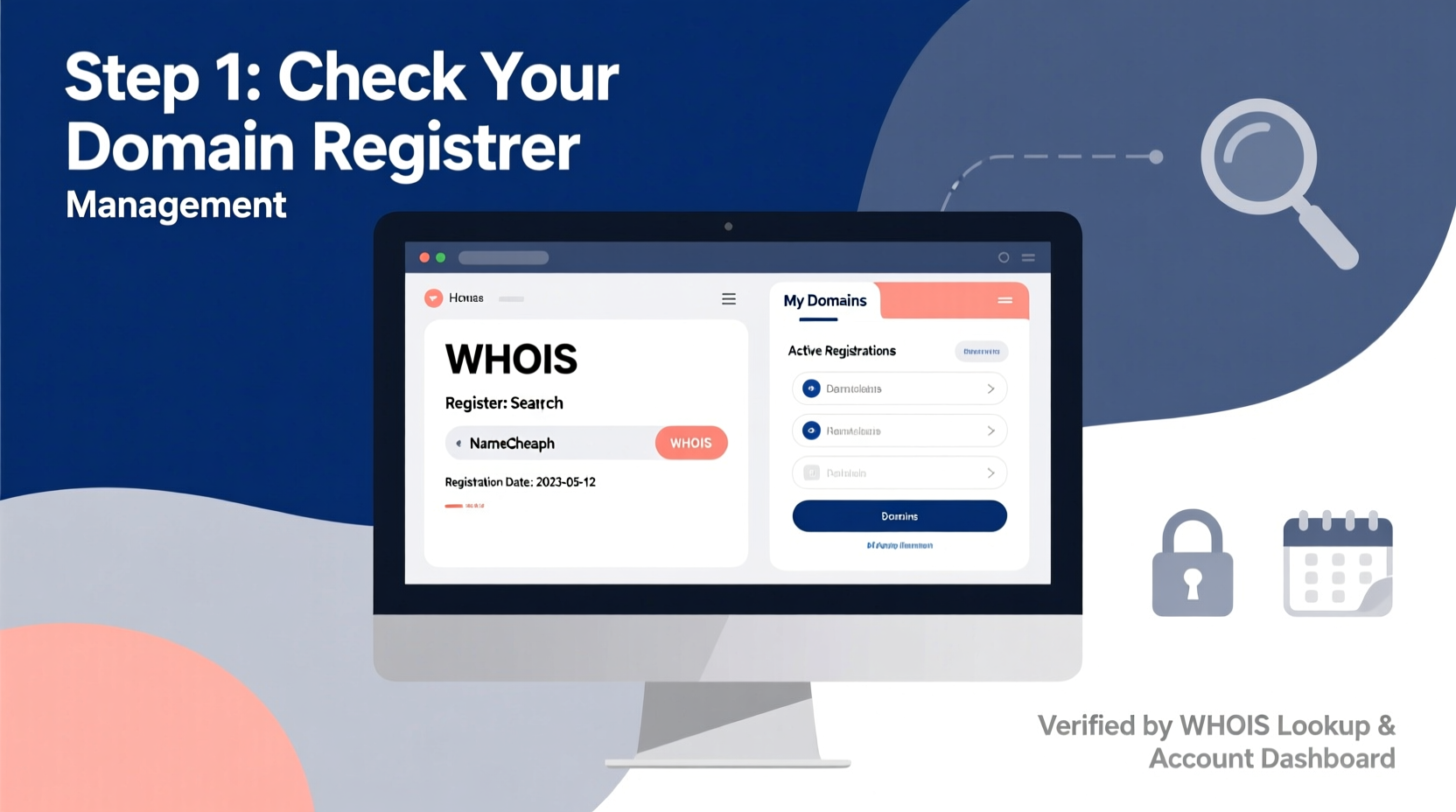
Your domain registrar is the company through which you initially purchased and continue to manage your domain name. This entity controls access to renewal settings, DNS configuration, privacy protection, and transfer permissions. If you don’t know who your registrar is, you can’t update contact information, enable two-factor authentication, or respond quickly to ownership disputes.
Common issues arise when:
- A former employee registered the domain and never transferred access.
- You bought a domain years ago and forgot the provider (e.g., GoDaddy, Namecheap, Google Domains).
- Your website developer handled registration but didn't provide login credentials.
Without timely verification, expired domains can be snapped up by competitors or cyber squatters—sometimes at inflated prices.
“Over 30% of small businesses experience domain-related access issues within three years due to poor record keeping.” — ICANN Domain Management Survey, 2023
Step-by-Step Guide to Trace Your Domain Purchase
Follow these steps methodically to identify where your domain was originally purchased and confirm current ownership status.
- Use WHOIS Lookup Tools
Start by performing a WHOIS search using free services like DomainTools WHOIS Lookup, ICANN Lookup, or Whois.com. Enter your domain name to retrieve public registration data. - Analyze the Registrar Field
In the results, look for the “Registrar” entry. It will typically show a company name such as “GoDaddy.com, LLC” or “NameCheap, Inc.” This is your domain host. - Check Registrant Contact Information
Review the listed email, phone number, and organization. If the details are outdated or belong to someone no longer involved, initiate an update immediately. - Verify Account Access
Visit the registrar’s official website and attempt to log in using the associated email. Use password recovery options if needed. Never click on links from unsolicited emails claiming to be from the registrar. - Confirm Auto-Renewal & Expiration Date
Once logged in, check the domain’s expiration date and ensure auto-renewal is enabled to prevent accidental loss.
What to Do If WHOIS Data Is Redacted
Since 2018, GDPR compliance has led many registrars to hide personal information in public WHOIS records. While privacy is beneficial, it complicates tracing ownership. Here’s how to navigate redacted data:
- Look for Proxy or Privacy Services: If the registrant says “Privacy service provided by Withheld for Privacy,” it means the real owner is hidden behind a proxy. The registrar field still reveals where the domain is hosted.
- Contact the Registrar Directly: If you believe you own the domain but lack access, reach out to the registrar’s support with proof of identity, historical usage (e.g., website admin access), or past payment records.
- Use ICANN’s Verification Process: ICANN offers a formal channel to dispute unauthorized transfers or regain access. Visit icann.org and navigate to the Contractual Compliance section.
Mini Case Study: Recovering a Lost Business Domain
Samantha launched her boutique marketing agency in 2017. A freelance developer registered the domain via Namecheap but used his personal email. By 2022, communication had lapsed, and the domain expired. A third party registered it within hours and demanded $2,500 for its return.
Samantha contacted Namecheap support with evidence: invoices showing she paid for the service, Google Search Console ownership records, and archived emails discussing the site. After a 10-day review, Namecheap restored access under ICANN’s Transfer Dispute Resolution Policy. She then transferred the domain to her own account, enabled auto-renewal, and set up multi-factor authentication.
This case underscores the importance of direct ownership and documentation—even when delegating technical tasks.
Essential Checklist for Domain Verification
To ensure full control and avoid future complications, complete the following actions:
- ✅ Perform a WHOIS lookup for each domain you manage.
- ✅ Identify the registrar and save their support contact info.
- ✅ Log into the registrar account using verified credentials.
- ✅ Update registrant email to a company-controlled address (e.g., admin@yourcompany.com).
- ✅ Disable WHOIS privacy only if necessary; otherwise, keep it on for security.
- ✅ Enable auto-renewal and set calendar reminders 60 days before expiration.
- ✅ Download and securely store domain registration certificates or receipts.
- ✅ Audit all domains annually to detect lapses early.
Do’s and Don’ts of Domain Management
| Do’s | Don’ts |
|---|---|
| Use a centralized password manager for registrar logins. | Register domains under personal emails that may become inactive. |
| Enable two-factor authentication (2FA) on your registrar account. | Ignore renewal emails—even if they seem automated or spammy. |
| Keep billing information current to avoid payment failures. | Assume your web host is also your domain registrar (they’re often separate). |
| Transfer domains to a trusted provider if switching services. | Leave domains unmonitored for long periods. |
Frequently Asked Questions
Can I find out who owns a domain even if privacy is enabled?
Public WHOIS won’t reveal personal details if privacy protection is active. However, law enforcement or trademark holders can request disclosure through legal channels. As a legitimate owner, you can work with the registrar to verify ownership using supporting documentation.
Is my web hosting company the same as my domain registrar?
Not necessarily. Many people confuse the two. Your domain registrar manages your domain name (e.g., example.com), while your web host stores your website files. Some companies like GoDaddy or Bluehost offer both services, but they operate independently. Check each service separately to avoid confusion during renewals or migrations.
What happens if my domain expires and I don’t renew it?
After expiration, most registrars provide a grace period (typically 30 days) to renew at standard rates. Beyond that, the domain enters a redemption phase where recovery costs significantly increase. Eventually, it becomes available for public registration, meaning anyone can claim it.
“Your domain is more than a web address—it’s digital real estate. Treat it with the same diligence as any business asset.” — Raj Patel, Senior Domain Strategist at Cloudflare
Secure Your Digital Foundation Today
Tracing and verifying your domain purchase isn’t just about fixing past oversights—it’s about securing your online presence for the future. Whether you manage one site or dozens, taking control now prevents costly disruptions later. Start with a single WHOIS lookup, follow the trail to your registrar, and lock down access with strong security practices.




 浙公网安备
33010002000092号
浙公网安备
33010002000092号 浙B2-20120091-4
Comments
No comments yet. Why don't you start the discussion?