
Tracking a mobile phone using GPS has become an essential capability in today’s connected world. Whether you’re ensuring the safety of a loved one, managing company devices, or trying to locate a lost smartphone, GPS tracking offers real-time insights into a device’s whereabouts. However, doing so requires technical know-how, respect for privacy, and adherence to legal boundaries. This guide walks you through the entire process—from setup to execution—ensuring your tracking efforts are both effective and ethical.
Understanding GPS Tracking: How It Works
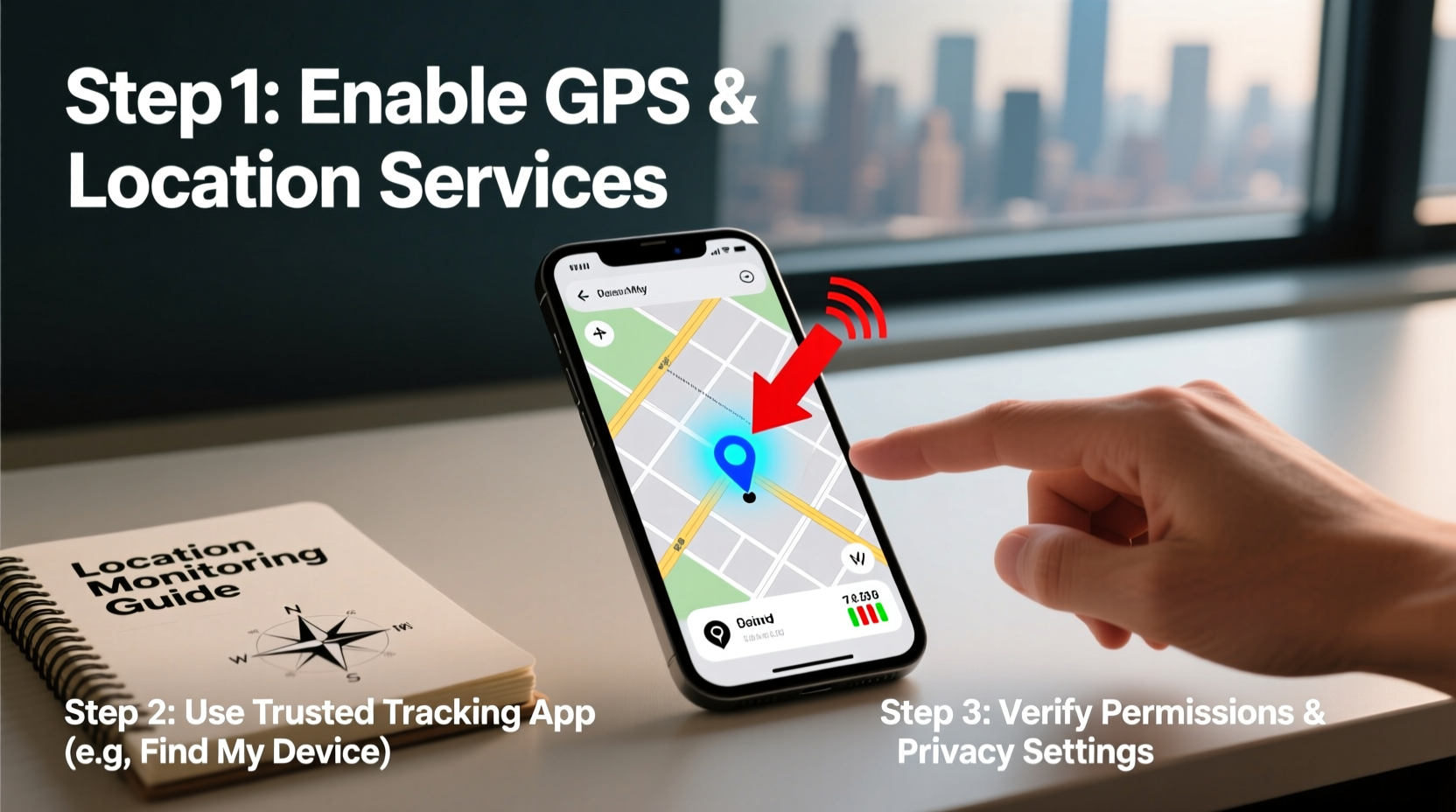
Global Positioning System (GPS) technology uses a network of satellites orbiting Earth to determine precise geographic coordinates. Smartphones contain GPS receivers that interpret signals from these satellites. When combined with Wi-Fi, cellular data, and Bluetooth triangulation, modern phones can report their location within a few meters.
Location data is processed by the phone’s operating system and made available to authorized apps. These include built-in services like Apple’s Find My iPhone or Google’s Find My Device, as well as third-party applications designed for parental control or fleet management.
The accuracy of GPS tracking depends on several factors:
- Satellite signal strength (affected by weather and obstructions)
- Availability of Wi-Fi networks and cell towers
- Phone battery level and whether GPS is enabled
- User permissions and app settings
“GPS tracking is only as reliable as the device’s connectivity and user consent. Always ensure transparency when monitoring someone’s location.” — Dr. Alan Reyes, Cybersecurity Researcher at MIT
Step-by-Step Guide to Track a Mobile Phone by GPS
Tracking a phone safely and accurately involves preparation, correct tool selection, and responsible use. Follow these steps carefully.
- Determine the Purpose and Obtain Consent
Before initiating any tracking, clarify your reason. Is it for child safety, elderly care, or recovering a stolen device? If the phone belongs to another person, obtain explicit permission unless legally exempt (e.g., minors under parental supervision). - Verify Device Compatibility
Check if the target phone supports GPS and has location services enabled. Most smartphones manufactured after 2012 support high-accuracy GPS tracking via Android or iOS platforms. - Enable Location Services on the Target Phone
On Android: Go to Settings > Location and set mode to “High Accuracy.”
On iPhone: Navigate to Settings > Privacy & Security > Location Services and ensure it’s turned on. - Use Built-In Tracking Tools
Leverage native solutions first—they are secure, free, and reliable:- For iPhone: Use Find My iPhone. Ensure iCloud and Find My are enabled in Settings.
- For Android: Use Find My Device via Google Account. Sign in at google.com/android/find.
- Set Up Remote Access (Optional for Ongoing Monitoring)
For continuous monitoring—such as parental oversight—install trusted third-party apps like Life360, Glympse, or Google Family Link. These allow periodic or real-time updates based on shared permissions. - Locate the Device
Access the tracking platform from another device:- Log in using the same Apple ID or Google Account linked to the target phone.
- View the current location on a map.
- Use additional features like remote lock, erase, or sound alerts.
- Maintain Privacy and Review Permissions Regularly
Periodically confirm that only authorized users have access. Revoke access if the need no longer exists.
Comparison of Popular GPS Tracking Methods
| Method | Platform | Accuracy | Privacy Level | Best For |
|---|---|---|---|---|
| Find My (Apple) | iOS/macOS | High (1–10 meters) | Excellent (end-to-end encrypted) | Lost iPhones, family sharing |
| Find My Device (Google) | Android/Web | High (5–15 meters) | Good (requires Google login) | Lost Androids, basic tracking |
| Life360 | Android/iOS | Moderate (location refresh every few minutes) | Fair (data collected for analytics) | Family safety circles |
| Google Family Link | Android/iOS | High (real-time updates) | Strong (parent-controlled) | Parental monitoring of children |
| Third-party spyware apps | Cross-platform | Variable | Poor (often unethical or illegal) | Not recommended |
Real-World Example: Locating a Lost Phone Safely
Emily, a college student, misplaced her phone after leaving it in a campus café. She remembered enabling “Find My iPhone” during setup. Using a friend’s laptop, she visited icloud.com, signed in with her Apple ID, and selected her iPhone from the device list. The map showed the phone stationary near the café. She used the “Play Sound” feature—even though it was on silent—and retrieved it before it was taken. No personal data was compromised, and the entire process took less than ten minutes.
This case highlights the importance of proactive setup. Had Emily not enabled location services and Find My, recovery would have been far more difficult.
Essential Checklist for Safe GPS Tracking
- Confirm GPS and location services are enabled on the target phone
- Ensure the device is signed into a known Apple ID or Google Account
- Install and test tracking tools in advance (e.g., Find My, Family Link)
- Obtain informed consent from all involved parties where applicable
- Set up two-factor authentication on the associated account
- Regularly check battery levels and internet connectivity
- Review access logs monthly to detect unauthorized usage
Frequently Asked Questions
Can I track a phone without installing any app?
Yes—if the phone is linked to a cloud account (like iCloud or Google), you can use built-in tools such as Find My iPhone or Find My Device. These do not require additional app installations but depend on prior configuration.
Is it legal to track someone’s phone?
It is legal only when you have explicit consent or a legitimate guardianship role (e.g., parents tracking minors). Unauthorized tracking of adults violates privacy laws in most countries, including the U.S. Electronic Communications Privacy Act and the EU’s GDPR.
What if the phone is turned off or offline?
GPS tracking requires power and connectivity. If the phone is off, tracking will show the last known location. Some services, like Apple’s Find My network, can still detect powered-off devices via Bluetooth beacons if they support this feature (e.g., iPhone models with U1 chip).
Conclusion: Responsible Tracking for Peace of Mind
GPS tracking is a powerful tool when used responsibly. By understanding the technology, setting up systems proactively, and respecting legal and ethical boundaries, you can safeguard devices and loved ones without compromising trust. Whether preventing loss or ensuring safety, the key lies in preparation—not reaction.
Take action today: log into your phone’s settings, enable location services, link it to your account, and test the tracking function. A few minutes now could save hours—or worse—later.




 浙公网安备
33010002000092号
浙公网安备
33010002000092号 浙B2-20120091-4
Comments
No comments yet. Why don't you start the discussion?