
Many people wonder if it's possible to locate an iPhone using only a phone number. Whether you've misplaced your own device, are concerned about a loved one’s safety, or suspect unauthorized use of an Apple product, the ability to track an iPhone remotely is a common concern. While popular myths suggest that any phone can be tracked with just a number, the reality is more nuanced—especially within Apple’s tightly controlled ecosystem. This guide breaks down what’s truly possible, which methods are effective, and how to do so legally and ethically.
Understanding the Limitations of Phone Number-Based Tracking
Unlike Android devices, iPhones operate within Apple’s secure environment, where location tracking is tightly integrated with Apple ID, iCloud, and specific apps like Find My. A phone number alone does not grant direct access to GPS data or real-time location. Mobile carriers can trace general network-based location for emergency services, but this information is not publicly accessible due to privacy laws and security protocols.
In most cases, tracking an iPhone requires prior setup through Apple’s native tools or third-party apps installed on the device. Without consent or pre-existing configuration, tracking via phone number is nearly impossible—and attempting to bypass these safeguards may violate privacy laws such as the Electronic Communications Privacy Act (ECPA) in the U.S.
Effective Methods to Track an iPhone (With and Without Physical Access)
While tracking solely by phone number isn’t feasible, several reliable alternatives exist depending on your relationship to the device and whether you’ve set up tracking features in advance.
1. Use Apple’s “Find My” Network (If You Have Access to the Apple ID)
The most effective and legitimate method to track an iPhone is through Apple’s built-in “Find My” service. If you know the Apple ID and password associated with the device, you can locate it from any web browser or another Apple device.
- Go to iCloud.com and sign in with the Apple ID linked to the iPhone.
- Select “Find iPhone” (now called “Find” in newer versions).
- Choose the device from the list of connected devices.
- View its current or last known location on a map.
- Use additional features like Play Sound, Lost Mode, or Erase iPhone if needed.
This method works even if Location Services were temporarily disabled, provided the device connects to Wi-Fi or cellular data at any point.
2. Family Sharing & Parental Monitoring Tools
If the iPhone belongs to a child or family member, Apple offers built-in tools under Family Sharing. Once enabled:
- Parents can view their child’s location via the Find My app.
- Location sharing must be accepted by the user (unless Screen Time restrictions are applied).
- Real-time updates appear when both devices have location services active.
iOS also includes Communication Safety and Screen Time features that allow guardians to monitor device usage and whereabouts—always with transparency and consent baked in.
3. Third-Party Tracking Apps (Require Prior Installation)
Certain monitoring apps like Life360, mSpy, or Bark can provide location tracking—but only if they were previously installed on the target iPhone. These tools are often used by parents or couples with mutual agreement.
| App | Tracking Method | Requires Jailbreak? | Legal Consideration |
|---|---|---|---|
| Life360 | GPS + Network Triangulation | No | Consent required from all users |
| mSpy | Background GPS logging | Yes, for full features | Only legal for devices you own or have permission to monitor |
| Bark | Location alerts and geofencing | No | Designed for parental control with disclosure |
“Apple designed its ecosystem around user privacy. Any attempt to circumvent built-in permissions undermines both security and trust.” — Dr. Alan Reed, Cybersecurity Researcher at Stanford University
What Doesn’t Work (And Why)
Despite widespread claims online, many so-called “phone number trackers” are scams or malware in disguise. Here’s what won’t help:
- Reverse phone lookup services: May reveal carrier or name, but never GPS coordinates.
- SMS spoofing or phishing links: Illegal and ineffective; modern iOS blocks unknown tracking attempts.
- IMSI catchers (Stingrays):strong> Used by law enforcement only; inaccessible and illegal for public use.
- Free “track any iPhone” websites: Typically collect personal data or install spyware.
There is no legitimate consumer tool that can pinpoint an iPhone’s location using only a 10-digit number without prior access or consent.
Mini Case Study: Recovering a Lost iPhone Using Find My
Sarah, a college student, left her iPhone at a coffee shop after class. She didn’t remember her Apple ID password initially but recovered it using account recovery options. Once logged into iCloud, she accessed Find My and saw her phone was still inside the café, moving slightly—likely being picked up by staff.
She used the “Play Sound” feature at maximum volume, then called the café directly. An employee confirmed they had found it behind the counter. Thanks to real-time location data and activation lock, the phone remained secure until retrieval.
This case highlights the importance of setting up Find My and enabling two-factor authentication ahead of time.
Step-by-Step Guide: How to Prepare Your iPhone for Future Tracking
Prevention is the best strategy. Follow these steps to ensure your iPhone can be located if lost:
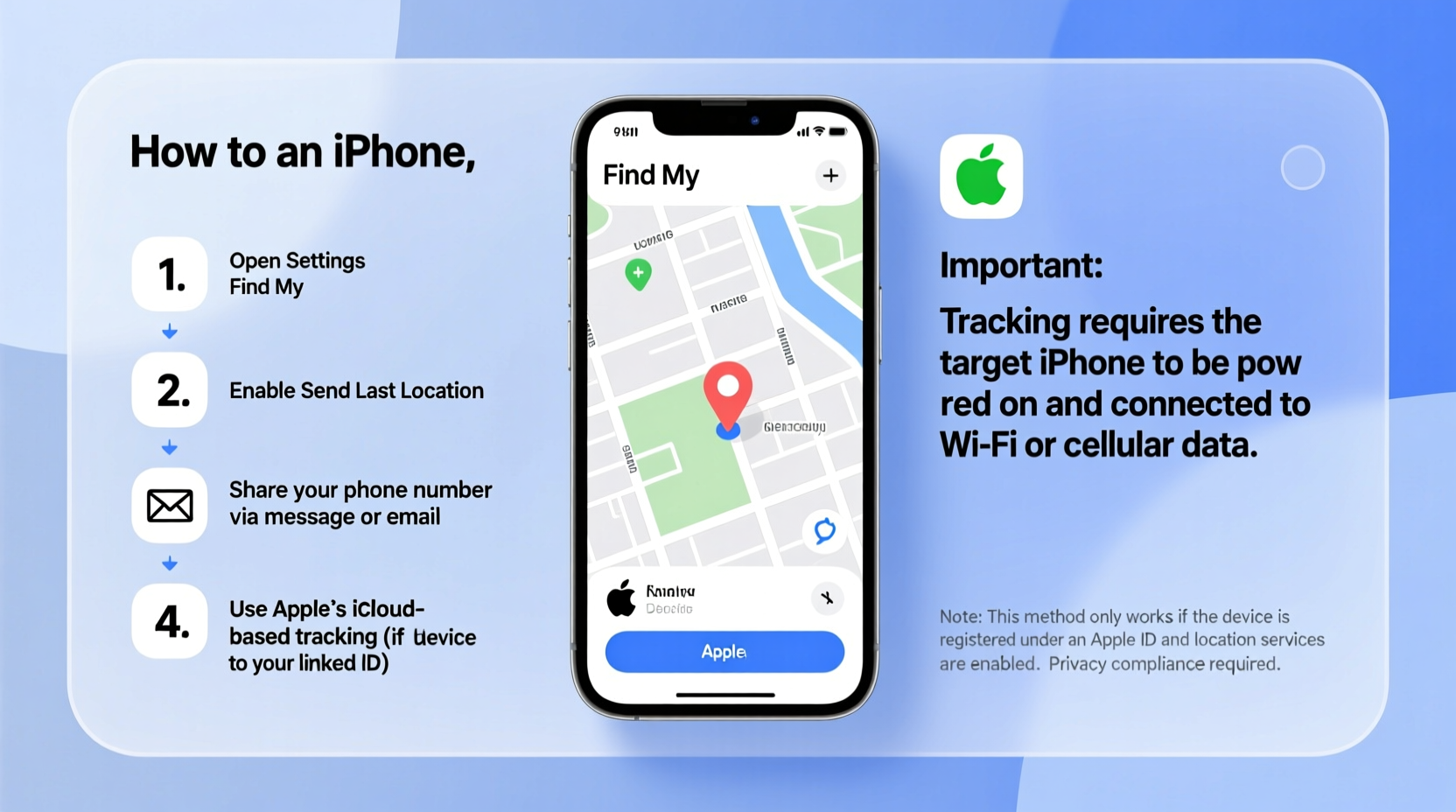
- Enable Find My iPhone: Go to Settings > [Your Name] > Find My > Find My iPhone and toggle it on.
- Turn on Send Last Location: Ensures the device sends its final GPS coordinates before battery dies.
- Set Up Activation Lock: Requires your Apple ID password to erase or reactivate the device.
- Add Emergency Contacts: In Medical ID (via Health app), include contacts who can assist if your phone is found.
- Regularly Back Up to iCloud: Protects your data even if the device isn’t recovered.
Frequently Asked Questions
Can I track someone’s iPhone with just their number?
No. A phone number alone cannot be used to track an iPhone’s location due to Apple’s privacy architecture and encryption standards. You need either the Apple ID credentials or a pre-installed tracking app with permissions.
Is it legal to track an iPhone without the owner knowing?
Generally, no. In most jurisdictions, including the U.S., UK, and EU, covert tracking violates wiretapping and electronic surveillance laws unless you have explicit consent or lawful authority (e.g., parents monitoring minors).
What should I do if my iPhone is stolen?
Immediately log in to iCloud.com or use the Find My app on another device. Put the phone in Lost Mode to lock it and display a custom message. Report the serial number and IMEI to your carrier and local police. Avoid confronting thieves—let authorities handle recovery.
Checklist: Can You Track This iPhone?
- ✅ Do you know the Apple ID and password? → Use iCloud Find My
- ✅ Is the device part of a Family Sharing group? → Check Find My app
- ✅ Was a third-party tracker installed? → Log in to the service dashboard
- ❌ Only have the phone number? → Tracking is not possible without additional access
- ⚠️ Device offline? → Wait for reconnection; check last known location
Conclusion: Smart, Legal, and Proactive Tracking Wins
Tracking an iPhone using only a phone number is a myth perpetuated by misleading ads and misinformation. The truth is that Apple prioritizes user privacy, making unauthorized tracking impossible by design. However, with proper preparation—enabling Find My, using family monitoring tools responsibly, or installing vetted apps with consent—you can effectively locate a lost or at-risk device.
The key lies not in searching for shortcuts, but in building safeguards before they’re needed. Take five minutes today to verify your settings, educate your family, and secure your digital life. That small effort could make all the difference tomorrow.




 浙公网安备
33010002000092号
浙公网安备
33010002000092号 浙B2-20120091-4
Comments
No comments yet. Why don't you start the discussion?