
Writing a book is a marathon, not a sprint. But even the most determined authors can lose momentum when typing becomes slow, error-prone, or mentally exhausting. Efficiency isn’t about rushing—it’s about working smarter so you conserve energy, reduce friction, and maintain consistent output. Whether you're drafting fiction, memoirs, or nonfiction, mastering efficient typing practices can transform your writing process from a grind into a sustainable creative flow.
1. Optimize Your Typing Technique
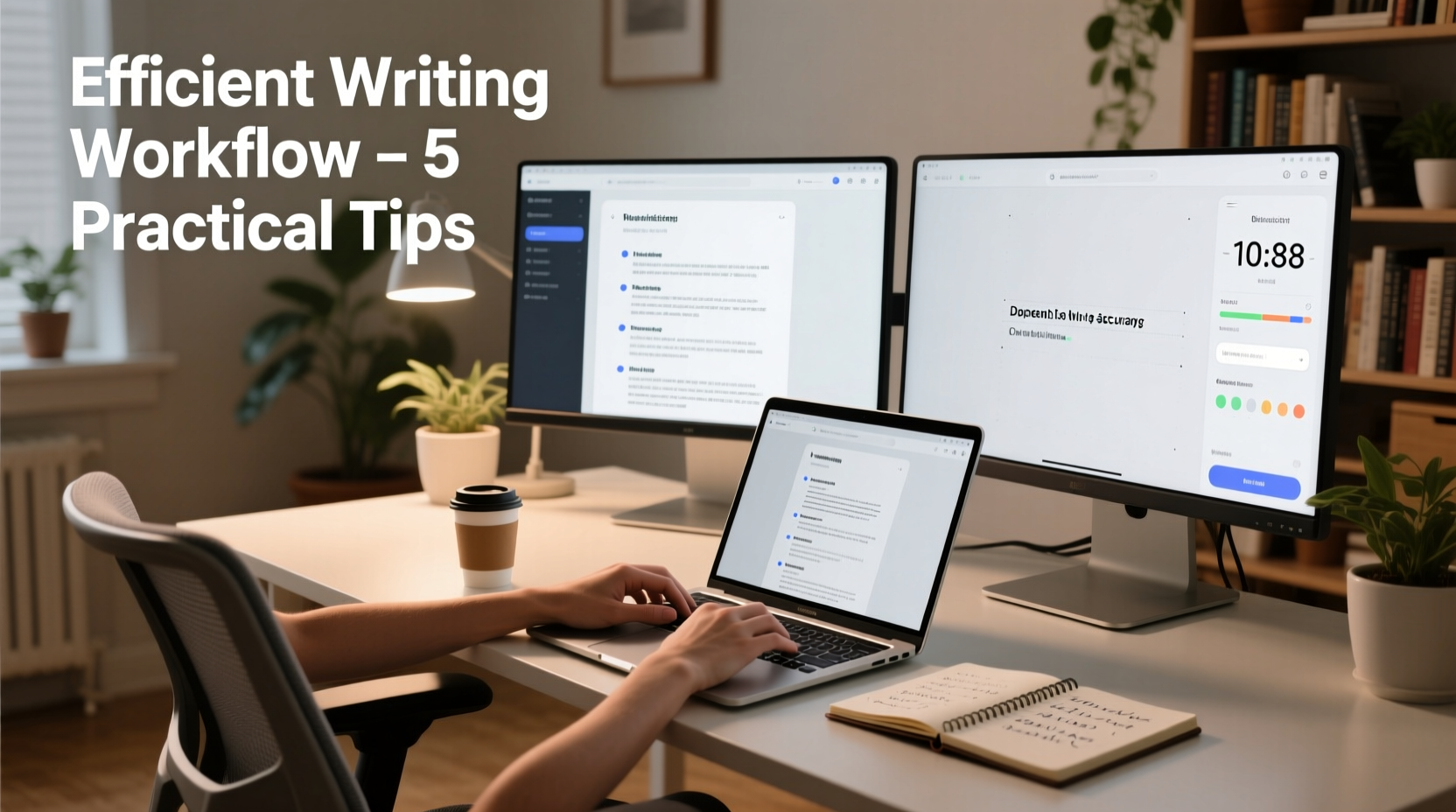
The foundation of fast, accurate typing lies in proper technique. Many writers rely on self-taught habits that limit speed and increase fatigue. The goal is not just speed but precision and endurance over long sessions.
Touch typing—typing without looking at the keyboard—is essential. It allows your brain to focus on content rather than key location. Most proficient typists average 60–90 words per minute (WPM), with minimal errors. If you're below 50 WPM, investing time in touch typing training pays exponential dividends.
Avoid “hunt and peck” methods. They may feel intuitive at first, but they create cognitive drag. Each glance down breaks concentration and slows thought-to-text translation. With consistent practice, touch typing becomes automatic, freeing mental bandwidth for creativity.
Ergonomic Setup for Sustained Typing
Your physical environment directly affects typing efficiency. Poor posture or awkward hand positioning leads to discomfort, reduced speed, and potential injury.
- Keep wrists slightly elevated and neutral—avoid resting them heavily on the desk.
- Position the keyboard so elbows form a 90-degree angle.
- Use an ergonomic keyboard or split layout if you experience strain.
- Ensure your monitor is at eye level to prevent neck tension.
“Efficiency starts before the first word. A well-aligned workspace reduces fatigue by up to 40% during extended writing sessions.” — Dr. Lena Torres, Human Factors & Ergonomics Researcher
2. Structure Your Workflow for Momentum
Efficiency isn’t only about typing speed—it’s also about minimizing interruptions and decision fatigue. A structured workflow keeps you in the zone longer and reduces the urge to edit mid-draft.
Write First, Edit Later
Typing a book efficiently means separating creation from correction. Trying to perfect each sentence as you go disrupts flow and drastically slows progress. Instead, commit to completing a full draft before revising.
Adopt the “vomit draft” approach: write freely, accepting imperfections. You’ll refine clarity, tone, and structure later. This mindset shift alone can double daily word counts.
Create a Chapter Outline Before Typing
Knowing where you’re headed eliminates hesitation mid-sentence. A detailed outline acts as a roadmap, allowing you to type forward without pausing to plan.
Break your book into chapters, then scenes or sections. For nonfiction, define key points per chapter. For fiction, sketch plot beats. This doesn’t stifle creativity—it channels it productively.
3. Leverage Technology Wisely
Modern tools can dramatically accelerate typing and reduce errors—but only when used intentionally. Avoid distractions while maximizing assistive features.
| Tool/Feature | Benefit | Best Practice |
|---|---|---|
| Text Expanders | Automate repetitive phrases | Set shortcuts for common terms (e.g., “bname” → book title) |
| Voice-to-Text | Capture ideas faster than typing | Use for rough drafts; transcribe and edit later |
| Distraction-Free Editors | Reduce cognitive load | Use apps like FocusWriter or iA Writer |
| Grammar & Spell Check | Minimize revision cycles | Enable real-time checking, but don’t obsess mid-draft |
Consider using speech recognition software like Dragon Professional or built-in tools (Windows Speech Recognition, macOS Dictation). These are especially useful during creative surges when ideas outpace fingers. Accuracy has improved significantly—many writers report 120+ WPM with voice input after training.
4. Build Daily Typing Habits That Stick
Consistency trumps intensity. Writing 1,000 words daily is more effective than sporadic 5,000-word bursts. Sustainable habits compound over time.
- Schedule fixed writing times: Choose a time when mental clarity peaks—morning for many, late night for others.
- Start small: Begin with 300–500 words daily. Increase gradually as stamina builds.
- Track progress: Use a spreadsheet or app to log word count. Visual feedback reinforces motivation.
- Warm up: Spend 5 minutes typing exercises or journaling to activate motor memory.
- Review daily: End each session by reading the last page typed. This maintains continuity for the next day.
Mini Case Study: From 200 to 2,000 Words Per Day
Sarah, a first-time novelist, struggled for months to finish her manuscript. She averaged 200 words per session, often deleting more than she wrote. After learning touch typing and adopting a scene-based outline, she restructured her routine. She began writing in 25-minute blocks using FocusWriter, disabled internet access, and committed to no editing until the draft was complete.
Within six weeks, her output increased to 1,500 words per session. By minimizing friction and trusting the process, she completed her 75,000-word novel in five months—three times faster than projected.
5. Minimize Errors Without Slowing Down
Accuracy matters, but perfectionism kills productivity. The key is reducing mistakes proactively, not correcting them immediately.
Common Causes of Typing Errors
- Rushing without warm-up
- Fatigue from poor ergonomics
- Lack of familiarity with keyboard layout
- Distracted environment
To reduce errors, type slightly below your maximum speed during long sessions. Aiming for 80% of peak speed often yields better net output due to fewer corrections.
“Speed with accuracy beats raw velocity every time. One typo corrected can cost 30 seconds—lost momentum costs much more.” — Mark Chen, Productivity Coach for Writers
Proofreading Strategy
Don’t proofread as you type. Wait until the end of a chapter or section. Use spell-check, but also read aloud—your ears catch errors your eyes skip. Tools like Grammarly or Hemingway Editor help identify issues efficiently during revision rounds.
Checklist: How to Type a Book Efficiently
- ✅ Master touch typing (aim for 60+ WPM)
- ✅ Set up an ergonomic workspace
- ✅ Create a chapter-by-chapter outline
- ✅ Write in focused sprints (e.g., Pomodoro)
- ✅ Use text expanders for recurring phrases
- ✅ Separate drafting from editing
- ✅ Track daily word count
- ✅ Warm up with quick typing exercises
- ✅ Limit distractions with full-screen editors
- ✅ Review and revise only after drafting
FAQ
How many words per day should I aim to type?
Most writers benefit from 500–1,000 words daily. Consistency matters more than volume. Even 300 words a day completes a full-length book in under a year.
Is voice typing accurate enough for books?
Yes—modern voice-to-text tools reach 95%+ accuracy with proper training. It’s ideal for drafting. Always review and edit transcripts for tone and punctuation.
Should I fix typos as I go?
No. Minor errors disrupt flow. Save corrections for dedicated revision passes. Focus on getting ideas down first.
Conclusion
Typing a book efficiently isn’t about heroic all-nighters or unnatural speed. It’s about removing obstacles between your mind and the page. With better technique, smart tools, and disciplined habits, you can write faster, cleaner, and with less mental strain. Every saved second and avoided distraction adds up over tens of thousands of words.




 浙公网安备
33010002000092号
浙公网安备
33010002000092号 浙B2-20120091-4
Comments
No comments yet. Why don't you start the discussion?