
Smartwatches have evolved from simple timepieces into powerful companions that track health, manage notifications, and streamline daily routines. Yet many users barely scratch the surface of their device’s capabilities. Whether you’ve just unboxed your first smartwatch or want to get more from an existing one, understanding its full potential can transform how you work, exercise, and stay connected.
This guide walks through essential setup steps, core functions, advanced tips, and long-term optimization strategies—helping both newcomers and experienced users make smarter use of their wearable technology.
1. Getting Started: Setup and Personalization
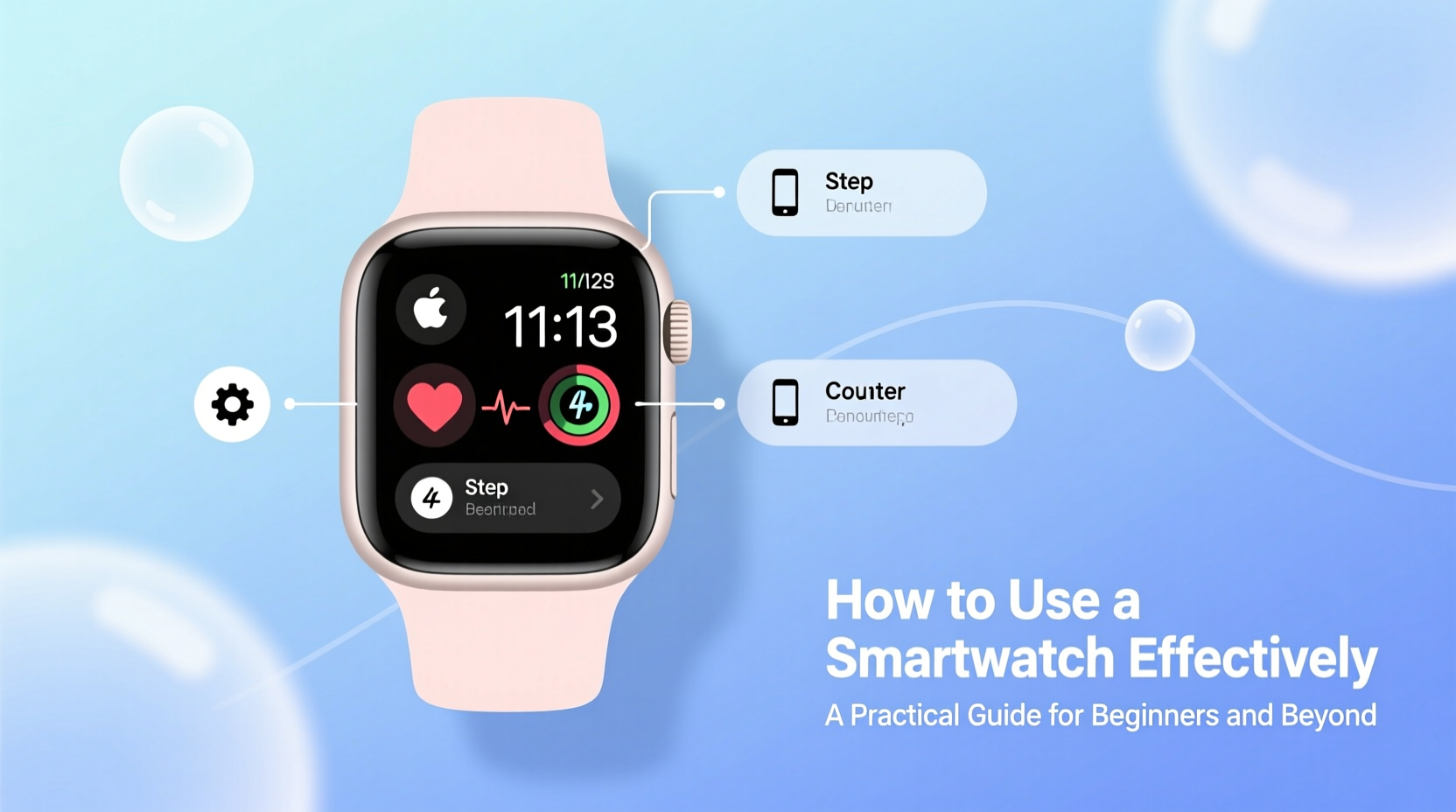
The foundation of effective smartwatch use begins during setup. A properly configured watch integrates seamlessly with your smartphone and lifestyle.
Start by pairing your smartwatch with your phone via Bluetooth using the companion app—such as Wear OS for Samsung and Google devices, or Apple Watch’s dedicated app on iPhone. Ensure firmware is up to date before diving into customization.
Once connected, personalize key settings:
- Watch face: Choose one that displays essential information at a glance—time, date, heart rate, step count, or next calendar event.
- Notifications: Select which apps send alerts. Too many interruptions defeat the purpose of convenience.
- Brightness & auto-wake: Adjust screen sensitivity to balance usability and battery life.
- Wear location: Set dominant hand and orientation (left/right wrist) for accurate gesture detection.
2. Maximizing Health and Fitness Tracking
One of the strongest advantages of a smartwatch lies in continuous health monitoring. Most modern models offer built-in sensors for heart rate, blood oxygen (SpO2), sleep stages, and even ECG readings (on select devices).
To get meaningful insights, wear the watch consistently—especially during sleep. Sync data regularly with health platforms like Apple Health, Google Fit, or Samsung Health to spot trends over time.
“Consistent wear allows pattern recognition that can alert users to irregularities long before symptoms appear.” — Dr. Lena Patel, Digital Health Researcher at Stanford Medicine
For fitness enthusiasts, pre-load workout profiles (running, swimming, cycling) so the watch automatically tracks relevant metrics. Enable GPS when outdoors to map routes accurately.
Step-by-Step Guide: Starting Your First Workout
- Open the workout app on your watch.
- Select activity type (e.g., outdoor run).
- Wait for GPS lock (if applicable).
- Tap start and begin moving.
- Pause or stop manually, or let auto-pause handle breaks.
- Review summary post-workout; sync with phone for detailed analysis.
3. Streamlining Daily Productivity
A smartwatch isn’t just for fitness—it’s a tool for staying focused and efficient throughout the day. When used wisely, it reduces screen time by filtering what truly needs attention.
Use voice commands to set reminders, send messages, or add calendar events without pulling out your phone. On Android watches, say “Hey Google”; on Apple Watch, activate Siri with “Hey Siri” or a button press.
Enable silent haptic alerts for priority notifications. A gentle tap on the wrist keeps you informed without disturbing others—a useful feature in meetings or quiet environments.
| Feature | Best For | Pro Tip |
|---|---|---|
| Voice Assistant | Hands-free tasks | Phrase requests clearly: “Set alarm for 7 AM tomorrow” |
| Quick Replies | Text responses | Use canned replies or dictation for speed |
| Calendar Alerts | Time management | Enable pre-event vibration 5 minutes prior |
| Timer/Stopwatch | Cooking, intervals | Control from wrist while hands are busy |
4. Battery Optimization Strategies
Poor battery life is a common complaint—but often stems from misconfiguration rather than hardware limits. Most smartwatches last 1–2 days under normal use; some exceed 7–10 days in power-saving mode.
Extend longevity with these adjustments:
- Lower screen brightness and reduce screen timeout duration.
- Disable always-on display unless critical.
- Turn off unnecessary background apps and syncing.
- Limit continuous health tracking to specific times (e.g., only during workouts or sleep).
- Use airplane mode overnight if not tracking sleep.
Mini Case Study: Sarah’s Week Without Charging
Sarah, a teacher and triathlete, upgraded to a Garmin Venu 3 but found herself charging every night. After reviewing her usage, she switched to a simpler watch face, disabled SpO2 monitoring during the day, and turned off music streaming. By enabling “Battery Saver” mode during school hours, she extended usage to six full days—including two hour-long GPS runs and nightly sleep tracking. The change reduced anxiety about midday shutdowns and improved her overall experience.
5. Advanced Tips for Power Users
Once comfortable with basics, explore deeper integrations:
- Third-party apps: Install specialized tools like water tracking, menstrual cycle logging, or public transit schedules tailored to your routine.
- Automation: Connect via IFTTT or Shortcuts (iOS) to trigger actions—e.g., turn off smart lights when you fall asleep.
- Offline storage: Load music or podcasts directly onto your watch for phone-free workouts.
- Emergency features: Activate fall detection and emergency SOS where available. Share medical ID with trusted contacts.
Checklist: Monthly Smartwatch Maintenance
- Update operating system and apps
- Re-sync health data to cloud platform
- Review notification preferences
- Restart device to clear memory
- Inspect band for wear; clean with mild soap and water
- Test microphone and speaker function
Frequently Asked Questions
Can I answer calls directly from my smartwatch?
Yes, most modern smartwatches support call handling via Bluetooth earbuds or built-in speaker/mic. Reception quality varies by model and signal strength, but it's ideal for short conversations when your phone isn’t accessible.
Is water resistance permanent?
No. While many watches are rated for swimming (e.g., 5 ATM or IP68), seals degrade over time. Avoid pressing buttons underwater and rinse with fresh water after salt or chlorinated exposure. Replace damaged bands promptly to prevent moisture buildup.
Do all smartwatches work with all phones?
No. Apple Watches require an iPhone. Wear OS watches work best with Android phones, though limited iOS compatibility exists. Always verify cross-device support before purchasing.
Conclusion
A smartwatch offers far more than timekeeping—it’s a hub for health, communication, and personal efficiency. By customizing settings, leveraging automation, and maintaining consistent habits, you unlock its true value. Don’t let features go unused because they seemed complicated at first. Experiment, refine, and gradually build a personalized system that supports your goals.




 浙公网安备
33010002000092号
浙公网安备
33010002000092号 浙B2-20120091-4
Comments
No comments yet. Why don't you start the discussion?