
Decorating your home for the holidays has evolved far beyond stringing up a few strands of lights. With advancements in artificial intelligence, homeowners can now create dazzling, synchronized light displays tailored precisely to their rooflines—without needing an engineering degree. AI-powered tools simplify the design process, turning abstract holiday visions into executable lighting plans. Whether you're aiming for subtle elegance or a full-blown neighborhood spectacle, leveraging AI can save time, reduce errors, and elevate your display from ordinary to extraordinary.
Why Use AI for Holiday Light Design?
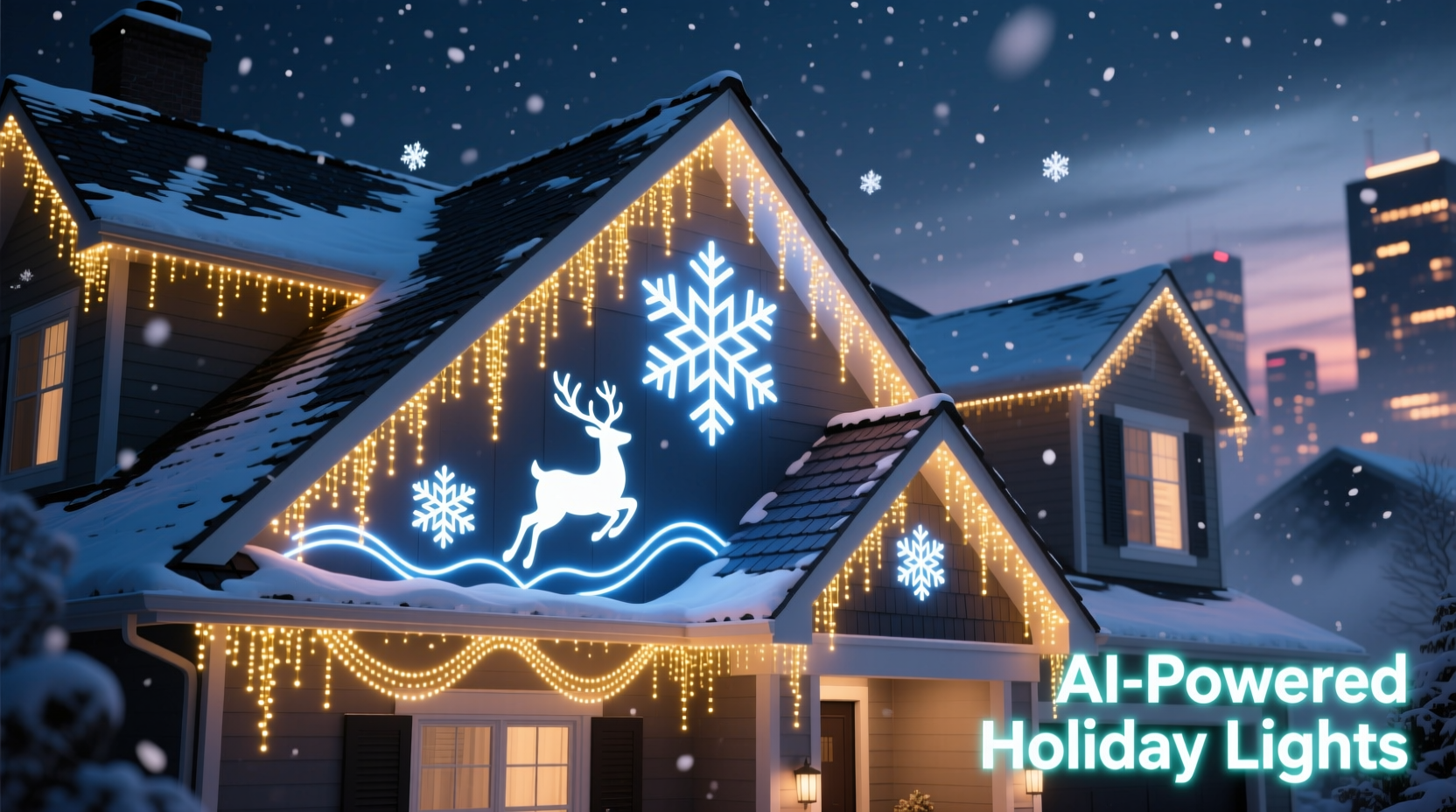
Traditional methods of planning outdoor light displays involve sketching layouts by hand, estimating lengths, and hoping the final result matches expectations. This trial-and-error approach often leads to wasted materials, uneven spacing, or mismatched color themes. AI changes that by analyzing spatial data, predicting visual impact, and generating optimized patterns based on your home’s architecture.
Modern AI tools integrate with smart lighting systems and mobile apps to offer real-time previews, animation simulations, and even music synchronization. These capabilities allow users to experiment with different effects—twinkling snowflakes, cascading stars, or pulsing color waves—before installing a single bulb.
“AI doesn’t just automate design—it enhances creativity. Homeowners can explore complex patterns they’d never attempt manually.” — Dr. Alan Reyes, Smart Lighting Researcher at MIT Media Lab
Step-by-Step: Creating Your Custom Light Pattern Using AI
Designing a custom light display using AI involves several key stages. Follow this timeline to go from idea to installation in under two weekends.
- Document Your Roofline (Day 1): Use a smartphone or drone to capture clear photos or video of your home’s exterior, focusing on eaves, gables, and peaks. Ensure good lighting and minimal shadows.
- Upload to an AI Design Platform (Day 2): Choose a compatible AI tool (like Holiday Designer Pro or LightShow AI) and upload your images. The software will map your roofline using computer vision.
- Define Your Theme and Colors (Day 3): Select a theme—classic red/green, icy blue/white, multicolor festival, etc.—and let the AI suggest harmonious palettes based on color theory.
- Generate and Customize Patterns (Day 4–5): Let the AI propose 2–3 layout options. Adjust density, animation speed, and sequence start points using intuitive sliders and drag controls.
- Preview in AR Mode (Day 6): Use augmented reality (AR) through the app to visualize how the lights will look at night on your actual house.
- Export Installation Guide (Day 7): Download a labeled diagram showing wire paths, pixel counts per section, and controller zones. Some platforms generate shopping lists for missing components.
- Install and Sync (Weekend 2): Hang the lights according to the guide, connect to Wi-Fi or Bluetooth controllers, and sync the pattern via the app.
Top AI Tools for Christmas Light Design
Several platforms now specialize in AI-assisted holiday lighting. Here’s a comparison of leading options available in 2024.
| Tool Name | Key Features | Pricing | Best For |
|---|---|---|---|
| Holiday Designer Pro | Roofline detection, AR preview, music sync, export to LOR & Falcon controllers | $29/year | Advanced users with programmable LEDs |
| LightShow AI | Auto-pattern generation, color harmony engine, social sharing templates | Free (basic), $15/month (pro) | Casual decorators wanting quick results |
| FestiveMap 3D | Drone image integration, 3D modeling, power load calculator | $49 one-time | Larger homes or multi-story buildings |
| TwinkleGenius | Voice-controlled design, kids’ mode with emoji animations, Alexa integration | $9.99/month | Families and interactive displays |
Most tools support common smart lighting brands like Philips Hue Outdoor, Nanoleaf Shapes, and DIY Pixel strips using WLED or ESP-based controllers. Compatibility is critical—always verify your hardware works with the chosen platform before finalizing designs.
Real Example: Transforming a Ranch-Style Home in Denver
Mark T., a homeowner in Denver, Colorado, wanted to upgrade his modest holiday display without spending hours on ladders. His ranch-style home had a long, flat roofline with two dormers—challenging to decorate evenly by eye.
He used LightShow AI to upload a photo of his front façade. Within minutes, the platform identified the roof edges and proposed three designs: a “Falling Snow” effect with slow white twinkles, a “Candy Cane Lane” pattern using red-and-white spirals along the eaves, and a dynamic “Holiday Wave” that pulsed from left to right.
Mark chose the wave effect and customized it to start at dusk and run until 10 PM. The AI generated a zone map showing exactly where each segment of RGB LED strip should go. He ordered the recommended lights online and installed them over a weekend. On opening night, neighbors gathered as the lights danced in perfect rhythm—some even asked if he’d hired a professional crew.
The entire process took less than 10 hours, including setup. Mark later shared his design publicly on the platform, earning recognition in the app’s “Featured Displays” section.
Checklist: Preparing Your AI-Powered Light Display
Before launching your project, ensure you’ve covered all essentials.
- ☐ Capture high-resolution photos of all sides of your home
- ☐ Measure total linear feet of roofline to validate AI estimates
- ☐ Confirm compatibility between AI tool and your light system
- ☐ Check local regulations on brightness and timing (some HOAs limit display hours)
- ☐ Test Wi-Fi signal strength near gutters for reliable controller connectivity
- ☐ Backup your design file and export installation PDF
- ☐ Plan for weather protection—use sealed connectors and drip loops
Avoiding Common Pitfalls
Even with AI assistance, mistakes can happen. Awareness prevents frustration.
One frequent error is overloading circuits. AI tools like FestiveMap 3D include built-in power calculators, but users must input correct voltage and amperage. Running too many pixels on a single channel can cause flickering or damage.
Another issue is poor alignment. While AI maps rooflines accurately, physical installation requires precision. Use chalk lines or laser levels to mark bracket positions before attaching clips.
Finally, don’t neglect maintenance access. Leave service loops and avoid stapling wires too tightly. Winter expansion and contraction can strain connections.
“Automation helps, but craftsmanship still matters. AI gives you the blueprint—your execution brings it to life.” — Lena Patel, Professional Holiday Installer, BrightPath Lights Inc.
FAQ: Common Questions About AI Light Design
Can I use AI if I only have basic string lights?
Yes, but with limitations. Basic incandescent or non-programmable LED strings can be mapped for placement, but animation and color control require smart, addressable lights (e.g., WS2812B or SK6812). AI tools can still help plan spacing and coverage for traditional lights.
Do I need a drone or special camera?
No. Most AI platforms work well with standard smartphone photos taken from ground level. For multi-story homes, a drone improves accuracy but isn’t required. Just ensure the roofline is fully visible and not obstructed by trees.
Is my data safe when uploading house photos?
Reputable platforms encrypt user data and do not share images with third parties. Review each service’s privacy policy before uploading. Avoid marking personal details (addresses, license plates) in photos.
Enhancing Your Display with Music and Motion
For maximum impact, synchronize your lights with music. Many AI tools include beat-detection algorithms that analyze holiday songs and align light pulses to tempo and melody.
To set this up:
- Select a track (e.g., “Jingle Bell Rock” or “Carol of the Bells”).
- Let the AI scan the audio and identify beats, crescendos, and pauses.
- Assign lighting effects to specific instruments or lyrics (e.g., bass hits trigger strobes).
- Test the sequence in preview mode and adjust timing if needed.
Some neighborhoods organize synchronized block displays, where multiple homes run coordinated shows. Platforms like LightShow AI allow you to share timing files with neighbors, creating a unified experience across streets.
Conclusion: Bring Your Holiday Vision to Life
Using AI to design custom Christmas light patterns transforms holiday decorating from a chore into a creative experience. What once required technical know-how and weeks of planning can now be achieved in days—with stunning results. From precise roofline mapping to animated effects and music sync, AI empowers homeowners to craft professional-grade displays with confidence.
The technology is accessible, affordable, and constantly improving. Whether you’re enhancing curb appeal, delighting your kids, or becoming the talk of the neighborhood, AI puts imaginative lighting within reach. This season, skip the guesswork and let intelligent design guide your glow.




 浙公网安备
33010002000092号
浙公网安备
33010002000092号 浙B2-20120091-4
Comments
No comments yet. Why don't you start the discussion?